Solar Panel Monitoring System Offline
- Internet connectivity issues
- Monitoring device power failure
- Inverter communication problems
Problem Description
Your solar panel monitoring system has gone offline and shows no production data, a blank dashboard, or the last recorded data is hours or days old. The solar panels themselves may still be producing power, but the monitoring system's data logger or cloud gateway has lost its connection to the monitoring platform. Data logger connectivity failures are often caused by a router change, WiFi password update, or the monitoring gateway's cloud certificate expiring.
Why This Happens in Real Homes
A solar monitoring system offline is almost always connectivity or power to the monitoring device — the gateway that uploads production data lost internet or its own power, so the array keeps producing but you can't see it.
Start by confirming the monitoring gateway has power and internet (reseat its Ethernet or reconnect WiFi, power-cycle it) and check your router. The panels and inverter usually keep working while only the reporting is down; restoring the gateway's connection brings the data back without affecting production.
Symptoms
- Monitoring app shows no data
- Solar production readings stopped updating
- System shows offline in app
- Energy dashboard blank or outdated
- Inverter data not syncing to app
- WiFi connected but no monitoring data
Recognize these? Here's what usually causes it.
Common Causes
- Internet connectivity issues
- Monitoring device power failure
- Inverter communication problems
- App server connectivity issues
- Firmware needs update
- Data logging storage full
Most fixes happen in the first 3 steps.
Do not attempt to service electrical connections on solar equipment. Contact certified solar technician for any electrical issues with inverters or panel connections.
Tools & Requirements
Step-by-Step Solution
Check Internet and Network Connectivity
Verify internet connection at monitoring device location. Many solar monitors are installed near electrical panels which may have weak WiFi signal. Test connectivity and consider ethernet connection if available.
Restart Solar Monitoring Equipment
Locate solar monitoring device (often mounted near inverter or electrical panel) and power cycle by switching off then on at circuit breaker. Wait 5 minutes for full restart and reconnection to monitoring servers.
Verify Inverter Communication
Check that solar inverter is communicating properly with monitoring system. Look for status LEDs or displays on inverter showing normal operation. Some systems require both devices to be functioning for monitoring to work.
Update Monitoring App and Check Service
Update solar monitoring app to latest version and check for service outages on provider website. Many solar companies use third-party monitoring services that occasionally have outages affecting data display.
Clear Data Logs and Reset Connection
If monitoring device has local storage or logs try clearing cached data according to manufacturer instructions. Some systems need periodic log clearing to maintain proper operation and data transmission.
Quick Solutions
Still having issues? This is usually the deeper cause below.
This usually happens right after a router reboot or ISP change — the device rejoins the network but drops its cloud session silently.
Solar monitoring systems typically send data every 5-15 minutes during daylight hours. No data at night is normal operation.
Most WiFi drop-offs happen right after a router reboot or ISP swap — the device reconnects to the network but silently loses its cloud registration.
- Internet connectivity issues
- Monitoring device power failure
- Inverter communication problems
- App server connectivity issues
- Firmware needs update
Before you go — try one of these (they fix most cases).
Official Manufacturer Manual
Home Assistant provides official product documentation through their online manual rather than downloadable PDF. Access setup guides, troubleshooting steps, and product specifications for your Solar Panel Monitor.
Source: home-assistant.io
Need More Help? Home Assistant Support
Note: The contact information below connects you directly to Home Assistant's official customer support team, not Trunetto. They can help with warranty claims, device replacements, and advanced technical issues.
Accessories owners commonly pair with Solar Panel Monitor.

Blink Mini - Compact indoor plug-in smart security camera...
Blink Mini - Compact indoor plug-in smart security camera...
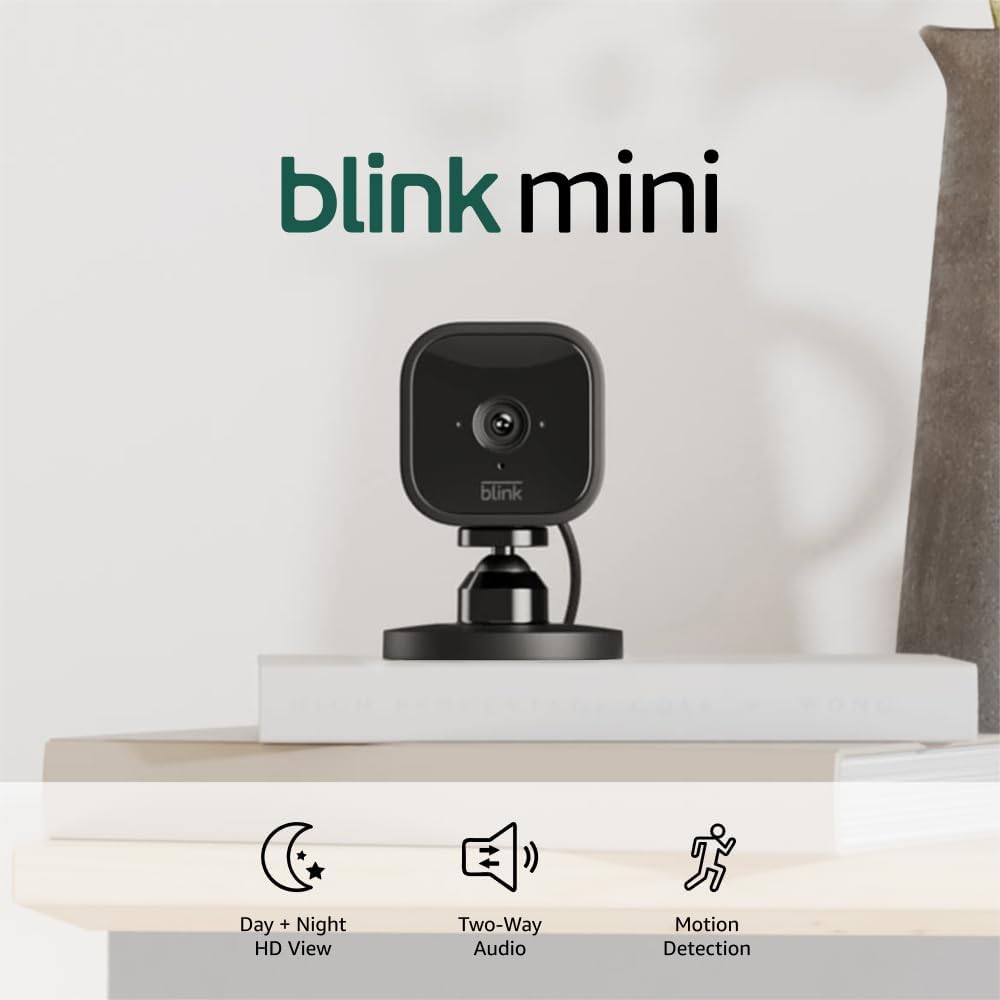
Blink Mini - Compact indoor plug-in smart security camera...
As an Amazon Associate we earn from qualifying purchases.