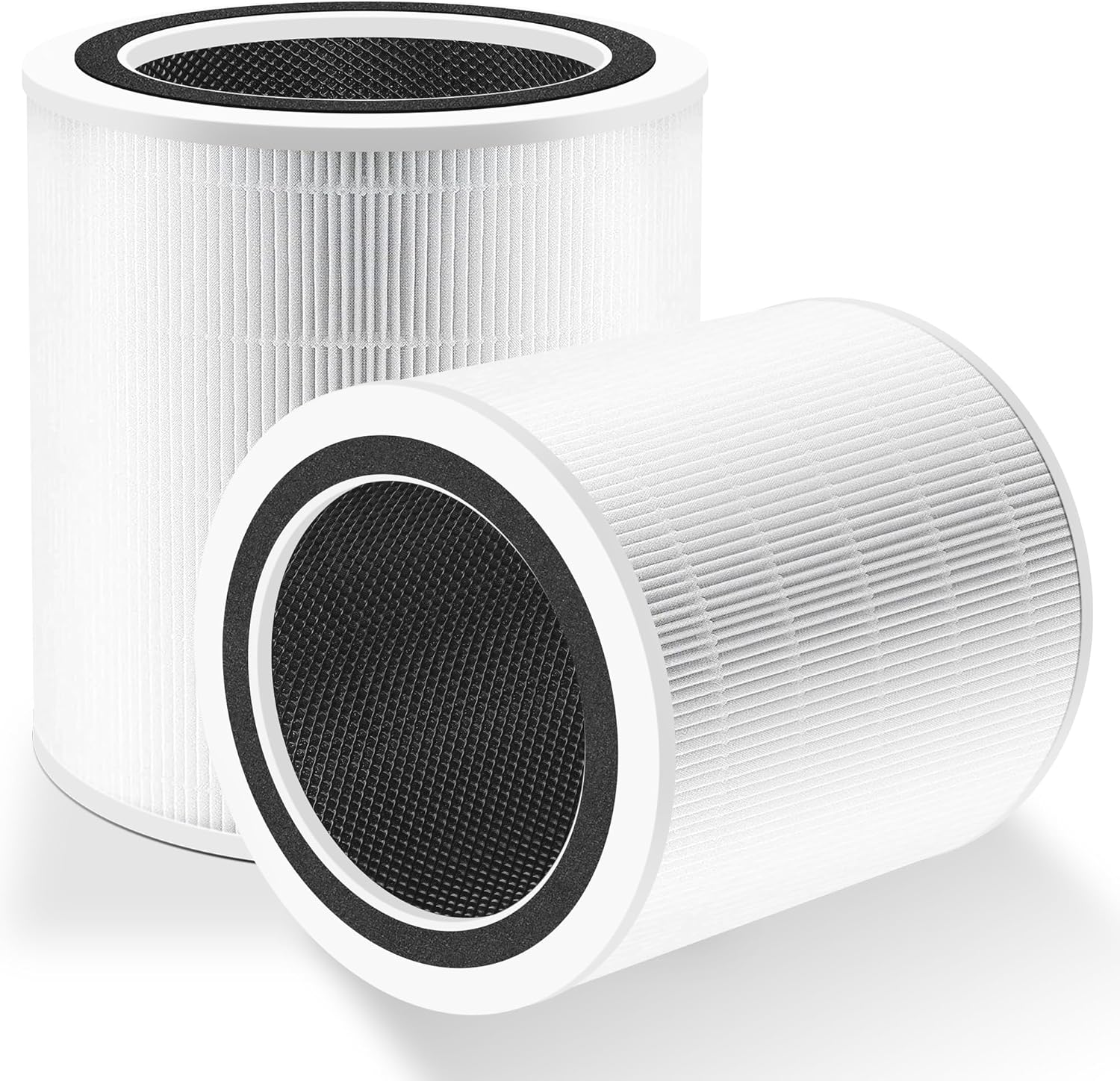
Why Is My Levoit Core 300S Air Quality Sensor Stuck at 999 PM2.5
- Laser particle sensor inlet clogged with dust or debris
- Sensor needs recalibration after extended continuous operation
- Cooking fumes or aerosol sprays saturated the sensor
Problem Description
Your Levoit Core 300S can get stuck at PM2.5 = 999 when the particle sensor intake is blocked or saturated. On the Core 300S, the PM2.5 sensor intake is on the rear half of the unit behind the side/rear 360-degree intake holes (near the back side of the body). If you cannot identify that intake area, cleaning attempts usually miss the sensor and the reading stays at 999. This guide now focuses on exact sensor location, safe cleaning, and reset validation.
Why This Happens in Real Homes
Your Levoit Core 300S or similar smart air purifier is showing a PM2. 5 reading stuck at 999 in the VeSync app and on the device display. The auto mode runs the fan at maximum speed continuously because it thinks the air quality is extremely poor. The actual ai.. In real usage this appears as PM2.5 reading permanently shows 999 in the VeSync app, Auto mode runs fan at maximum speed continuously, and Air quality indicator LED stays red at all times
The pattern in this case points to Laser particle sensor inlet clogged with dust or debris, Sensor needs recalibration after extended continuous operation, and Cooking fumes or aerosol sprays saturated the sensor. The repair usually holds when done in order: Clean the Particle Sensor, then Power Cycle for Sensor Reset, then Relocate Away from Contamination Sources. After applying the fix, validate behavior with repeated command tests and at least one full automation cycle to confirm stability.
Symptoms
- PM2.5 reading permanently shows 999 in the VeSync app
- Auto mode runs fan at maximum speed continuously
- Air quality indicator LED stays red at all times
- Reading jumps from normal to 999 and stays stuck there
- Sensor worked correctly before but suddenly shows constant 999
- Other air quality monitors in the room show normal readings
Recognize these? Here's what usually causes it.
Common Causes
- Laser particle sensor inlet clogged with dust or debris
- Sensor needs recalibration after extended continuous operation
- Cooking fumes or aerosol sprays saturated the sensor
- Firmware bug causing sensor data processing error
- Sensor placed near a heat source or in direct sunlight
- Manufacturing defect in the laser particle sensor module
Most fixes happen in the first 3 steps.
Never use liquids, wet cloths, or soaked swabs in the PM2.5 sensor intake area. Moisture can permanently damage the laser sensor module.
Tools & Requirements
These tools will help you complete this fix.
As an Amazon Associate we earn from qualifying purchases.
Step-by-Step Solution
Find the AirSight Plus sensor on the back of the unit
Stand behind your Core 300S and look at the back panel. About halfway up the body, there is a small rectangular opening or recessed slot — this is the AirSight Plus laser dust sensor inlet. It is separate from the large circular air intake holes that surround the lower half of the unit. The sensor is built into the upper half of the purifier (the motor housing section), not the lower filter section. If you remove the top from the bottom, support the top from underneath — the sensor wires connect between the halves.
Clean the sensor inlet with compressed air
With the purifier powered off and unplugged, point a can of compressed air at the sensor inlet opening on the back. Use short bursts from about 3 inches away. Move side to side across the opening. The sensor uses a laser and a photodiode inside a small chamber — dust accumulating on either component causes the reading to max out at 999 because the laser scatter is always high. Three to four short bursts are usually enough. Do not insert anything into the opening — the laser components are delicate.

Needed for this step
Compressed Air Duster,130000RPM Electric Air Du...
This helps complete the fix you are currently reading.
$20.99Do not use liquids to clean the sensor
Never use water, wet wipes, rubbing alcohol, or any liquid near the sensor opening. The laser dust sensor module has exposed electronic components inside. Moisture causes corrosion on the photodiode and can permanently destroy the sensor, turning a fixable 999 reading into a hardware replacement situation. Dry compressed air only.
Reset the sensor baseline in clean air
After cleaning, reassemble the purifier with a clean filter installed. Power it on and run it in a clean room — away from the kitchen, candles, humidifiers, and open windows — for at least 15-30 minutes. The sensor recalibrates its baseline during this period. A stuck 999 reading often does not drop immediately after cleaning — it needs this clean-air calibration period to reset. If the reading drops to a normal range (under 50 in a clean room), the cleaning worked.
Check if nearby sources are causing real high readings
Before assuming the sensor is broken, consider whether something nearby is genuinely producing high particulate levels. Cooking (especially frying or grilling), burning candles or incense, running a humidifier, using aerosol sprays, or having a window open near a busy road can push PM2.5 well above 100. Move the purifier to a different room with none of these sources and let it run for 30 minutes. If the reading drops, the sensor is fine — your original location has a legitimate air quality issue.
Update firmware and contact Levoit if still stuck at 999
Open the VeSync app (Levoit smart app), select your Core 300S, and check for firmware updates. Sensor calibration fixes have been included in past updates. If the reading stays locked at 999 after cleaning, baseline reset, and firmware update, the laser sensor module has likely failed. Contact Levoit support with your model and serial number. The sensor is not user-replaceable — Levoit typically offers a replacement unit if under warranty.
Quick Solutions
Still having issues? This is usually the deeper cause below.
If this comes back after following these steps, check whether a recent app or firmware update reset a default setting — the fix works, but the setting gets reverted silently.
If you cannot find the sensor inlet on your specific Core 300S model, look for the small rectangular opening on the back of the upper body — not the large circular intake vents on the lower body. The intake vents pull air through the filter. The sensor inlet is smaller and separate, usually about halfway up the back panel. Monthly cleaning with a quick burst of compressed air prevents the 999 problem from occurring in the first place.
This issue almost always looks more complex than it is — the majority of cases trace back to a single setting, a stale credential, or a default that shipped wrong.
- Laser particle sensor inlet clogged with dust or debris
- Sensor needs recalibration after extended continuous operation
- Cooking fumes or aerosol sprays saturated the sensor
- Firmware bug causing sensor data processing error
- Sensor placed near a heat source or in direct
Before you go — try one of these (they fix most cases).
Most popular upgrades chosen by Levoit Core 300S Air Purifier owners.

LEVOIT 6000S Smart Whole House Humidifiers, 6 Gal, 72-Hou...

LEVOIT Smart Humidifier (Dual 200S) and Air Purifier (Cor...

Levoit Dual200S Smart Humidifier and Humidifier Filters
As an Amazon Associate we earn from qualifying purchases.
Accessories owners commonly pair with Levoit Core 300S Air Purifier.

Ring Rechargeable Quick Release Battery Pack

Ring Chime Pro

SwitchBot Hub Mini Smart Remote - IR Universal Remote, Wi...
As an Amazon Associate we earn from qualifying purchases.
Official Manufacturer Manual
Levoit provides official product documentation through their online manual rather than downloadable PDF. Access setup guides, troubleshooting steps, and product specifications for your Levoit Core 300S Air Purifier.
Source: levoit.com
Need More Help? Levoit Support
Note: The contact information below connects you directly to Levoit's official customer support team, not Trunetto. They can help with warranty claims, device replacements, and advanced technical issues.
Guide Improvements
- Updated June 19, 2026
Added clearer physical sensor location — AirSight Plus inlet on back panel, halfway up the body
What changed:- Added explicit location of AirSight Plus laser dust sensor on back of upper body
- Clarified difference between sensor inlet and lower filter intake vents
- Added warning against using liquids near sensor
- Updated tips with visual guidance for users who cannot locate the sensor
Source: User Feedback