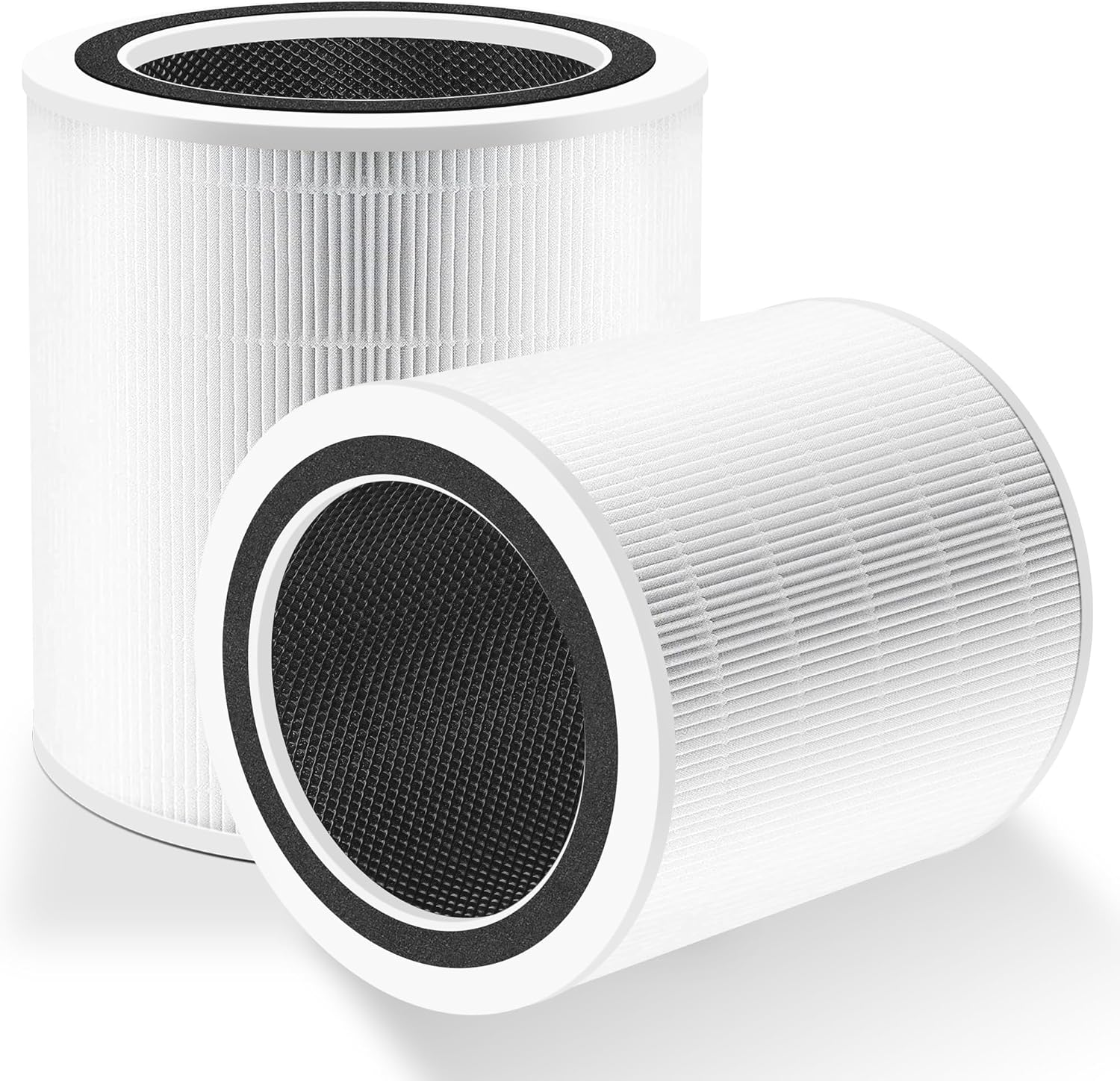
Why Is My Levoit Core 300S Fan Speed Stuck
- Auto mode active (overrides manual)
- Motor needs a reset
- Firmware outdated
Problem Description
If the fan speed does not change, the unit may be in Auto mode or the motor may need a reset. This guide restores manual control.
Why This Happens in Real Homes
If the fan speed does not change, the unit may be in Auto mode or the motor may need a reset. This guide restores manual control. In day-to-day use, this usually looks like Fan speed stays low; App slider does nothing; Auto mode enabled.
Most cases trace back to Auto mode active; Motor needs reset; Firmware outdated. The fix works best when you go step by step instead of changing multiple settings at once.
A practical order for this issue is: Disable Auto -> Power Cycle -> Check Filter -> Update Firmware. After each step, test the exact behavior that was failing so you can confirm what actually solved it.
Symptoms
- Fan speed stays low
- App slider does nothing
- Auto mode enabled
- Buttons respond
- WiFi online
- Recent power outage
- App and unit show different speeds
- Speed reverts right after you change it
Recognize these? Here's what usually causes it.
Common Causes
- Auto mode active (overrides manual)
- Motor needs a reset
- Firmware outdated
- Filter clogged
- App sync delayed
- Child lock enabled
- VeSync lost its real-time connection
- Weak 2.4GHz / device offline
Most fixes happen in the first 3 steps.
Verify Auto mode is off when testing manual speeds.
Tools & Requirements
These tools will help you complete this fix.

As an Amazon Associate we earn from qualifying purchases.
Step-by-Step Solution
Turn Off Auto Mode to Use Manual Speed
The Levoit Core 300S has Auto mode and Manual mode. When Auto mode is active, the purifier adjusts fan speed automatically based on air quality sensor readings — you cannot manually set the speed. Press the Auto button on the top of the unit or in the VeSync app to disable Auto mode. Once Auto is off, you can manually select fan speeds 1-3 using the fan speed button on top.
Check Sleep Mode
If the fan is locked on the lowest speed, Sleep mode may be enabled. Sleep mode runs the fan at its quietest setting and dims the display. Press the Sleep button (moon icon on the control panel on top of the unit) to toggle it off. With Sleep mode disabled, you can change fan speeds normally.
Clean the Air Quality Sensor
If the fan speed is stuck in Auto mode at a specific speed, the air quality sensor may be giving a stuck reading. The sensor inlet is a small opening on the back of the unit near the base. Open the sensor cover (small door that slides or pops off), and use a dry cotton swab to gently clean the sensor lens and the inlet area. Reassemble and test Auto mode.
Power Cycle the Purifier
Unplug the Levoit Core 300S from the wall for 30 seconds, then plug it back in. This resets the control board and clears any stuck states in the fan speed controller. After power cycling, try both Auto mode and manual speed changes to confirm both work correctly.
Check VeSync App Controls
If the physical buttons on the top of the unit work but the VeSync app cannot change fan speed, the WiFi connection to the purifier may be lost. In the VeSync app, check if the Core 300S shows as online. If offline, reconnect WiFi by going to the device settings in the app. App commands only work when the purifier is connected to your WiFi network.
Quick Solutions
Still having issues? This is usually the deeper cause below.
If this comes back after following these steps, check whether a recent app or firmware update reset a default setting — the fix works, but the setting gets reverted silently.
Keep filters clean to prevent airflow restrictions.
This issue almost always looks more complex than it is — the majority of cases trace back to a single setting, a stale credential, or a default that shipped wrong.
- Auto mode active (overrides manual)
- Motor needs a reset
- Firmware outdated
- Filter clogged
- App sync delayed
Before you go — try one of these (they fix most cases).
Most popular upgrades chosen by Levoit Core 300S owners.

LEVOIT 6000S Smart Whole House Humidifiers, 6 Gal, 72-Hou...

LEVOIT Smart Humidifier (Dual 200S) and Air Purifier (Cor...

Levoit Dual200S Smart Humidifier and Humidifier Filters
As an Amazon Associate we earn from qualifying purchases.
Official Manufacturer Manual
Levoit provides official product documentation through their online manual rather than downloadable PDF. Access setup guides, troubleshooting steps, and product specifications for your Levoit Core 300S.
Source: levoit.com
Need More Help? Levoit Support
Note: The contact information below connects you directly to Levoit's official customer support team, not Trunetto. They can help with warranty claims, device replacements, and advanced technical issues.
Accessories owners commonly pair with Levoit Core 300S.

Ring Rechargeable Quick Release Battery Pack

Ring Chime Pro

SwitchBot Hub Mini Smart Remote - IR Universal Remote, Wi...
As an Amazon Associate we earn from qualifying purchases.