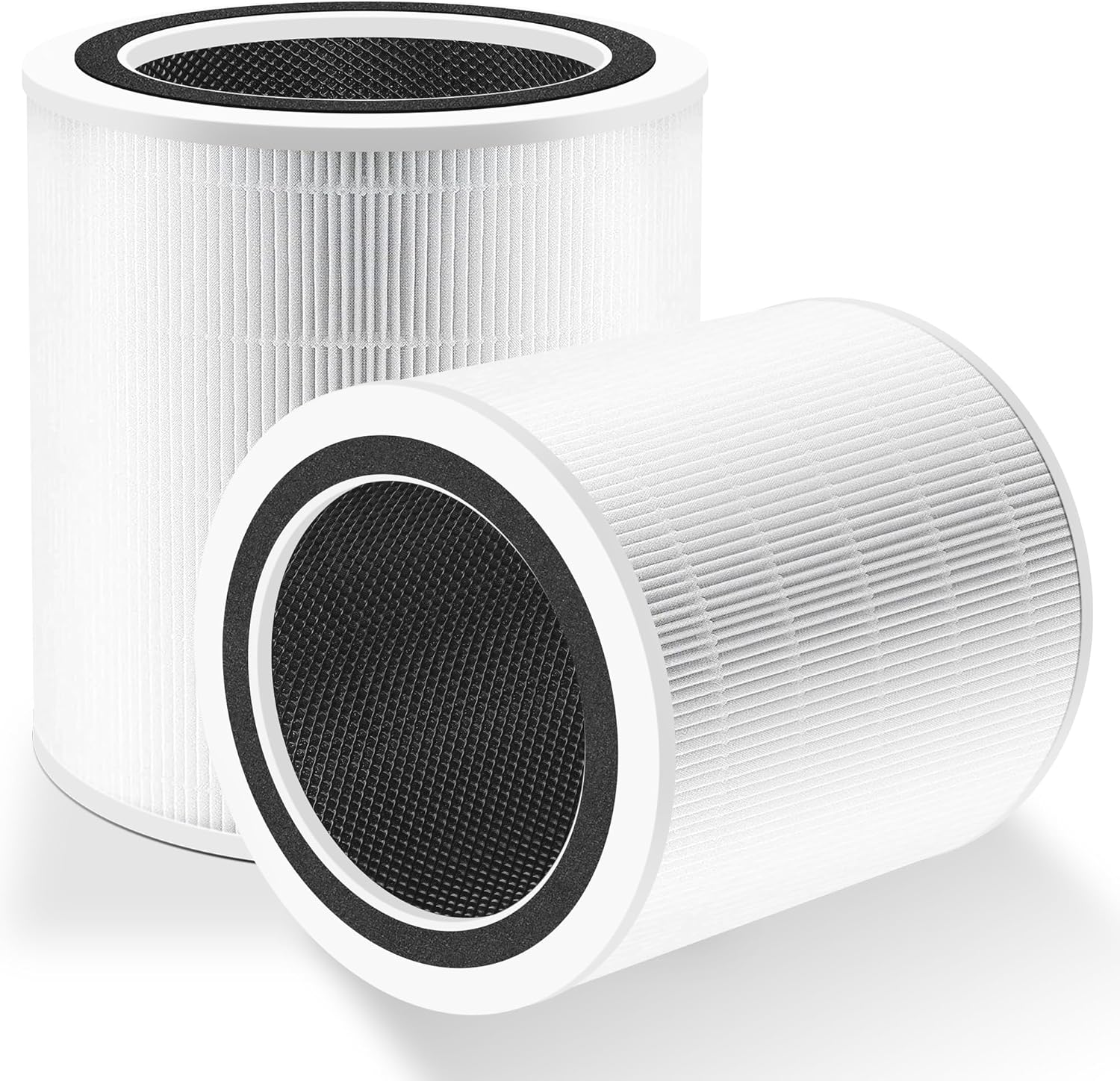
Why Won't My Levoit Core 400S Reset the Filter Light
- Reset button not held long enough
- App not synced
- Firmware outdated
Problem Description
If the filter light will not reset, the button sequence or app sync may be the issue. This guide resets the filter indicator and syncs the app.
Why This Happens in Real Homes
If the filter light will not reset, the button sequence or app sync may be the issue. This guide resets the filter indicator and syncs the app. In day-to-day use, this usually looks like Filter light stays on; Filter replaced; App still shows replace.
Most cases trace back to Reset button not held long enough; App not synced; Firmware outdated. The fix works best when you go step by step instead of changing multiple settings at once.
A practical order for this issue is: Hold Reset -> Sync in App -> Reseat Filter -> Update Firmware. After each step, test the exact behavior that was failing so you can confirm what actually solved it.
Symptoms
- Filter light stays on
- Filter replaced
- App still shows replace
- Buttons responsive
- Device online
- Reset attempt failed
- Reminder returns days after resetting
- App still shows 0% filter life
Recognize these? Here's what usually causes it.
Common Causes
- Reset button not held long enough
- App not synced
- Firmware outdated
- Filter not seated
- Touch panel locked
- Power interruption during reset
- Filter door not fully latched
- Non-genuine filter not detected
Most fixes happen in the first 3 steps.
Keep the purifier powered during the reset process.
Tools & Requirements
Step-by-Step Solution
Press and Hold the Filter Reset Button
On the Levoit Core 400S control panel (on top of the purifier), locate the filter indicator button — it has a small filter icon. Press and hold this button for 3-5 seconds until the red filter light turns off. If you release the button too early, the reset does not register. Some models require the purifier to be powered on (fan running) when you press the reset button.
Sync Status in the VeSync App
After pressing the physical reset button, open the VeSync app and pull down on the Core 400S device page to refresh. The app should show the filter life back at 100%. If the app still shows low filter life after the physical button reset, go to device settings in the app and look for a Reset Filter option — some firmware versions require both the physical and app reset to clear the indicator.
Reseat the Filter Inside the Purifier
Turn off the purifier and remove the bottom cover (twist counterclockwise on cylindrical models or pull off the rear panel on tower models). Remove the HEPA filter and check that the plastic wrap has been removed from the new filter — a common mistake is installing a new filter with the plastic still on. Reinstall the filter with the arrow or airflow direction pointing inward. Replace the cover until it clicks into place — a loose cover prevents the purifier from turning on.
Update Purifier Firmware
In the VeSync app, go to the Core 400S device settings and check for firmware updates. Install any available updates. Some firmware versions have a bug where the filter reset command from the physical button is not processed. After the firmware update, power cycle the purifier (unplug for 10 seconds) and try the filter reset button again.
Verify the Filter Light is Off
After resetting, run the purifier on any speed for 1-2 minutes and confirm the red filter indicator light stays off. If the light turns red again immediately, the purifier may be detecting that the installed filter is genuinely clogged or is a non-genuine replacement filter. Levoit's latest firmware versions check filter authenticity — use a genuine Levoit replacement filter to avoid persistent warnings.
Quick Solutions
Still having issues? This is usually the deeper cause below.
If flickering only happens on dimming, the issue is almost always the dimmer's minimum-load setting, not the bulb — it's drawing less current than the dimmer expects.
Reset the filter indicator right after installing a new filter.
This issue almost always looks more complex than it is — the majority of cases trace back to a single setting, a stale credential, or a default that shipped wrong.
- Reset button not held long enough
- App not synced
- Firmware outdated
- Filter not seated
- Touch panel locked
Before you go — try one of these (they fix most cases).
Official Manufacturer Manual
Levoit provides official product documentation through their online manual rather than downloadable PDF. Access setup guides, troubleshooting steps, and product specifications for your Levoit Core 400S.
Source: levoit.com
Need More Help? Levoit Support
Note: The contact information below connects you directly to Levoit's official customer support team, not Trunetto. They can help with warranty claims, device replacements, and advanced technical issues.
Accessories owners commonly pair with Levoit Core 400S.

LEVOIT Evaporative Humidifiers for Bedroom Baby, Dual Air...

LEVOIT Smart Cool Mist Top Fill Humidifiers for Bedroom w...

LEVOIT Classic300S Ultrasonic Smart Top Fill Humidifier, ...
As an Amazon Associate we earn from qualifying purchases.