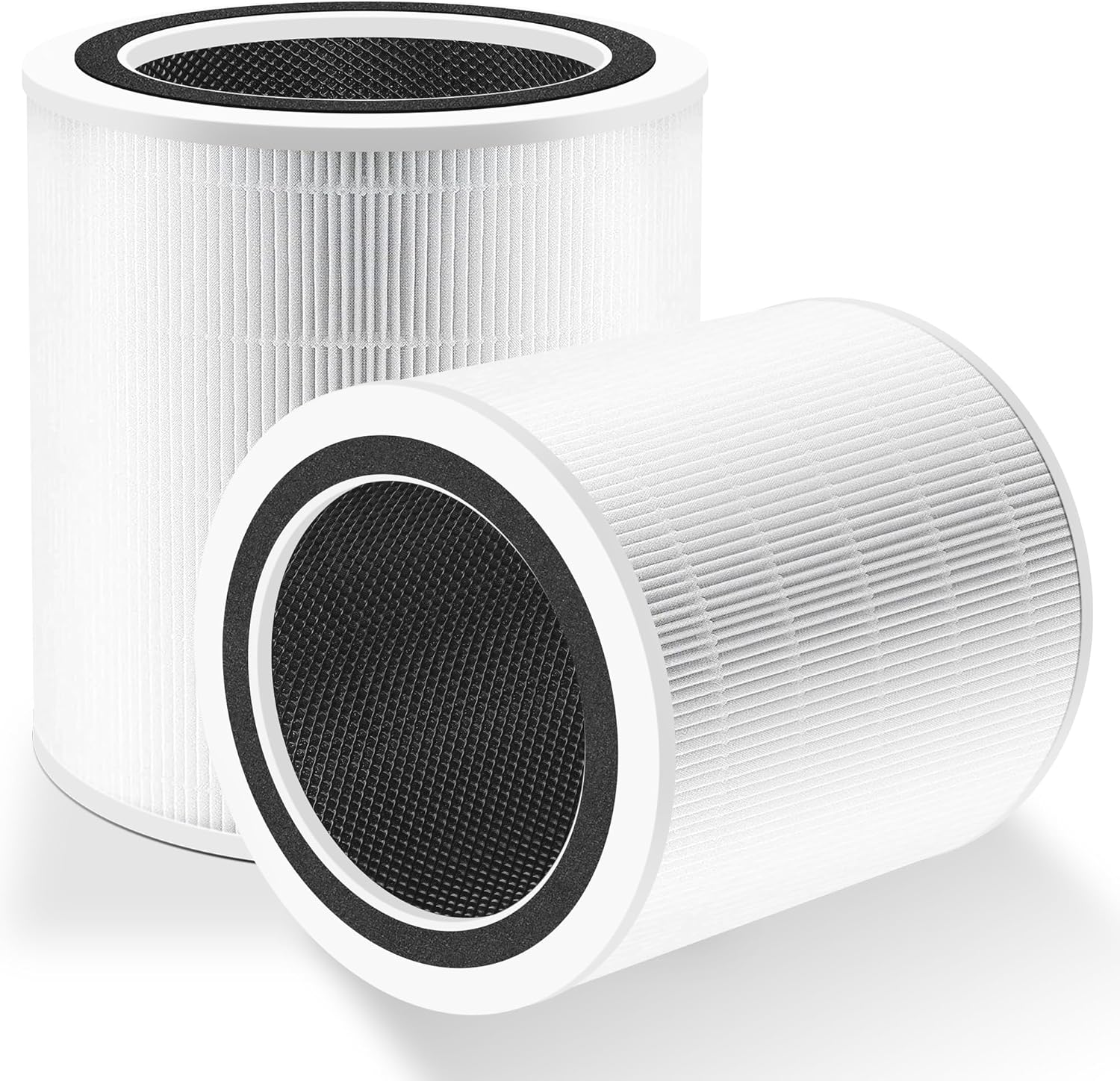
Why Won't My Levoit Core 600S Filter Timer Reset After I Replaced the Filter
- Reset button not held long enough
- Purifier needs to be powered on during reset
- App and device out of sync
Problem Description
You replaced the filter in your Levoit Core 600S air purifier but the filter replacement indicator still shows red and the app still nags you to change the filter. You pressed the reset button but it did not clear the warning. The filter is new but the purifier thinks it needs replacement.
Why This Happens in Real Homes
If the Core 600S timer won't reset after a filter change, start with the two conditions that make the reset actually take: the unit must be powered on, and the button must be held (three to five seconds) rather than tapped. A reset attempted while the purifier is off, or a quick press, simply doesn't register - and since Levoit tracks filter life by runtime, the red 'change filter' state persists until a valid reset happens.
When a proper hold still doesn't clear it, check the mechanical and sync angles. The filter needs to be fully seated and the door latched, or the unit can hold an error/reminder. On this smart model the VeSync app has its own filter counter, so resetting in the app (or after a power cycle) often clears what the button alone didn't, and a firmware update sometimes fixes a stuck counter. Use the correct reset procedure for the 600S specifically - reset steps differ across Levoit models - and only fall back to a factory reset if the reminder refuses to clear after all of the above.
Symptoms
- Filter indicator red after installing a new filter
- Reset button press doesn't clear the warning
- App shows filter life at 0% after replacement
- Check-filter notification persists
- Filter timer didn't reset
- Button seems to work but the warning stays
- Reminder returns after clearing
- Purifier acts as if the filter is exhausted
Recognize these? Here's what usually causes it.
Common Causes
- Reset button not held long enough
- Purifier needs to be powered on during reset
- App and device out of sync
- Reset button not responding
- Filter not fully seated, triggering an error
- Wrong reset procedure for this model
- Filter door not fully latched
- Firmware glitch on the counter
Most fixes happen in the first 3 steps.
Do not operate the purifier for extended periods with the filter indicator showing replacement needed if you know the filter is new. While not harmful, it indicates the counter needs attention.
Tools & Requirements
These tools will help you complete this fix.

As an Amazon Associate we earn from qualifying purchases.
Step-by-Step Solution
Perform Correct Reset Procedure
With the purifier powered on and running, press and hold the filter reset button for 3-5 seconds. On the 600S, this is usually marked with a filter icon. The indicator light should change from red to green or turn off. A quick press does not register - you must hold it.
Reset Through VeSync App
Open the VeSync app and select your Core 600S. Go to device settings and find Filter or Maintenance. There should be a Reset Filter option. Tap it to reset the filter life counter. This syncs between app and device.
Verify Filter Is Seated Correctly
Power off the purifier. Remove the filter and reinstall it, ensuring it clicks fully into place. Some models have sensors that detect proper filter installation. If the filter is slightly misaligned, the purifier may not recognize the new filter.
Power Cycle Before Reset
Unplug the purifier for 60 seconds. Plug it back in and wait for it to fully boot. Then perform the reset procedure. Sometimes the reset only works after a fresh power cycle clears any stuck state in the controller.
Check Firmware and Factory Reset
In the VeSync app, check for firmware updates for your purifier. Install any available update. If the reset still does not work, perform a factory reset (usually holding power button for 10+ seconds), then re-add the device to the app and set up fresh.
Quick Solutions
Still having issues? This is usually the deeper cause below.
If this comes back after following these steps, check whether a recent app or firmware update reset a default setting — the fix works, but the setting gets reverted silently.
Write the filter replacement date on the filter box or in your phone calendar. This gives you a backup reference if the digital counter ever malfunctions.
Battery-related failures are almost always flagged too late — the device degrades silently for days before the app catches up to what's actually happening.
- Reset button not held long enough
- Purifier needs to be powered on during reset
- App and device out of sync
- Reset button not responding
- Filter not fully seated, triggering an error
Before you go — try one of these (they fix most cases).
Most popular upgrades chosen by Levoit Core 600S owners.

LEVOIT 6000S Smart Whole House Humidifiers, 6 Gal, 72-Hou...

LEVOIT Smart Humidifier (Dual 200S) and Air Purifier (Cor...

Levoit Dual200S Smart Humidifier and Humidifier Filters
As an Amazon Associate we earn from qualifying purchases.
Official Manufacturer Manual
Levoit provides official product documentation through their online manual rather than downloadable PDF. Access setup guides, troubleshooting steps, and product specifications for your Levoit Core 600S.
Source: levoit.com
Need More Help? Levoit Support
Note: The contact information below connects you directly to Levoit's official customer support team, not Trunetto. They can help with warranty claims, device replacements, and advanced technical issues.
Accessories owners commonly pair with Levoit Core 600S.

LEVOIT Evaporative Humidifiers for Bedroom Baby, Dual Air...

LEVOIT Smart Cool Mist Top Fill Humidifiers for Bedroom w...

LEVOIT Classic300S Ultrasonic Smart Top Fill Humidifier, ...
As an Amazon Associate we earn from qualifying purchases.