

Why Is My Chamberlain Garage Door Opener Beeping Continuously?
- Backup battery low or failed (most common)
- Backup battery self-test failure
- Collision/obstruction detection
Problem Description
Your Chamberlain garage door opener is producing continuous or repeated beeping sounds from the motor unit mounted on the ceiling. The beeping may be a steady tone, a pattern of beeps, or intermittent chirping. Chamberlain openers use beep patterns to communicate specific fault conditions including backup battery failure, collision detection, logic board warnings, and power supply issues.
Why This Happens in Real Homes
Chamberlain openers use beep patterns to report faults, so continuous beeping from the ceiling unit is the opener telling you something specific — and on battery-backup models, the something is almost always the backup battery. These openers chirp or beep when the backup battery is low, aging, or fails its self-test, and because the opener runs a periodic self-test, it beeps even when house power is on and the door works normally.
Start by replacing the backup battery, which resolves the large majority of continuous-beeping cases; a healthy battery passes the self-test and the beeping stops. If the beeping continues with a fresh battery, note the exact pattern — steady tone versus a repeating group of beeps — and match it to your manual, since the codes distinguish backup-battery issues from collision detection, a logic-board warning, or a power-supply problem. Check the outlet and power supply, and if the battery is fine but the unit still reports a charger or board fault, that's a service call to Chamberlain. The beep is a diagnostic, so reading the pattern is what points you at the right fix.
Symptoms
- Opener beeps continuously
- Repeated beeping from the motor unit
- Steady tone or beep pattern
- Intermittent chirping
- Beeping without operating the door
- Alert beeps from the ceiling unit
- Persistent beeping
- Beep codes
Recognize these? Here's what usually causes it.
Common Causes
- Backup battery low or failed (most common)
- Backup battery self-test failure
- Collision/obstruction detection
- Logic board warning
- Power supply issue
- Charger fault on the battery backup
- Specific fault beep pattern
- Firmware/board fault
Most fixes happen in the first 3 steps.
Never ignore continuous beeping from a garage door opener. Fault codes indicate safety-relevant conditions such as sensor failures and ignoring them can allow the door to close on an obstruction.
Tools & Requirements
These tools will help you complete this fix.
As an Amazon Associate we earn from qualifying purchases.
Step-by-Step Solution
Count and Identify the Beep Pattern
Chamberlain openers use specific beep and LED flash patterns to indicate different fault conditions. Listen carefully and count the number of beeps before a pause then count the next group. Write down the pattern such as 4 beeps pause 4 beeps. Four beeps typically indicate a photo-eye sensor issue. Five beeps indicate a temporary reversal. Ten beeps indicate a motor overload. Look up your exact beep count on the Chamberlain support site with your model number for the precise fault description and recommended action.
Replace the Backup Battery
If your Chamberlain opener includes a battery backup unit the most common cause of persistent beeping is a discharged or failed backup battery. Locate the orange battery backup unit usually attached to the side or back of the motor head. Press the test button on the battery unit. If it beeps or shows a fault LED the battery needs replacement. Purchase the Chamberlain 485LM replacement battery or equivalent. Disconnect the old battery cable, connect the new battery, and press the test button again to confirm the fault clears.

Needed for this step
Duracell Coppertop Double AA Batteries with Pow...
This helps complete the fix you are currently reading.
$6.96Unplug and Hard Reset the Opener
Disconnect the opener power cord from the ceiling outlet and wait 30 seconds. This clears any latched fault states stored in the logic board RAM that persist even after the original fault is resolved. Reconnect power and listen for any startup tones. Normal operation produces a single brief beep at startup. If continuous beeping resumes immediately note whether the pattern is the same as before or different. A changed pattern after reset indicates the underlying fault is still active.
Check and Clear Photo-Eye Errors
A four-blink LED pattern alongside beeping indicates a photo-eye sensor fault. Check both sensors on either side of the garage door track at floor level. Verify both LEDs are solid. Clean the lenses with a dry cloth and realign any sensor showing a blinking LED. After correcting the sensor issue press the wall button once to clear the stored fault from the logic board. Pressing the wall button after fixing the physical issue resets the error counter and should stop the beeping associated with a photo-eye fault.
Contact Chamberlain Support for Persistent Beeping
If beeping continues after replacing the battery, resetting the opener, and clearing sensor errors the logic board may have developed an internal fault. Note the exact beep and LED flash pattern and contact Chamberlain support at 1-800-282-6219. Provide your model number from the label on the motor unit. Chamberlain provides phone-based diagnosis and can advise on whether a logic board replacement is covered under warranty or whether a service technician visit is required to resolve the fault.
Quick Solutions
Still having issues? This is usually the deeper cause below.
If this comes back after following these steps, check whether a recent app or firmware update reset a default setting — the fix works, but the setting gets reverted silently.
Download the Chamberlain app and register your opener to receive maintenance notifications and beep code interpretations directly without needing to contact support.
Battery-related failures are almost always flagged too late — the device degrades silently for days before the app catches up to what's actually happening.
- Backup battery low or failed (most common)
- Backup battery self-test failure
- Collision/obstruction detection
- Logic board warning
- Power supply issue
Before you go — try one of these (they fix most cases).
Most popular upgrades chosen by Chamberlain Garage Door Opener owners.

Chamberlain B6713T Smart Advanced Corner LED Lighting-myQ...

Chamberlain C2405 MYQ Smart Garage Door Opener, Chain Dri...

Chamberlain B4603T MYQ Smart Garage Door Opener, Ultra Qu...
As an Amazon Associate we earn from qualifying purchases.
Official Manufacturer Manual
Chamberlain provides official product documentation through their online manual rather than downloadable PDF. Access setup guides, troubleshooting steps, and product specifications for your Chamberlain Garage Door Opener.
Source: support.chamberlaingroup.com
Need More Help? Chamberlain Support
Note: The contact information below connects you directly to Chamberlain's official customer support team, not Trunetto. They can help with warranty claims, device replacements, and advanced technical issues.
Accessories owners commonly pair with Chamberlain Garage Door Opener.

Blink Mini - Compact indoor plug-in smart security camera...
Blink Mini - Compact indoor plug-in smart security camera...
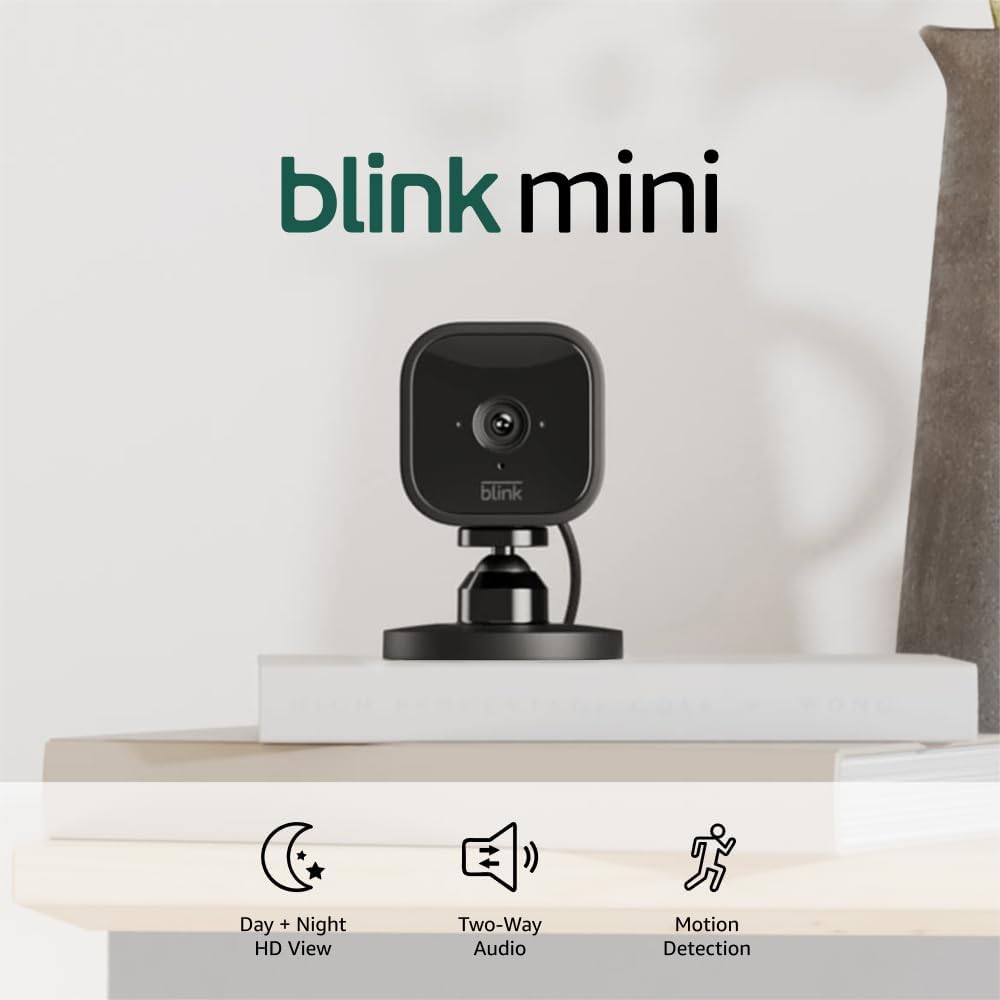
Blink Mini - Compact indoor plug-in smart security camera...
As an Amazon Associate we earn from qualifying purchases.


