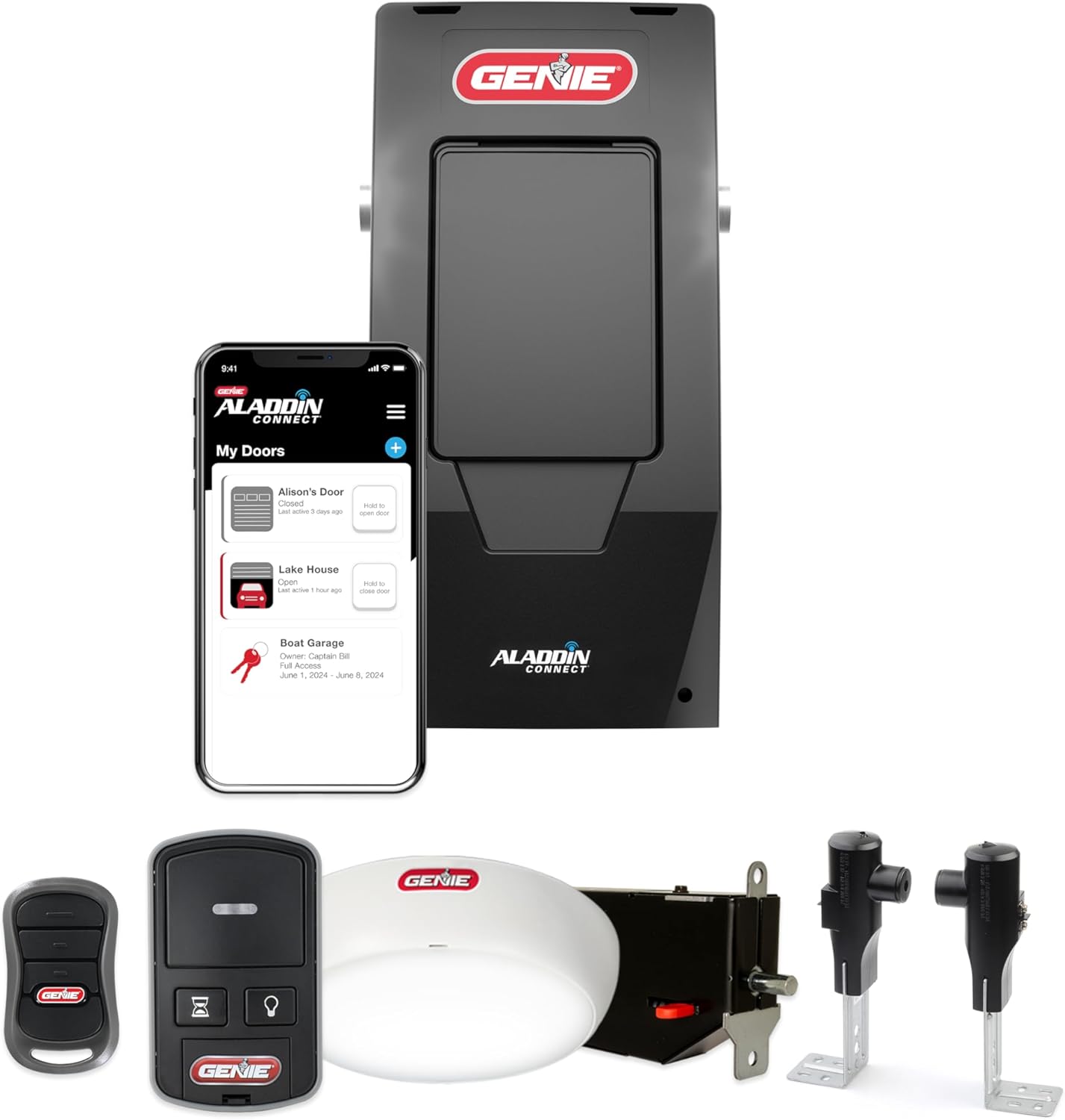
Why Is My Genie Garage Door Opener Beeping Continuously
- Battery backup low and needs replacement
- Timer-to-Close warning counting down
- Door left open past the open-too-long alert
Problem Description
Your Genie garage door opener beeps continuously every few seconds or in repeated sequences. The door may still operate but the beeping does not stop on its own. Genie openers beep for specific reasons — each beep pattern corresponds to a different condition including a low backup battery, sensor misalignment, a Timer to Close warning, or an open-door alert.
Why This Happens in Real Homes
A Genie that beeps on its own is communicating a condition, not failing, and the pattern tells you which one. The most common on battery-backup models is a low or worn backup battery, which beeps periodically the way a smoke alarm chirps, and near end of life it will not recover with a charge and needs replacing. The next most common is a door-state alert: Genie's Timer-to-Close feature beeps as a countdown warning before it auto-closes the door, and the open-too-long alert beeps when the door has been left up, both of which stop the moment the door is closed or the feature is turned off. Vacation mode and some wall-console or Aladdin app alert settings also chirp by design. Because a few of these tie back to the safety system, it is worth a glance at the Safe-T-Beam sensors to confirm both LEDs are solid, but in most cases the fix is simply closing the door, swapping the backup battery, or turning off the alert feature that is doing exactly what it was set to do.
Symptoms
- Continuous beeping every 30 seconds or so
- Beeping does not stop day or night
- Door still operates normally
- Beeping started suddenly
- No obvious error lights
- Beeping seems tied to the door being left open
- Beeping follows a set pattern of tones
- Beeping after a recent power outage
Recognize these? Here's what usually causes it.
Common Causes
- Battery backup low and needs replacement
- Timer-to-Close warning counting down
- Door left open past the open-too-long alert
- Vacation mode enabled
- Safety sensor issue triggering an alert tone
- Battery backup at end of life after an outage
- Aladdin Connect open-alert notifying at the opener
- Wall console alert setting enabled
Most fixes happen in the first 3 steps.
Do not disconnect the beeper speaker inside the opener. The beeping indicates important safety conditions that should be addressed not silenced.
Tools & Requirements
These tools will help you complete this fix.
As an Amazon Associate we earn from qualifying purchases.
Step-by-Step Solution
Replace the Backup Battery Immediately
Genie garage door openers with battery backup (model series 7055, 7035, 6070, and others) emit a continuous beep when the backup battery is low or has reached end of life. The battery is a 12V lead-acid or lithium cell inside the opener unit mounted on the ceiling. Open the plastic cover of the opener unit and locate the battery. Replace it with the correct voltage and type specified on the label — typically a 12V sealed lead-acid battery. The beeping stops within seconds of installing a charged battery.

Needed for this step
6-Pack Nylon Spudger Pry Tool Kit, Plastic Open...
This helps complete the fix you are currently reading.
$7.29Check Safety Sensor Alignment
Genie openers beep when the safety sensors at the bottom of the door track are misaligned. Look at both sensors — one emits a steady amber light (transmitter) and one a steady green light (receiver). If either light is blinking or off, the sensors are not aligned. Loosen the mounting wing nut on the misaligned sensor, adjust until both lights are solid, and retighten. The opener stops beeping as soon as alignment is confirmed.
Close the Garage Door to Stop Time-Based Alert
Some Genie models beep when the door has been left open beyond a programmed time limit, typically 5 to 10 minutes. If the beeping starts after the door has been open for a while, close the door. The beeping should stop immediately. If you want to disable this feature, use the Genie wall console programming sequence to access the Door Open Alert settings and turn it off or extend the time limit.
Disable Timer to Close Pre-Alert Beeping
If your Genie opener has the Timer to Close feature enabled, it beeps repeatedly as a warning before automatically closing the door. The beep sequence is 10 consecutive beeps followed by door closure. To disable Timer to Close, press and hold the PROG button on the wall console until the LED flashes, then follow your model's programming sequence to turn off the feature. Consult the Genie app or manual for the specific key sequence for your model.
Check for Obstruction in the Door Path
Some Genie models emit a beep warning when the door reverses direction due to an obstruction being detected. If the door starts to close then reverses with beeping, an object is blocking the sensor beam or the door is touching something before fully closing. Check the floor beneath the door for items in the path. Also test the force adjustment — if set too sensitive, the opener reverses and beeps when encountering normal door resistance from weather stripping.
Quick Solutions
Still having issues? This is usually the deeper cause below.
If this comes back after following these steps, check whether a recent app or firmware update reset a default setting — the fix works, but the setting gets reverted silently.
Replace the backup battery every 2-3 years proactively. A dead battery causes continuous beeping that only stops when replaced.
Battery-related failures are almost always flagged too late — the device degrades silently for days before the app catches up to what's actually happening.
- Battery backup low and needs replacement
- Timer-to-Close warning counting down
- Door left open past the open-too-long alert
- Vacation mode enabled
- Safety sensor issue triggering an alert tone
Before you go — try one of these (they fix most cases).
Most popular upgrades chosen by Genie Garage Door Opener owners.

Genie QuietLift Connect Smart Garage Door Opener Bundle w...

Genie StealthDrive 7155 Connect Smartphone-Controlled Bel...

Genie Aladdin Connect Smartphone Garage Door Opener – Mon...
As an Amazon Associate we earn from qualifying purchases.
Official Manufacturer Manual
Genie provides official product documentation through their online manual rather than downloadable PDF. Access setup guides, troubleshooting steps, and product specifications for your Genie Garage Door Opener.
Source: geniecompany.com
Need More Help? Genie Support
Note: The contact information below connects you directly to Genie's official customer support team, not Trunetto. They can help with warranty claims, device replacements, and advanced technical issues.
Accessories owners commonly pair with Genie Garage Door Opener.

As an Amazon Associate we earn from qualifying purchases.