Why Does My Genie Garage Door Open By Itself Randomly?
- Radio interference from a nearby device
- A remote button stuck in the pressed position
- Wall-button wiring shorted (staples, moisture, damage)
Problem Description
Your Genie garage door opener activates and opens the door without anyone pressing a remote or wall button. This can happen at random times day or night creating a security risk. The door may open while you are away or in the middle of the night. Phantom opening is usually caused by radio frequency interference, stuck buttons, or faulty wiring.
Why This Happens in Real Homes
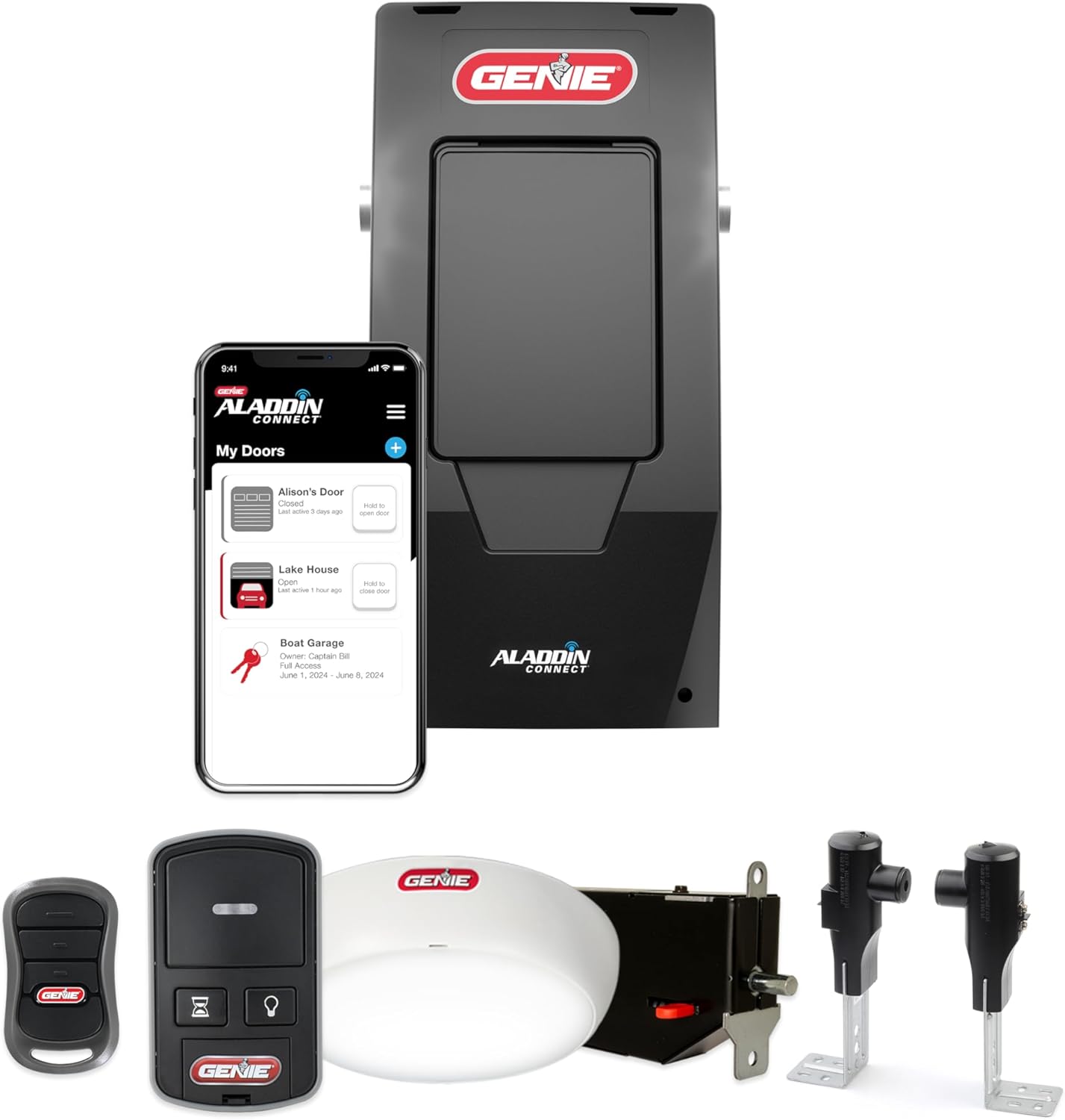
A Genie that opens itself is always responding to a signal, and the job is finding which one. If the opener is on Aladdin Connect, the activity log is the fastest tool because it labels each open with its source, whether a schedule, the app, or a physical button. When the log shows nothing, look at the wiring: the wall-button circuit is two low-voltage wires, and a nicked, stapled, or wet run can short momentarily and mimic a press, which is the classic cause of a door that opens during storms. Next, check every remote (including a car's HomeLink) for a stuck button, since one buried in a bag will keep transmitting. Older openers add one more possibility: units that predate Genie's Intellicode use a fixed code, so a neighbor with the same setting can open your door, and the fix is to move to a rolling-code opener whose code changes every use. Erasing the opener's memory and re-learning only your own remotes clears out any lost or rogue remote as a cause.
Symptoms
- Door opens when no one pressed anything
- Opens randomly at night or early morning
- Opens when a neighbor uses their remote
- Opens during storms or power fluctuations
- Opens when certain electronics are used nearby
- Opens immediately after closing
- Opens on a schedule you did not set
- Activity shows in the Aladdin log with no user
Recognize these? Here's what usually causes it.
Common Causes
- Radio interference from a nearby device
- A remote button stuck in the pressed position
- Wall-button wiring shorted (staples, moisture, damage)
- A neighbor's remote on the same fixed code (pre-Intellicode)
- An Aladdin Connect schedule or automation firing
- Power surge damaged the control board
- A car remote or HomeLink button held down in a bag
- Failing logic board sending spurious commands
Most fixes happen in the first 3 steps.
A garage door that opens by itself is a serious security and safety risk. Do not ignore this issue. If the problem persists after troubleshooting contact Genie support as the control board may need replacement.
Step-by-Step Solution
Check All Remotes
Examine every remote including car visor remotes. A stuck button continuously sends the open signal. Press each button to make sure none are sticking. Remove batteries from remotes temporarily and see if phantom opening stops. A remote with a stuck button or liquid damage is a common cause.
Change the Frequency Code
Genie openers use rolling code technology but interference can still occur. On the opener motor unit locate the Learn or Program button. Press and hold until the LED turns off erasing all programmed remotes. Then reprogram each remote by pressing Learn then pressing the remote button within 30 seconds.
Inspect Wall Button Wiring
Turn off power to the opener. Check the two wires from the wall button where they connect to the opener terminal screws. Look for frayed wires, bare wire touching, or corrosion. A short circuit between the wires sends a false activation signal. Tighten connections and separate any touching wires.
Check Smart Automations
If you have Aladdin Connect or myQ integration open the app and check scheduled automations and geofencing settings. A misconfigured automation could be opening the door when you dont expect it. Disable all automations temporarily to test. Also check IFTTT or other smart home integrations.
Test for RF Interference
If opening happens when specific devices are used nearby like HAM radios baby monitors or new LED lights those may be causing interference. Note what electronics are in use when phantom opening occurs. Moving the opener antenna wire away from metal and fully extending it can help reduce interference.
Quick Solutions
Still having issues? This is usually the deeper cause below.
If this comes back after following these steps, check whether a recent app or firmware update reset a default setting — the fix works, but the setting gets reverted silently.
Keep the opener antenna wire fully extended and hanging straight down from the motor unit. A bunched up or coiled antenna picks up more interference.
This issue almost always looks more complex than it is — the majority of cases trace back to a single setting, a stale credential, or a default that shipped wrong.
- Radio interference from a nearby device
- A remote button stuck in the pressed position
- Wall-button wiring shorted (staples, moisture, damage)
- A neighbor's remote on the same fixed code (pre-Intellicode)
- An Aladdin Connect schedule or automation firing
Before you go — try one of these (they fix most cases).
Most popular upgrades chosen by Genie Garage Door Opener owners.

Genie QuietLift Connect Smart Garage Door Opener Bundle w...

Genie StealthDrive 7155 Connect Smartphone-Controlled Bel...

Genie Aladdin Connect Smartphone Garage Door Opener – Mon...
As an Amazon Associate we earn from qualifying purchases.
Official Manufacturer Manual
Genie provides official product documentation through their online manual rather than downloadable PDF. Access setup guides, troubleshooting steps, and product specifications for your Genie Garage Door Opener.
Source: geniecompany.com
Need More Help? Genie Support
Note: The contact information below connects you directly to Genie's official customer support team, not Trunetto. They can help with warranty claims, device replacements, and advanced technical issues.
Accessories owners commonly pair with Genie Garage Door Opener.

As an Amazon Associate we earn from qualifying purchases.