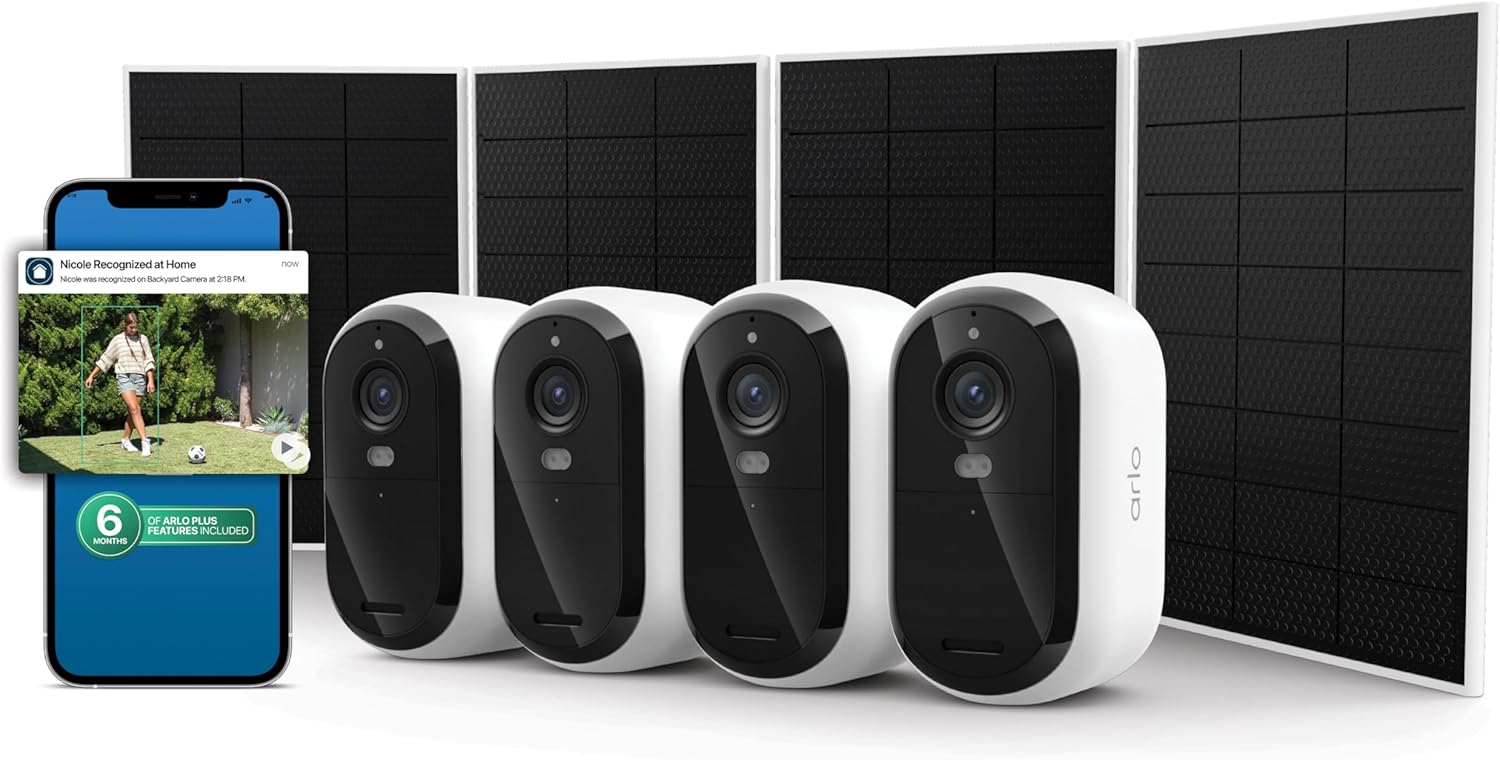
How to Install Arlo Pro 5S 2K Camera
- Dual-Band Wi-Fi Setup
- Enhanced Battery Preparation
- Advanced Mounting
- SmartHub Pairing
- Advanced App Configuration
- Performance Optimization
Most users complete this in under 50 minutes
Overview
Arlo Arlo Pro 5S 2K Camera setup takes under 15 minutes for most users — if you're stuck, the steps below target the specific points where installs stall.
This guide covers the wire-free outdoor installation of the Arlo Pro 5S 2K camera, including magnetic mount attachment, battery insertion, Arlo Secure app pairing, and HDR video plus color night vision configuration. The Pro 5S supports local USB storage and integrates directly with Alexa and Google Home without requiring the Arlo SmartHub.
Why This Happens in Real Homes
The Pro 5S is wire-free and dual-band, so unlike the Pro 4 you can put it on 2.4GHz or 5GHz — pick 2.4GHz for range at a distant mounting spot, or 5GHz if it's close to the router and you want the extra bandwidth for its 2K video. Charge it fully first.
Pair it, then mount with the magnetic or screw mount and aim for the coverage you want. As always outdoors, confirm the signal is strong where it lives; the 2K stream is only as good as the connection feeding it, so band choice and signal strength matter more here than on lower-res cameras.
What's Included
- Unsure how to mount the Pro 5S
- Which WiFi band to use
- Camera will not power on
- Will not connect to WiFi
- Magnetic mount questions
- Battery not charged
- Weak signal at the spot
- Will not complete pairing
Got your materials ready? Here's what to check first.
Before You Start
- Battery not charged before install
- Weak WiFi at the outdoor spot
- Band choice (2.4 vs 5GHz) not optimized for range
- Magnetic mount not holding the angle
- Not in pairing mode
- Wrong WiFi password
- Mounted too high for the view
- Firmware update pending
Don't skip this step — it breaks everything if you do
Dual-band Wi-Fi provides better connectivity options. Enhanced battery reduces charging frequency for improved convenience.
Tools & Requirements
These tools will help you complete this fix.

Drill optional
DEWALT 20V MAX Cordless Drill and Impact Driver, Pow...

Level
9 Inch Torpedo Level Magnetic, Shock-Proof Small Lev...

Screwdriver
STREBITO 155 in 1 Electric Screwdriver Set, Small El...
As an Amazon Associate we earn from qualifying purchases.
Installation Steps
Dual-Band Wi-Fi Setup
Pro 5S supports both 2.4GHz and 5GHz Wi-Fi bands. Configure connection to best band based on range and bandwidth requirements for your installation.
Enhanced Battery Preparation
Charge Pro 5S battery fully before installation. Enhanced battery provides extended life compared to previous models for longer operation between charges.
Advanced Mounting
Use included magnetic mount or screw mount for secure installation. Pro 5S offers improved weather resistance for harsh outdoor conditions.
SmartHub Pairing
Pair Pro 5S with Arlo SmartHub or connect directly to Wi-Fi. SmartHub provides local storage and extended range for wire-free operation.
Advanced App Configuration
Configure Pro 5S through Arlo app with advanced motion detection, activity zones, and smart notifications for intelligent security monitoring.
Performance Optimization
Test all Pro 5S features including 2K recording, spotlight, night vision, and motion detection. Adjust settings for best battery life and performance.
Installation Tips
Still stuck? This is usually the deeper cause below.
Pro 5S offers enhanced 2K video with dual-band Wi-Fi and improved battery life. Can operate with or without SmartHub.
Before you go — these Arlo guides fix most remaining issues.
Most popular upgrades chosen by Arlo Pro 5S 2K Camera owners.

Arlo Pro 5S Spotlight Security Camera 2K HDR | Outdoor | ...

Arlo Pro 5S Spotlight Security Camera 2K HDR | Outdoor | ...

Arlo Pro 5S 2K Spotlight Camera VMC4060B (Renewed)
As an Amazon Associate we earn from qualifying purchases.
Official Manufacturer Manual
If you need the complete manufacturer documentation for advanced setup, wiring diagrams, or detailed specifications, you can download the official manual below. The manual includes full technical instructions directly from the manufacturer and may help if your issue requires deeper troubleshooting.
Download the Official Arlo Pro 5S 2K Camera ManualSource: arlo.com
Need More Help? Arlo Support
Note: The contact information below connects you directly to Arlo's official customer support team, not Trunetto. They can help with warranty claims, device replacements, and advanced technical issues.
How Does Arlo Compare?
Before replacing your Arlo device, see how it stacks up against alternatives in our full comparison guides.
Accessories owners commonly pair with Arlo Pro 5S 2K Camera.

As an Amazon Associate we earn from qualifying purchases.