

Smart Mirror Not Displaying Weather Updates
- Internet connectivity issues
- Weather API key expired or invalid
- Location services disabled
Problem Description
Your smart mirror shows outdated weather information or fails to display weather updates entirely. Other smart features like time and calendar may work but weather section remains blank or shows old data.
Why This Happens in Real Homes
A smart mirror not showing weather is almost always a connectivity or API issue — it pulls weather from an online service, so no internet, an expired API key, or a wrong location leaves the widget blank or stale.
Start by confirming the mirror is online, then check the weather integration's API key (many require your own key that can expire or hit limits) and the configured location. Restart the mirror's app/service; a dead connection or a lapsed API key is behind most blank weather panels.
Symptoms
- Weather widget shows no data
- Temperature and forecast outdated
- Weather section blank or missing
- Location shows wrong city for weather
- Weather updates once then stops refreshing
- Error message in weather display area
Recognize these? Here's what usually causes it.
Common Causes
- Internet connectivity issues
- Weather API key expired or invalid
- Location services disabled
- Weather service blocked by firewall
- Mirror software needs update
- Incorrect location settings configured
Most fixes happen in the first 3 steps.
Do not attempt to modify weather API keys manually unless you have technical knowledge as incorrect configuration can break other mirror functions.
Step-by-Step Solution
Verify Internet Connectivity
Check that smart mirror is connected to WiFi and can access internet. Try opening other connected features or web browser if available. Weather updates require consistent internet access to refresh data.
Check Location Settings
Access mirror settings menu and verify correct location is configured for weather services. If location shows wrong city or coordinates manually enter your ZIP code or city name to get accurate local weather.
Update Mirror Software
Check mirror settings for software or firmware updates. Many smart mirrors use third-party weather APIs that require updated software to maintain compatibility with weather service changes.
Reset Weather Service Connection
In mirror settings find weather or apps section and disable then re-enable weather service. This clears cached data and re-establishes connection to weather API with fresh authentication.
Configure Alternative Weather Source
If default weather service fails try switching to alternative weather provider in mirror settings. Many smart mirrors support multiple weather sources like Weather Underground AccuWeather or local weather services.
Quick Solutions
Still having issues? This is usually the deeper cause below.
If the device became unresponsive after a firmware update, a factory reset usually clears the corrupted state — the update itself is rarely the root cause.
Smart mirrors often use free weather APIs that have usage limits. Premium weather services provide more reliable updates and detailed forecasts.
This issue almost always looks more complex than it is — the majority of cases trace back to a single setting, a stale credential, or a default that shipped wrong.
- Internet connectivity issues
- Weather API key expired or invalid
- Location services disabled
- Weather service blocked by firewall
- Mirror software needs update
Before you go — try one of these (they fix most cases).
Official Manufacturer Manual
Home Assistant provides official product documentation through their online manual rather than downloadable PDF. Access setup guides, troubleshooting steps, and product specifications for your Smart Mirror.
Source: home-assistant.io
Need More Help? Home Assistant Support
Note: The contact information below connects you directly to Home Assistant's official customer support team, not Trunetto. They can help with warranty claims, device replacements, and advanced technical issues.
Accessories owners commonly pair with Smart Mirror.

Amazon Smart Plug, Works with Alexa, Simple Setup, Endles...
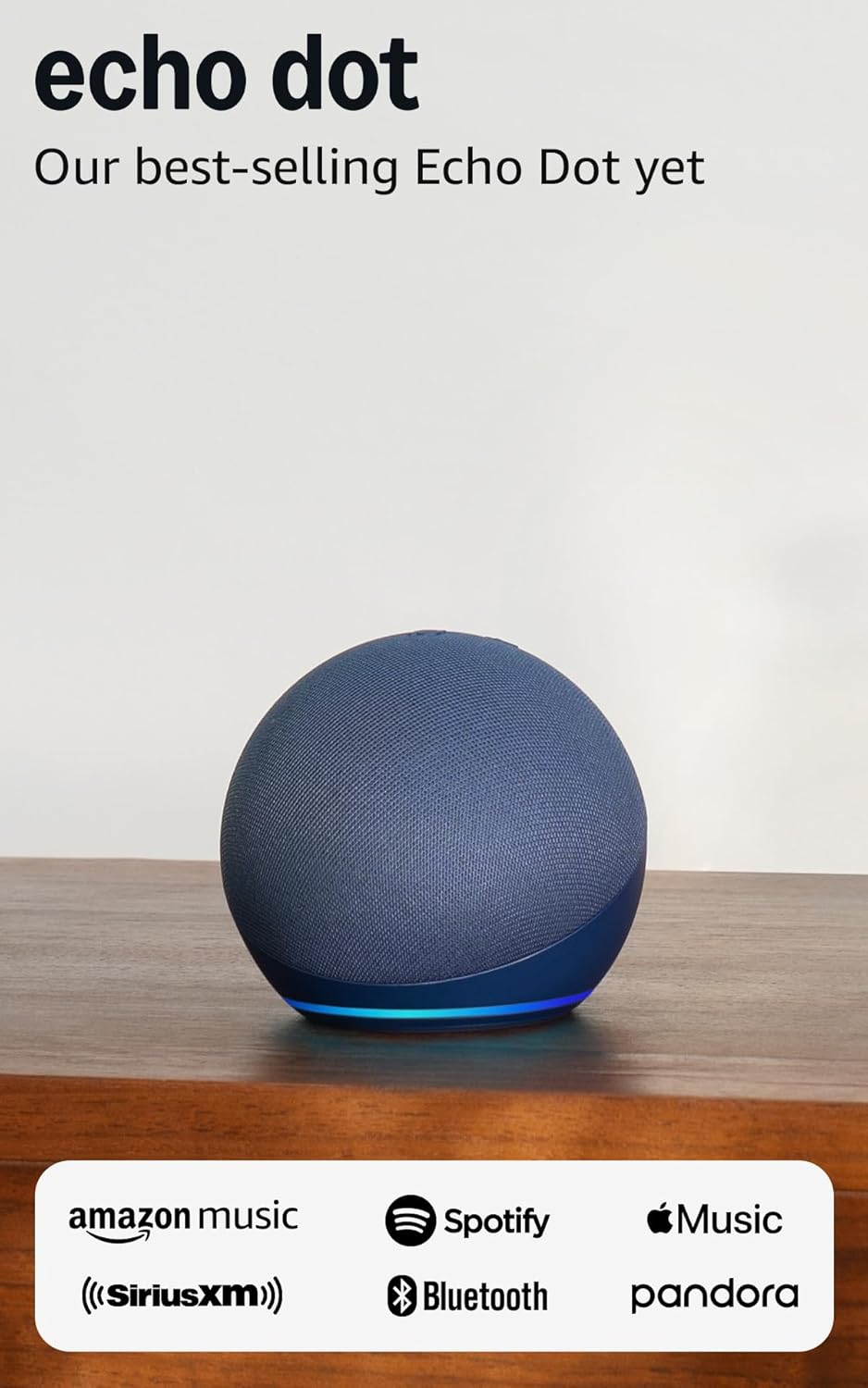
Amazon Echo Dot (newest model) - Vibrant sounding speaker...
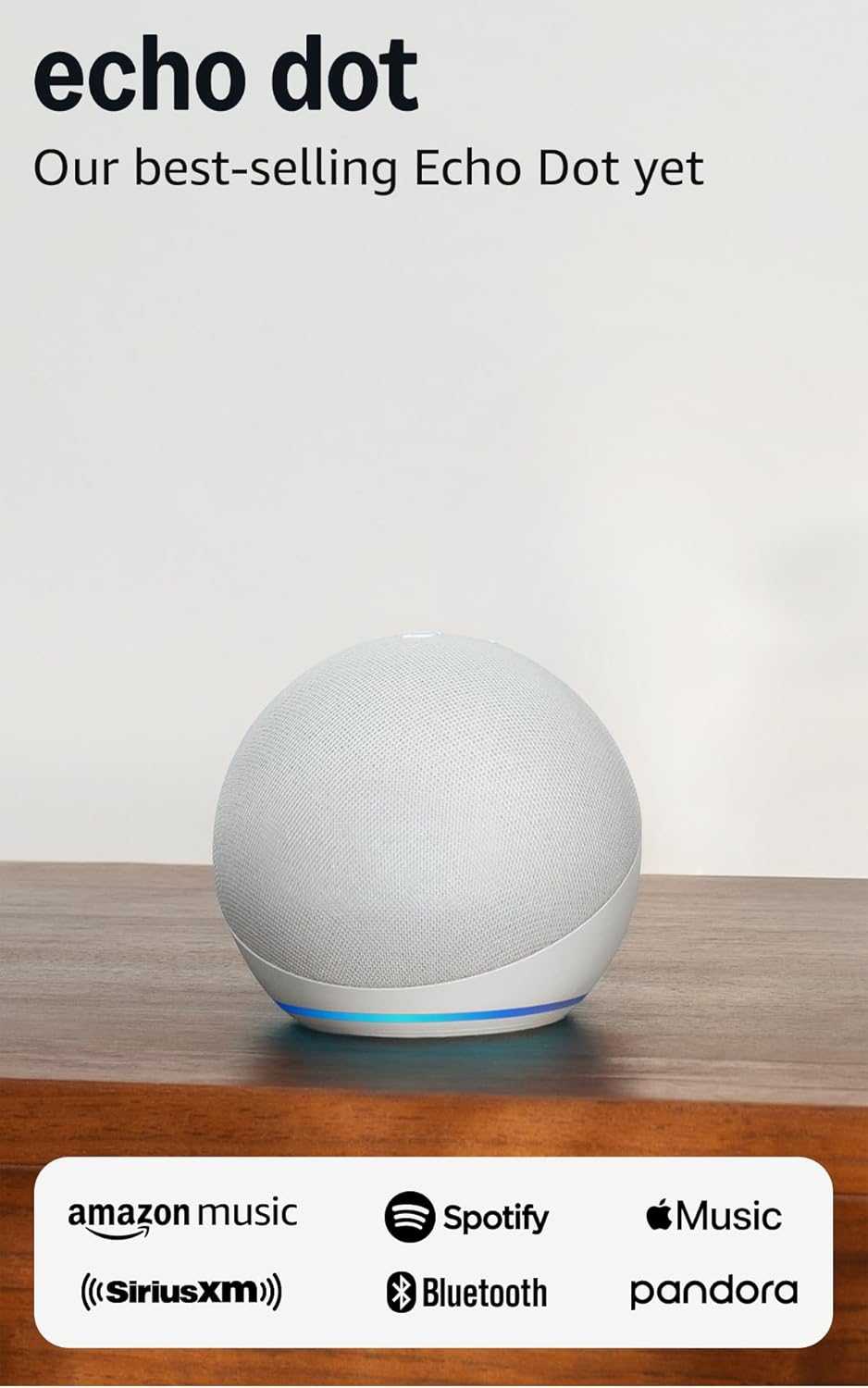
Amazon Echo Dot (newest model) - Vibrant sounding speaker...
As an Amazon Associate we earn from qualifying purchases.


