

Solar Inverter Smart Monitoring App Showing Wrong Production
- Monitoring app sync issues
- Current transformer calibration wrong
- Production meter reading errors
Problem Description
Your solar inverter monitoring app shows production numbers that do not match your utility net meter readings, underreport actual solar output, or display impossible negative values during peak sun hours. Monitoring inaccuracies come from incorrect CT sensor orientation at installation, data sync delays between the inverter and the cloud, or the monitoring app calculating production from a different measurement point than the utility meter.
Why This Happens in Real Homes
Wrong production figures in a solar monitoring app are usually a sync issue or a current-transformer/calibration problem — the CT clamps measure output, and if one is misplaced, reversed, or the app is out of sync, the numbers are off.
Start by checking the CT clamp placement and orientation (a reversed clamp flips or zeroes a reading) and letting the app resync, comparing against the inverter's own display. If the inverter shows correct production but the app doesn't, it's a monitoring/sync issue; if the inverter itself reads wrong, the CTs or wiring need an installer.
Symptoms
- App shows much higher/lower production than actual
- Daily totals dont match utility meter
- Production graphs have obvious errors
- Monitoring data inconsistent between sources
- App production differs from inverter display
- Solar performance metrics clearly wrong
Recognize these? Here's what usually causes it.
Common Causes
- Monitoring app sync issues
- Current transformer calibration wrong
- Production meter reading errors
- Cloud data sync delays
- Multiple monitoring systems conflicting
- App using wrong inverter data source
Most fixes happen in the first 3 steps.
Incorrect solar production data can mask system problems that reduce energy output. Address monitoring accuracy issues promptly.
Step-by-Step Solution
Compare App Data Against Inverter Display Directly
On your solar inverter hardware display, read the current production wattage and compare it directly against what the monitoring app shows at the same moment. If the inverter display and app agree but both differ from the utility meter, the measurement is accurate but the comparison point is different — the utility measures at the meter while the inverter measures at the panels. If the inverter display and app disagree, the data sync between inverter and cloud has a fault.
Check Current Transformer Orientation
If your monitoring system uses external current transformers (CTs) on the service panel, verify that each CT is installed with the arrow pointing in the correct direction relative to current flow. A reversed CT causes negative readings during production. Turn off the circuit breaker to safely access the CT, remove it, flip the direction, and reinstall. This fix applies to monitoring systems like Sense, Emporia Vue, and some SolarEdge configurations with additional CTs.
Account for System Losses and DC-to-AC Conversion
Solar panels produce DC power at rated wattage under ideal lab conditions. After inverter conversion losses (typically 3 to 5%), wiring losses, and temperature derating, actual AC output reaching your meter is 10 to 20% less than panel nameplate capacity. If the app shows lower production than you expect from nameplate specs, this is normal efficiency loss, not a monitoring error. Compare against production estimates from your installer that account for these losses.
Resync Inverter Cloud Connection
In the monitoring app log out and log back in. Then on the inverter, locate the network settings menu and disconnect then reconnect to your WiFi network. Allow 24 hours for data to fully sync before comparing production totals. Monitoring apps often show rolling averages that lag real-time production by 15 minutes to 1 hour. The discrepancy you see may be a timing difference rather than an accuracy issue.
Update Inverter Firmware and Monitoring App
Log into your inverter manufacturer's portal and check for firmware updates. Solar monitoring accuracy improves with firmware updates as manufacturers refine power measurement algorithms. Also update the monitoring app to the latest version. After updating both, allow one full sunny day of operation and compare the app total against your utility meter import/export data for a consistent evaluation period.
Quick Solutions
Still having issues? This is usually the deeper cause below.
If this comes back after following these steps, check whether a recent app or firmware update reset a default setting — the fix works, but the setting gets reverted silently.
Solar production monitoring accuracy is critical for identifying system issues and verifying proper operation. Regular calibration ensures reliable data.
This issue almost always looks more complex than it is — the majority of cases trace back to a single setting, a stale credential, or a default that shipped wrong.
- Monitoring app sync issues
- Current transformer calibration wrong
- Production meter reading errors
- Cloud data sync delays
- Multiple monitoring systems conflicting
Before you go — try one of these (they fix most cases).
Official Manufacturer Manual
Home Assistant provides official product documentation through their online manual rather than downloadable PDF. Access setup guides, troubleshooting steps, and product specifications for your Solar Inverter Monitor.
Source: home-assistant.io
Need More Help? Home Assistant Support
Note: The contact information below connects you directly to Home Assistant's official customer support team, not Trunetto. They can help with warranty claims, device replacements, and advanced technical issues.
Accessories owners commonly pair with Solar Inverter Monitor.

Blink Mini - Compact indoor plug-in smart security camera...
Blink Mini - Compact indoor plug-in smart security camera...
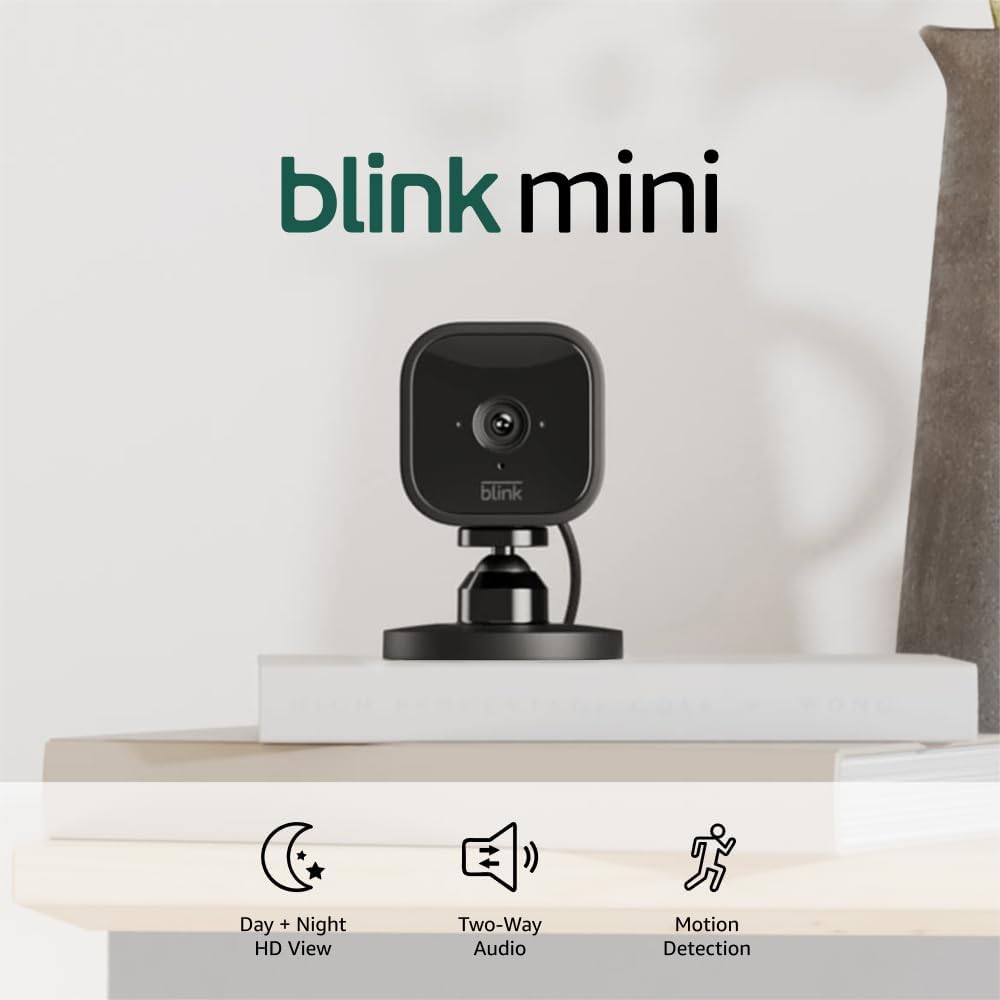
Blink Mini - Compact indoor plug-in smart security camera...
As an Amazon Associate we earn from qualifying purchases.


