

Why Do My Aqara Sensors Keep Falling Off or Showing Offline?
- Zigbee signal too weak at sensor location
- Hub too far from sensors without repeaters
- Adhesive bond weakened from humidity or temperature
Problem Description
Your Aqara sensors randomly show offline in HomeKit or the Aqara app, or the physical sensors keep falling off the door or window frame. You might get a notification that a door opened when nobody is home, then realize the sensor fell and triggered when it hit the ground. Or sensors that worked fine for months suddenly stop reporting, show "No Response" in the Home app, and you have to walk over and open the door manually just to check if someone came in. This defeats the entire purpose of having smart sensors. The offline issues are usually Zigbee range problems while the falling off is about the adhesive failing in humidity or temperature changes.
Why This Happens in Real Homes
Your Aqara sensors randomly show offline in HomeKit or the Aqara app, or the physical sensors keep falling off the door or window frame. You might get a notification that a door opened when nobody is home, then realize the sensor fell and triggered when it hit.. In real usage this appears as Sensors randomly show No Response in Apple Home app, Door sensor fell off and triggered false open alert, and Sensor worked for months then suddenly went offline
The pattern in this case points to Zigbee signal too weak at sensor location, Hub too far from sensors without repeaters, and Adhesive bond weakened from humidity or temperature. The repair usually holds when done in order: Check If Hub Is Actually Online, then Test Sensor Range by Triggering It, then Add a Zigbee Repeater to Extend Range. After applying the fix, validate behavior with repeated command tests and at least one full automation cycle to confirm stability.
Symptoms
- Sensors randomly show No Response in Apple Home app
- Door sensor fell off and triggered false open alert
- Sensor worked for months then suddenly went offline
- App shows sensor offline but door open/close still logs
- Multiple sensors go offline at the same time periodically
- Sensor adhesive failed and sensor dangles from one side
Recognize these? Here's what usually causes it.
Common Causes
- Zigbee signal too weak at sensor location
- Hub too far from sensors without repeaters
- Adhesive bond weakened from humidity or temperature
- Sensor battery critically low affecting transmission
- WiFi interference on same 2.4GHz frequency as Zigbee
- Hub went offline and all sensors lost connection
Most fixes happen in the first 3 steps.
Do not mount sensors where they will be exposed to direct sunlight through a window. Heat buildup can damage the battery and weaken adhesive. Motion sensors in direct sun may also false trigger from rapid temperature changes.
Tools & Requirements
Step-by-Step Solution
Check If Hub Is Actually Online
Before troubleshooting individual sensors verify the hub itself is online. Open the Aqara Home app and look at the hub status. If the hub shows offline all sensors connected to it will appear offline too. Check your router to see if the hub has an IP address assigned. Power cycle the hub by unplugging it for 30 seconds. If the hub keeps dropping offline that is a separate WiFi problem to fix first. Sensors cannot report if the hub they connect to is down.
Test Sensor Range by Triggering It
Walk to the sensor location with your phone. Open the Aqara app or Apple Home and watch the sensor status. Open and close the door or walk in front of the motion sensor. If the status updates in the app within 1-2 seconds the Zigbee connection is fine and your problem is something else. If it takes 10+ seconds or does not update at all the sensor is out of range. Zigbee range indoors is about 30-50 feet through walls but metal doors, concrete, and appliances dramatically reduce this.
Add a Zigbee Repeater to Extend Range
Aqara smart plugs and wired smart switches act as Zigbee repeaters. They receive signals from sensors and forward them to the hub. Place a plug roughly halfway between your hub and the problem sensors. Plug it into an outlet and pair it to your hub. After 24 hours the Zigbee mesh will reorganize and sensors will route through the plug. You do not need to re-pair the sensors. The mesh heals automatically. If you have sensors in multiple rooms far from the hub you may need multiple repeaters.
Fix Adhesive Failure Permanently
The 3M adhesive pads that come with Aqara sensors can fail in humid bathrooms, cold garages, or on textured surfaces. Clean the mounting surface with isopropyl alcohol and let it dry completely. For smooth surfaces use fresh 3M VHB tape which bonds stronger than the original pads. For textured or painted surfaces use a small amount of clear silicone adhesive or mount a small metal plate with screws and use the magnet to attach the sensor. Never mount sensors on surfaces that flex or vibrate.
Replace Battery Even If It Shows OK
Aqara sensor battery indicators are unreliable. A sensor showing 50% battery in the app may actually be too low to transmit reliably. If a sensor keeps going offline replace its battery with a fresh one. Door sensors use CR1632, motion sensors use CR2450. Use name brand batteries like Energizer or Duracell not cheap bulk batteries which often have lower actual capacity. After replacing the battery wait a few minutes for the sensor to re-establish its connection to the hub.
Quick Solutions
Still having issues? This is usually the deeper cause below.
This usually happens right after a router reboot or ISP change — the device rejoins the network but drops its cloud session silently.
If you use Apple HomeKit, sensors going offline often means the HomeKit connection dropped not the Zigbee connection. Check if sensors still work in the Aqara app. If they work in Aqara but not HomeKit, remove and re-add the hub to HomeKit.
Most WiFi drop-offs happen right after a router reboot or ISP swap — the device reconnects to the network but silently loses its cloud registration.
- Zigbee signal too weak at sensor location
- Hub too far from sensors without repeaters
- Adhesive bond weakened from humidity or temperature
- Sensor battery critically low affecting transmission
- WiFi interference on same 2.4GHz frequency as Zigbee
Before you go — try one of these (they fix most cases).
Most popular upgrades chosen by Aqara Door Sensor owners.

Aqara Zigbee Door and Window Sensor 3 Pack & Zigbee Hub K...

Aqara Presence Sensor FP2 Plus Aqara Smart Hub M2 (2.4 GH...

Aqara Zigbee Door and Window Sensor & Zigbee Hub Kits, Wi...
As an Amazon Associate we earn from qualifying purchases.
Official Manufacturer Manual
Aqara provides official product documentation through their online manual rather than downloadable PDF. Access setup guides, troubleshooting steps, and product specifications for your Aqara Door Sensor.
Source: aqara.com
Need More Help? Aqara Support
Note: The contact information below connects you directly to Aqara's official customer support team, not Trunetto. They can help with warranty claims, device replacements, and advanced technical issues.
Accessories owners commonly pair with Aqara Door Sensor.

Blink Mini - Compact indoor plug-in smart security camera...
Blink Mini - Compact indoor plug-in smart security camera...
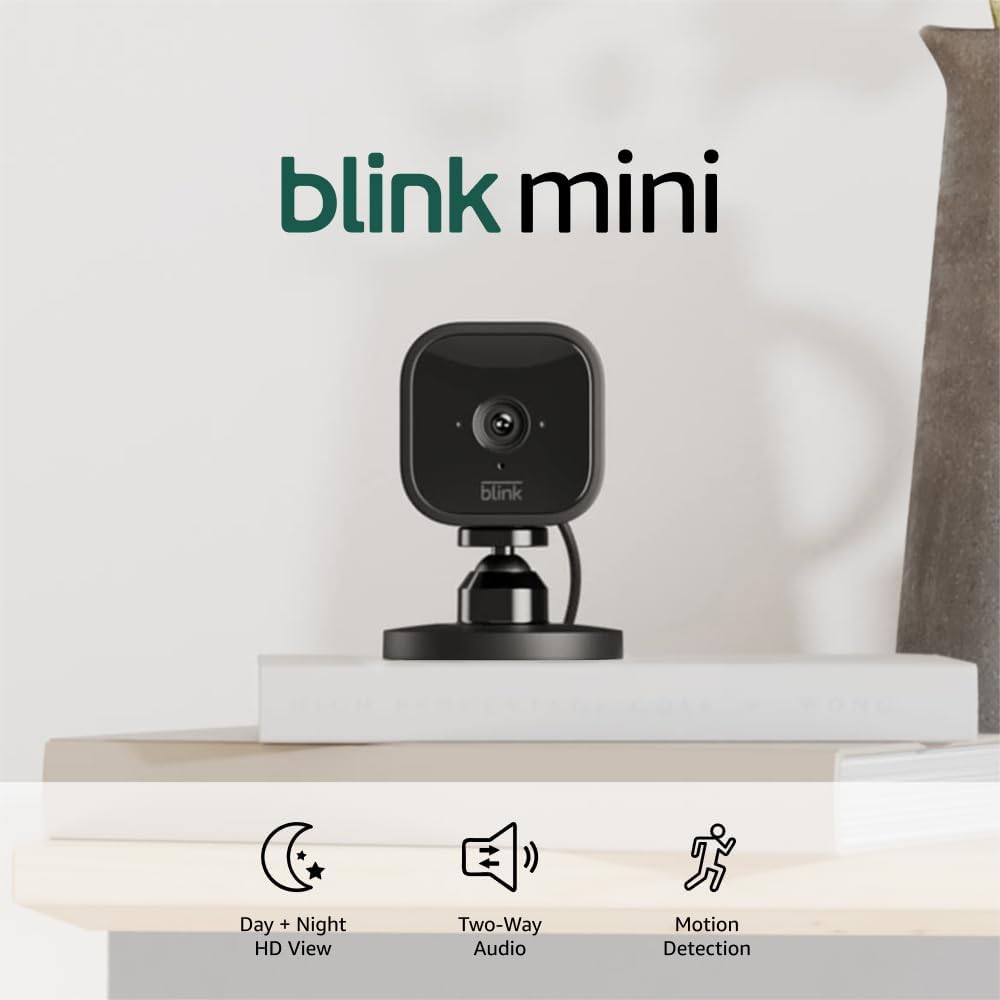
Blink Mini - Compact indoor plug-in smart security camera...
As an Amazon Associate we earn from qualifying purchases.


