Why Is My Rachio Controller Zone Not Activating and Sprinklers Won't Turn On
- Zone valve solenoid not receiving power from controller
- Loose or corroded wire connections at controller or valve box
- Zone valve diaphragm stuck closed from debris or mineral buildup
Problem Description
One or more zones on your Rachio smart sprinkler controller will not activate when manually run or during scheduled watering. The app shows the zone as running but no water comes out of the sprinkler heads in that zone. Other zones may work normally while the affected zone produces no water flow.
Why This Happens in Real Homes
A zone the app runs but no water follows is an electrical or valve problem, not the controller. In real yards a solenoid not getting power, a corroded wire at the terminal or valve box, or a diaphragm stuck with debris is the cause. Check for about 24 volts at the zone terminal, reseat the wiring, and manually open the solenoid to tell electrical from mechanical.
Symptoms
- App shows zone running but no water at sprinkler heads
- Zone starts briefly then immediately stops
- Clicking sound from valve area but no water flows
- Zone worked last season but does not activate this year
- All zones fail to turn on even with manual run commands
- Sprinklers turn on at very low pressure in the affected zone
Recognize these? Here's what usually causes it.
Common Causes
- Zone valve solenoid not receiving power from controller
- Loose or corroded wire connections at controller or valve box
- Zone valve diaphragm stuck closed from debris or mineral buildup
- Common wire disconnected breaking the circuit for all valves
- Master valve or pump relay not configured in controller settings
- Blown fuse in the controller from a wiring short
Most fixes happen in the first 3 steps.
Always turn off the controller before working on wiring to avoid electrical shorts. A wiring short can blow the internal fuse on the Rachio controller or damage the zone output circuitry permanently.
Tools & Requirements
These tools will help you complete this fix.

Screwdriver
STREBITO 155 in 1 Electric Screwdriver Set, Small El...
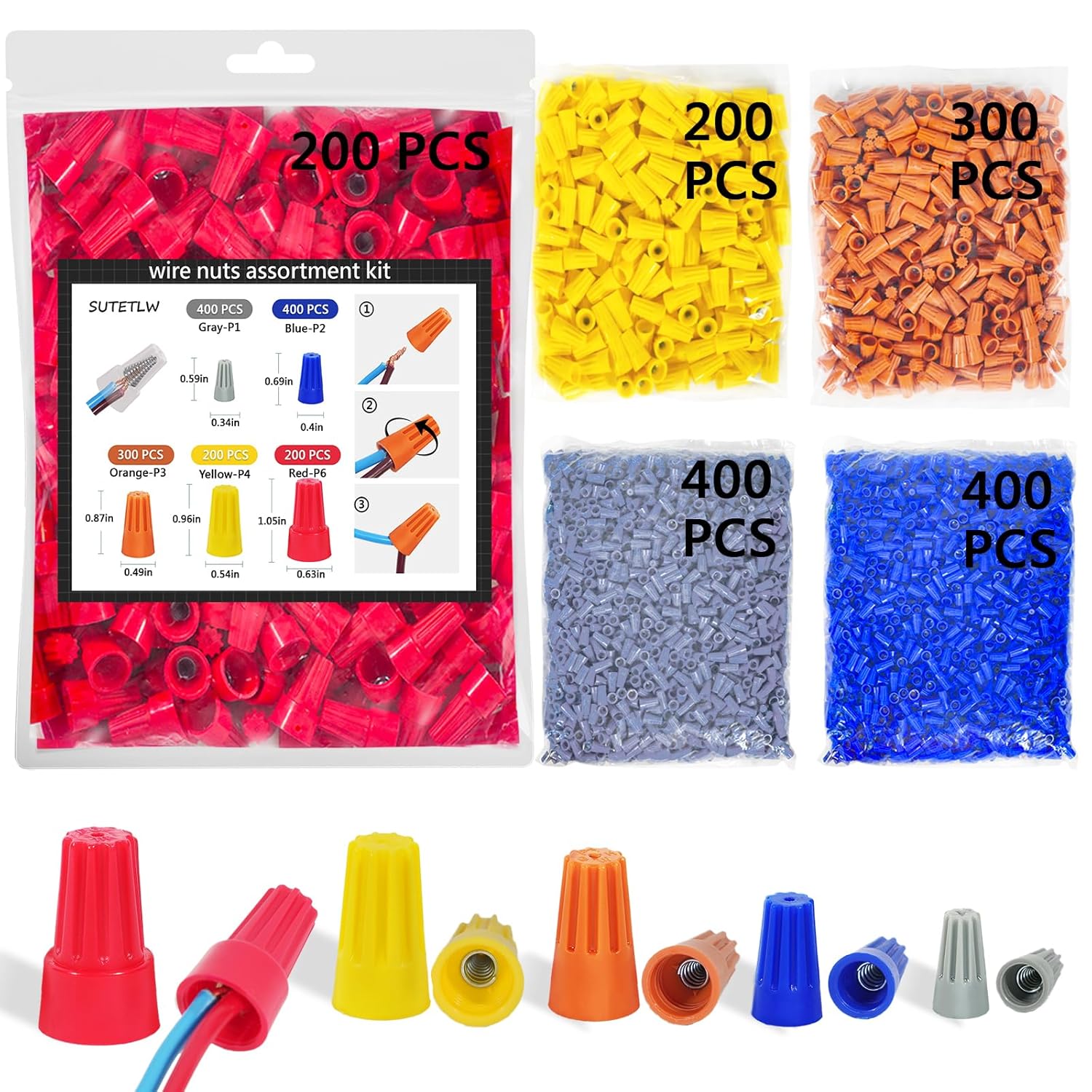
Waterproof wire nuts
Wire Nuts Assortment Kit 1500 PCS Insulating Insert ...

Wire strippers
1188-Piece Ferrule Crimping & Stripping Tool Kit, AW...
As an Amazon Associate we earn from qualifying purchases.
Step-by-Step Solution
Run manual zone test from controller
Trigger each zone directly from the controller or app to confirm whether activation fails globally or per zone. This quickly separates schedule issues from wiring faults.
Inspect common wire and zone terminal wiring
Verify the common wire and target zone wire are firmly connected and not corroded. Loose terminal connections are a primary cause of non-activating zones.
Needed for this step
Wire Nuts Assortment Kit 1500 PCS Insulating In...
This helps complete the fix you are currently reading.
$29.99Check valve solenoid resistance and continuity
Measure solenoid resistance at controller terminals to detect open or shorted valves. Electrical faults at field valves prevent zone startup despite valid app commands.
Confirm rain/freeze skip settings
Review weather intelligence, rain delay, and seasonal settings for unintended suppression. Controller may skip watering when weather-based rules are active.
Rebuild schedule and retest with known-good zone
Create a clean test schedule for one functioning zone, then compare failing zones. Controlled comparison isolates program logic from hardware problems.
Quick Solutions
Still having issues? This is usually the deeper cause below.
If this comes back after following these steps, check whether a recent app or firmware update reset a default setting — the fix works, but the setting gets reverted silently.
Take a photo of the wiring at both the controller and valve boxes before disconnecting anything. This makes it easy to reconnect wires to the correct terminals if you mix them up.
Battery-related failures are almost always flagged too late — the device degrades silently for days before the app catches up to what's actually happening.
- Zone valve solenoid not receiving power from controller
- Loose or corroded wire connections at controller or valve
- Zone valve diaphragm stuck closed from debris or mineral
- Common wire disconnected breaking the circuit for all valves
- Master valve or pump relay not configured in controller
Before you go — try one of these (they fix most cases).
Most popular upgrades chosen by Rachio Smart Sprinkler Controller owners.

-2 Pack Automatic Curtain Opener Robot - Smart Curtains H...

VGBUY Drywall Anchors and Screws Assortment Kit 286PCS, 1...
As an Amazon Associate we earn from qualifying purchases.
Accessories owners commonly pair with Rachio Smart Sprinkler Controller.

Sengled Alexa Light Bulb, S1 Auto Pairing with Alexa Devi...

Sengled Smart Light Bulbs, Color Changing Alexa/Bluetooth...

Ring Rechargeable Quick Release Battery Pack
As an Amazon Associate we earn from qualifying purchases.
Official Manufacturer Manual
Rachio provides official product documentation through their online manual rather than downloadable PDF. Access setup guides, troubleshooting steps, and product specifications for your Rachio Smart Sprinkler Controller.
Source: rachio.com
Need More Help? Rachio Support
Note: The contact information below connects you directly to Rachio's official customer support team, not Trunetto. They can help with warranty claims, device replacements, and advanced technical issues.
How Does Rachio Compare?
Before replacing your Rachio device, see how it stacks up against alternatives in our full comparison guides.