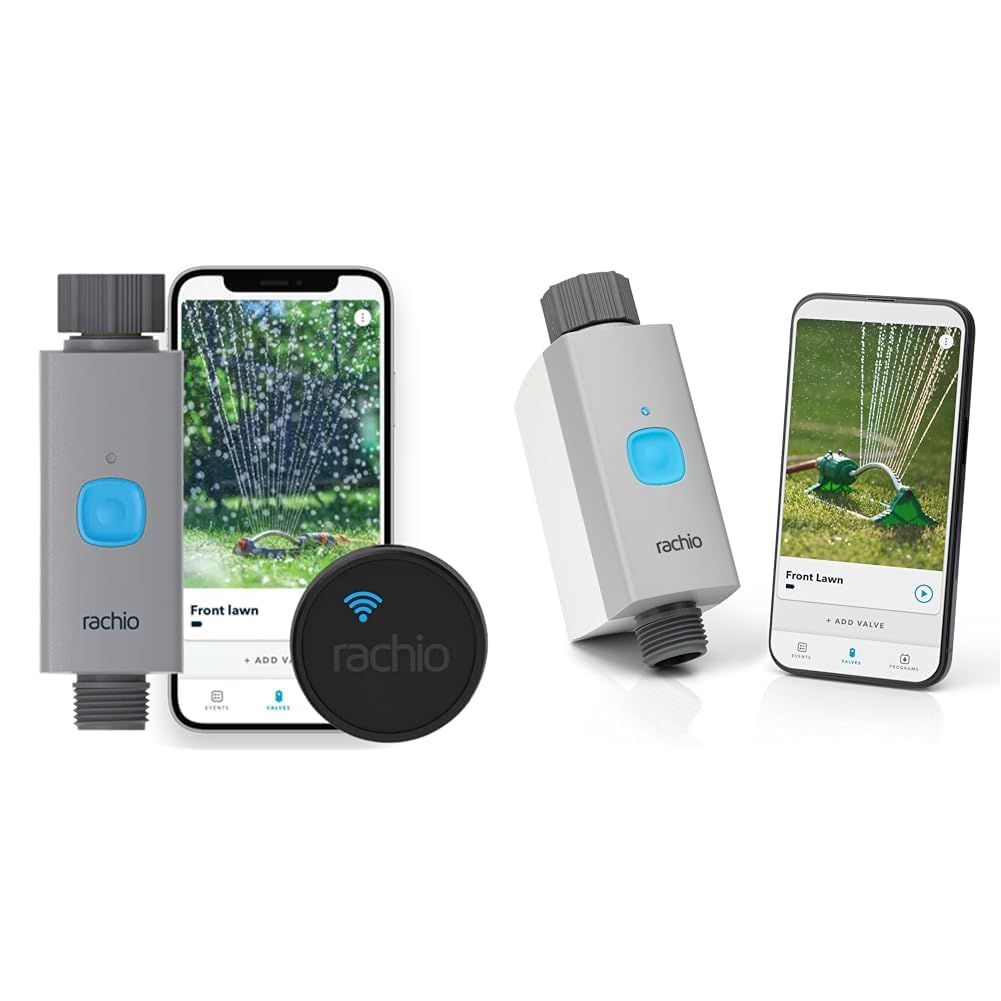
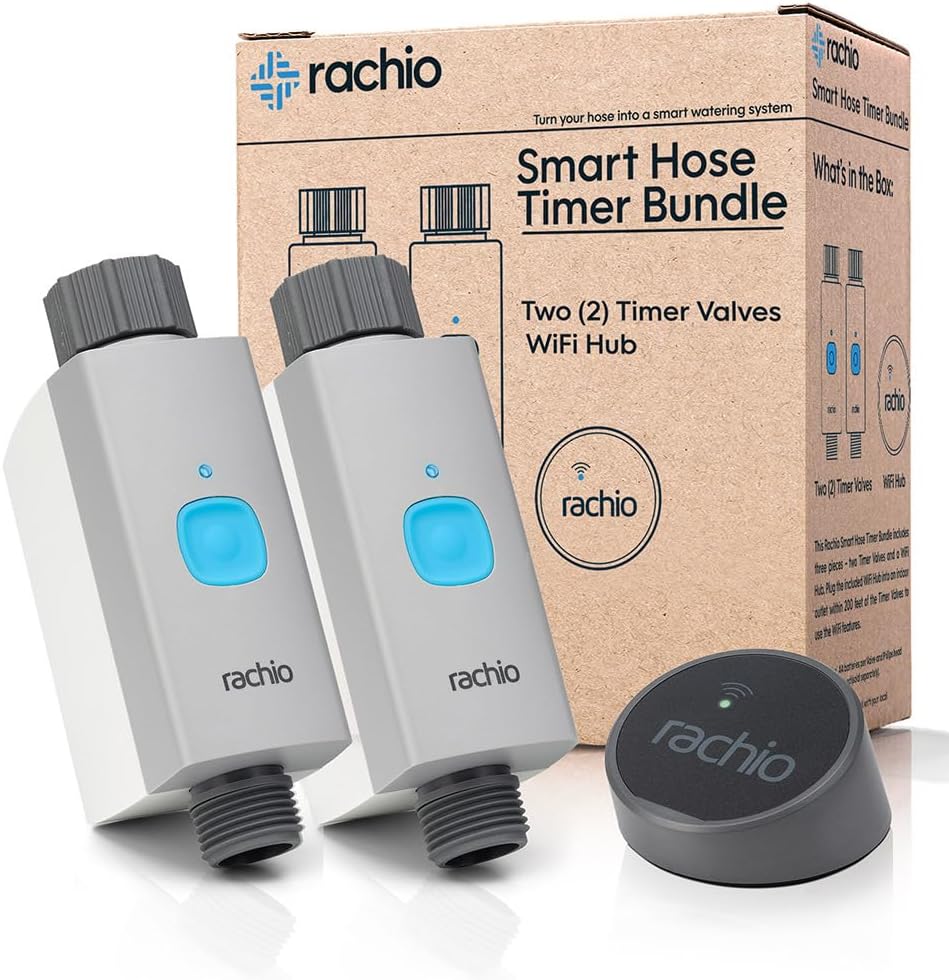
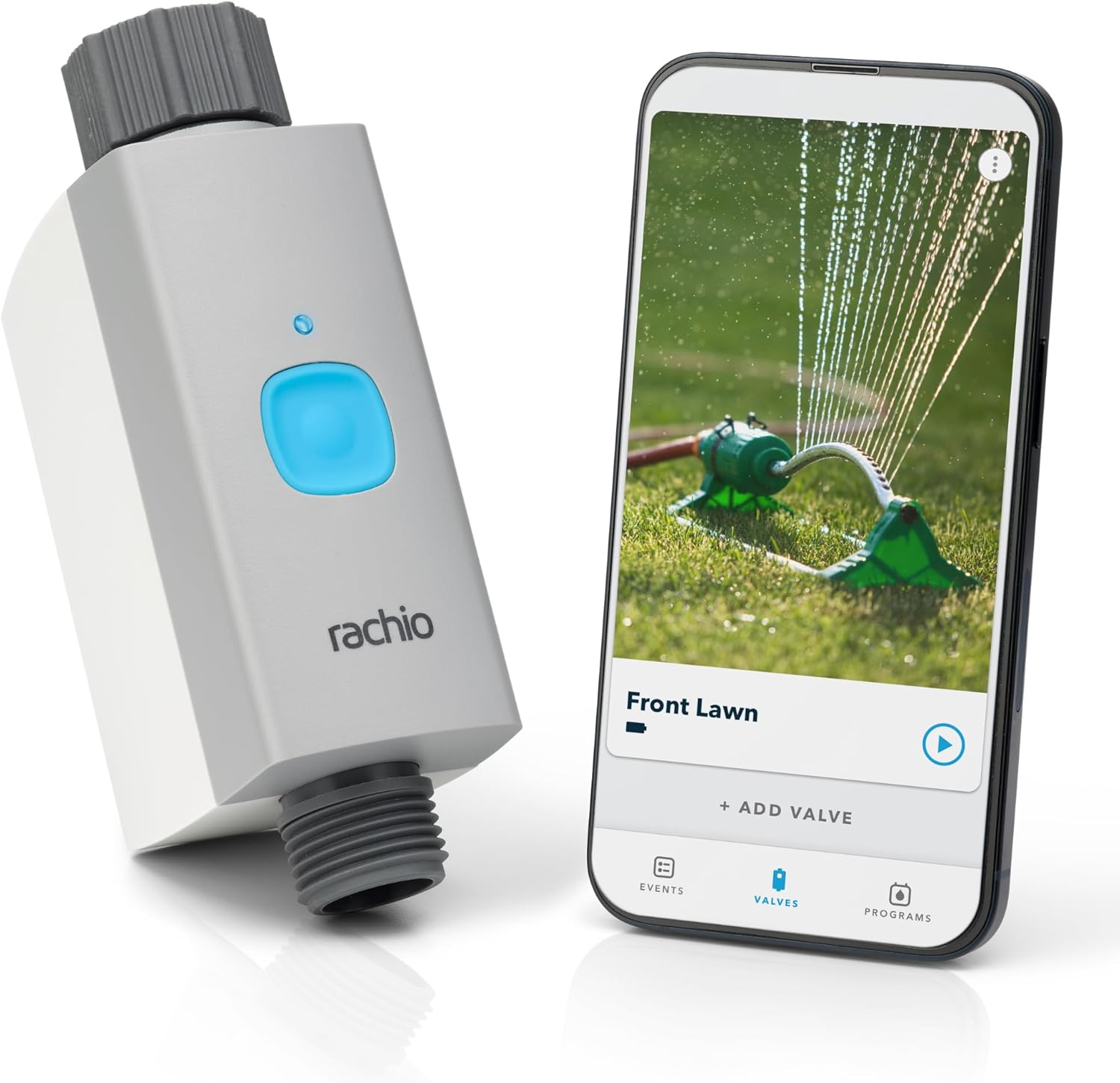
Why Is My Rachio Smart Hose Timer Not Detecting Water Flow
- Flow sensor paddle blocked by debris or sediment
- Water pressure too low to spin flow sensor
- Timer installed upside down reversing flow direction
Problem Description
Your Rachio Smart Hose Timer runs watering schedules and water flows through the hose, but the app shows zero gallons used. The flow sensor is not detecting water passing through the timer. This prevents accurate water tracking and Smart Watering features that depend on flow data.
Why This Happens in Real Homes
Your Rachio Smart Hose Timer runs watering schedules and water flows through the hose, but the app shows zero gallons used. The flow sensor is not detecting water passing through the timer. This prevents accurate water tracking and Smart Watering features that.. In real usage this appears as App shows 0 gallons during active watering, Flow history displays no water usage for days, and Smart Watering skips schedules due to no flow data
The pattern in this case points to Flow sensor paddle blocked by debris or sediment, Water pressure too low to spin flow sensor, and Timer installed upside down reversing flow direction. The repair usually holds when done in order: Clean the Flow Sensor Inlet, then Check Water Pressure, then Verify Installation Direction. After applying the fix, validate behavior with repeated command tests and at least one full automation cycle to confirm stability.
Symptoms
- App shows 0 gallons during active watering
- Flow history displays no water usage for days
- Smart Watering skips schedules due to no flow data
- Timer waters but usage statistics remain empty
- Leak detection never triggers despite water running
- Zone reports show dashes instead of gallons
Recognize these? Here's what usually causes it.
Common Causes
- Flow sensor paddle blocked by debris or sediment
- Water pressure too low to spin flow sensor
- Timer installed upside down reversing flow direction
- Firmware bug preventing flow data transmission
- WiFi connection dropping flow sensor readings
- Internal flow sensor damaged or defective
Most fixes happen in the first 3 steps.
Do not use high-pressure washers or jet nozzles with the Smart Hose Timer. Pressure spikes above 100 PSI can damage the internal flow sensor permanently.
Tools & Requirements
These tools will help you complete this fix.
As an Amazon Associate we earn from qualifying purchases.
Step-by-Step Solution
Clean the Flow Sensor Inlet
Disconnect the hose from the timer inlet and look inside the connection port. Sediment, sand, and debris from outdoor spigots can block the flow sensor paddle. Use a small brush or toothpick to clear any visible buildup. Run water through the timer briefly without a hose attached to flush debris. The internal paddle must spin freely for accurate flow detection.

Needed for this step
OXO Grips Electronics Cleaning Brush
This helps complete the fix you are currently reading.
$9.99Check Water Pressure
The Rachio Smart Hose Timer requires minimum water pressure of 20 PSI to accurately measure flow. Low pressure causes the sensor paddle to spin inconsistently or not at all. If your spigot has weak pressure, the timer may water correctly but report zero flow. Test pressure by timing how long it takes to fill a 5-gallon bucket. Under 2 minutes indicates adequate pressure.
Verify Installation Direction
The timer has a flow direction arrow printed on the housing. Water must enter from the arrow tail side and exit from the arrowhead side. If installed backwards, the flow sensor paddle spins in reverse and cannot register flow. Disconnect and reinstall the timer with the arrow pointing away from the spigot toward the hose. This is the most common installation error.
Update Firmware
Open the Rachio app and go to your Smart Hose Timer settings. Check for available firmware updates. Outdated firmware has known bugs that prevent flow data from syncing to the cloud. Install any updates and wait for the timer to restart. After updating, run a manual watering cycle and check if flow appears in the app. Updates can take 10-15 minutes to complete.
Test Flow Sensor Function
Run a manual zone for 2-3 minutes while watching the app. Refresh the watering history page after the cycle ends. If flow still shows zero, the internal sensor may be damaged. Try a factory reset by holding the button for 30 seconds. Re-add the timer to the app and test again. If flow detection never works, contact Rachio support for warranty replacement.
Quick Solutions
Still having issues? This is usually the deeper cause below.
If the sensor still misses events after repositioning, check whether a scheduled 'home' or 'away' mode is overriding the sensitivity setting silently.
Install an inline hose filter before the timer to prevent sediment buildup on the flow sensor. This is especially important with well water or older plumbing.
This issue almost always looks more complex than it is — the majority of cases trace back to a single setting, a stale credential, or a default that shipped wrong.
- Flow sensor paddle blocked by debris or sediment
- Water pressure too low to spin flow sensor
- Timer installed upside down reversing flow direction
- Firmware bug preventing flow data transmission
- WiFi connection dropping flow sensor readings
Before you go — try one of these (they fix most cases).
Most popular upgrades chosen by Rachio Smart Hose Timer owners.
RAINPOINT Smart Drip Irrigation System for Houseplants,Wi...

Orbit 69600 Shrub and Flower Bed Drip Irrigation Kit with...

Smart Hose Timer by B-hyve
As an Amazon Associate we earn from qualifying purchases.
Accessories owners commonly pair with Rachio Smart Hose Timer.

Cat 6 Outdoor Ethernet Cable 50 ft, Support Cat8/7 Networ...

Cat6 Outdoor Ethernet Cable 50ft, 24AWG 10Gbps Support Ca...

Govee Digital Hygrometer Indoor Thermometer Room H5075, B...
As an Amazon Associate we earn from qualifying purchases.
Official Manufacturer Manual
Rachio provides official product documentation through their online manual rather than downloadable PDF. Access setup guides, troubleshooting steps, and product specifications for your Rachio Smart Hose Timer.
Source: support.rachio.com
Need More Help? Rachio Support
Note: The contact information below connects you directly to Rachio's official customer support team, not Trunetto. They can help with warranty claims, device replacements, and advanced technical issues.
How Does Rachio Compare?
Before replacing your Rachio device, see how it stacks up against alternatives in our full comparison guides.