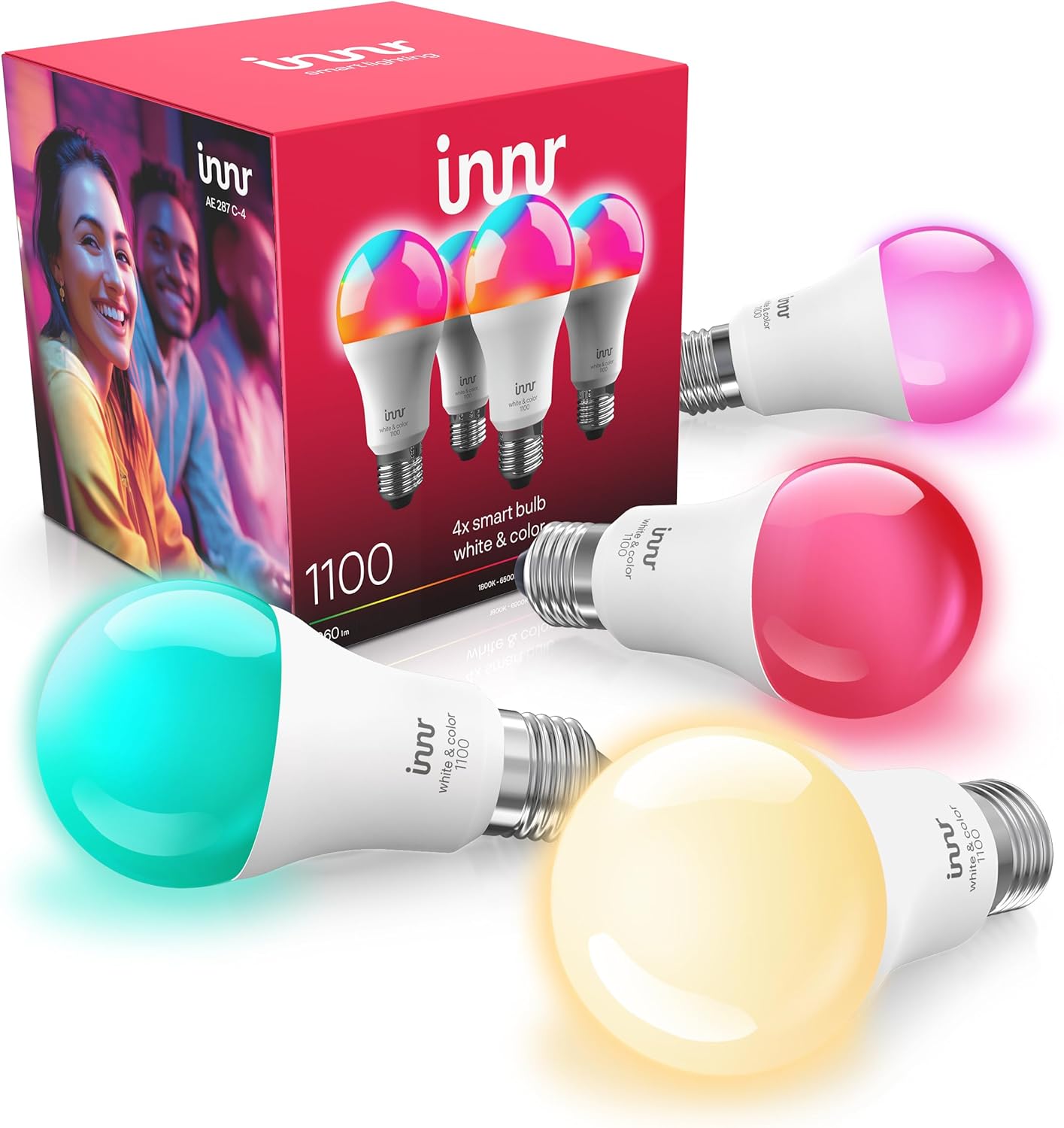
Why Does My Innr Bulb Only Show Warm White?
- Bulb is a tunable-white model, not an RGB color model
- Bulb is a warm-white-only (dimmable) model
- Wrong assumption about the model's capability
Problem Description
Your Innr smart bulb only displays warm white light and won't show colors. Not all Innr bulb models support color — check your model number. Innr makes tunable white bulbs (warm to cool white only) and full RGB color bulbs. Tunable white models cannot display colors regardless of settings. This guide covers identifying your bulb model and its capabilities.
Why This Happens in Real Homes
Innr makes three different kinds of bulb, and a warm-only or white-only result is almost always the model, not a fault. Warm-white dimmable bulbs only change brightness; tunable-white bulbs adjust from warm to cool white but show no colors; and RGBW color bulbs do the full spectrum. The model number printed on the bulb base tells you which you have, so check it against Innr's specs before assuming something is broken. If you genuinely have a color model but see only white controls, the fix is on the hub side: the bulb may have been added as a white device, or grouped with white bulbs so the app hides the color wheel, in which case removing and re-adding it, or ungrouping it, restores the color controls. A firmware update through your Zigbee hub can also correct missing capabilities. But if the base says tunable or dimmable white, no setting will produce color, and only an Innr RGBW model will.
Symptoms
- Bulb only shows warm white, never color
- Color options are missing in the app
- Bulb changes brightness but not color
- Only warm-to-cool white adjusts, no RGB
- Color wheel does nothing for this bulb
- Some Innr bulbs show color and this one does not
- Bulb shows white shades but no red/green/blue
- Expected color but bought a white-only model
Recognize these? Here's what usually causes it.
Common Causes
- Bulb is a tunable-white model, not an RGB color model
- Bulb is a warm-white-only (dimmable) model
- Wrong assumption about the model's capability
- Hub showing only white controls for a white bulb
- Firmware or hub not exposing color for a color bulb
- Bulb added as the wrong device type in the hub
- Model number not checked before purchase
- Color bulb grouped with white bulbs, hiding color
Most fixes happen in the first 3 steps.
Do not attempt to open or modify the light hardware. Smart lights contain electronic components that can be damaged by moisture or physical tampering. Always power off at the wall switch before removing or repositioning a smart light.
Tools & Requirements
These tools will help you complete this fix.

As an Amazon Associate we earn from qualifying purchases.
Step-by-Step Solution
Check your Innr bulb model — not all produce colors
Innr makes white-only bulbs (RB 265, RB 285C), tunable white bulbs (RB 278T), and full-color RGBW bulbs (RB 286C). White-only models produce a single warm white color temperature — typically 2700K. They cannot change to cool white or colors. Check the model number printed on the bulb base. If it does not have a T (tunable) or C (color) suffix, it is warm-only by design.
Switch to the color temperature slider if you have a tunable model
If your Innr model supports tunable white (T suffix), make sure you are adjusting the color temperature in the app, not just the brightness. In the Hue app or your Zigbee hub, select the bulb and look for a color temperature slider separate from the brightness slider. The tunable range is typically 2200K (warm candlelight) to 4000K (neutral white). If you only see brightness, your hub may not have recognized the bulb as tunable — remove and re-pair it.
Re-pair the bulb to your hub
Sometimes a Zigbee hub identifies an Innr bulb incorrectly during pairing, treating a tunable white or color bulb as a basic dimmable light. This limits the controls the app exposes. Remove the bulb from your hub, factory reset the bulb (toggle power off-on 6 times quickly until it flashes), and pair it again. The hub should correctly detect all the bulb capabilities on a fresh pairing.
Check compatibility with your specific hub
Innr bulbs use standard Zigbee 3.0, but not every hub exposes all Innr features. The Philips Hue bridge supports Innr white and tunable bulbs but may limit color features on some RGBW models. SmartThings, Hubitat, and Home Assistant generally expose full Innr capabilities. If your hub is limiting the bulb, check the hub manufacturer device compatibility list for your specific Innr model.
Understand warm-only is the design, not a defect
If you confirmed your model is warm-white only (no T or C suffix), the single color temperature is intentional. Innr positions these bulbs as affordable smart-home entry points where you get dimming and scheduling but not color or temperature adjustment. To get tunable or full-color, you need to upgrade to the RB 278T (tunable) or RB 286C (color) model.
Quick Solutions
Still having issues? This is usually the deeper cause below.
If flickering only happens on dimming, the issue is almost always the dimmer's minimum-load setting, not the bulb — it's drawing less current than the dimmer expects.
Group your smart lights by room in the app and assign clear names like Kitchen Ceiling and Bedroom Lamp. This makes voice commands more reliable and lets you create scenes that control multiple lights at once with a single command.
This issue almost always looks more complex than it is — the majority of cases trace back to a single setting, a stale credential, or a default that shipped wrong.
- Bulb is a tunable-white model, not an RGB color
- Bulb is a warm-white-only (dimmable) model
- Wrong assumption about the model's capability
- Hub showing only white controls for a white bulb
- Firmware or hub not exposing color for a color
Before you go — try one of these (they fix most cases).
Most popular upgrades chosen by Innr Smart Bulb owners.

innr Zigbee A19 Smart Bulb, Works with Hue*, Alexa, Smart...
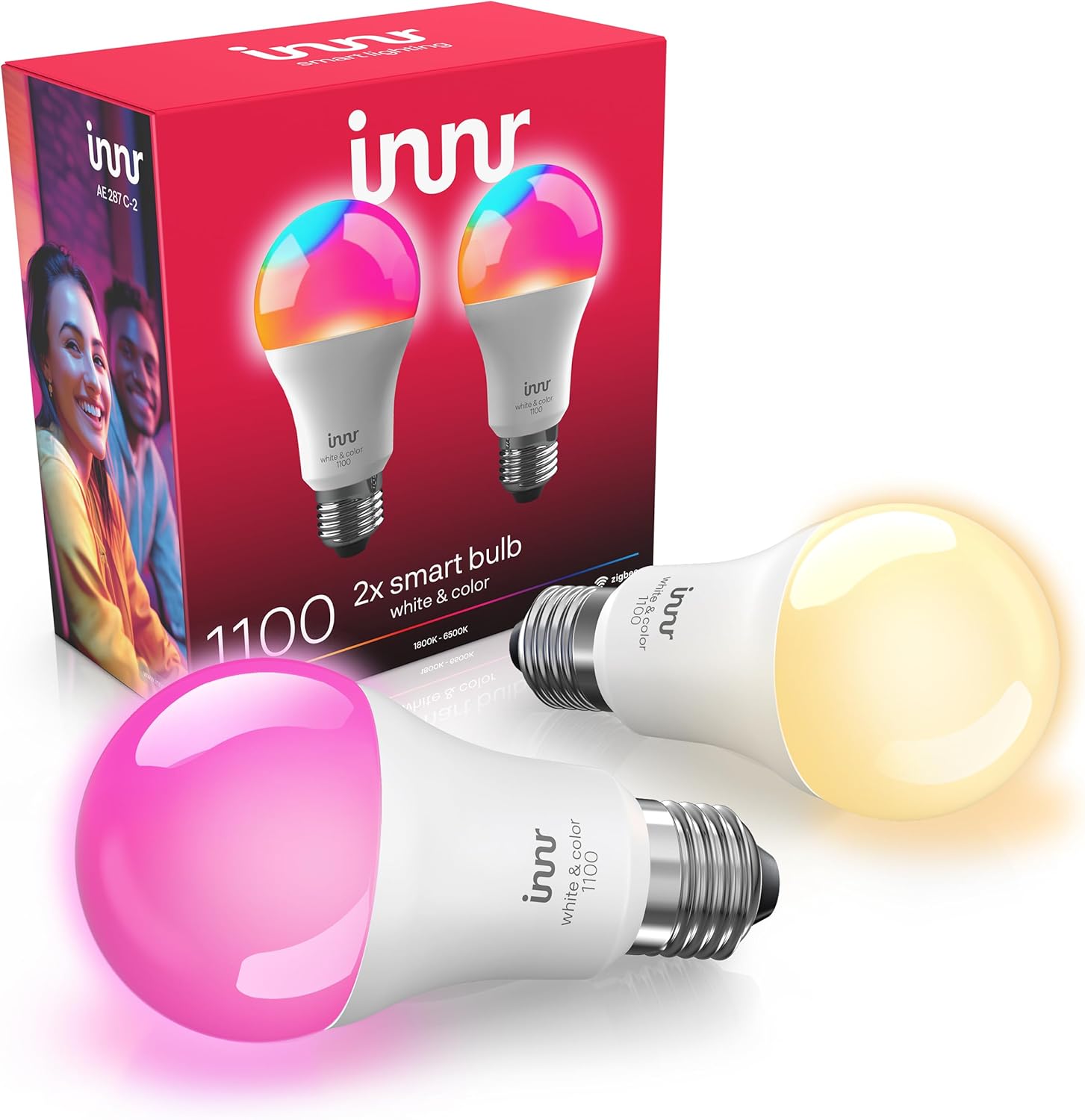
innr Zigbee A19 Smart Bulb, Works with Hue*, Alexa, Smart...

innr Zigbee A19 Smart Bulb, Works with Hue*, Alexa, Smart...
As an Amazon Associate we earn from qualifying purchases.
Official Manufacturer Manual
Innr provides official product documentation through their online manual rather than downloadable PDF. Access setup guides, troubleshooting steps, and product specifications for your Innr Smart Bulb.
Source: innr.com
Need More Help? Innr Support
Note: The contact information below connects you directly to Innr's official customer support team, not Trunetto. They can help with warranty claims, device replacements, and advanced technical issues.