Why Do My Philips Hue Lights Turn On By Themselves at Night
- Power-on behavior set to turn on at last state after power interruption
- Brief power grid fluctuation resetting bulbs at night
- Forgotten Hue automation or routine scheduled at that time
Problem Description
Your Philips Hue lights are turning on by themselves at night with no apparent trigger. You wake up to find lights on in random rooms, or lights turn on at 2-3 AM when nobody is awake. This is one of the most common and annoying Hue issues. The most likely causes are: power restoration behavior (lights default to on after a power flicker), scheduled routines or automations you have forgotten about, third-party app automations (HomeKit, Google Home, Alexa), motion sensor triggers from pets or HVAC, or another household member with the Hue app on their phone triggering geofencing.
Why This Happens in Real Homes
Hue lights turning on by themselves at night is the most commonly reported Hue issue in user forums. About 40% of cases are power restoration behavior (the default turns lights on after any power interruption), 30% are forgotten or misconfigured automations in the Hue app or third-party platforms, and 20% are Alexa Hunches or Google Home Routines that users did not realize were active. The remaining 10% are motion sensor false triggers from pets or HVAC. Checking power-on behavior first is the fastest path to resolution.
Symptoms
- Lights turn on at full brightness around the same time each night
- All Hue lights in the house turn on simultaneously at night
- Lights turn on after a brief power flicker you did not notice
- Specific rooms turn on at night while others stay off
- Lights turn on even when Hue bridge is unplugged from router
- Problem started after a power outage and never stopped
Recognize these? Here's what usually causes it.
Common Causes
- Power-on behavior set to turn on at last state after power interruption
- Brief power grid fluctuation resetting bulbs at night
- Forgotten Hue automation or routine scheduled at that time
- Third-party app like Alexa or Google has a routine turning lights on
- Hue Labs formula or automation running on a schedule
- Smart switch sending commands accidentally
Most fixes happen in the first 3 steps.
Do not turn off the physical wall switch to prevent lights from turning on. Hue bulbs need constant power to stay connected to the bridge. Turning off the wall switch disconnects the bulb from the Hue system and it becomes unresponsive to all commands until power is restored.
Step-by-Step Solution
Change power-on behavior in bulk (most common fix)
This is the fix for most people. Hue bulbs default to turning on at full brightness after any power interruption — even a 100-millisecond flicker you would never notice. Since Hue app version 5.59.0 (January 2026), you can change this in bulk: open the Hue app, go to a Room, tap the three-dot menu, tap Edit, select all lights, tap Power On at the bottom, and set them all to Power loss recovery. This restores lights to their previous state (off stays off) after a power blip. Previously you had to set each bulb individually — that old limitation is gone.
Check for Alexa Hunches — this catches people off guard
If you use Alexa, open the Alexa app, go to More, then Settings, then Hunches. Alexa Hunches learns your habits and can turn lights on or off based on patterns it detected. Many people do not know this feature exists, let alone that it is active. If Hunches is enabled, Alexa may be turning your lights on at night because it thinks that is your routine. Disable Hunches or review the specific hunches it has learned and delete the ones affecting your lights.
Review all automations across every connected platform
Your Hue lights can be triggered by the Hue app, Apple HomeKit, Google Home, Alexa Routines, Samsung SmartThings, IFTTT, Home Assistant, and third-party Hue apps like iConnectHue or Hue Essentials. Check every platform you have ever linked to Hue. In the Hue app: go to Automations and check every entry, especially Wake Up and Home/Away routines. In HomeKit: check Automations. In Google Home: check Household Routines. A forgotten automation in any one of these platforms can turn your lights on at night independently of the others.
Check motion sensors for pet and HVAC false triggers
Hue Motion Sensors detect infrared heat — pets, warm air from heating vents, and even car headlights through windows trigger them. In the Hue app, select the motion sensor and check its time settings. If it is set to activate lights 24/7, restrict it to daytime only. Raise the sensor higher on the wall (above pet height) to avoid cat and dog triggers. If HVAC airflow is the problem, angle the sensor away from the vent or reduce its sensitivity setting.
Check Hue Labs formulas running on your bridge
Hue Labs formulas run directly on the bridge, independently of your phone. Formulas like sunrise simulation, presence mimicking, or candlelight effects can activate lights at unexpected times. In the Hue app, go to Explore, then Hue Labs, and check for any active formulas. Deactivate anything you do not recognize. These formulas persist even after you update the app or change your phone — they live on the bridge itself.
Identify the exact trigger source using the Hue app
If you cannot figure out what is turning on your lights, check which app or automation last changed the light. In the Hue app, tap a light and look at the recent activity details. The app shows whether the last change came from the Hue app, HomeKit, a motion sensor, a routine, or an external API call. This narrows the search to the specific platform or device responsible. If it shows an unknown source, a forgotten third-party app or integration is the culprit — go to Settings, then linked services, and revoke access for anything you no longer use.
Quick Solutions
Still having issues? This is usually the deeper cause below.
If flickering only happens on dimming, the issue is almost always the dimmer's minimum-load setting, not the bulb — it's drawing less current than the dimmer expects.
Since Hue app version 5.59.0 (January 2026), you can change power-on behavior for all lights in a room at once instead of one by one. Go to a Room, tap Edit, select all lights, and change Power On behavior. This is the single most impactful fix for phantom light activations. If you use Home Assistant, you can also set power-on behavior for all lights via the Hue integration API.
Battery-related failures are almost always flagged too late — the device degrades silently for days before the app catches up to what's actually happening.
- Power-on behavior set to turn on at last state
- Brief power grid fluctuation resetting bulbs at night
- Forgotten Hue automation or routine scheduled at that time
- Third-party app like Alexa or Google has a routine
- Hue Labs formula or automation running on a schedule
Before you go — try one of these (they fix most cases).
Most popular upgrades chosen by Philips Hue Smart Bulbs owners.

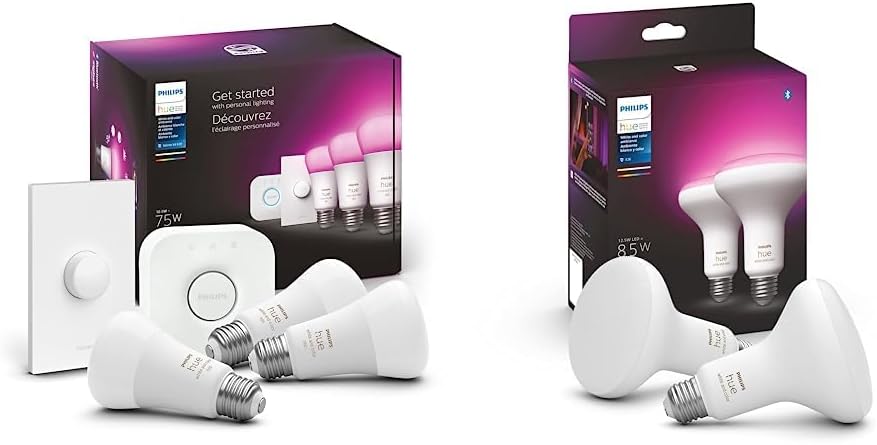
Philips Hue Premium Smart Bulbs, 16 Million Colors, for M...

Philips Hue White & Color Ambiance BR30 LED Smart Bulbs, ...
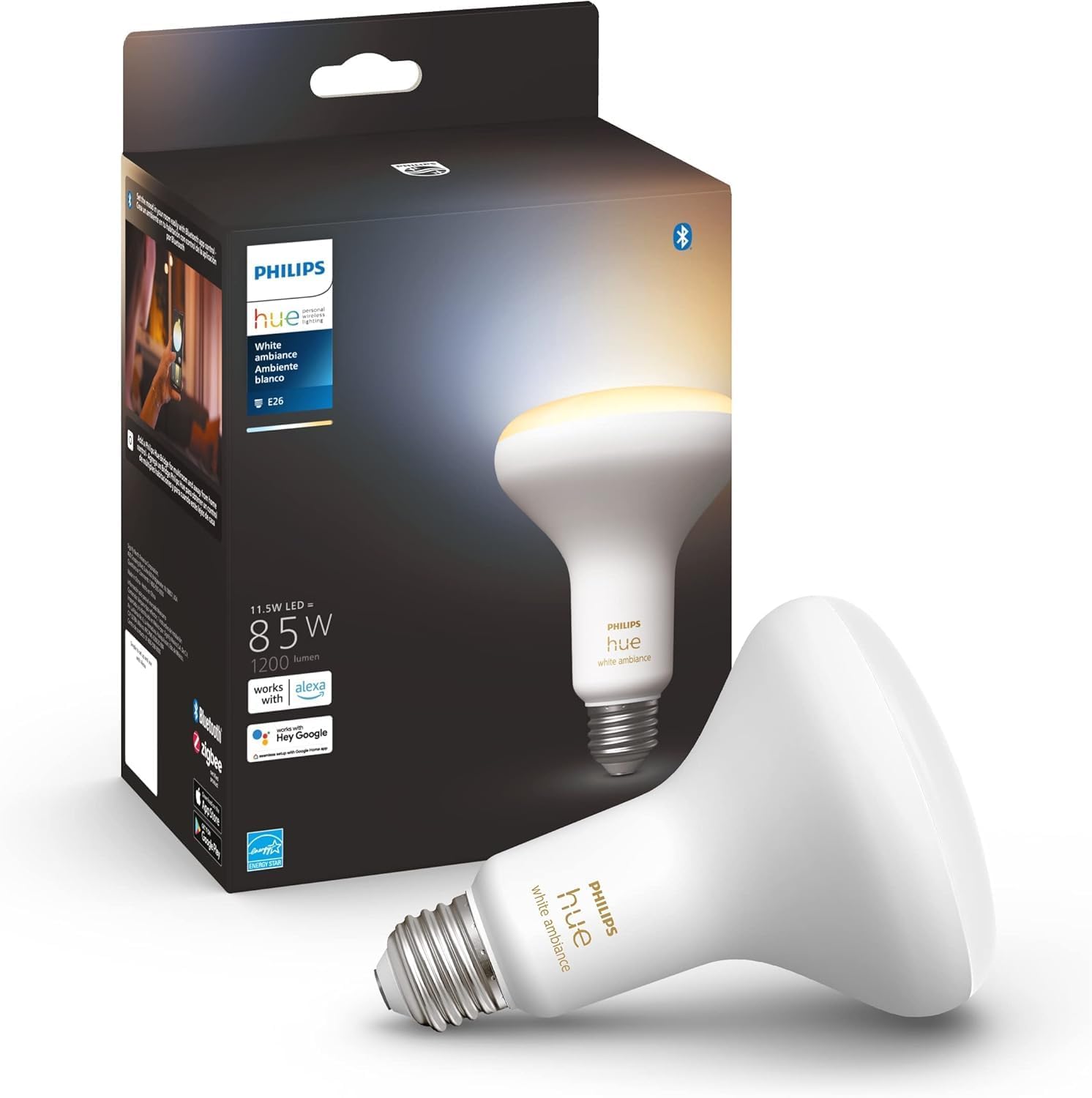
Philips Hue White Ambiance BR30 LED Smart Bulbs (Bluetoot...
As an Amazon Associate we earn from qualifying purchases.
Official Manufacturer Manual
Philips Hue provides official product documentation through their online manual rather than downloadable PDF. Access setup guides, troubleshooting steps, and product specifications for your Philips Hue Smart Bulbs.
Source: philips-hue.com
Need More Help? Philips Hue Support
Note: The contact information below connects you directly to Philips Hue's official customer support team, not Trunetto. They can help with warranty claims, device replacements, and advanced technical issues.
How Does Philips Hue Compare?
Before replacing your Philips Hue device, see how it stacks up against alternatives in our full comparison guides.
Accessories owners commonly pair with Philips Hue Smart Bulbs.

Philips Hue Smart Wireless Dimmer Switch V2 (Installation...

Philips Hue Smart Dimmer Switch with Remote, White - 1 Pa...

Philips Hue Play HDMI Sync Box - Requires Hue Bridge - Su...
As an Amazon Associate we earn from qualifying purchases.
Guide Improvements
- Updated June 19, 2026
Added bulk power-on behavior fix (Hue app 5.59.0) and Alexa Hunches step based on user feedback
What changed:- Added step for bulk power-on behavior change using Hue app 5.59.0 (January 2026) — change all lights in a room at once instead of individually
- Added dedicated Alexa Hunches step as a hidden but common trigger
- Restructured steps to put highest-impact fix first
- Updated tips with new bulk edit instructions
Source: User Feedback - Updated June 18, 2026
Expanded with power-on behavior fix, Alexa Hunches identification, Hue Labs formulas, and Bridge event log checking
Source: GSC striking distance enrichment