

How Do I Replace the SwitchBot Bot Battery?
- CR2 battery depleted
- High daily press activity draining it
- Cold weather sapping the battery
Problem Description
You need to replace the battery in your SwitchBot Bot. Check the battery level in the SwitchBot app first. The Bot uses a CR2 lithium battery located inside the unit — pull the Bot off its mount and slide open the battery compartment on the back. Battery life is typically 600 days with normal use. This guide covers checking battery level, opening the compartment, and installing a new CR2.
Why This Happens in Real Homes
The SwitchBot Bot runs on a single CR2 lithium battery (a 3V camera-style cell, not a common AA), which is the first thing to know when it stops pressing — many people look for a AA or coin cell and can't find the right one. You slide the Bot's cover off to reach the compartment.
Replace it with a fresh, quality CR2 in the correct orientation, seat it fully, and check the contacts are clean, then confirm the Bot reconnects in the app. Battery life depends on how often it presses and the temperature — very frequent activations or cold locations shorten it. Switch mode (with the pulling attachment) also draws a bit more than simple press mode.
Symptoms
- Need to replace the Bot's battery
- Bot stopped working
- Low battery on the Bot
- Which battery it uses
- How to open the Bot
- Weak or no pressing before replacement
- Frequent replacements
- Bot unresponsive
Recognize these? Here's what usually causes it.
Common Causes
- CR2 battery depleted
- High daily press activity draining it
- Cold weather sapping the battery
- Battery installed wrong / not seated
- Using an off-brand or weak CR2
- Battery contacts dirty
- Switch mode using more power
- Old battery losing capacity
Most fixes happen in the first 3 steps.
Never exceed the smart plug maximum wattage rating listed on the device or packaging. Do not use smart plugs with space heaters, high-wattage appliances, or devices that must not be interrupted like medical equipment. Smart plugs are not designed for outdoor use unless specifically rated for it.
Tools & Requirements
These tools will help you complete this fix.
As an Amazon Associate we earn from qualifying purchases.
Step-by-Step Solution
Check battery level in the SwitchBot app
Open the SwitchBot app. Tap the SwitchBot Bot device. The battery level shows as a percentage. The SwitchBot Bot uses a single CR2 lithium battery. Battery life is approximately 600 days with standard use (a few presses per day). When the battery drops below 20%, the app shows a low battery warning. Below 10%, the motor may not have enough power to press buttons reliably.
Needed for this step
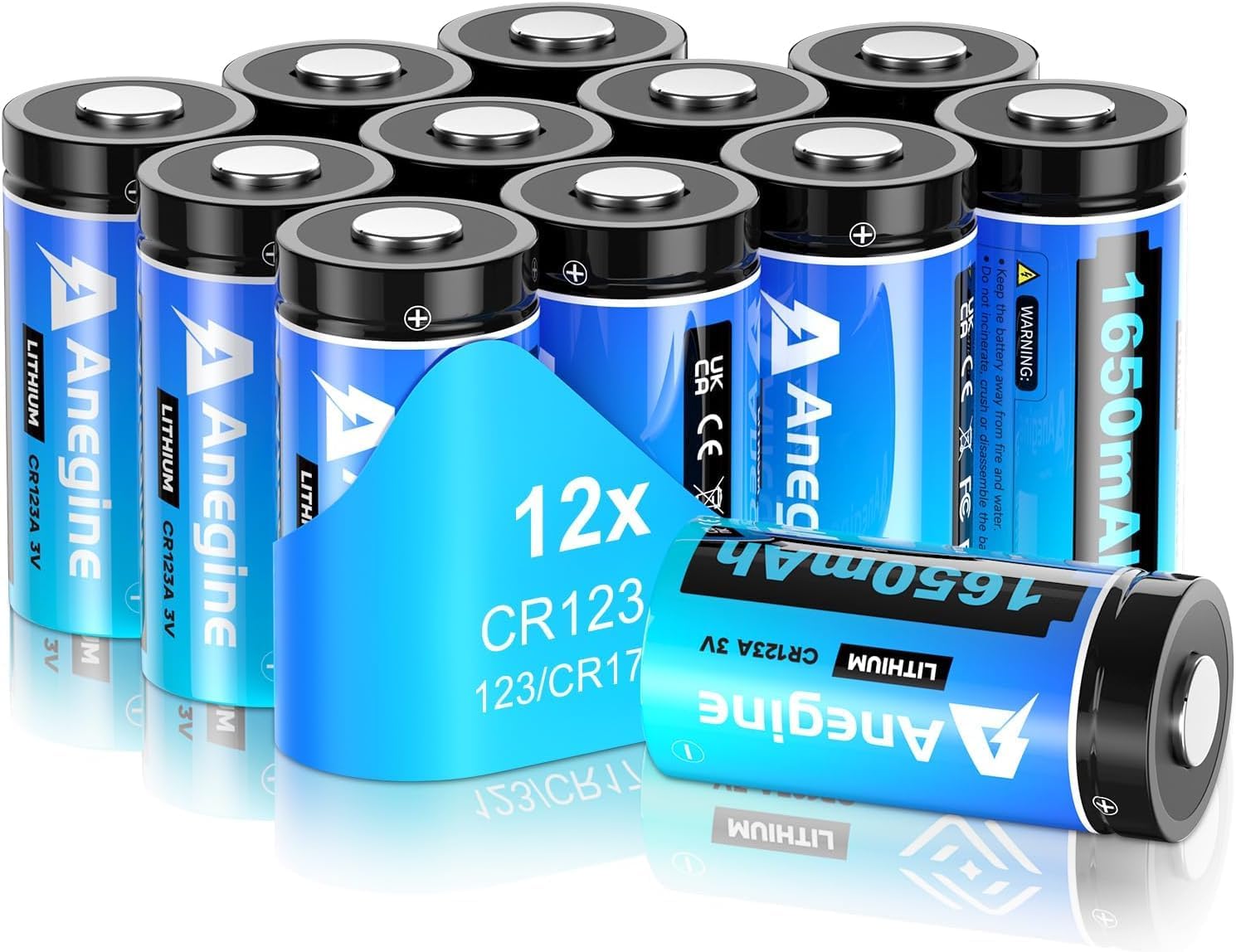
anegine CR123A 3V Lithium Battery 1650mAh, 123A...
This helps complete the fix you are currently reading.
$18.99Open the SwitchBot Bot
The SwitchBot Bot has a pull-off cover on the back. Grip the top and bottom edges and pull apart — it separates without tools. Inside, you see the CR2 battery sitting in its holder. The CR2 is a 3V lithium camera battery, shorter and wider than a standard AA. Do not confuse it with CR123A (different size) or CR2032 (coin cell). The CR2 is available at camera stores, electronics stores, and online.
Replace the CR2 battery
Note the battery orientation — positive (+) end faces up in most Bot models. Remove the old battery and insert the new CR2 in the same orientation. If inserted backwards, the Bot does not power on. Snap the cover back on. The Bot reconnects to the SwitchBot app automatically within 30 seconds. Check the app — the battery level should show near 100%.
Test the Bot after battery replacement
In the SwitchBot app, tap the Bot to trigger it. The arm should extend and press with full force. If the arm moves but is weak, the battery may be a low-quality knockoff — use a name-brand CR2 (Panasonic, Energizer, Duracell). If the arm does not move at all, check the battery orientation. If it still does not work, remove the battery, wait 10 seconds, reinsert — this performs a hard reset.
Extend battery life
To maximize CR2 battery life: reduce unnecessary activations (do not use the Bot for fun demo presses), use schedules instead of frequent manual triggers, and keep the Bot firmware updated (firmware updates can improve power efficiency). If the Bot is used in a high-frequency scenario (pressing a button 10+ times daily), expect battery life closer to 200-300 days. In those cases, consider the SwitchBot Bot running on USB-C power (newer models support wired power).
Quick Solutions
Still having issues? This is usually the deeper cause below.
If drain continues after replacing batteries, check the event history — a stuck-open sensor or rapid polling loop burns through batteries in days.
Use smart plugs with energy monitoring to track exactly how much electricity each appliance uses. Set up Away Mode schedules that randomly toggle lamps on and off to make your home look occupied when you are traveling.
App battery indicators run 15–20% behind actual charge levels — by the time the low warning appears, the device has been struggling for days.
- CR2 battery depleted
- High daily press activity draining it
- Cold weather sapping the battery
- Battery installed wrong / not seated
- Using an off-brand or weak CR2
Before you go — try one of these (they fix most cases).
Most popular upgrades chosen by SwitchBot Bot owners.

SwitchBot Smart Plug Mini, 15A Energy Monitoring, WiFi & ...

SwitchBot Smart Plug Mini, 15A Energy Monitoring, WiFi & ...
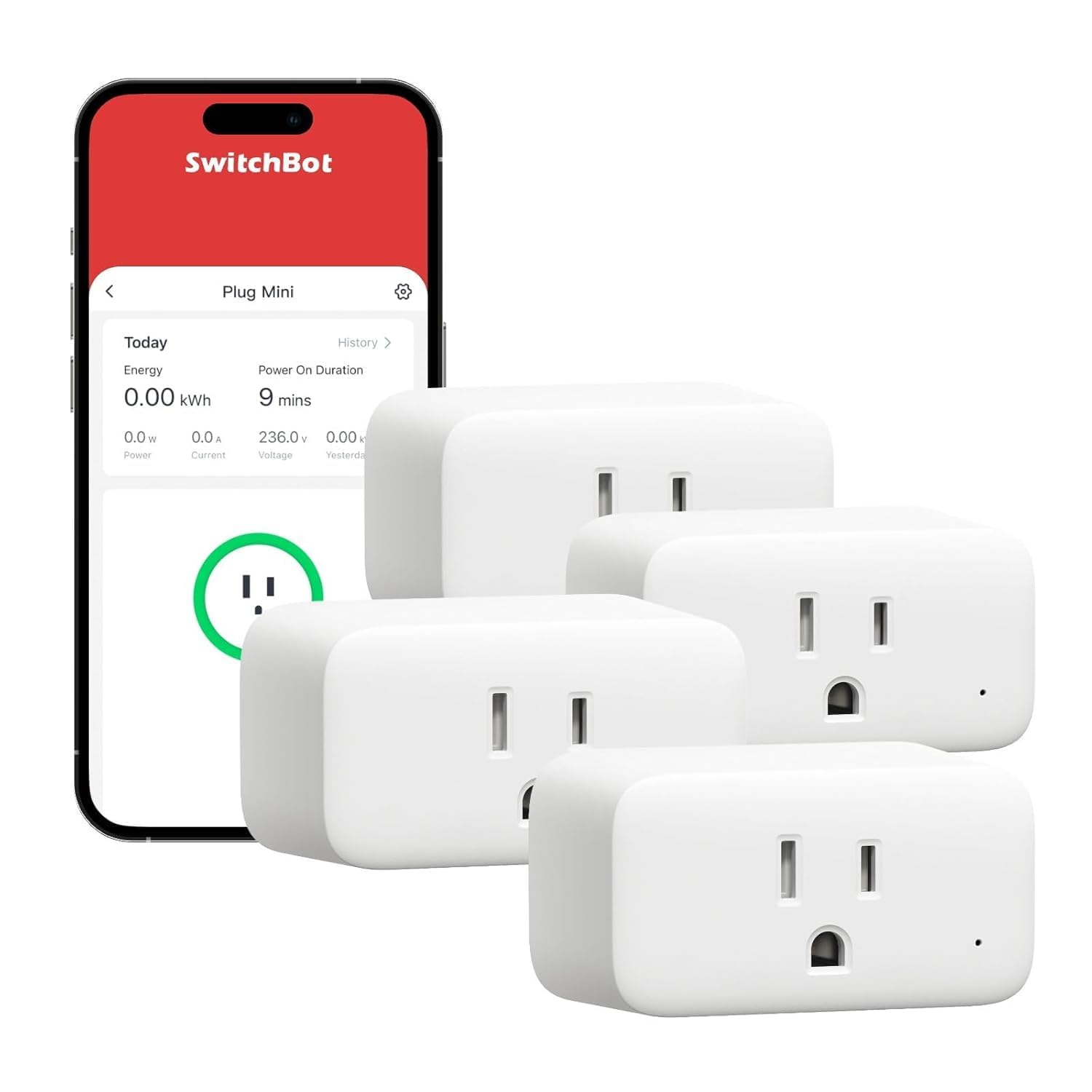
SwitchBot Smart Plug Mini, 15A Energy Monitoring, WiFi & ...
As an Amazon Associate we earn from qualifying purchases.
Official Manufacturer Manual
SwitchBot provides official product documentation through their online manual rather than downloadable PDF. Access setup guides, troubleshooting steps, and product specifications for your SwitchBot Bot.
Source: support.switch-bot.com
Need More Help? SwitchBot Support
Note: The contact information below connects you directly to SwitchBot's official customer support team, not Trunetto. They can help with warranty claims, device replacements, and advanced technical issues.
Accessories owners commonly pair with SwitchBot Bot.

Sengled Alexa Light Bulb, S1 Auto Pairing with Alexa Devi...

Sengled Smart Light Bulbs, Color Changing Alexa/Bluetooth...

Ring Rechargeable Quick Release Battery Pack
As an Amazon Associate we earn from qualifying purchases.


