

Why Is My Kohler Touchless Faucet Running Water Continuously and Won't Shut Off
- Sensor window obstructed by soap residue or mineral deposits
- Low battery causing erratic sensor behavior
- Solenoid valve stuck in the open position
Problem Description
Your Kohler touchless kitchen or bathroom faucet is running water continuously and will not shut off when you move your hands away from the sensor. The water keeps flowing regardless of hand proximity to the sensor zone. You may need to turn off the water supply valve under the sink to stop the flow.
Why This Happens in Real Homes
A touchless faucet that won't shut off is either being told to stay on or is physically stuck open. On the 'told to stay on' side, the infrared sensor keeps detecting something: a soap or mineral film on the sensor window scattering its own beam back, condensation on the lens, a shiny object in the detection zone, or sensitivity cranked too high so it reads constant motion. Cleaning and drying the window, clearing reflective clutter, and lowering sensitivity at the control box address that class of problem - and a weak 6-AA battery makes the sensor erratic, so fresh cells help.
On the 'physically stuck' side, the solenoid valve that controls flow can hang in the open position, often from debris or scale, so the electronics send a close signal but water keeps running. A firm tap on the valve body can free a stuck plunger, and a full reset by disconnecting the batteries for 30 seconds re-initializes the control module - especially useful if it got damp under the sink. While you diagnose, close the under-sink supply valve to stop wasting water. If the faucet cycles on and off rapidly or won't respond at all after cleaning, a reset, and fresh batteries, the control module or solenoid likely needs service.
Symptoms
- Water runs continuously and won't stop after activation
- Moving hands away doesn't trigger shutoff
- Faucet turns on by itself with no hand motion
- Water cycles on and off rapidly every few seconds
- Sensor LED stays lit constantly
- Manual override doesn't stop the flow
- Had to close the supply valve to stop the water
- Shutoff delayed well past the normal couple of seconds
Recognize these? Here's what usually causes it.
Common Causes
- Sensor window obstructed by soap residue or mineral deposits
- Low battery causing erratic sensor behavior
- Solenoid valve stuck in the open position
- Reflective objects near the sensor creating false triggers
- Condensation or water film on the sensor window
- Sensor control module affected by water exposure
- Sensitivity set too high, detecting constant motion
- Electromagnetic interference from nearby appliances
Most fixes happen in the first 3 steps.
A continuously running faucet can waste hundreds of gallons of water per day and significantly increase your water bill. Always shut off the supply valves as the first step before troubleshooting.
Tools & Requirements
These tools will help you complete this fix.

AA or AAA alkaline batteries
Duracell Coppertop Double AA Batteries with Power Bo...
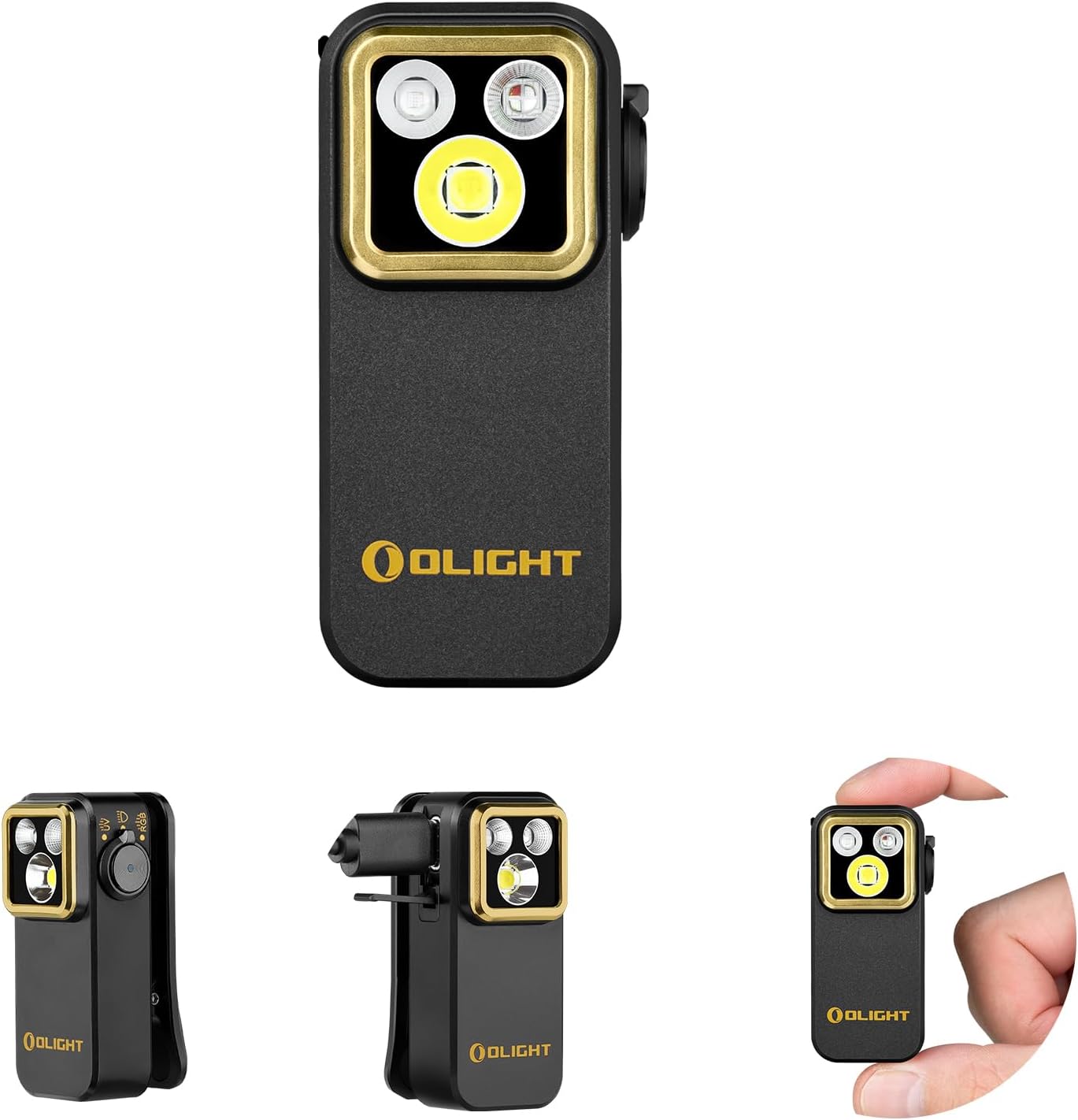
Flashlight
OLIGHT Oclip Pro S EDC Flashlight Clip-on Light, 600...

Screwdriver
STREBITO 155 in 1 Electric Screwdriver Set, Small El...

Soft dry cloth
WHOOSH! Pro 16.9 fl oz Refillable TV Screen Cleaner ...
As an Amazon Associate we earn from qualifying purchases.
Step-by-Step Solution
Emergency Water Shutoff
If water is flowing continuously, immediately turn off the hot and cold water supply valves under the sink by rotating them clockwise until tight. This stops the water flow while you troubleshoot. If your under-sink valves are difficult to turn or do not fully close, you may need to shut off the main water supply to the house temporarily.
Replace Batteries and Reset
Open the battery compartment, typically located on the control box under the sink or inside the faucet base. Remove all batteries and wait 30 seconds. This fully resets the sensor control module. Insert fresh alkaline AA or AAA batteries depending on your model. Do not use rechargeable batteries as the lower voltage can cause sensor malfunctions. Turn the water supply back on and test if the faucet now responds correctly to hand proximity.
Needed for this step
Duracell Coppertop Double AA Batteries with Pow...
This helps complete the fix you are currently reading.
$6.96Clean the Sensor and Remove Obstructions
Locate the infrared sensor window on the faucet, usually on the front or top of the spout. Clean it with a dry soft cloth to remove any water spots, soap film, or mineral deposits. Check that nothing is positioned within 4 inches of the sensor that could reflect the infrared beam and create a false trigger. Items like chrome soap dispensers, shiny backsplash tiles, or metallic dish racks placed near the sensor can cause continuous activation.
Needed for this step
WHOOSH! Pro 16.9 fl oz Refillable TV Screen Cle...
This helps complete the fix you are currently reading.
$19.99Check the Solenoid Valve
Under the sink, locate the solenoid valve, a cylindrical component connected to the water supply lines. If the valve is stuck in the open position, gently tap the side of the solenoid body with the handle of a screwdriver. This can free a stuck plunger that is holding the valve open. If tapping resolves the issue temporarily but it recurs, the solenoid valve likely needs replacement. Kohler sells replacement solenoid kits for most touchless models.
Needed for this step
STREBITO 155 in 1 Electric Screwdriver Set, Sma...
This helps complete the fix you are currently reading.
$45.99Test and Monitor
After completing all steps, turn the water supply valves back on slowly. Test the sensor by placing your hand near it and then removing it. Water should start within 1 second of hand detection and stop within 2 seconds of hand removal. If the faucet still runs continuously, disconnect the sensor cable from the control box. If water still flows with the sensor disconnected, the solenoid valve has failed and needs replacement. Contact Kohler support for warranty coverage.
Quick Solutions
Still having issues? This is usually the deeper cause below.
If this comes back after following these steps, check whether a recent app or firmware update reset a default setting — the fix works, but the setting gets reverted silently.
Some Kohler touchless models have an adjustable sensor range. If the faucet is triggering too easily, reduce the sensor range in the control module settings to prevent false activations from nearby objects.
Battery-related failures are almost always flagged too late — the device degrades silently for days before the app catches up to what's actually happening.
- Sensor window obstructed by soap residue or mineral deposits
- Low battery causing erratic sensor behavior
- Solenoid valve stuck in the open position
- Reflective objects near the sensor creating false triggers
- Condensation or water film on the sensor window
Before you go — try one of these (they fix most cases).
Most popular upgrades chosen by Kohler Touchless Faucet owners.
As an Amazon Associate we earn from qualifying purchases.
Official Manufacturer Manual
Kohler provides official product documentation through their online manual rather than downloadable PDF. Access setup guides, troubleshooting steps, and product specifications for your Kohler Touchless Faucet.
Source: kohler.com
Need More Help? Kohler Support
Note: The contact information below connects you directly to Kohler's official customer support team, not Trunetto. They can help with warranty claims, device replacements, and advanced technical issues.


