

How to Fix First Alert Interconnected Alarms All Going Off at Once
- One detector with dust buildup or a failing sensor false-triggering
- An end-of-life detector (10+ years) sending malfunction signals
- Wiring issue on the red interconnect wire (voltage spikes)
Problem Description
All interconnected First Alert smoke or CO detectors sound simultaneously when only one area has a potential trigger, making it impossible to identify the source or silence the alarms. Interconnected detectors — hardwired or wirelessly linked — are designed so any triggered unit activates the entire network. When all units alarm from a single non-smoke event, the cause is usually a dirty or aging detector sending a false trigger signal to the rest of the network.
Why This Happens in Real Homes
Interconnected detectors are designed so any triggered unit sounds the entire network - that's the safety feature. The frustrating side effect is that when one unit false-triggers, the whole house alarms and you can't easily tell which detector started it. When all units alarm from a single non-smoke event, the culprit is almost always one detector in the chain sending a false trigger: dust or a failing sensor, an end-of-life unit (over 10 years old) throwing malfunction signals, an insect in the sensing chamber, or a detector mounted too close to a kitchen or bathroom reacting to steam. The key task is identifying the originating detector, and many First Alert units help - the unit that initiated the alarm typically shows a different LED/indicator state than the ones merely relaying it.
Once you've found the originating unit, isolate it to confirm, then address the cause: clean its sensing chamber, replace it if it's at end of life or has a failing sensor, or relocate it if it's too close to a nuisance source. Middle-of-the-night alarms with no smoke are classic signs of a dust-laden or dying detector, since temperature and humidity shift overnight. On hardwired networks, a wiring fault on the red interconnect wire can cause voltage spikes that trigger the chain, so check that too. And because mixing incompatible brands or models on one interconnect can cause spurious network alarms, verify compatibility. Never solve this by disabling detectors - clean, replace, or relocate the offending unit so the life-safety network stays intact.
Symptoms
- All detectors alarm at the same time
- Can't tell which detector originally triggered
- Middle-of-the-night alarms with no smoke/CO source
- Detectors re-alarm minutes after being silenced
- One detector chirping makes all units chirp
- A newly added detector triggers false alarms on all
- False network-wide alarms
- Whole house alarms from a single area event
Recognize these? Here's what usually causes it.
Common Causes
- One detector with dust buildup or a failing sensor false-triggering
- An end-of-life detector (10+ years) sending malfunction signals
- Wiring issue on the red interconnect wire (voltage spikes)
- Humidity/temperature change affecting one sensitive detector
- Mixing incompatible detector brands/models on one interconnect
- Insects/spiders inside one detector's sensing chamber
- One low-battery unit signaling the chain
- A detector too close to a kitchen/bathroom
Most fixes happen in the first 3 steps.
{"Never disconnect or disable interconnected detectors to stop false alarms without fixing the root cause. Local fire codes require working interconnected detection in most homes.","If a CO alarm sounds and you cannot find the source, evacuate and call your fire department. CO is odorless and lethal."}
Tools & Requirements
These tools will help you complete this fix.

Compressed air can
Compressed Air Duster,130000RPM Electric Air Duster ...

Replacement detectors if end of life
Duracell 2032 Lithium Battery, 6 Count (Pack of 1), ...

Voltage tester for wiring inspection
Klein Tools 80196 Digital Multimeter Kit with Case, ...
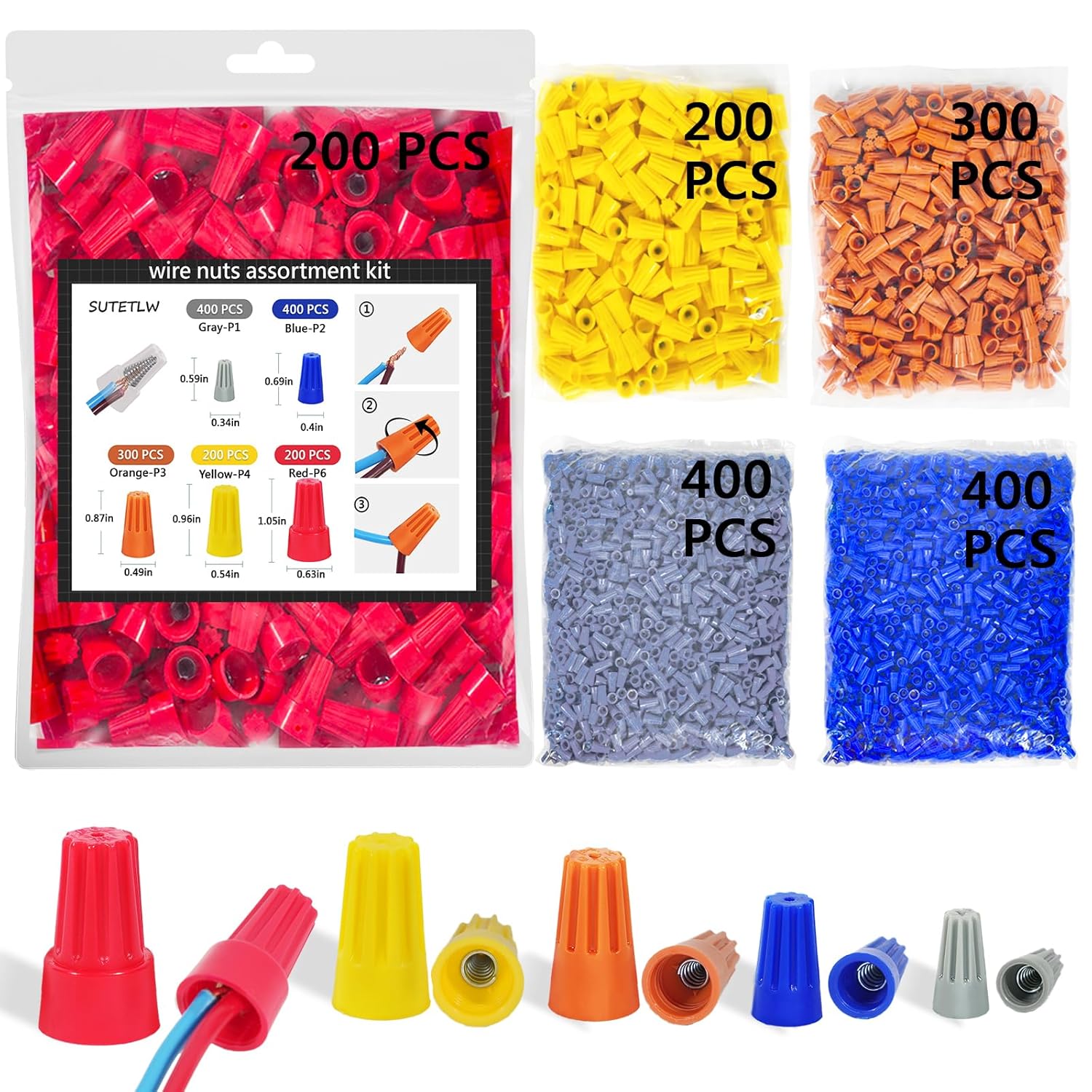
Wire nuts for any wiring repairs
Wire Nuts Assortment Kit 1500 PCS Insulating Insert ...
As an Amazon Associate we earn from qualifying purchases.
Step-by-Step Solution
Identify the Initiating Detector
When all alarms sound, walk through the home and look for a detector with a different LED pattern from the others. On First Alert detectors, the unit that originally triggered typically shows a steady red blink while the rest show the interconnect pattern. The initiating unit is usually in the room where the actual trigger event occurred — kitchen, bathroom, furnace room, or garage. Knowing the source helps determine whether it is a real smoke event or a nuisance trip.
Needed for this step
Duracell 2032 Lithium Battery, 6 Count (Pack of...
This helps complete the fix you are currently reading.
$6.59Check for Cooking Smoke, Steam, or Exhaust
The most common cause of whole-house First Alert activation is the kitchen or bathroom detector responding to cooking smoke, shower steam, or bathroom exhaust backdraft. Before assuming a fault, verify no smoking, burning, or steaming activity occurred in the past 10 minutes. If kitchen-area alarms trigger frequently during normal cooking, relocate the nearest detector 10 feet away from the stove and add a range hood or ventilation fan to reduce smoke concentration at the sensor.
Clean the Initiating Detector
Dust, insects, and debris inside the smoke chamber cause false triggers that then activate the entire interconnected network. Remove the detector cover and use compressed air to blow out the sensing chamber. Vacuum the exterior grille with a brush attachment. Do not use cleaning sprays inside the detector — they leave residue that worsens sensitivity. After cleaning, reinstall and test by pressing the test button. If it immediately re-triggers without any smoke source, the detector needs replacement.
Needed for this step
Compressed Air Duster,130000RPM Electric Air Du...
This helps complete the fix you are currently reading.
$20.99Check Detector Age and Replace if Expired
First Alert recommends replacing smoke detectors every 10 years and CO detectors every 7 years. An aging sensing chamber becomes hypersensitive to normal environmental changes and generates false alarms that propagate across the network. Check the manufacture date printed on the back of each detector. If any unit is past its replacement date, replace it first — a single expired detector can cause the entire network to false alarm repeatedly.
Test Interconnect Wiring or Wireless Pairing
For hardwired interconnected systems, a wiring fault on the interconnect line (orange wire on standard First Alert installations) can trigger all units simultaneously without a real smoke event. Turn off the circuit breaker for the smoke detectors, disconnect the orange interconnect wire from each unit, then reconnect one at a time and restore power. If false alarms stop after disconnecting a specific unit, that detector's interconnect output is faulty and it needs replacement.
Needed for this step
Klein Tools 80196 Digital Multimeter Kit with C...
This helps complete the fix you are currently reading.
$46.15Quick Solutions
Still having issues? This is usually the deeper cause below.
Notification delays almost always return after a major iOS or Android update — background app refresh gets reset to restricted on every major OS version.
{"The solid red LED indicates the originating unit while flashing red means it was triggered by the interconnect wire","Replace all detectors in the chain at the same time if they are similar age to prevent one old unit from affecting the new ones","Do not mix First Alert and Kidde detectors on the same interconnect wire even though they use the same wire colors","Test the interconnect monthly by pressing Test on one detector and verifying all others also sound"}
Notification delays over 2 minutes are almost never the device's fault — background app restrictions quietly re-enable themselves after every OS update.
- One detector with dust buildup or a failing sensor
- An end-of-life detector (10+ years) sending malfunction signals
- Wiring issue on the red interconnect wire (voltage spikes)
- Humidity/temperature change affecting one sensitive detector
- Mixing incompatible detector brands/models on one interconnect
Before you go — try one of these (they fix most cases).
Official Manufacturer Manual
First Alert provides official product documentation through their online manual rather than downloadable PDF. Access setup guides, troubleshooting steps, and product specifications for your First Alert Onelink / Hardwired Interconnect Smoke & CO Detectors.
Source: support.firstalert.com
Need More Help? First Alert Support
Note: The contact information below connects you directly to First Alert's official customer support team, not Trunetto. They can help with warranty claims, device replacements, and advanced technical issues.
Accessories owners commonly pair with First Alert Onelink / Hardwired Interconnect Smoke & CO Detectors.

As an Amazon Associate we earn from qualifying purchases.


