Matter Sensor Unavailable in Automations After Commissioning
- Sensor is a Thread end device that lost its mesh path
- Battery too low to maintain regular Thread beacon communication
- Controller hub did not receive state update and marked sensor unavailable after timeout
Problem Description
Your Matter-certified sensor — motion, contact, temperature, or occupancy — shows as commissioned in the controller app but cannot be selected as a trigger in automations, its status never updates, or the controller marks it as unavailable when building automation rules. Matter sensor automation failures are caused by Thread path failures that prevent state updates from reaching the controller hub, or by batteries too low to maintain reliable Thread radio operation between sleep cycles.
Symptoms
- Sensor appears in device list but state never updates from last known value
- Automation builder shows sensor as unavailable or grayed out
- Sensor-triggered automations stopped firing despite sensor showing commissioned
- Sensor state updates are delayed by many minutes rather than near real-time
- Sensor works immediately after manual trigger then becomes unresponsive again
Recognize these? Here's what usually causes it.
Common Causes
- Sensor is a Thread end device that lost its mesh path
- Battery too low to maintain regular Thread beacon communication
- Controller hub did not receive state update and marked sensor unavailable after timeout
- Sensor in sleep state when Thread path was lost and cannot recover without trigger
- Controller app polling interval or sensor timeout setting is too conservative
Most fixes happen in the first 3 steps.
Contact sensors on metal doors or windows with metal frames may have reduced Thread signal through the frame. Mount the sensor body on the door frame (non-metal part) rather than on the metal door itself.
Tools & Requirements
These tools will help you complete this fix.
As an Amazon Associate we earn from qualifying purchases.
Step-by-Step Solution
Replace Sensor Batteries as the First Step
Thread sensors sleep between events to conserve battery. When batteries drop below threshold, the Thread radio signal during wake cycles is too weak to reach the border router reliably. The sensor appears commissioned but its state is perpetually stale — the low battery indicator may not have triggered yet. Replace batteries with fresh name-brand alkaline cells regardless of the indicator. After replacement, manually trigger the sensor — open a contact sensor, wave in front of a motion sensor — and verify the controller app state updates within 5 seconds.

Needed for this step
Energizer Ultimate Lithium AA Batteries, Long L...
This helps complete the fix you are currently reading.
$83.98Confirm the Thread Path to the Border Router
Check Thread network status in Apple Home under Home Settings then Home Hubs and Bridges, or in Google Home under Settings then Matter and Thread. Confirm at least one border router shows as Connected. If the sensor is in a room far from any border router — a basement, detached garage, or far corner — its Thread path may be too weak for reliable state reporting. Add a Thread router-capable device (HomePod mini, Echo 4th gen) in an intermediate location to extend the mesh path to the sensor.
Manually Trigger the Sensor to Force a State Update
Matter Thread sensors push state updates when triggered — they do not poll continuously. If the sensor has not been triggered recently, the controller may show it unavailable due to inactivity timeout. Manually trigger the sensor: open the door for a contact sensor, walk in front of a motion sensor, or press the test button. Observe whether the controller app updates immediately. If it updates within 5 seconds, the sensor is working correctly and the unavailable status was due to inactivity, not a hardware or connectivity failure.
Check Automation for Sensor Availability Requirements
Some controller apps require a sensor to have a current valid state before it can trigger automations. In Apple Home, confirm the sensor shows a current state value in the device detail view — an Unknown state blocks automation triggering. In Google Home, confirm state is visible in the device card. Review the automation trigger conditions to confirm the event type matches what the sensor reports (contact open versus contact closed, motion detected versus motion cleared) — a mismatched trigger condition silently blocks firing.
Remove and Re-Commission if State Remains Stale Over 24 Hours
If the sensor state has not updated for more than 24 hours despite fresh batteries and a confirmed Thread path, the sensor's fabric entry may be corrupted. Remove the sensor from the controller app under device settings. Factory reset the sensor using the button procedure in the sensor manual. Re-add it by scanning its Matter QR code and completing commissioning. After re-commissioning, immediately manually trigger the sensor to confirm state updates reach the controller before rebuilding any automation rules.
Quick Solutions
Still having issues? This is usually the deeper cause below.
If this comes back after following these steps, check whether a recent app or firmware update reset a default setting — the fix works, but the setting gets reverted silently.
Matter sensors only push state when a change occurs — they do not poll. This is by design and energy efficient. Automations fire correctly as long as the Thread path is reliable at the moment of the state change.
Home Assistant issues that only appear after restart are a well-known quirk — triggers that require prior state history simply can't fire until that history rebuilds.
- Sensor is a Thread end device
- Battery too low to maintain regular Thread beacon communication
- Controller hub did not receive state update and marked
- Sensor in sleep state
- Controller app polling interval or sensor timeout setting is
Before you go — try one of these (they fix most cases).
Most popular upgrades chosen by Smart Sensor owners.

Smart Toilet Bidet,Auto Open/Close lid,Blackout Flush,Hea...

4 Channel 360° Dash Cam Front Rear Inside & Left Right,4K...
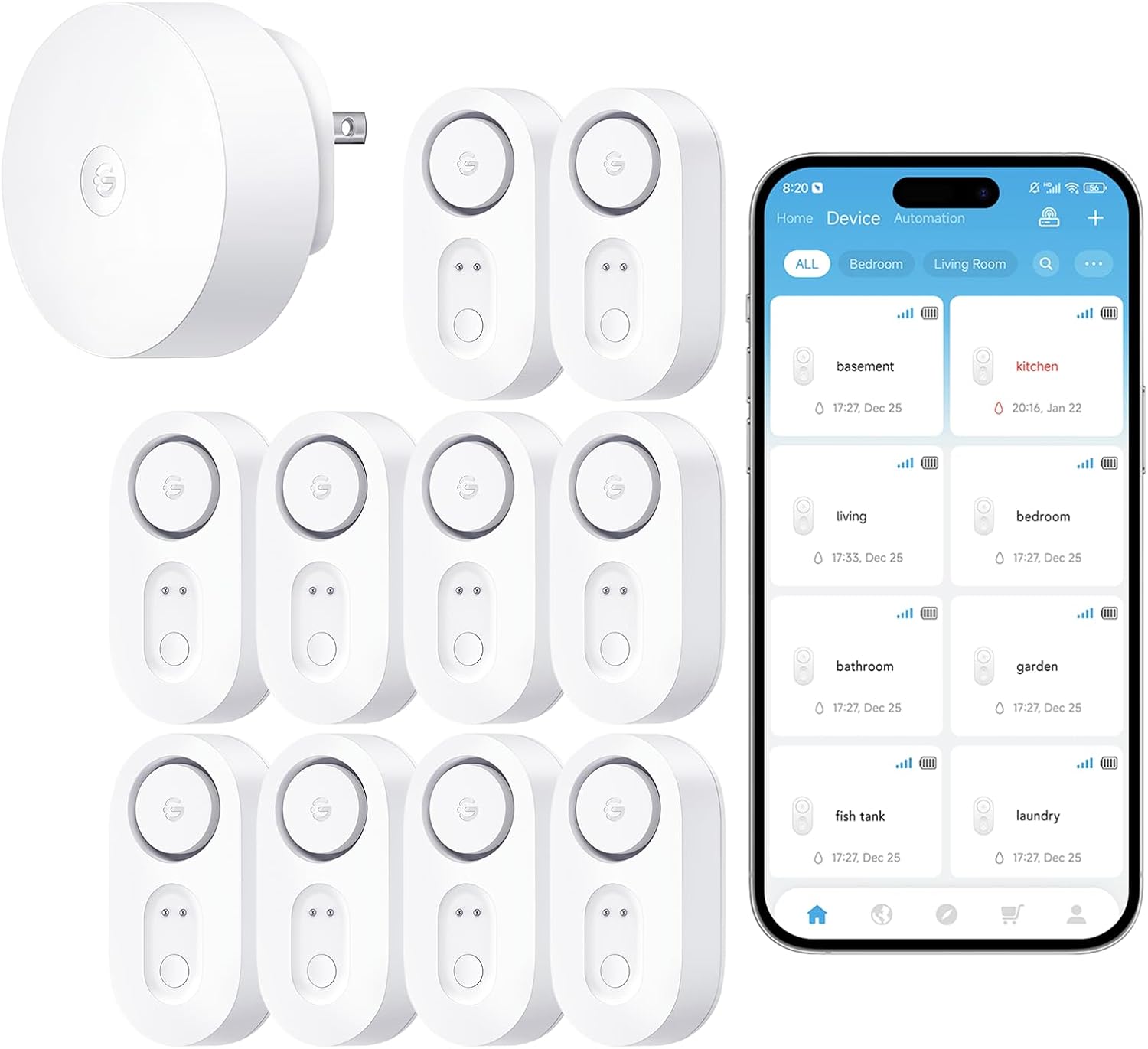
GoveeLife WiFi Water Leak Detector for Home Bundle with s...
As an Amazon Associate we earn from qualifying purchases.