

How to Wire a Kasa KS240 Fan and Light Switch With Neutral
- Turn Off Power
- Identify Wires
- Connect the KS240
- Mount the Switch
- Pair in the Kasa App
Most users complete this in under 60 minutes
Overview
The KS240 controls fan speed and light from one gang box but needs a neutral. This guide identifies line and load wires, connects the neutral, and finishes setup in the Kasa app.
Why This Happens in Real Homes
The KS240 controls fan speed and light from one gang box but needs a neutral. This guide identifies line and load wires, connects the neutral, and finishes setup in the Kasa app. In day-to-day use, this usually looks like Fan and light on a single switch; Neutral wire present in box; Kasa app installed.
Most cases trace back to Line and load reversed; Neutral missing or tied in back; Wrong fan load wire. The fix works best when you go step by step instead of changing multiple settings at once.
A practical order for this issue is: Turn Off Power -> Identify Wires -> Connect the KS240 -> Mount the Switch. After each step, test the exact behavior that was failing so you can confirm what actually solved it.
What's Included
- Fan and light on a single switch
- Neutral wire present in box
- Kasa app installed
- Breaker labeled
- Old switch removed
- Wires labeled or photographed
Got your materials ready? Here's what to check first.
Before You Start
- Line and load reversed
- Neutral missing or tied in back
- Wrong fan load wire
- Ground not connected
- Box too shallow
- Wires not fully seated
Don't skip this step — it breaks everything if you do
Do not install the KS240 without a neutral wire. It will not power on and can damage the switch.
Tools & Requirements
These tools will help you complete this fix.

Non-contact voltage tester
Neoteck Non-Contact AC Voltage Tester Pen, AC 12-100...

Phillips screwdriver
Klein Tools 85076 Screwdriver Set, Made in USA, Slot...
Wire labels
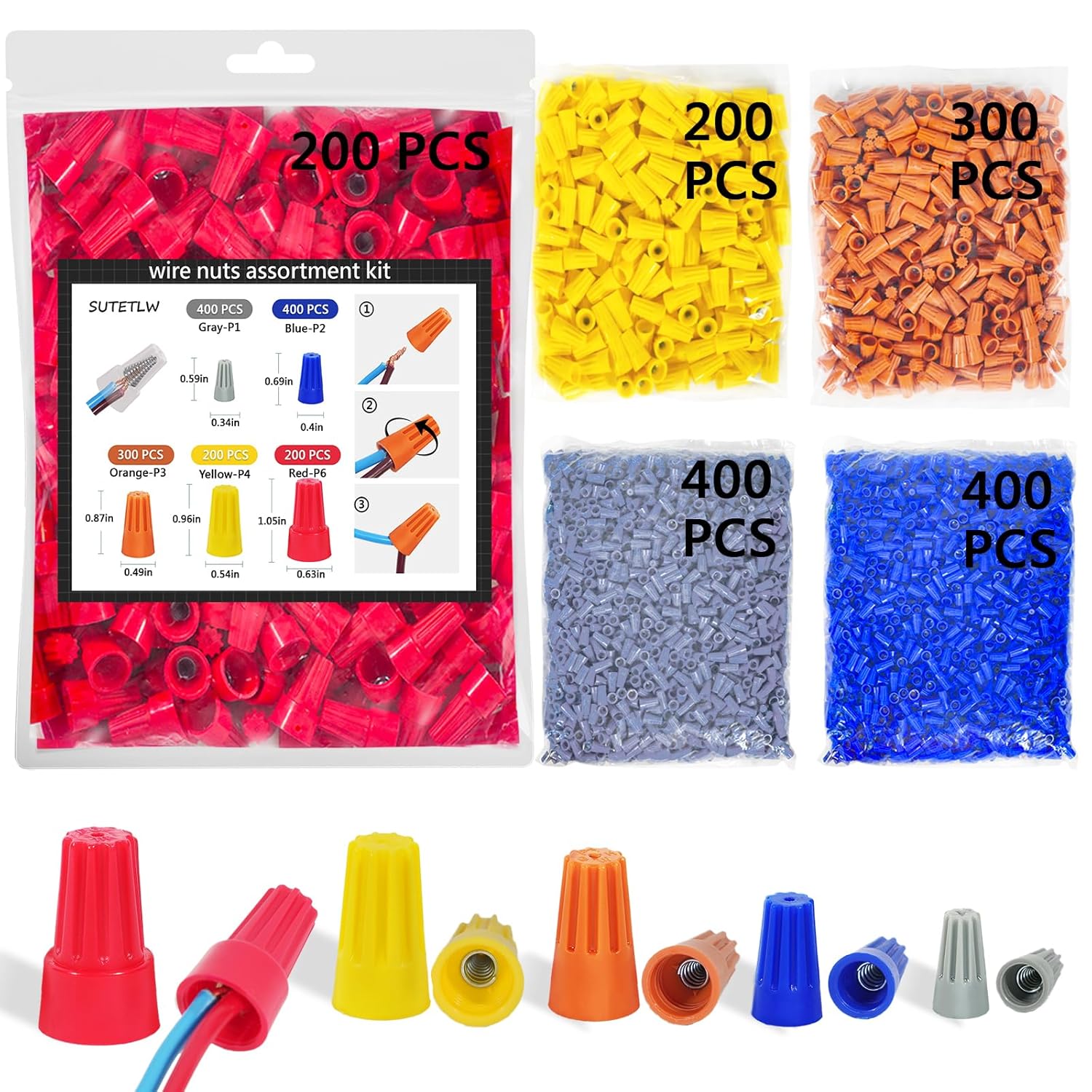
Wire Nuts Assortment Kit 1500 PCS Insulating Insert ...
Wire nuts
Wire Nuts Assortment Kit 1500 PCS Insulating Insert ...
As an Amazon Associate we earn from qualifying purchases.
Installation Steps
Turn Off Power
Shut off the breaker and test the switch box to confirm no power. Remove the old switch carefully.
Identify Wires
Use a voltage tester to identify the line hot and the two load wires for fan and light. Label each wire before disconnecting.
Needed for this step
Neoteck Non-Contact AC Voltage Tester Pen, AC 1...
This helps complete the fix you are currently reading.
$9.59Connect the KS240
Connect line, fan load, light load, neutral, and ground per the KS240 diagram. Use wire nuts for any pigtails.
Needed for this step
Wire Nuts Assortment Kit 1500 PCS Insulating In...
This helps complete the fix you are currently reading.
$29.99Mount the Switch
Fold wires neatly into the box and mount the switch. Make sure the box is deep enough to avoid pressure on the terminals.
Pair in the Kasa App
Restore power, launch the Kasa app, and add the KS240. Confirm separate fan speeds and light dimming control.
Installation Tips
Still stuck? This is usually the deeper cause below.
Take a clear photo of the original wiring before removing anything. It makes rechecks fast if the fan does not respond.
Before you go — these TP-Link Kasa guides fix most remaining issues.
Official Manufacturer Manual
TP-Link Kasa provides official product documentation through their online manual rather than downloadable PDF. Access setup guides, troubleshooting steps, and product specifications for your TP-Link Kasa KS240.
Source: tp-link.com
How Does TP-Link Kasa Compare?
Before replacing your TP-Link Kasa device, see how it stacks up against alternatives in our full comparison guides.

