

What Does the Ecobee Error E5 Code Mean and How to Fix It
- Loose or mis-landed control wire
- Tripped float switch in condensate line
- PEK or C-wire adapter interruption
Problem Description
The Ecobee E5 error indicates the thermostat lost communication with the HVAC equipment interface or detected a wiring issue. This guide walks through confirming power, inspecting wiring, verifying the equipment, and clearing the code.
Why This Happens in Real Homes
The E5 error means the ecobee is not receiving 24V power through the R wire from your HVAC system. This is different from a blank screen — the thermostat has enough power to display the error but not enough to control equipment. Check the 3A or 5A fuse on your furnace control board first, because that fuse blows when there is a short in the thermostat wiring. A common cause is two bare wires touching inside the wall, especially if someone pushed extra wire back into the junction box carelessly. Also check if your HVAC transformer secondary is actually putting out 24VAC with a multimeter. I have seen transformers that read 18V under load, which is below the ecobee minimum operating voltage.
Symptoms
- E5 error appears on the thermostat screen
- Heating or cooling will not run
- Thermostat screen is otherwise responsive
- Issue followed a power event or service call
- Relay clicks but compressor stays off
- Equipment makes no sound when called
Recognize these? Here's what usually causes it.
Common Causes
- Loose or mis-landed control wire
- Tripped float switch in condensate line
- PEK or C-wire adapter interruption
- Damaged thermostat base pins after removal
- Breaker tripped for air handler
- Communication error in zoned system
Most fixes happen in the first 3 steps.
Do not bypass the condensate float switch to clear E5. Bypassing risks water damage to equipment and ceilings when the drain clogs.
Tools & Requirements
These tools will help you complete this fix.
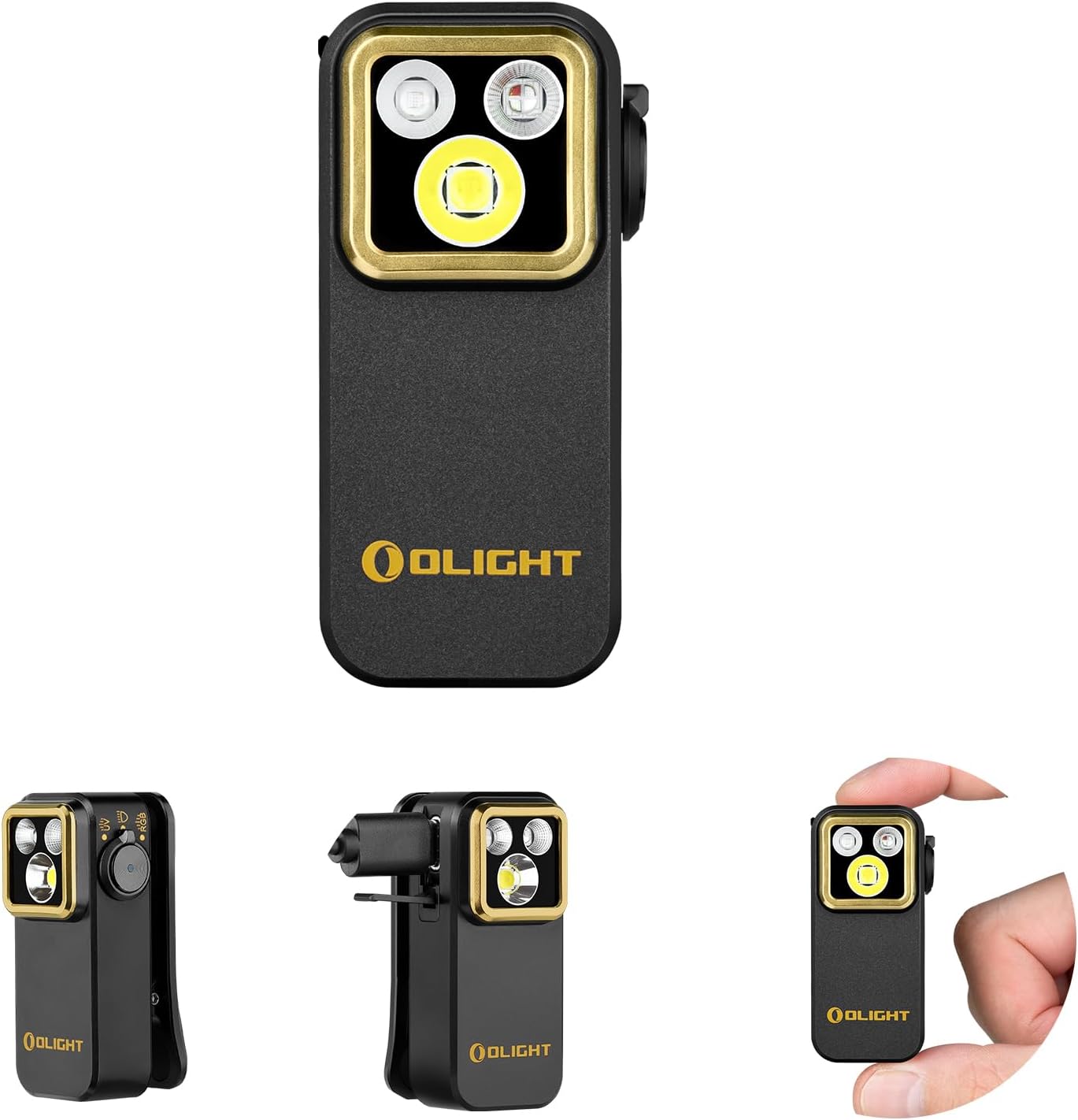
Flashlight
OLIGHT Oclip Pro S EDC Flashlight Clip-on Light, 600...

Multimeter
Klein Tools 80196 Digital Multimeter Kit with Case, ...

Phillips screwdriver
Klein Tools 85076 Screwdriver Set, Made in USA, Slot...
As an Amazon Associate we earn from qualifying purchases.
Step-by-Step Solution
Reseat and Reboot
Gently pull the Ecobee from its base, wait 30 seconds, and press it back firmly. Many E5 errors clear after a clean reseat because the base pins can partially disconnect over time. Do not force the unit. Confirm all pins align before pressing home.
Inspect Wiring at Base
Remove the thermostat and inspect wires at the base. Look for loose terminals, frayed conductors, or wires slipping out when lightly tugged. Reinsert firmly. Wires R, C, W, Y, and G should sit fully home. Photograph terminals before making changes for reference.
Check Float Switch and Breaker
A tripped condensate float switch cuts 24V to the equipment and can trigger E5 as the thermostat loses equipment feedback. Clear the condensate line and reset the float. Also verify the HVAC breaker at the main panel is on and not tripped from a power event.
Verify C-Wire or PEK
If your install uses a Power Extender Kit or no-C-wire adapter, open the air handler cover and confirm the PEK is still powered and wires are secure. A failed PEK can cause repeated E5 errors. Replace the PEK if voltage readings are missing at the control board.
Escalate If Needed
If the error persists after wiring checks, the equipment control board may have failed or a zone panel may need attention. Capture error timestamps and call a qualified HVAC technician. Zoned systems especially benefit from a professional diagnosis when E5 appears.
Quick Solutions
Still having issues? This is usually the deeper cause below.
If the keypad rejects valid codes, a lockout timer may be running — five failed entries locks most keypads silently for 5–10 minutes.
Photograph terminal wiring before you touch anything. A clear reference makes reinstall fast and prevents mistakes while chasing an intermittent error.
This issue almost always looks more complex than it is — the majority of cases trace back to a single setting, a stale credential, or a default that shipped wrong.
- Loose or mis-landed control wire
- Tripped float switch in condensate line
- PEK or C-wire adapter interruption
- Damaged thermostat base pins after removal
- Breaker tripped for air handler
Before you go — try one of these (they fix most cases).
Most popular upgrades chosen by Ecobee Smart Thermostat owners.

As an Amazon Associate we earn from qualifying purchases.
Official Manufacturer Manual
If you need the complete manufacturer documentation for advanced setup, wiring diagrams, or detailed specifications, you can download the official manual below. The manual includes full technical instructions directly from the manufacturer and may help if your issue requires deeper troubleshooting.
Download the Official Ecobee Smart Thermostat ManualSource: ecobee.com
Need More Help? Ecobee Support
Note: The contact information below connects you directly to Ecobee's official customer support team, not Trunetto. They can help with warranty claims, device replacements, and advanced technical issues.
How Does Ecobee Compare?
Before replacing your Ecobee device, see how it stacks up against alternatives in our full comparison guides.
Accessories owners commonly pair with Ecobee Smart Thermostat.

As an Amazon Associate we earn from qualifying purchases.


