

Why Won't My Ecobee Room Sensor Read Temperature?
- WiFi connection unstable or device too far from router
- Device firmware or app needs updating
- Device not properly set up during initial pairing
Problem Description
Your Ecobee room sensor is not reading or reporting temperature to the thermostat. The most common cause is a dead battery. The room sensor uses a CR2032 coin cell battery accessed by pulling apart the two halves of the sensor housing. Battery life is typically 2-3 years. This guide covers battery replacement, re-pairing, and placement tips.
Why This Happens in Real Homes
When an ecobee SmartSensor shows up in the app but reports no temperature, the sensor's thermistor is working but the data is not syncing. The SmartSensor communicates with the thermostat over 915MHz RF, not WiFi, so WiFi signal strength is irrelevant. What matters is distance and obstacles — the effective range is about 45 feet line of sight, but a single floor or two drywall walls cuts that in half. If the sensor is borderline on range, it connects intermittently and drops temperature readings. Move the sensor closer or to a higher position on the wall since RF propagates better with elevation. Also pull the battery and check the CR2032 voltage — anything below 2.7V means the radio transmit power is degraded even if the sensor LED still blinks.
Symptoms
- Device shows as offline in the app
- Device does not respond to commands
- App cannot connect to device
- Features not working as expected
- Device disconnects frequently
- Automations fail to trigger
- Voice commands not recognized
Recognize these? Here's what usually causes it.
Common Causes
- WiFi connection unstable or device too far from router
- Device firmware or app needs updating
- Device not properly set up during initial pairing
- Power supply issue or loose connection
- Account not linked correctly
- Too many devices causing network congestion
- Interference from other wireless devices
Most fixes happen in the first 3 steps.
Always turn off your HVAC system at the breaker before removing the thermostat or touching wires. Incorrect wiring can damage both the thermostat and your HVAC equipment resulting in expensive repairs. If unsure about wiring consult an HVAC technician.
Tools & Requirements
These tools will help you complete this fix.
As an Amazon Associate we earn from qualifying purchases.
Step-by-Step Solution
Replace the sensor battery
Ecobee SmartSensors use a CR2477 coin cell battery (not the more common CR2032). Open the sensor by twisting the back cover counterclockwise. Replace with a fresh CR2477. After inserting the new battery, the sensor LED blinks green briefly to confirm power. If you cannot find CR2477 locally, order from Amazon — they are not commonly stocked in hardware stores. A dead or dying battery causes the sensor to stop reporting entirely or report stale temperature readings that do not update.

Needed for this step
Duracell 2032 Lithium Battery, 6 Count (Pack of...
This helps complete the fix you are currently reading.
$6.59Check if the sensor is included in your active Comfort Setting
In the Ecobee app, go to Comfort Settings (Home, Away, Sleep). Tap each one and check which sensors participate. If your room sensor is not checked for any Comfort Setting, the thermostat ignores it entirely — it shows up in the sensor list but does not influence temperature. Check all three Comfort Settings: a sensor might be active for Home but excluded from Sleep, causing it to appear non-functional at night. For the sensor to affect the thermostat reading, it must be included in the currently active Comfort Setting.
Check sensor placement and distance from thermostat
Ecobee room sensors communicate with the thermostat via 915MHz radio (not WiFi or Bluetooth). The range is about 45 feet through standard drywall. Metal walls, floors, and large appliances block the signal. If the sensor is in a room that is more than one floor away or behind a concrete wall, it may not communicate reliably. In the Ecobee app, check the sensor status — if it shows Not Responding, move it closer to the thermostat. Place it on an interior wall, at about chest height. Do not place it in direct sunlight, near a vent, or in a closet — all of these give inaccurate temperature readings.
Re-pair the sensor to the thermostat
If the sensor shows in the app but reads Not Responding, remove and re-add it. On the Ecobee thermostat, go to Main Menu > Sensors > Add Sensor. Pull the battery out of the room sensor, wait 5 seconds, and reinsert it. The sensor enters pairing mode and the thermostat should detect it within 30 seconds. If it does not pair, try standing next to the thermostat with the sensor in hand — this rules out range issues. After pairing, go back to Comfort Settings and add the sensor to the appropriate profiles.
Check for multiple sensor averaging
The Ecobee averages the temperature of all sensors included in the active Comfort Setting. If you have 3 sensors included and one reads 5 degrees warmer than the others (because it is in a sunny room or near a vent), the averaged reading will be off. This can make it look like one sensor is wrong when it is actually reading its local environment accurately. Check each sensor individual reading in the Ecobee app under Sensors. If one sensor consistently reads much higher or lower, exclude it from Comfort Settings or fix its placement.
Quick Solutions
Still having issues? This is usually the deeper cause below.
Schedules that skip randomly are usually a daylight-saving holdover — delete and recreate the schedule to clear the corrupted entry.
Use the thermostat energy reports to find patterns in your heating and cooling usage. Setting back the temperature just 3 degrees when you leave for work can save 5 to 10 percent on your annual energy bill without any comfort sacrifice.
Thermostat issues that keep returning are often caused by stale backup-battery memory holding old settings across power cycles without the user realising.
- WiFi connection unstable or device too far from router
- Device firmware or app needs updating
- Device not properly set up during initial pairing
- Power supply issue or loose connection
- Account not linked correctly
Before you go — try one of these (they fix most cases).
Most popular upgrades chosen by Ecobee Room Sensor owners.

ecobee4 Smart Thermostat with Built-in Alexa, Room Sensor...
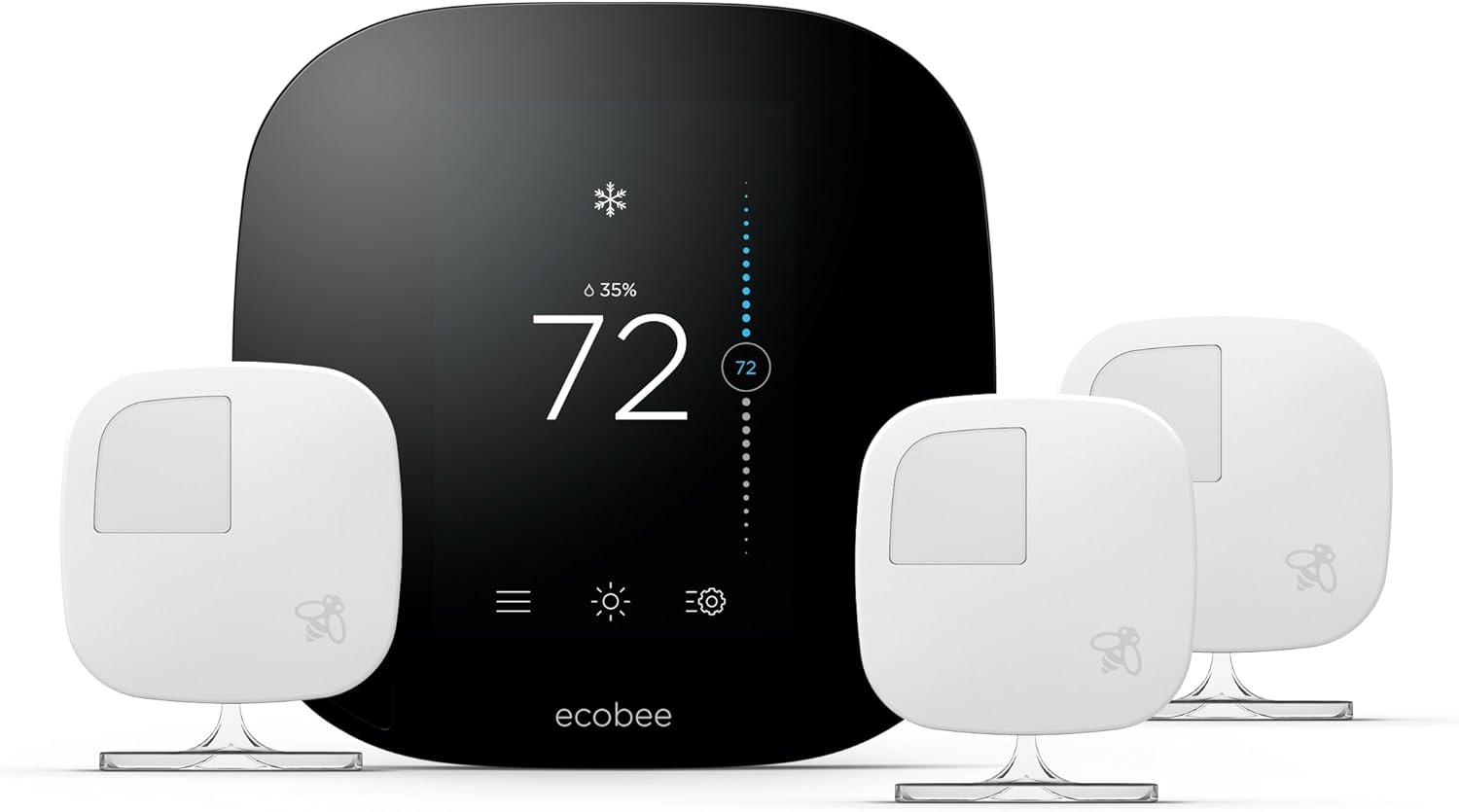
ecobee3 Smart Thermostat & 3 Room Sensors, Works with Alexa
As an Amazon Associate we earn from qualifying purchases.
Official Manufacturer Manual
Ecobee provides official product documentation through their online manual rather than downloadable PDF. Access setup guides, troubleshooting steps, and product specifications for your Ecobee Room Sensor.
Source: support.ecobee.com
Need More Help? Ecobee Support
Note: The contact information below connects you directly to Ecobee's official customer support team, not Trunetto. They can help with warranty claims, device replacements, and advanced technical issues.
How Does Ecobee Compare?
Before replacing your Ecobee device, see how it stacks up against alternatives in our full comparison guides.
Accessories owners commonly pair with Ecobee Room Sensor.

Blink Mini - Compact indoor plug-in smart security camera...
Blink Mini - Compact indoor plug-in smart security camera...

Blink Mini - Compact indoor plug-in smart security camera...
As an Amazon Associate we earn from qualifying purchases.


