

How to Install Your Ecobee Thermostat
- Power Off and Remove Old Thermostat
- Install the Power Extender Kit (If Needed)
- Install Baseplate and Connect Wires
- Attach Thermostat and Power On
Most users complete this in under 60 minutes
Overview
This guide provides a detailed walkthrough for installing an Ecobee Smart Thermostat. It covers the entire process from shutting off power and wiring, including setups that require the Power Extender Kit (PEK) for systems without a C-wire, to the final app configuration.
Why This Happens in Real Homes
The ecobee install lives or dies on two things: a compatible HVAC system and power. Most ecobees need a C-wire for steady power — and if you don't have one but have at least four wires at the thermostat, ecobee includes the PEK (Power Extender Kit) that installs at the furnace control board and frees up a wire for C by combining the Y and G signals. Check compatibility online first and photograph your wiring.
Cut power at the breaker, label and photograph the old wiring, then wire the ecobee (or install the PEK at the furnace if there's no C-wire) matching each wire to the correct terminal. Mount it level, restore power, and run setup on 2.4GHz WiFi; a wire in the wrong terminal or missing C-wire power is where installs go wrong.
What's Included
- Ecobee SmartThermostat and backplate
- Included SmartSensor with stand/mount
- Power Extender Kit (PEK) for C-wire-less setup
- Trim plate, screws, and wire labels
- Installation guide for reference
- Your smartphone with the Ecobee app
Got your materials ready? Here's what to check first.
Before You Start
- A compatible HVAC system (check online)
- A C-wire or use of the Power Extender Kit
- A smartphone or tablet with the Ecobee app
- A stable Wi-Fi connection for smart features
- Power to the HVAC system is turned off
- A photo of your old thermostat's wiring
Don't skip this step — it breaks everything if you do
Always turn off power to your HVAC system at the breaker before starting any wiring work. Working with live wires is dangerous.
Tools & Requirements
These tools will help you complete this fix.

Phillips screwdriver
Klein Tools 85076 Screwdriver Set, Made in USA, Slot...
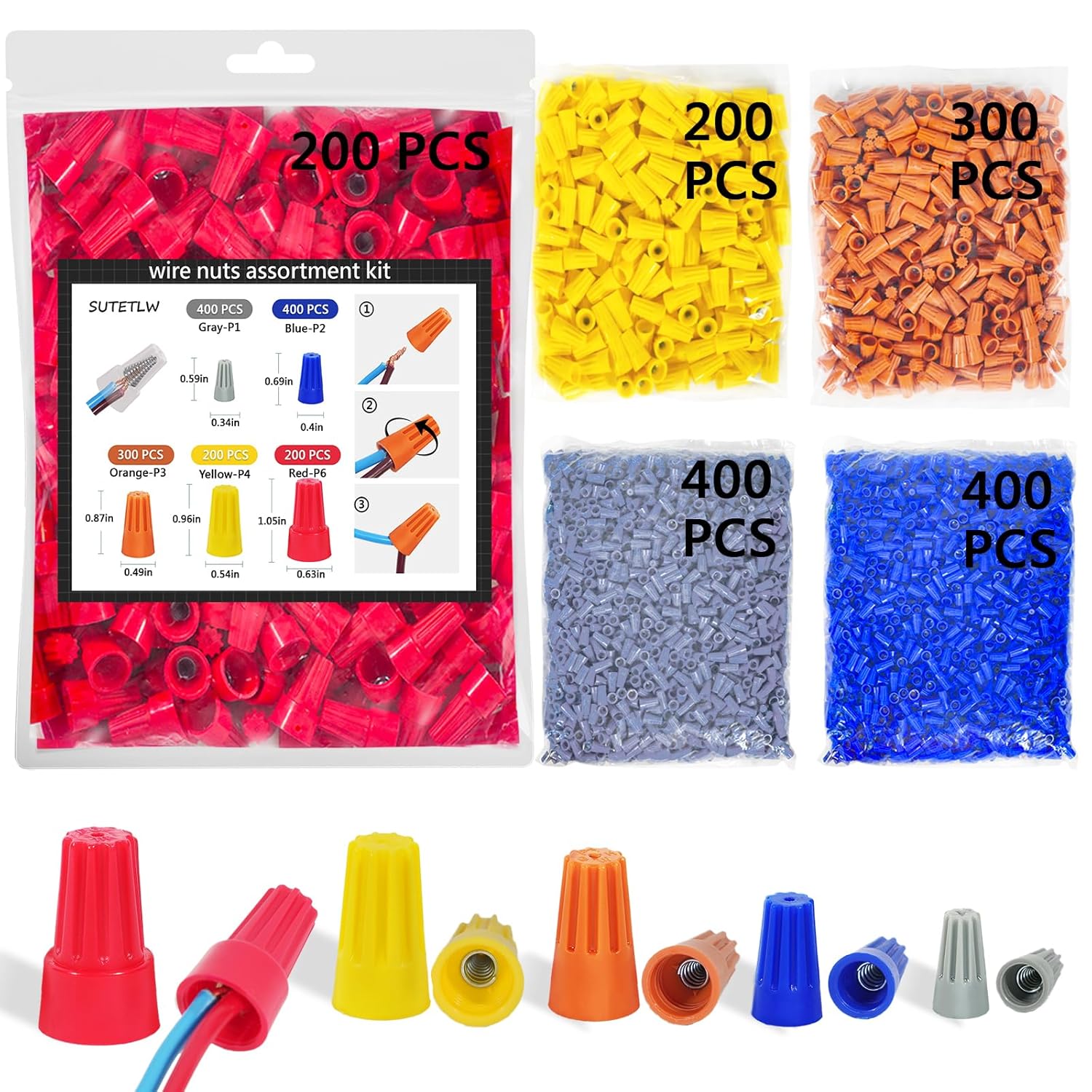
Wire labels
Wire Nuts Assortment Kit 1500 PCS Insulating Insert ...
As an Amazon Associate we earn from qualifying purchases.
Installation Steps
Power Off and Remove Old Thermostat
Turn off power to your HVAC system at the breaker box. This is a critical safety step. Remove the faceplate of your old thermostat and take a clear picture of the wire connections. This will be your reference. Disconnect the wires and remove the old base from the wall.
Needed for this step
Wire Nuts Assortment Kit 1500 PCS Insulating In...
This helps complete the fix you are currently reading.
$29.99Install the Power Extender Kit (If Needed)
If you do not have a C-wire, you will need to install the Power Extender Kit (PEK). This involves connecting the PEK to the terminal block on your HVAC system's control board. The Ecobee app provides detailed, step-by-step video instructions for this process.
Install Baseplate and Connect Wires
Use the included trim plate if necessary to cover old marks on the wall. Feed the wires through the new Ecobee backplate and attach it to the wall. Connect the wires to the appropriate terminals on the Ecobee base, using your reference photo and the app's guidance.
Attach Thermostat and Power On
Gently push the Ecobee thermostat onto the backplate until it clicks securely into place. Restore power to your HVAC system at the breaker. The thermostat will power on and walk you through the initial on-screen setup, including connecting to your Wi-Fi network.
Installation Tips
Still stuck? This is usually the deeper cause below.
The Ecobee app provides interactive video guides for every step of the installation, including the Power Extender Kit installation.
Before you go — these Ecobee guides fix most remaining issues.
Most popular upgrades chosen by Ecobee Smart Thermostat Premium/Enhanced owners.
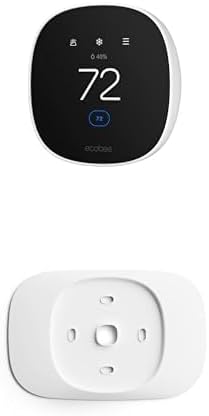
As an Amazon Associate we earn from qualifying purchases.
Official Manufacturer Manual
If you need the complete manufacturer documentation for advanced setup, wiring diagrams, or detailed specifications, you can download the official manual below. The manual includes full technical instructions directly from the manufacturer and may help if your issue requires deeper troubleshooting.
Download the Official Ecobee Smart Thermostat Premium/Enhanced ManualSource: ecobee.com
Need More Help? Ecobee Support
Note: The contact information below connects you directly to Ecobee's official customer support team, not Trunetto. They can help with warranty claims, device replacements, and advanced technical issues.
How Does Ecobee Compare?
Before replacing your Ecobee device, see how it stacks up against alternatives in our full comparison guides.
Accessories owners commonly pair with Ecobee Smart Thermostat Premium/Enhanced.

As an Amazon Associate we earn from qualifying purchases.


