

How to Wire ecobee Smart Thermostat Premium With the PEK on a 2-Wire System
- Shut Off HVAC Power
- Document Thermostat Wires
- Install the PEK at the Control Board
- Wire the ecobee Base
- Restore Power and Setup
Most users complete this in under 60 minutes
Overview
Older HVAC systems with only two thermostat wires need the Power Extender Kit. This guide shows how to identify terminals at the control board, wire the PEK, and finish setup in the ecobee app for stable power.
Why This Happens in Real Homes
Older HVAC systems with only two thermostat wires need the Power Extender Kit. This guide shows how to identify terminals at the control board, wire the PEK, and finish setup in the ecobee app for stable power. In day-to-day use, this usually looks like Only two wires at the thermostat; No C-wire available; ecobee powers on then reboots.
Most cases trace back to C-wire missing at thermostat; Wires not matched at control board; PEK leads swapped. The fix works best when you go step by step instead of changing multiple settings at once.
A practical order for this issue is: Shut Off HVAC Power -> Document Thermostat Wires -> Install the PEK at the Control Board -> Wire the ecobee Base. After each step, test the exact behavior that was failing so you can confirm what actually solved it.
What's Included
- Only two wires at the thermostat
- No C-wire available
- ecobee powers on then reboots
- Furnace control board accessible
- ecobee app ready for setup
- Old thermostat removed
Got your materials ready? Here's what to check first.
Before You Start
- C-wire missing at thermostat
- Wires not matched at control board
- PEK leads swapped
- Loose wire at furnace terminals
- Incorrect terminal labels
- System powered on during wiring
Don't skip this step — it breaks everything if you do
Do not connect the PEK if you already have a working C-wire. Using both can damage the thermostat.
Tools & Requirements
These tools will help you complete this fix.

Phillips screwdriver
Klein Tools 85076 Screwdriver Set, Made in USA, Slot...

Voltage tester
Klein Tools 80196 Digital Multimeter Kit with Case, ...
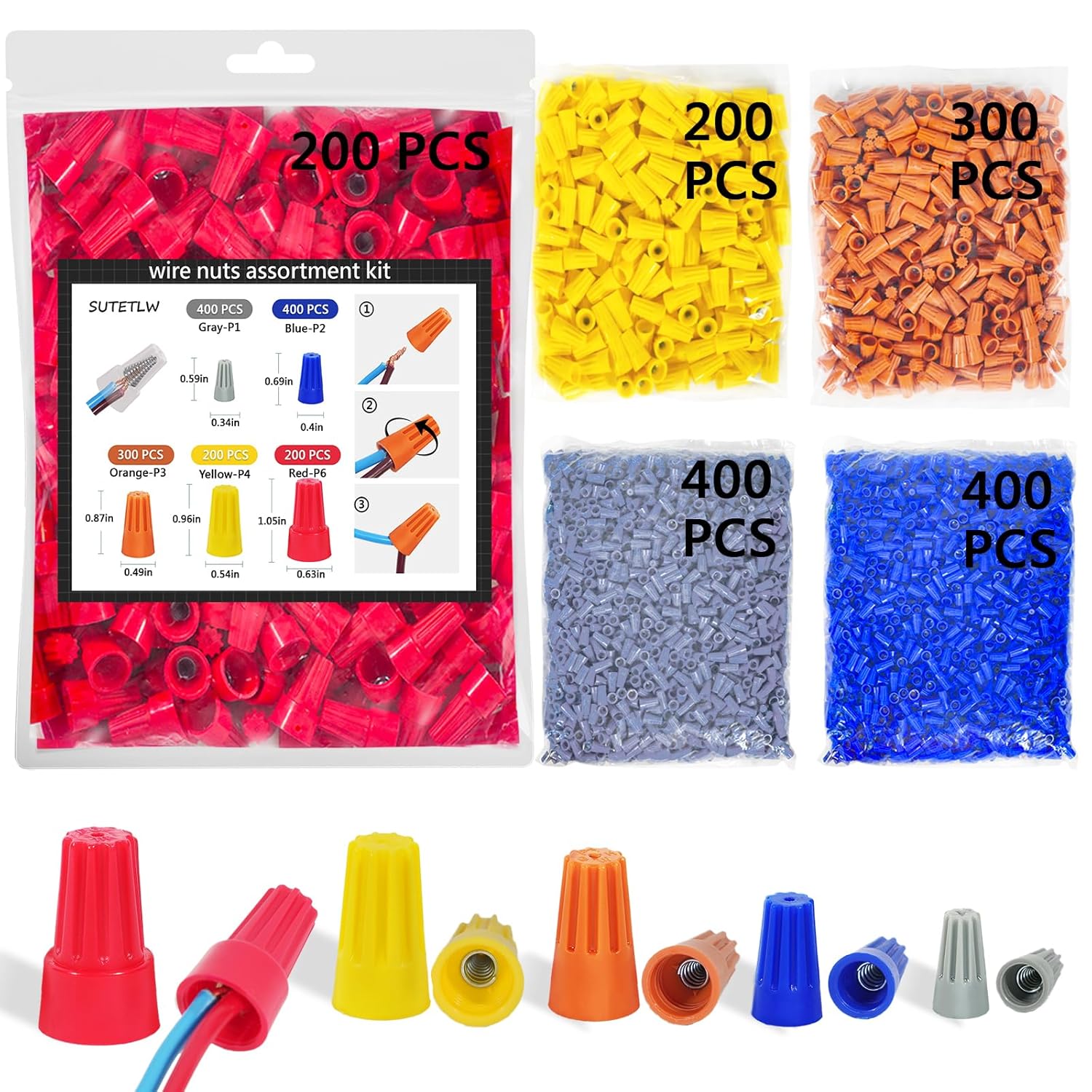
Wire labels
Wire Nuts Assortment Kit 1500 PCS Insulating Insert ...
As an Amazon Associate we earn from qualifying purchases.
Installation Steps
Shut Off HVAC Power
Turn off the furnace or air handler breaker. Confirm the system is off by attempting to run heating or cooling. Never wire the PEK with 24V power live.
Needed for this step
Wire Nuts Assortment Kit 1500 PCS Insulating In...
This helps complete the fix you are currently reading.
$29.99Document Thermostat Wires
Remove the old thermostat and label each wire by terminal. Take a photo of the thermostat base for reference. Keep the wires from slipping back into the wall.
Install the PEK at the Control Board
At the furnace control board, remove the thermostat wires from R, G, Y, and W. Insert them into the matching PEK terminals. Then connect the PEK wires to the board terminals so the system regains R, G, Y, and W.
Wire the ecobee Base
At the thermostat, connect the labeled wires to the ecobee terminals, including the PEK wire into the C terminal. Mount the base plate and snap on the thermostat.
Restore Power and Setup
Restore power and follow the ecobee app prompts. Select PEK when asked, run the equipment test, and verify heating and cooling respond correctly.
Installation Tips
Still stuck? This is usually the deeper cause below.
Take a photo of the original control board wiring before removing anything. The photo makes reconnection fast if labels fall off.
Before you go — these Ecobee guides fix most remaining issues.
Most popular upgrades chosen by ecobee Smart Thermostat Premium owners.

As an Amazon Associate we earn from qualifying purchases.
Official Manufacturer Manual
If you need the complete manufacturer documentation for advanced setup, wiring diagrams, or detailed specifications, you can download the official manual below. The manual includes full technical instructions directly from the manufacturer and may help if your issue requires deeper troubleshooting.
Download the Official ecobee Smart Thermostat Premium ManualSource: ecobee.com
Need More Help? Ecobee Support
Note: The contact information below connects you directly to Ecobee's official customer support team, not Trunetto. They can help with warranty claims, device replacements, and advanced technical issues.
How Does Ecobee Compare?
Before replacing your Ecobee device, see how it stacks up against alternatives in our full comparison guides.
Accessories owners commonly pair with ecobee Smart Thermostat Premium.

As an Amazon Associate we earn from qualifying purchases.


