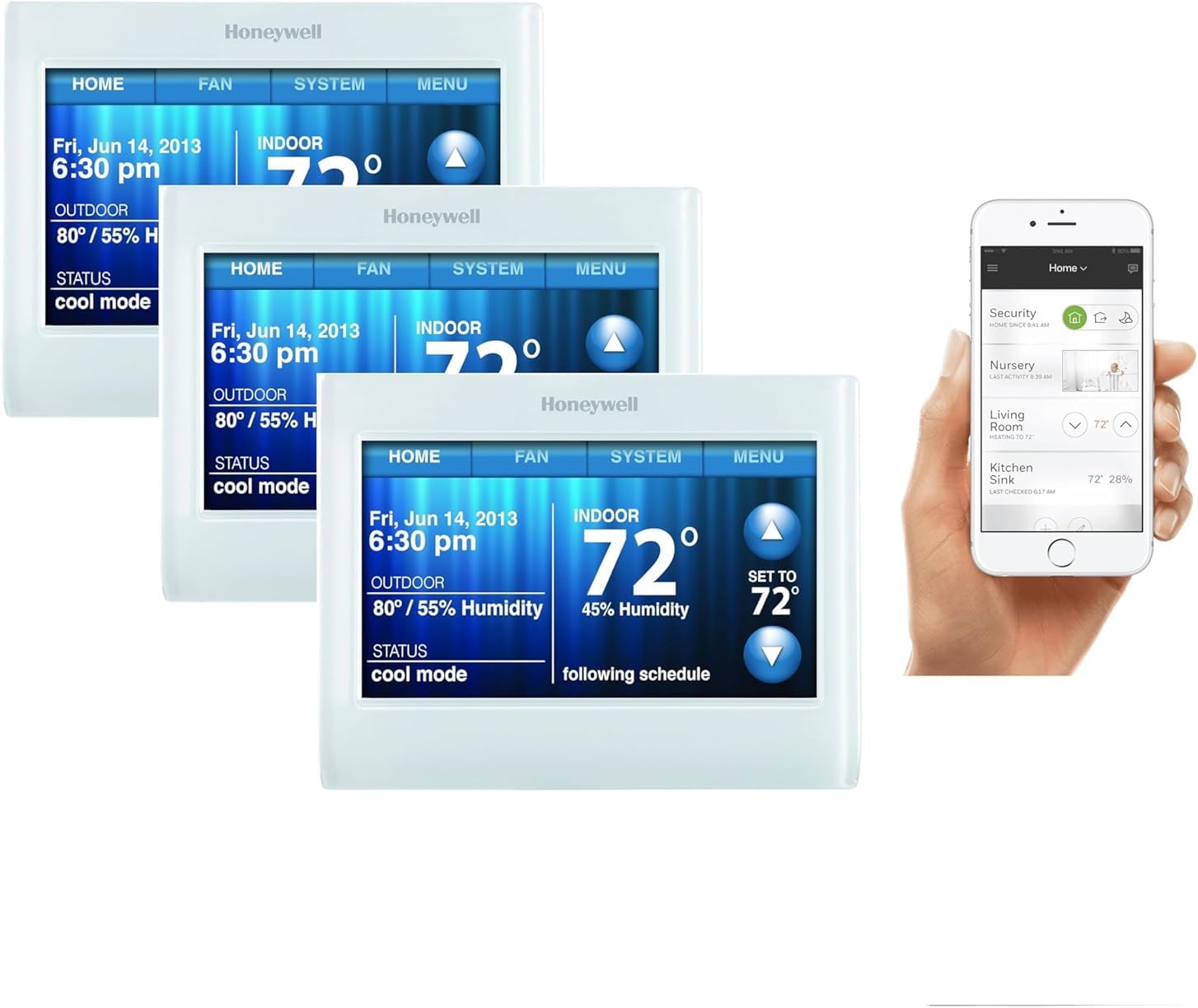
Smart Thermostat Heat Pump Auxiliary Heat Running Constantly
- Thermostat not configured for heat pump
- Heat pump lockout temperature set wrong
- Auxiliary heat delay settings incorrect
Problem Description
Your smart thermostat activates expensive auxiliary strip heat or backup gas heat constantly instead of relying on the efficient heat pump compressor, causing dramatically higher energy bills. A heat pump should handle most heating demand down to its rated outdoor temperature — typically 25 to 35 degrees F — with aux heat reserved for extreme cold or rapid setpoint recovery. Constant aux heat activation means either the thermostat system type is misconfigured or the heat pump is not performing within spec.
Why This Happens in Real Homes
A heat pump running auxiliary (backup) heat constantly is usually a thermostat not configured as a heat pump, or aggressive aux settings — told it's a conventional system, or with the aux lockout set too high, it fires the expensive strips far more than needed.
Start by confirming the thermostat is in heat-pump mode with the O/B reversing valve correct, then set the aux/emergency lockout so backup only engages when it's genuinely cold. Big setpoint jumps also call aux; small, steady adjustments and correct configuration keep the efficient heat pump doing the work.
Symptoms
- Auxiliary heat runs constantly
- Energy bills much higher than expected
- Heat pump rarely operates
- Backup electric heat always on
- Thermostat not optimizing heat pump
- System efficiency very poor
Recognize these? Here's what usually causes it.
Common Causes
- Thermostat not configured for heat pump
- Heat pump lockout temperature set wrong
- Auxiliary heat delay settings incorrect
- Outdoor temperature sensor issues
- Heat pump capacity insufficient
- Thermostat algorithm not heat pump optimized
Most fixes happen in the first 3 steps.
Auxiliary heat uses 2-3x more energy than heat pump. Proper configuration can reduce heating costs by 30-50% in moderate climates.
Tools & Requirements
These tools will help you complete this fix.

As an Amazon Associate we earn from qualifying purchases.
Step-by-Step Solution
Configure Thermostat for Heat Pump System
Access thermostat settings and select Heat Pump as system type rather than conventional heating. This enables heat pump-specific algorithms that prioritize heat pump over auxiliary heat.
Set Proper Auxiliary Heat Delay
Configure auxiliary heat delay to 5-10 minutes allowing heat pump time to meet heating demand before backup heat activates. Immediate aux heat activation wastes energy.
Adjust Heat Pump Lockout Temperature
Set heat pump lockout temperature based on your specific heat pump specifications. Most heat pumps can operate efficiently down to 15-25°F before requiring auxiliary heat.
Calibrate Outdoor Temperature Sensor
Verify outdoor temperature sensor is reading accurately and positioned properly. Incorrect outdoor readings cause premature auxiliary heat operation during mild weather.
Update Smart Thermostat Heat Pump Algorithms
Install latest thermostat firmware that includes improved heat pump optimization. Recent updates include better heat pump staging and auxiliary heat management.
Quick Solutions
Still having issues? This is usually the deeper cause below.
Schedules that skip randomly are usually a daylight-saving holdover — delete and recreate the schedule to clear the corrupted entry.
Heat pump optimization requires proper thermostat configuration and may take 1-2 weeks for smart learning algorithms to find optimal balance.
Thermostat issues that keep returning are often caused by stale backup-battery memory holding old settings across power cycles without the user realising.
- Thermostat not configured for heat pump
- Heat pump lockout temperature set wrong
- Auxiliary heat delay settings incorrect
- Outdoor temperature sensor issues
- Heat pump capacity insufficient
Before you go — try one of these (they fix most cases).
Official Manufacturer Manual
Home Assistant provides official product documentation through their online manual rather than downloadable PDF. Access setup guides, troubleshooting steps, and product specifications for your Smart Thermostat.
Source: home-assistant.io
Need More Help? Home Assistant Support
Note: The contact information below connects you directly to Home Assistant's official customer support team, not Trunetto. They can help with warranty claims, device replacements, and advanced technical issues.
Accessories owners commonly pair with Smart Thermostat.

As an Amazon Associate we earn from qualifying purchases.