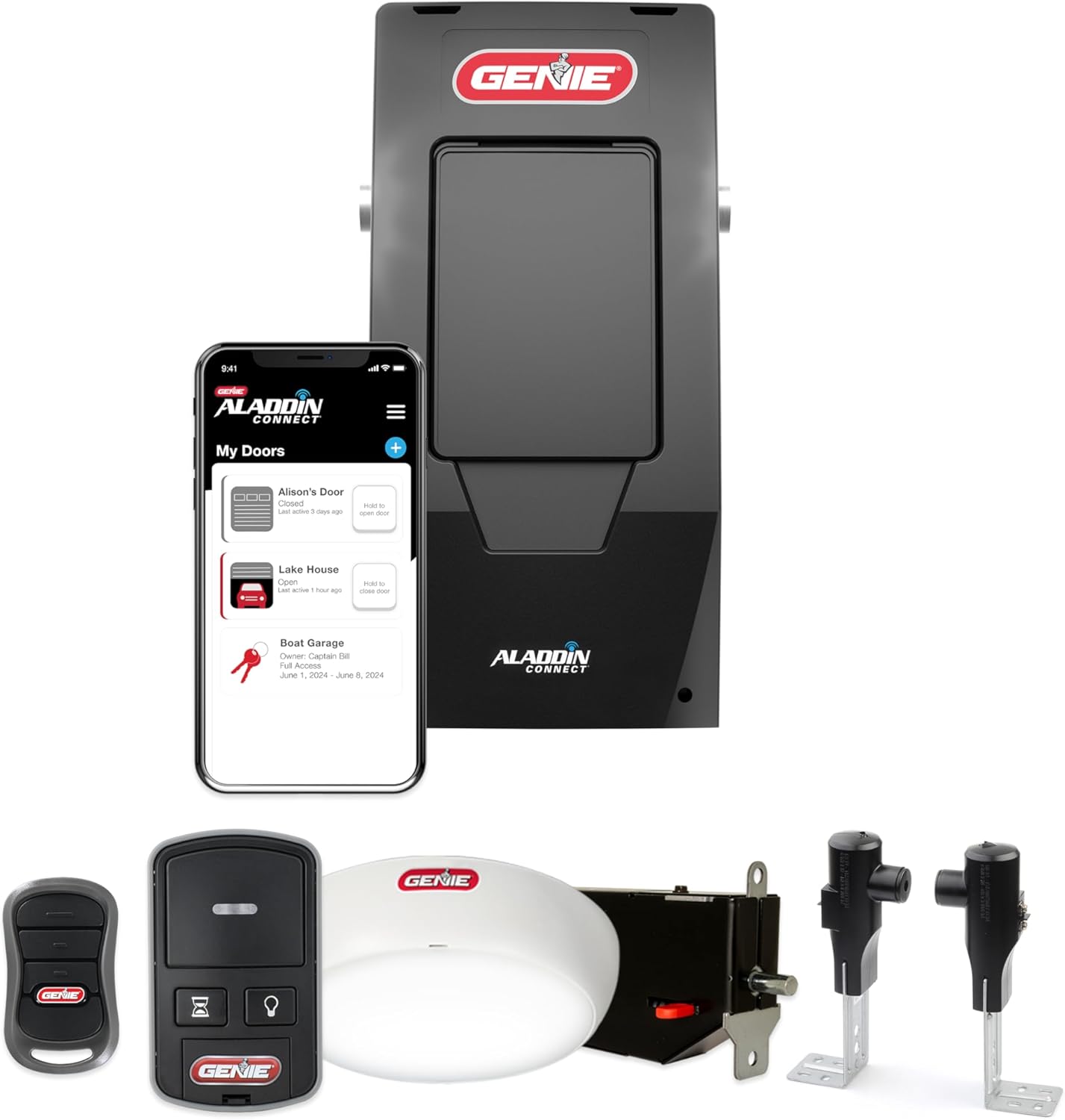
Genie Aladdin Connect Not Working With Alexa or Google?
- Aladdin Connect account not linked in Alexa or Google
- Aladdin skill or Google action not enabled
- No voice PIN set (required to open or close the door)
Problem Description
Your Genie garage works in the Aladdin Connect app but Alexa or Google Assistant will not control it, refuses to open the door, or says the device is unresponsive. Voice control runs through your Aladdin Connect account link and requires a spoken PIN to open or close the door for security, so the break is usually in the account link, the skill/action, or the PIN setup rather than the opener.
Why This Happens in Real Homes
When a Genie works in the Aladdin Connect app but Alexa or Google will not control it, the opener is fine and the break is in the cloud link or the PIN. Aladdin Connect ties into both assistants by linking your account, no extra hardware needed, but two things trip people up. First, the account link and the skill or action have to be enabled, and any password change silently breaks the link until you relink. Second, and the one most people miss, both Amazon and Google require a spoken PIN before they will open a garage door, as a safety measure, so a linked garage that refuses to open is usually just missing its voice PIN. Set that up, use the exact device name (Genie Smart Garage), and re-run discovery if the door does not appear. And because voice rides on top of the app connection, always confirm the opener is online in the Aladdin app first, since a cloud outage or an offline opener breaks voice while the wall button keeps working.
Symptoms
- Alexa or Google says the garage is not responding
- Voice command to open is refused or asks for a PIN
- Assistant cannot discover the Genie Smart Garage
- Works in the Aladdin app but not by voice
- Voice can check status but not open or close
- Worked before, stopped after a password change
- Only the door refuses while other smart devices work
- Assistant reports the account is not linked
Recognize these? Here's what usually causes it.
Common Causes
- Aladdin Connect account not linked in Alexa or Google
- Aladdin skill or Google action not enabled
- No voice PIN set (required to open or close the door)
- Wrong PIN spoken or entered
- Aladdin account password changed, breaking the link
- Opener offline in the Aladdin app, so voice cannot reach it
- Device not discovered after linking
- Genie or platform cloud outage
Most fixes happen in the first 3 steps.
A voice-openable garage is a security consideration; always keep the PIN requirement enabled. The door moves on voice command, so make sure the garage is clear before testing.
Step-by-Step Solution
Confirm the Door Works in the Aladdin App
Open the Aladdin Connect app and operate the door from it. If the app cannot control the door or shows it offline, fix that first, because voice control rides on top of the app connection and cannot work until the opener is online in Aladdin.
Link the Account in Alexa
In the Alexa app, go to More > Skills & Games, search Aladdin Connect, and open the skill. Tap Enable To Use and sign in with your Aladdin Connect username and password to link the account. Then say Alexa, discover devices and choose Genie Smart Garage when it appears.
Link the Account in Google Home
In the Google Home app, tap the plus to Add, choose Set up device, then Works with Google, and select Genie Smart Garage. Enter your Aladdin Connect username and password to link, and let it add the door.
Set the Required Voice PIN
Both Alexa and Google require a PIN to open or close a garage door for safety. In the assistant app's settings for the garage door (or the skill settings), set a voice PIN or unlock code. Without it, the assistant will refuse to open the door even though it is linked.
Use the Correct Command and PIN
Say a command like Alexa, open the garage door, then speak the PIN when prompted. Closing usually does not need the PIN, but opening always does. If it says the PIN is wrong, reset it in the app.
Relink After a Password Change
If voice worked then stopped, and you changed your Aladdin or email password, the account link is broken. Disable/remove the skill or action, then enable and sign in again with the current credentials.
Re-Run Discovery
If the account links but no garage appears, run device discovery again (Alexa, discover devices, or re-add in Google Home). A newly added opener sometimes needs a second discovery pass.
Check for an Outage
If everything is linked and the app works but voice fails suddenly for you and others, check Genie/Aladdin and the assistant's status pages, since a cloud outage on either side breaks voice while local control keeps working.
Quick Solutions
Still having issues? This is usually the deeper cause below.
If voice commands stopped working after relinking the account, check that the skill or action is still enabled — relinking sometimes disables it silently.
Set a voice PIN you will remember but that is not obvious, since anyone within earshot of your assistant could otherwise open the garage. Test both open (with PIN) and close after linking.
This issue almost always looks more complex than it is — the majority of cases trace back to a single setting, a stale credential, or a default that shipped wrong.
- Aladdin Connect account not linked in Alexa or Google
- Aladdin skill or Google action not enabled
- No voice PIN set (required to open or close
- Wrong PIN spoken or entered
- Aladdin account password changed, breaking the link
Before you go — try one of these (they fix most cases).
Most popular upgrades chosen by Genie Garage Door Opener owners.

Genie QuietLift Connect Smart Garage Door Opener Bundle w...

Genie StealthDrive 7155 Connect Smartphone-Controlled Bel...

Genie Aladdin Connect Smartphone Garage Door Opener – Mon...
As an Amazon Associate we earn from qualifying purchases.
Official Manufacturer Manual
Genie provides official product documentation through their online manual rather than downloadable PDF. Access setup guides, troubleshooting steps, and product specifications for your Genie Garage Door Opener.
Source: geniecompany.com
Need More Help? Genie Support
Note: The contact information below connects you directly to Genie's official customer support team, not Trunetto. They can help with warranty claims, device replacements, and advanced technical issues.
Accessories owners commonly pair with Genie Garage Door Opener.

As an Amazon Associate we earn from qualifying purchases.