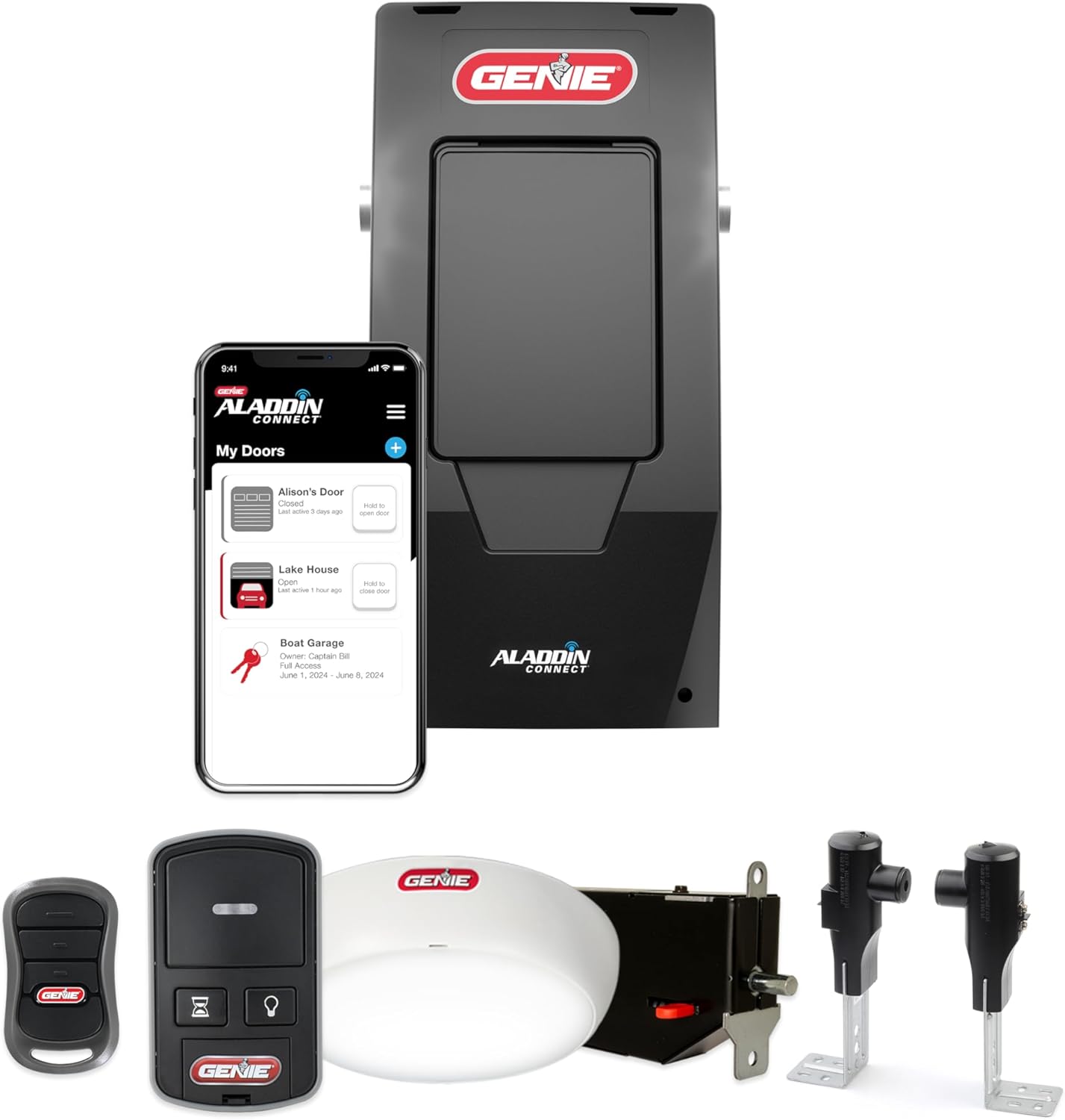
Genie Aladdin Connect Won't Close the Door Remotely?
- Door position sensor not reporting true status
- Position sensor battery low or magnet misaligned
- Opener offline or on a weak connection at close time
Problem Description
Your Genie Aladdin Connect opens the garage from the app but will not close it remotely, or the close button is greyed out or fails. Because a remote close happens when you may not be watching the door, Aladdin will only send an unattended close when it knows the door's true position and can warn people first, so a missing or wrong door status is the usual cause.
Why This Happens in Real Homes
If Aladdin Connect opens your Genie but will not close it from away, that is by design, not a bug: opening a garage remotely is low risk, but closing one you cannot see could trap someone, so Aladdin only sends an unattended close when it is certain of the door's real position and can sound the opener's warning first. That means the usual culprit is the door position sensor, the tilt sensor on the door panel that tells the app whether the door is open or closed. A low sensor battery, a shifted magnet, or a weak WiFi link that drops the status update all leave the app unsure of the position, so it refuses the close. Fix the sensor, confirm the opener is solidly online, and let the beep-and-flash warning complete before assuming failure. The same accurate-status requirement is why Key by Amazon in-garage delivery needs a healthy sensor and a reliable connection to close the door after a drop-off.
Symptoms
- App opens the door but the close button fails or is greyed out
- Remote close does nothing while local close works
- App warns it cannot confirm the door position
- Door status shows unknown or wrong before closing
- Close works only when you are home on WiFi
- Key by Amazon delivery cannot close the door
- Close command times out in the app
- Opener beeps and flashes but does not close remotely
Recognize these? Here's what usually causes it.
Common Causes
- Door position sensor not reporting true status
- Position sensor battery low or magnet misaligned
- Opener offline or on a weak connection at close time
- Unattended-close warning period or safety check not completing
- App notification/permission blocking the close prompt
- Safe-T-Beam sensors interrupted, blocking any close
- Firmware needs an update
- Cloud latency delaying the confirmed status
Most fixes happen in the first 3 steps.
Never rely on remote close for a door you cannot verify is clear. The unattended-close warning exists for safety; do not defeat it, and keep the Safe-T-Beam sensors working.
Tools & Requirements
Step-by-Step Solution
Understand Why Close Is Guarded
Opening a garage remotely is low risk, but closing it when you cannot see the doorway could trap a person, pet, or car. So Aladdin will only send a remote close when it is confident of the door's real position and can sound the opener's warning first. That is why open works but close is blocked when status is uncertain.
Check the Door Position Sensor
Aladdin knows the door position from a tilt sensor mounted high on the door panel. Find it and confirm it is firmly attached and reads correctly: the app should show closed when the door is down. If status is wrong or unknown, the close will fail.
Replace the Sensor Battery and Align It
A low sensor battery or a shifted mounting is the top cause of wrong status. Replace the sensor's battery and make sure it is mounted where the panel clearly goes from vertical (closed) to horizontal (open) so the tilt reading is unambiguous.
Confirm the Opener Is Solidly Online
A weak WiFi link lets the door open but drops the status update the app needs to authorize a close. Check the opener's signal in the Aladdin app and add a mesh node in the garage if it is marginal.
Let the Warning Cycle Complete
On a remote close the opener beeps and flashes for a few seconds before the door moves, a required unattended-close warning. Do not assume it failed during those seconds; let it finish. If it never moves after the warning, continue troubleshooting.
Clear the Safe-T-Beam Path
If the safety sensors near the floor are blocked or misaligned (green receiver LED not solid), the door cannot close by any method, including the app. Clear and align them so both LEDs are steady.
Check App Permissions and Notifications
Some close flows prompt a confirmation or PIN. Make sure the Aladdin app has notification permission and is allowed to run in the background so it can present and complete the close prompt.
Update Firmware and Retry
Update the opener and the Aladdin app, then reopen the app so it pulls fresh status, and try the close again. For Key by Amazon deliveries, a reliable sensor and online opener are required for Amazon to close the door after a drop-off.
Quick Solutions
Still having issues? This is usually the deeper cause below.
If this comes back after following these steps, check whether a recent app or firmware update reset a default setting — the fix works, but the setting gets reverted silently.
A rock-solid door position sensor is the key to reliable remote closing. Replace its battery proactively once a year so status never goes stale at the moment you need to close the door from away.
Battery-related failures are almost always flagged too late — the device degrades silently for days before the app catches up to what's actually happening.
- Door position sensor not reporting true status
- Position sensor battery low or magnet misaligned
- Opener offline or on a weak connection at close
- Unattended-close warning period or safety check not completing
- App notification/permission blocking the close prompt
Before you go — try one of these (they fix most cases).
Most popular upgrades chosen by Genie Garage Door Opener owners.

Genie QuietLift Connect Smart Garage Door Opener Bundle w...

Genie StealthDrive 7155 Connect Smartphone-Controlled Bel...

Genie Aladdin Connect Smartphone Garage Door Opener – Mon...
As an Amazon Associate we earn from qualifying purchases.
Official Manufacturer Manual
Genie provides official product documentation through their online manual rather than downloadable PDF. Access setup guides, troubleshooting steps, and product specifications for your Genie Garage Door Opener.
Source: geniecompany.com
Need More Help? Genie Support
Note: The contact information below connects you directly to Genie's official customer support team, not Trunetto. They can help with warranty claims, device replacements, and advanced technical issues.
Accessories owners commonly pair with Genie Garage Door Opener.

As an Amazon Associate we earn from qualifying purchases.