Genie Garage Door Opens a Few Inches Then Stops?
- Up (open) force set too low for the door weight
- Rollers or hinges binding, adding resistance
- Broken torsion or extension spring making the door heavy
Problem Description
Your Genie garage door starts to open, moves only a few inches, then stops or reverses back down. The motor runs and the trolley engages, but the door will not travel up. This is the opener sensing more resistance than it expects: the up force is set too low, the door is binding on worn rollers or a bent track, the up travel limit is set too short, or a spring or cable has failed and the door is too heavy.
Why This Happens in Real Homes
A Genie that opens a few inches and quits is sensing more resistance than it expects, and the first thing to determine is whether the resistance is real or a setting. Pull the release and lift the door by hand: if it is heavy, drops, or barely rises, a spring or cable has failed and the door genuinely is too heavy for the opener, which is a professional repair and the most common serious cause, often preceded by a loud bang. If the door lifts smoothly by hand but the opener still stops it short, the problem is the opener side: the up force is set too low so it reads the door weight as an obstruction, the door is binding on a worn roller or bent track, or the up travel limit is set too short. Raise the up force in small steps or re-run the limit routine, but never crank force up to muscle through a heavy door, because that hides a dangerous spring problem and strips the opener gear. Finish with the 2x4 safety test.
Symptoms
- Door rises a few inches then stops
- Door opens slightly then reverses back down
- Motor keeps running but the door barely moves
- Door is very heavy to lift by hand
- A snapping or banging noise came before the problem
- One side of the door looks lower or the cable is loose
- Opener strains at the start of the lift
- Problem worse in cold weather
Recognize these? Here's what usually causes it.
Common Causes
- Up (open) force set too low for the door weight
- Rollers or hinges binding, adding resistance
- Broken torsion or extension spring making the door heavy
- Cable off the drum or a frayed lift cable
- Up travel limit set too short
- Bent track or an obstruction near the bottom
- Door out of balance
- Cold stiffening the door and old lubricant
Most fixes happen in the first 3 steps.
Garage door springs and cables store lethal energy; never attempt spring or cable repair yourself. Do not crank up the force to force a binding or heavy door, and always run the 2x4 safety test after changes.
Tools & Requirements
These tools will help you complete this fix.

As an Amazon Associate we earn from qualifying purchases.
Step-by-Step Solution
Test the Door by Hand First
Pull the red emergency-release cord on the trolley to disconnect the door, then lift it by hand. A healthy door rises smoothly with moderate effort and stays put around waist height. If it is very heavy, drops, or barely moves, you have a spring or cable problem, and no opener setting will fix that.
Look for a Broken Spring or Cable
With the door down, look at the spring above the door (torsion) or the springs along the tracks (extension). A broken spring often shows a visible gap in the coil, and you may have heard a loud bang when it failed. Check that the lift cables are still wound on the drums and not frayed. Springs and cables are under high tension and are a professional repair.
Free Binding Rollers and Track
If the door moves freely by hand, look for a roller off the track, a bent track section, or a spot where the door drags. Lubricate the rollers and hinges, and clear any obstruction near the bottom of the tracks.
Find the Up Force Control on the Powerhead
On newer Genie models, up force is learned during the travel-limit routine using the Program Set and Up/Down buttons on the powerhead. On older screw-drive models like the Excelerator, there is a separate Up Force dial on the motor housing. Locate your control.
Increase the Up Force Slightly
If the door moves freely by hand but the opener stops it a few inches up, the up force is set too low and the opener thinks it hit an obstruction. On dial models, turn the Up Force dial up a small amount; on button models, re-run the limit routine so it relearns the force. Increase only in small steps.
Check the Up Travel Limit
If the door consistently stops at the same short height with no strain, the up travel limit may be set too short. Extend the open limit (Up arrow on button models, or the up limit adjustment on screw-drive models) so it travels to full open.
Re-Balance if Needed
A door that is heavy or uneven by hand is out of balance, usually a spring-tension issue, which a technician should adjust. Running the opener against an unbalanced door strains the motor and can strip the gear.
Re-Engage and Safety Test
Re-connect the trolley, run the door a few full cycles, and confirm it opens fully without stopping. Then run the 2x4 safety-reverse test to confirm closing safety is still correct after any force change.
Quick Solutions
Still having issues? This is usually the deeper cause below.
If this comes back after following these steps, check whether a recent app or firmware update reset a default setting — the fix works, but the setting gets reverted silently.
Always disconnect and hand-test the door before touching force settings. A door that is hard to lift by hand is a spring problem, and raising the opener force to compensate only masks a dangerous, worsening condition.
This issue almost always looks more complex than it is — the majority of cases trace back to a single setting, a stale credential, or a default that shipped wrong.
- Up (open) force set too low for the door
- Rollers or hinges binding, adding resistance
- Broken torsion or extension spring making the door heavy
- Cable off the drum or a frayed lift cable
- Up travel limit set too short
Before you go — try one of these (they fix most cases).
Most popular upgrades chosen by Genie Garage Door Opener owners.

Genie QuietLift Connect Smart Garage Door Opener Bundle w...

Genie StealthDrive 7155 Connect Smartphone-Controlled Bel...

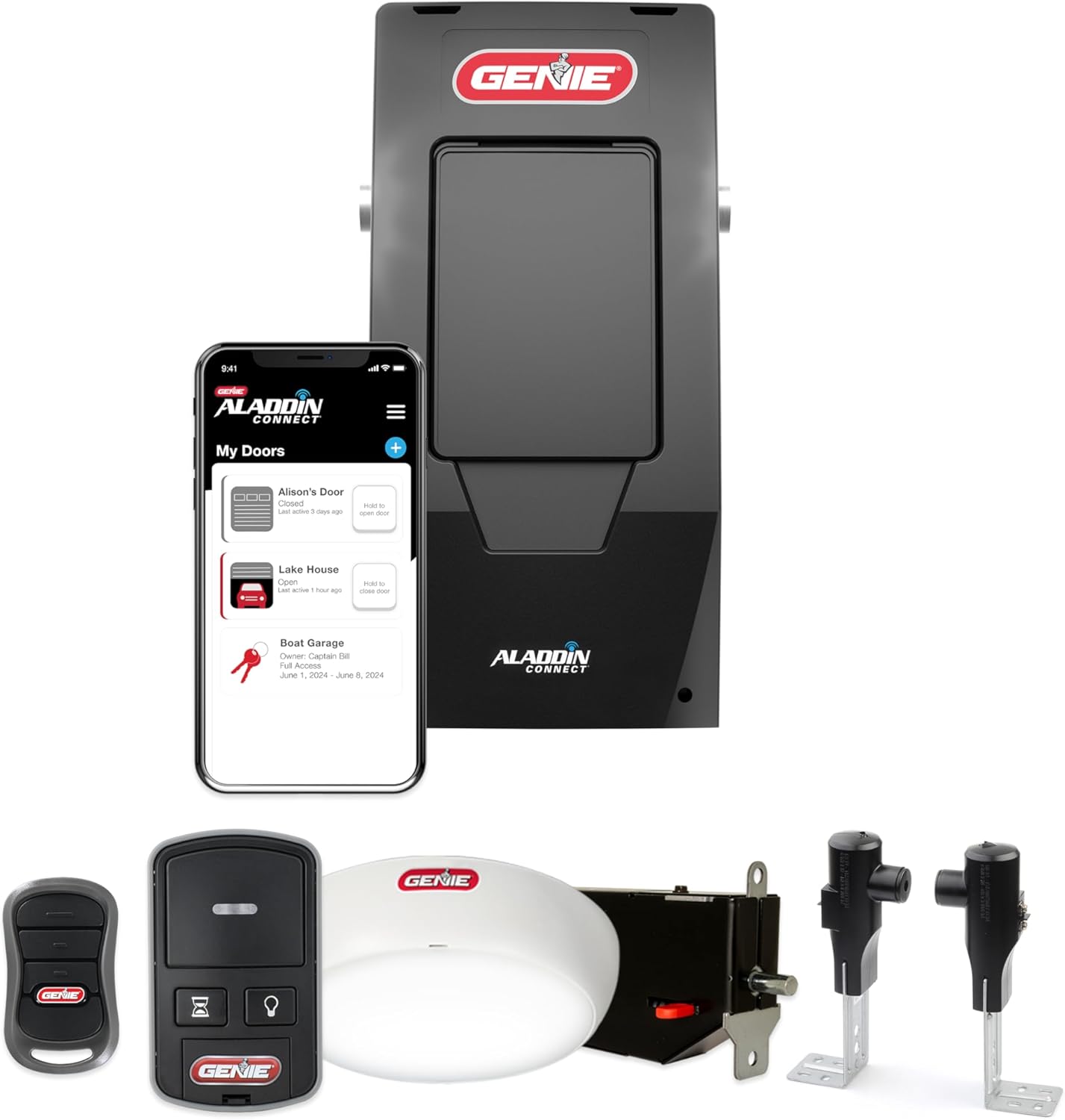
Genie Aladdin Connect Smartphone Garage Door Opener – Mon...
As an Amazon Associate we earn from qualifying purchases.
Official Manufacturer Manual
Genie provides official product documentation through their online manual rather than downloadable PDF. Access setup guides, troubleshooting steps, and product specifications for your Genie Garage Door Opener.
Source: geniecompany.com
Need More Help? Genie Support
Note: The contact information below connects you directly to Genie's official customer support team, not Trunetto. They can help with warranty claims, device replacements, and advanced technical issues.
Accessories owners commonly pair with Genie Garage Door Opener.

As an Amazon Associate we earn from qualifying purchases.