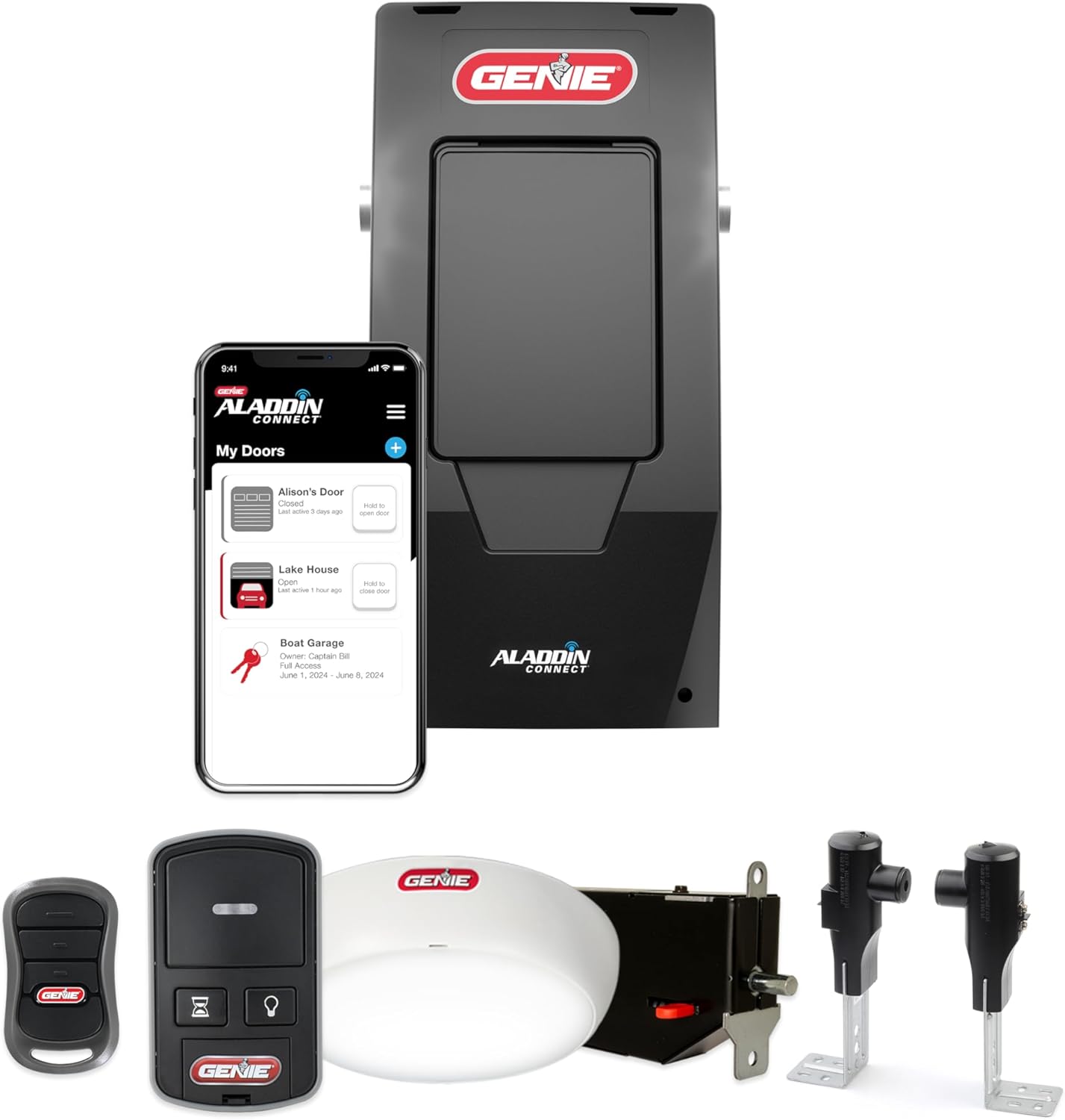
Genie Garage Door Opener Dead or Not Responding? Full Checklist
- Opener unplugged or the outlet has no power
- GFCI outlet or breaker tripped
- Opener in LOCK/vacation mode
Problem Description
Your Genie opener does nothing when you press the wall button or a remote: no motor, no light, no sound, or the light works but the motor never runs. A completely unresponsive opener is usually a power problem, a lockout/vacation setting, or a tripped safety, and only occasionally a failed board or motor. Working through the checklist in order finds it fast.
Why This Happens in Real Homes
A totally unresponsive Genie is usually simpler than it looks, so work a checklist from the outlet inward rather than assuming the worst. Most dead openers are a power problem: a plug bumped loose, a tripped GFCI outlet, or a breaker knocked out by a surge, all of which reset in seconds once you find them. Next is a setting, because vacation or LOCK mode on the wall console deliberately disables controls and mimics a dead opener. After that come the protective trips: a motor that was cycled repeatedly can trip its thermal overload and go dead for fifteen minutes, and a blocked Safe-T-Beam can stop the door from closing. The one distinctive clue to listen for is a hum, since a motor that buzzes but will not turn is a failed start capacitor, not a power problem. Only when the outlet has power, LOCK is off, the motor is silent, and the door moves freely by hand does a blown fuse or failed logic board become the likely answer, and that is a service call.
Symptoms
- No response from the wall button or remotes
- No motor, no light, no sound at all
- Light works but the motor never runs
- Opener went dead suddenly
- Nothing after a power outage or storm
- Door only moves if you hold the wall button
- GFCI outlet or breaker may be tripped
- Opener clicks but does not run
Recognize these? Here's what usually causes it.
Common Causes
- Opener unplugged or the outlet has no power
- GFCI outlet or breaker tripped
- Opener in LOCK/vacation mode
- Motor thermal overload tripped from repeated cycling
- Failed start capacitor (hums but no motor)
- Safe-T-Beam or force lockout preventing operation
- Blown fuse or failed logic board
- Door mechanically jammed or spring broken
Most fixes happen in the first 3 steps.
Before assuming the opener failed, always disconnect and hand-test the door, since a broken spring can make a healthy opener refuse to run. Leave spring repair and internal board/fuse service to professionals.
Tools & Requirements
These tools will help you complete this fix.

Surge protector
HEZI 8 Outlet Heavy Duty Power Strip, 15Amp Metal Mo...

Lamp or phone charger to test the outlet
Itramax USB On Off Switch Cable,USB Extension Cable ...
As an Amazon Associate we earn from qualifying purchases.
Step-by-Step Solution
Check Power at the Outlet
Look up at the ceiling outlet the opener plugs into and confirm the plug is fully seated. Plug a phone charger or lamp into the same outlet to confirm it has power. Openers get bumped loose or share a circuit that tripped.
Needed for this step
Itramax USB On Off Switch Cable,USB Extension C...
This helps complete the fix you are currently reading.
$8.99Reset the GFCI and Breaker
Garage circuits are often GFCI protected. Find the GFCI outlet (it may be the opener's outlet or another one nearby with TEST/RESET buttons) and press RESET, then check the garage breaker in the panel. A surge or a wet outlet trips these with no obvious sign.
Needed for this step
HEZI 8 Outlet Heavy Duty Power Strip, 15Amp Met...
This helps complete the fix you are currently reading.
$35.99Rule Out LOCK / Vacation Mode
If remotes and the keypad are dead but the wall button still runs the door (or vice versa), the opener is likely in vacation/LOCK mode. On the wall console, press and hold the LOCK button until the indicator changes, then retest.
Let the Motor Cool
If you had just cycled the door several times in a row, the motor's thermal overload may have tripped to protect it, leaving the opener dead for 15 minutes or so. Wait, then try again; if it now works, avoid rapid repeated cycles.
Listen for a Hum
Press the button and listen at the powerhead. If the motor HUMS or buzzes but does not turn, that is a failed start capacitor, a separate repair covered in its own guide. If there is total silence and no light, keep going on the power path.
Check the Safe-T-Beam and Force Lockout
Look at the safety sensors near the floor: the red source LED and green receiver LED should be solid. A blocked or misaligned beam stops the door from closing and, with the door up, can leave it seeming unresponsive to a close. Clear and align the sensors.
Hand-Test for a Jam
Pull the red release cord and lift the door by hand. If it is jammed, iced to the floor, or very heavy from a broken spring, the opener may be refusing to run against it. Clear the jam or address the spring (spring work is professional).
Suspect a Fuse or Board
If the outlet has power, LOCK is off, the motor is silent (not humming), the door moves freely by hand, and it still does nothing, the opener likely has a blown internal fuse or a failed logic board, which is a service or replacement item.
Quick Solutions
Still having issues? This is usually the deeper cause below.
If this comes back after following these steps, check whether a recent app or firmware update reset a default setting — the fix works, but the setting gets reverted silently.
Work the checklist top to bottom; most dead openers are power or a LOCK setting, not a failed board. Put the opener on a surge protector to prevent repeat outages from frying the board.
App battery indicators run 15–20% behind actual charge levels — by the time the low warning appears, the device has been struggling for days.
- Opener unplugged or the outlet has no power
- GFCI outlet or breaker tripped
- Opener in LOCK/vacation mode
- Motor thermal overload tripped from repeated cycling
- Failed start capacitor (hums but no motor)
Before you go — try one of these (they fix most cases).
Most popular upgrades chosen by Genie Garage Door Opener owners.

Genie QuietLift Connect Smart Garage Door Opener Bundle w...

Genie StealthDrive 7155 Connect Smartphone-Controlled Bel...

Genie Aladdin Connect Smartphone Garage Door Opener – Mon...
As an Amazon Associate we earn from qualifying purchases.
Official Manufacturer Manual
Genie provides official product documentation through their online manual rather than downloadable PDF. Access setup guides, troubleshooting steps, and product specifications for your Genie Garage Door Opener.
Source: geniecompany.com
Need More Help? Genie Support
Note: The contact information below connects you directly to Genie's official customer support team, not Trunetto. They can help with warranty claims, device replacements, and advanced technical issues.
Accessories owners commonly pair with Genie Garage Door Opener.

As an Amazon Associate we earn from qualifying purchases.