How to Erase and Reprogram All Genie Remotes (Lost Remote)
- A lost or stolen remote is still in the opener memory
- Previous owner's remotes never removed
- Extra remotes accumulated over time
Problem Description
You lost a Genie remote, moved into a home with unknown remotes, or want to clear every code and start fresh for security. Genie openers store all remote and keypad codes in the powerhead memory, and you can wipe them all at once with the Learn/Program button, then re-learn only the remotes and keypad you want to keep. This locks out any lost, stolen, or previous-owner remote.
Why This Happens in Real Homes
If you lost a Genie remote or moved into a home with unknown ones, the secure fix is to wipe the opener's memory and start over, because Genie stores every remote and keypad code in the powerhead and there is no way to delete just one. The whole procedure hinges on one button, the Learn/Program button behind the light lens on the motor unit, and on the difference between holding it and tapping it. Hold it for about ten seconds until the LED goes out, and every code, including any lost or previous-owner remote, is erased. Then tap that same button once to open a 30-second window and press a remote to re-learn it, repeating for each remote and for the keypad with a fresh PIN. The key safety habit is to verify: after erasing, confirm a remote you want actually stopped working before you re-add it, which proves the old codes are truly gone, and always re-learn at least one remote or the keypad before you walk away.
Symptoms
- Lost or stolen remote you need to disable
- Moved into a home with unknown remotes
- Want to clear all codes and re-add only your own
- A remote you cannot find still opens the door
- Too many remotes programmed and want a clean slate
- Neighbor or old tenant may have a working remote
- Keypad code is unknown and you want to reset access
- Selling the house and clearing access
Recognize these? Here's what usually causes it.
Common Causes
- A lost or stolen remote is still in the opener memory
- Previous owner's remotes never removed
- Extra remotes accumulated over time
- Unknown keypad code still active
- You want to revoke all access at once
- Individual remote cannot be located to delete just it
- Security reset after a move
- Opener memory near full
Most fixes happen in the first 3 steps.
The door will move while you test remotes; keep the door path clear. After erasing, make sure you re-learn at least one remote or the keypad before you need to get in, especially on key-free setups.
Tools & Requirements
Step-by-Step Solution
Understand What Erasing Does
Genie stores every remote and keypad code in the opener's memory. There is no way to delete just one lost remote, so the secure fix is to erase them all at once and then re-add only the ones you have. After this, any remote you did not re-learn, including a lost or previous-owner one, will no longer open the door.
Locate the Learn/Program Button
On the powerhead (the motor unit on the ceiling), find the Learn or Program button on the back or side panel, usually behind the light lens cover, which you may need to slide off. Note its color, since you will re-learn remotes to the same button.
Erase All Codes
Press and HOLD the Learn/Program button. Keep holding for about 10 or more seconds until the LED next to it turns OFF (some models beep). When the LED goes out, the opener's entire remote and keypad memory is cleared. Release the button.
Verify the Old Remote Is Dead
Press any remote now, including one you want to keep. Nothing should happen, which confirms the memory is truly cleared. If a remote still opens the door, repeat the erase, holding the button longer until the LED goes out.
Re-Learn Your First Remote
Press and RELEASE the Learn button once (do not hold it this time). The LED will blink for about 30 seconds. Within that window, press the remote button you want once or twice until the opener light flashes or clicks, confirming it learned.
Re-Learn Additional Remotes
Repeat for each remote: press and release the Learn button, then press the remote within 30 seconds. Each remote must be added individually. Program a spare now as a backup while you are at the powerhead.
Re-Learn the Wireless Keypad
To restore keypad access, set a new PIN on the keypad, then press and release the Learn button on the powerhead and enter the PIN plus SEND on the keypad within 30 seconds so the opener learns the new code.
Test Everything
Test each re-added remote from your normal distance and the keypad with the new PIN. Confirm the door opens and closes, and that only the devices you re-added work.
Quick Solutions
Still having issues? This is usually the deeper cause below.
If this comes back after following these steps, check whether a recent app or firmware update reset a default setting — the fix works, but the setting gets reverted silently.
Do a full erase and re-learn whenever you move into a home, so no previous owner's remote can open your garage. Program a labeled spare remote during the process and keep it inside as a backup.
This issue almost always looks more complex than it is — the majority of cases trace back to a single setting, a stale credential, or a default that shipped wrong.
- A lost or stolen remote is still in the
- Previous owner's remotes never removed
- Extra remotes accumulated over time
- Unknown keypad code still active
- You want to revoke all access at once
Before you go — try one of these (they fix most cases).
Most popular upgrades chosen by Genie Garage Door Opener owners.

Genie QuietLift Connect Smart Garage Door Opener Bundle w...

Genie StealthDrive 7155 Connect Smartphone-Controlled Bel...

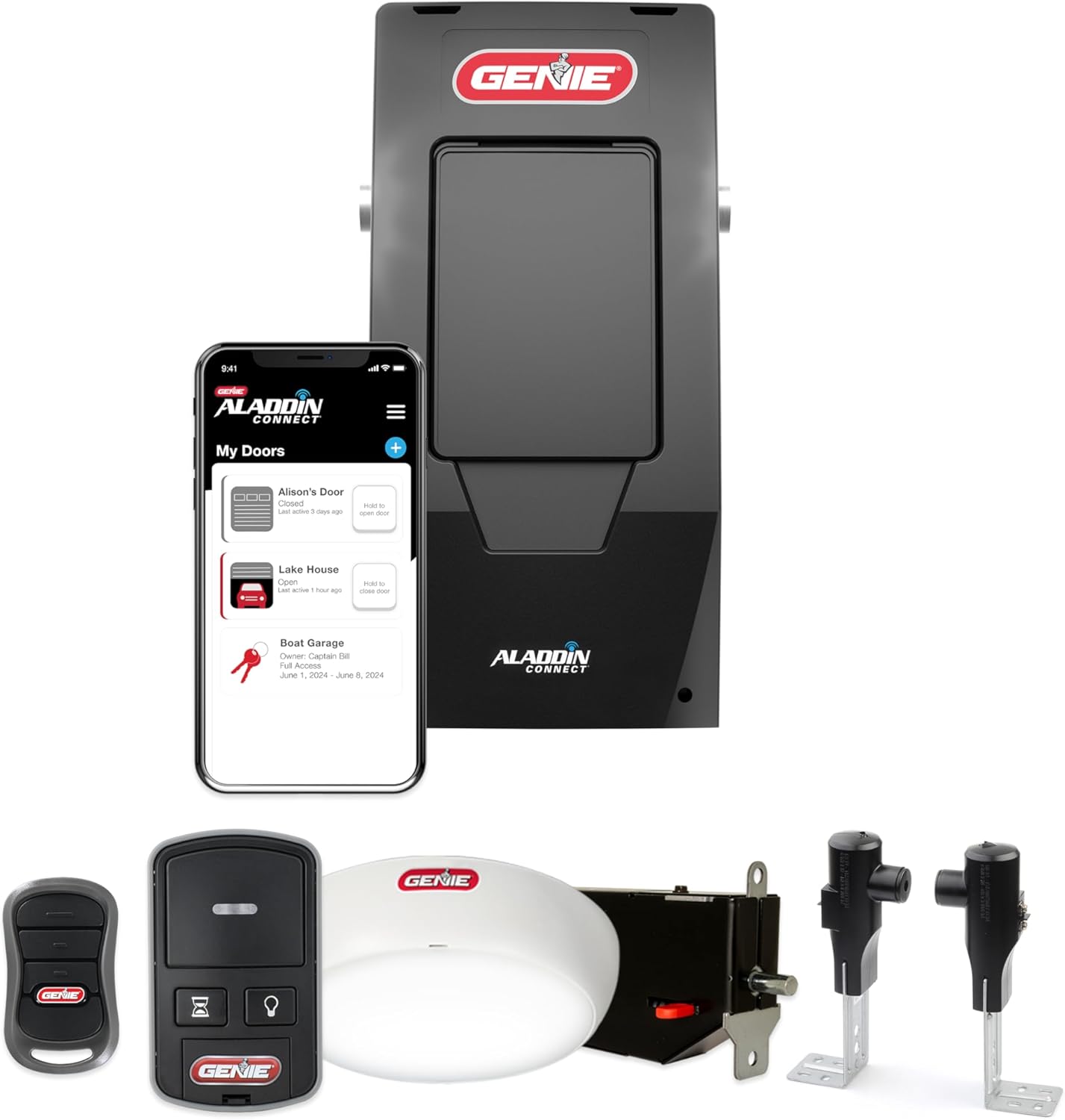
Genie Aladdin Connect Smartphone Garage Door Opener – Mon...
As an Amazon Associate we earn from qualifying purchases.
Official Manufacturer Manual
Genie provides official product documentation through their online manual rather than downloadable PDF. Access setup guides, troubleshooting steps, and product specifications for your Genie Garage Door Opener.
Source: geniecompany.com
Need More Help? Genie Support
Note: The contact information below connects you directly to Genie's official customer support team, not Trunetto. They can help with warranty claims, device replacements, and advanced technical issues.
Accessories owners commonly pair with Genie Garage Door Opener.

As an Amazon Associate we earn from qualifying purchases.