Genie Garage Door Reverses Before Closing? Force and Limit Fixes
- Safe-T-Beam sensors misaligned, dirty, or sun-washed
- Close (down) force set too sensitive
- Down travel limit set so the door hits the floor early
Problem Description
Your Genie garage door starts to close, then stops and reverses back up before it reaches the floor. It may happen every time or only sometimes, and the opener light often flashes afterward. On a Genie, a door that reverses while closing is the safety system working: either the Safe-T-Beam sensors are interrupted, the close (down) force is set too sensitive, the down travel limit is set too far, or the door is binding on worn rollers or a warped track.
Why This Happens in Real Homes
A Genie that reverses on the way down is the safety system doing its job, so the trick is figuring out which safety is tripping. Start at the Safe-T-Beam sensors near the floor, because a misaligned or sun-washed beam is the single most common cause, and the tell is the green receiver LED being anything other than solid. If the sensors are clean and aligned, the question becomes force versus limits. Reversing with no obstruction means the down force is set too sensitive and reads the door's own weight or a dry roller as a collision, while reversing right at the floor means the down travel limit is set too far, so the door bottoms out and the opener assumes it hit something. Before touching either, disconnect the opener and lift the door by hand: a heavy or jerky door is a spring or roller problem that no setting will fix. And always finish with the 2x4 test, because the same down-force setting that stops nuisance reversals must still reverse on contact.
Symptoms
- Door closes partway then reverses and goes back up
- Reverses every time you try to close
- Opener light flashes several times after it reverses
- Door reverses only in cold weather or at a certain time of day
- Reverses right at the floor, just before sealing
- Reverses immediately at the start of the close
- Door closes only if you hold the wall button down
- Closes fine some days, reverses other days
Recognize these? Here's what usually causes it.
Common Causes
- Safe-T-Beam sensors misaligned, dirty, or sun-washed
- Close (down) force set too sensitive
- Down travel limit set so the door hits the floor early
- Rollers or hinges binding, adding resistance on the way down
- Track bent or an obstruction in the door path
- Broken or weak spring making the door drop unevenly
- Sunlight hitting the receiver sensor at certain times
- Door seal or threshold contact read as an obstruction
Most fixes happen in the first 3 steps.
Garage door springs are under extreme tension and can cause serious injury; leave spring replacement to a professional. Never set the force so high that the door will not reverse on the 2x4 test, and never bypass the Safe-T-Beam sensors.
Tools & Requirements
These tools will help you complete this fix.

As an Amazon Associate we earn from qualifying purchases.
Step-by-Step Solution
Check the Safe-T-Beam Sensors First
Look at the two small sensors mounted about 5 to 6 inches off the floor on each side of the door. The source sensor shows a red LED and the receiver shows a green LED, and BOTH must be solid. If the green one is off or blinking, the beam is broken or misaligned, so clean the lenses with a dry cloth and adjust each sensor on its bracket until both LEDs glow steady. Direct sun into the receiver at a certain time of day also causes reversals only then; hood or shade it.
Test the Door Balance by Hand
Pull the emergency release cord (the red handle hanging from the trolley on the rail) to disconnect the door, then lift it by hand. It should glide and stay put halfway. If it is heavy, jerky, or slams, you have a spring or roller problem, and no force setting will fix that, so address the door hardware first.
Lubricate Rollers, Hinges, and Track
Spray a garage-door lubricant on the rollers, hinges, and the spring, and wipe the track clean. A door dragging on dry or worn rollers feels like an obstruction to the opener and triggers a reversal partway down.
Find the Force and Limit Controls on the Powerhead
On newer Genie models (SilentMax 750, StealthDrive 750, Chain Drive, QuietLift, StealthLift), the settings are the Program Set button plus the Up and Down arrow buttons on the powerhead panel, and force is learned automatically when you set the limits. On older screw-drive models like the Excelerator, there are separate Up Force and Down Force dials plus limit adjustments on the motor housing.
Adjust the Down (Close) Force
If the door reverses with no obstruction and the sensors are good, the down force is too sensitive. On dial models, turn the Down Force dial slightly toward more force. On button models, re-run the limit-setting routine, which relearns the force for the door's real weight. Increase in small steps only.
Reset the Down Travel Limit
If the door reverses right at the floor, the down limit is set too far, so the door bottoms out and the opener thinks it hit something. Shorten the down limit slightly (Down arrow on button models, or the down limit adjustment on screw-drive models) so the door just kisses the floor and seals without straining.
Re-Test the Safety Reverse
After any force change, lay a 2x4 flat on the floor in the door's path and close the door. It must reverse when it touches the wood. This is a required safety check; if it will not reverse on contact, the down force is now too high and must be reduced.
Confirm and Watch a Few Cycles
Run the door several times and watch that it closes fully and seals without reversing. If it still reverses with clean sensors, a balanced door, and correct limits, have the springs and the logic board checked by a technician.
Quick Solutions
Still having issues? This is usually the deeper cause below.
If this comes back after following these steps, check whether a recent app or firmware update reset a default setting — the fix works, but the setting gets reverted silently.
Do the 2x4 safety-reverse test after every force or limit change, and again a couple of times a year. A door that will not reverse on contact is dangerous even if it closes perfectly.
This issue almost always looks more complex than it is — the majority of cases trace back to a single setting, a stale credential, or a default that shipped wrong.
- Safe-T-Beam sensors misaligned, dirty, or sun-washed
- Close (down) force set too sensitive
- Down travel limit set so the door hits the
- Rollers or hinges binding, adding resistance on the way
- Track bent or an obstruction in the door path
Before you go — try one of these (they fix most cases).
Most popular upgrades chosen by Genie Garage Door Opener owners.

Genie QuietLift Connect Smart Garage Door Opener Bundle w...

Genie StealthDrive 7155 Connect Smartphone-Controlled Bel...

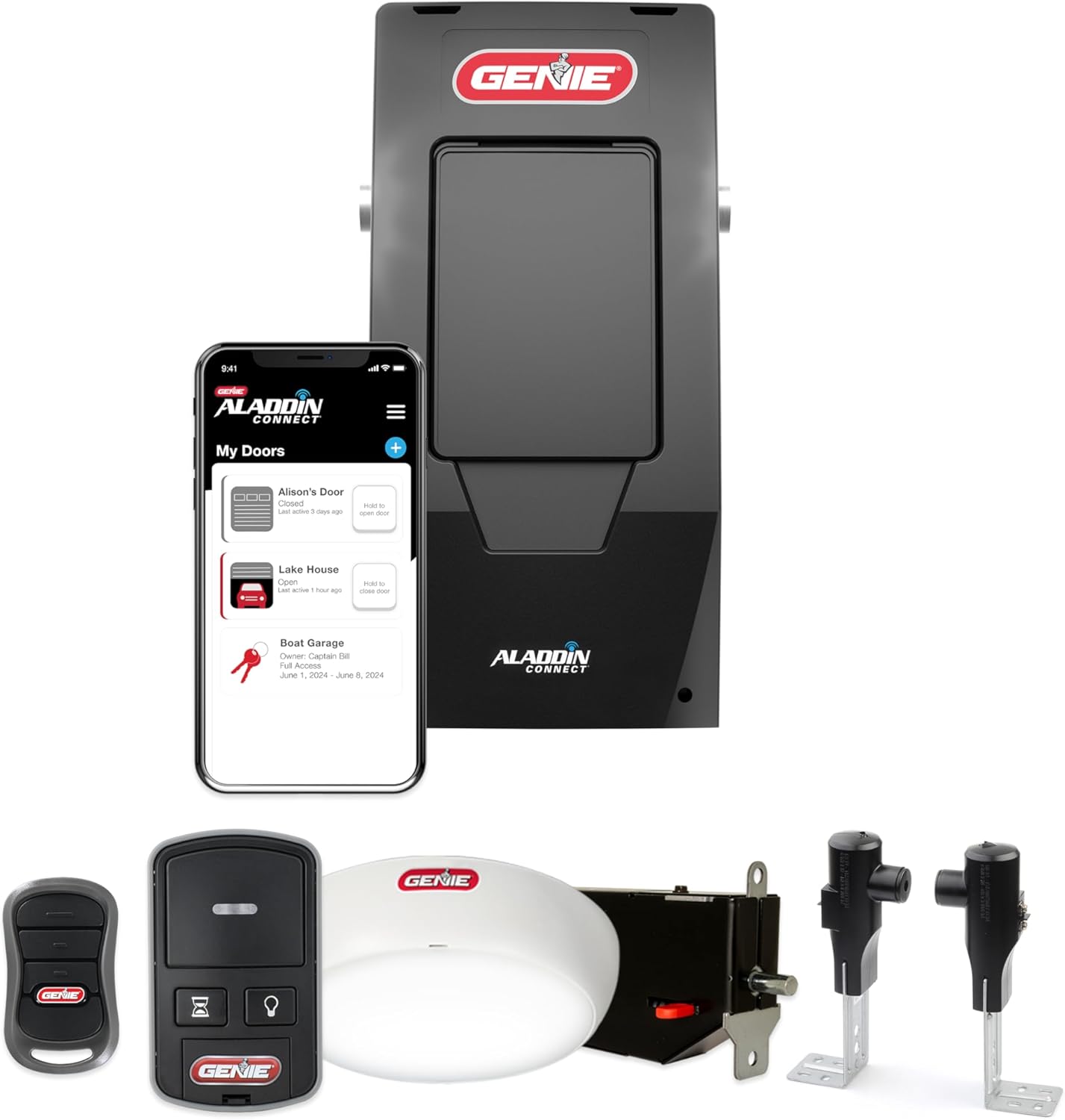
Genie Aladdin Connect Smartphone Garage Door Opener – Mon...
As an Amazon Associate we earn from qualifying purchases.
Official Manufacturer Manual
Genie provides official product documentation through their online manual rather than downloadable PDF. Access setup guides, troubleshooting steps, and product specifications for your Genie Garage Door Opener.
Source: geniecompany.com
Need More Help? Genie Support
Note: The contact information below connects you directly to Genie's official customer support team, not Trunetto. They can help with warranty claims, device replacements, and advanced technical issues.
Accessories owners commonly pair with Genie Garage Door Opener.

As an Amazon Associate we earn from qualifying purchases.