How to Set Travel Limits and Force on a Genie Garage Door Opener
- Up travel limit set too short or too long
- Down travel limit set too short or too far
- Up or down force set too low or too high
Problem Description
Your Genie garage door does not open all the way, does not close completely, or reverses because the travel limits and force are not set correctly. Every Genie opener stores an up (open) stop point and a down (close) stop point, plus how much force it may use in each direction. This guide walks through setting the limits and force on both the newer button-programmed models and the older screw-drive models with dials.
Why This Happens in Real Homes
Setting limits and force on a Genie is straightforward once you know two things: where your controls are, and that a balanced door comes first. Newer Genie openers do most of the work for you, since you jog the door to the open and close points with the Up and Down arrow buttons on the powerhead and press Program Set, and the opener then learns the correct force on its own by feeling the door's weight through one cycle. Older screw-drive Excelerator units are more manual, with mechanical limits and separate Up Force and Down Force dials you tune by hand. Either way, the mistakes that cause callbacks are setting the down limit too far (the door bottoms out and reverses) or the up limit too short (the door stops before fully open), and cranking force up to muscle through a door that is actually binding on dry rollers or a weak spring. Balance the door by hand first, make small adjustments, and always finish with the 2x4 test, because force that closes smoothly still has to reverse on contact.
Symptoms
- Door stops short of fully open
- Door does not close all the way and leaves a gap
- Door reverses at or near the floor
- Door slams the last bit as it closes
- New opener never had limits set
- Limits drifted after a power outage or repair
- Door opens too far and hits the stop bolt hard
- Opener strains or hums at the end of travel
Recognize these? Here's what usually causes it.
Common Causes
- Up travel limit set too short or too long
- Down travel limit set too short or too far
- Up or down force set too low or too high
- Limits lost after a power outage or logic-board reset
- Opener newly installed and never programmed
- Door balance changed since the last setup
- Screw-drive limit nuts drifted over time
- Wrong programming sequence used for the model
Most fixes happen in the first 3 steps.
Springs are under high tension; do not attempt spring work yourself. Always finish with the 2x4 safety-reverse test, and never raise the force to overcome a binding door instead of fixing the door.
Tools & Requirements
These tools will help you complete this fix.

As an Amazon Associate we earn from qualifying purchases.
Step-by-Step Solution
Balance the Door First
Limits only work on a properly balanced door. Pull the red emergency-release handle on the trolley, lift the door by hand, and confirm it moves freely and stays put around waist height. Fix any spring or roller problem before programming, then re-attach the trolley by running the opener or pulling the release toward the door.
Identify Your Adjustment Type
On newer Genie models (SilentMax 750, StealthDrive 750, Chain Drive, QuietLift, StealthLift), limits are set with the Program Set button and the Up/Down arrow buttons on the powerhead's control panel, and force is learned automatically. On older screw-drive models like the Excelerator, you set mechanical limits and turn separate Up Force and Down Force dials on the motor housing. Find your controls before starting.
Enter Limit-Setting Mode (Button Models)
On button models, press and hold the Program Set button on the powerhead until the round LED turns on or the unit beeps, indicating it is ready to learn the open position. The exact hold time and beep pattern are on the label inside the light lens cover, so follow your model's prompts.
Set the Up (Open) Limit
Use the Up arrow button on the powerhead to jog the door to the fully open position you want, stopping just before it hits the physical open stop on the rail. Press Program Set to save the open point.
Set the Down (Close) Limit
Use the Down arrow button to jog the door down until the bottom weatherseal just meets the floor and seals, without the opener straining or the door bowing. Press Program Set to save the close point. The opener then runs a cycle to auto-learn the force for the door's real weight.
Set Force on Screw-Drive Models
On Excelerator and other screw-drive units, set the mechanical up and down limits per the manual, then turn the Up Force and Down Force dials on the powerhead to the minimum that still opens and closes reliably. Too much force is unsafe; too little causes nuisance reversals.
Run the 2x4 Safety-Reverse Test
Lay a 2x4 flat on the floor in the door's path and close the door. It must reverse the moment it touches the wood. If it does not, the down force is too high; reduce it and re-test. This is a mandatory safety check after setting limits or force.
Cycle and Fine-Tune
Open and close the door several full cycles. If it stops short of open, extend the up limit slightly; if it leaves a gap or slams, nudge the down limit. Make small changes and re-test the safety reverse after any force change.
Quick Solutions
Still having issues? This is usually the deeper cause below.
If this comes back after following these steps, check whether a recent app or firmware update reset a default setting — the fix works, but the setting gets reverted silently.
Write your final settings and the date on a piece of tape inside the light lens cover. After a power outage some models keep limits and some lose them, so knowing your baseline makes a re-set quick.
This issue almost always looks more complex than it is — the majority of cases trace back to a single setting, a stale credential, or a default that shipped wrong.
- Up travel limit set too short or too long
- Down travel limit set too short or too far
- Up or down force set too low or too
- Limits lost after a power outage or logic-board reset
- Opener newly installed and never programmed
Before you go — try one of these (they fix most cases).
Most popular upgrades chosen by Genie Garage Door Opener owners.

Genie QuietLift Connect Smart Garage Door Opener Bundle w...

Genie StealthDrive 7155 Connect Smartphone-Controlled Bel...

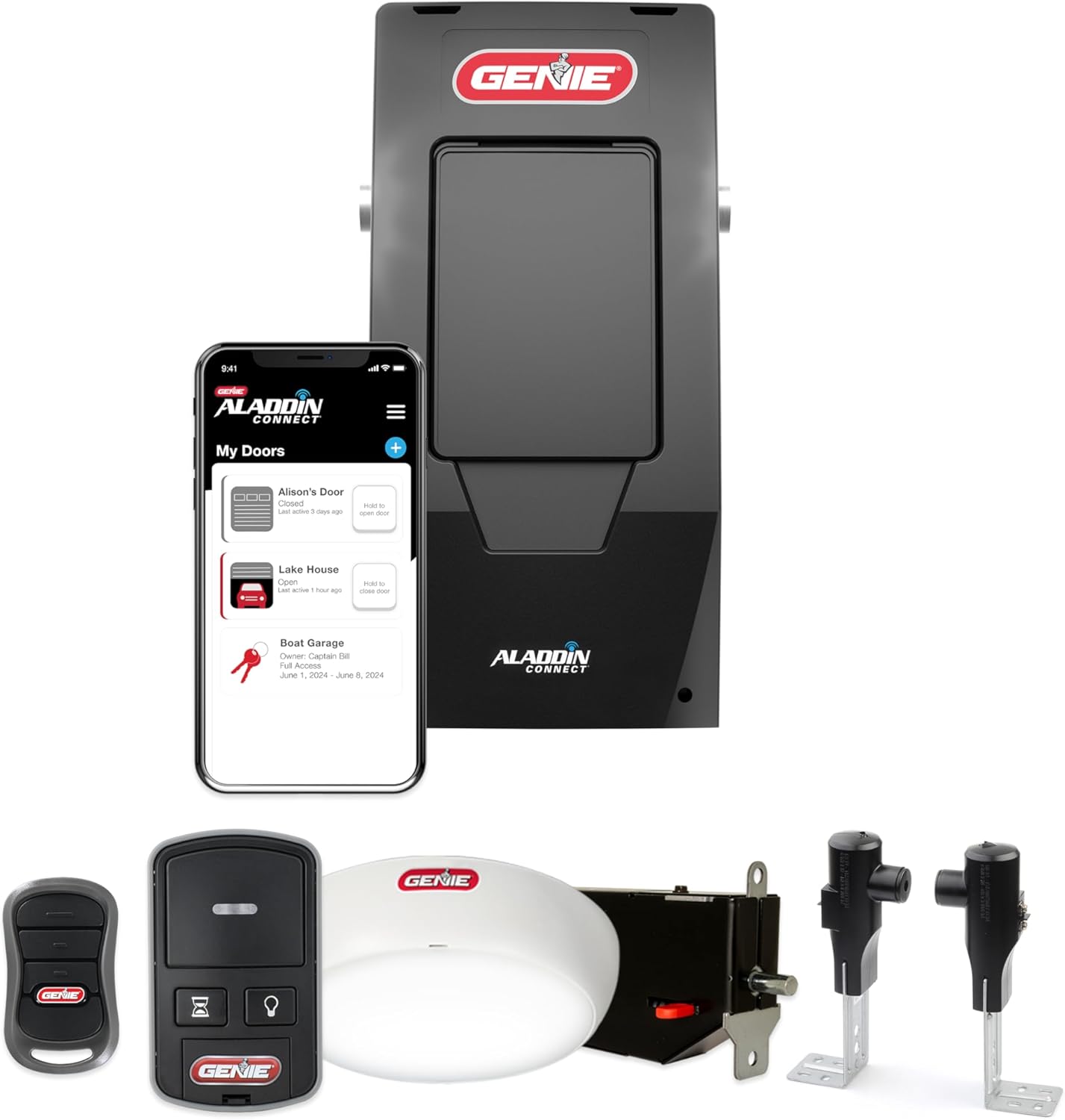
Genie Aladdin Connect Smartphone Garage Door Opener – Mon...
As an Amazon Associate we earn from qualifying purchases.
Official Manufacturer Manual
Genie provides official product documentation through their online manual rather than downloadable PDF. Access setup guides, troubleshooting steps, and product specifications for your Genie Garage Door Opener.
Source: geniecompany.com
Need More Help? Genie Support
Note: The contact information below connects you directly to Genie's official customer support team, not Trunetto. They can help with warranty claims, device replacements, and advanced technical issues.
Accessories owners commonly pair with Genie Garage Door Opener.

As an Amazon Associate we earn from qualifying purchases.