Genie Opener Hums or Buzzes but Won't Move? Capacitor Fix
- Failed or weak motor start capacitor
- Capacitor bulging, leaking, or burnt
- Motor windings damaged or burnt out
Problem Description
Your Genie opener hums or buzzes when you press the button but the motor does not turn and the door does not move. The light may come on, and you can hear the motor straining. On an AC-motor Genie, this hum-without-motion is the classic sign of a failed motor start capacitor: the motor gets power but cannot generate the burst it needs to start spinning, so it just sits there and buzzes until the thermal cutoff trips.
Why This Happens in Real Homes
A Genie that hums or buzzes but will not turn is showing the textbook symptom of a dead start capacitor. The capacitor gives an AC motor the electrical kick it needs to begin spinning, and when it weakens with age or a power surge, the motor gets voltage but cannot start, so it sits there humming until its thermal overload trips to protect it. The quick way to separate this from a mechanical problem is to pull the emergency release and press the button: a capacitor-faulted motor still only hums with the door disconnected, whereas a motor that spins freely once disconnected was just fighting a binding door. Replacing the capacitor is a genuinely doable repair, but with one hard rule: capacitors hold a charge even unplugged, so discharge the terminals with an insulated screwdriver before you touch them, and match the new part's microfarad and voltage ratings exactly. If a correct new capacitor does not fix it, the motor windings are gone and the powerhead needs replacing.
Symptoms
- Motor hums or buzzes but does not turn
- Door does not move at all when activated
- Opener light comes on but nothing spins
- Motor gets warm or trips off after buzzing
- Sometimes starts if you help the door by hand
- Buzzing on both the wall button and remote
- Problem appeared suddenly
- Burning or electrical smell from the powerhead
Recognize these? Here's what usually causes it.
Common Causes
- Failed or weak motor start capacitor
- Capacitor bulging, leaking, or burnt
- Motor windings damaged or burnt out
- Thermal overload tripped after repeated strain
- Drive mechanically seized, stalling the motor
- Aging capacitor losing capacitance over years
- Power surge damaged the capacitor or board
- Loose or corroded motor wiring
Most fixes happen in the first 3 steps.
Capacitors store a dangerous charge even when unplugged; always discharge across the terminals with an insulated tool before handling. If you are not comfortable working inside the powerhead, have a technician replace the capacitor.
Tools & Requirements
These tools will help you complete this fix.

As an Amazon Associate we earn from qualifying purchases.
Step-by-Step Solution
Confirm the Symptom Is a Hum, Not a Run
Press the button and listen. A capacitor fault makes the motor HUM or BUZZ while nothing turns. If instead the motor RUNS normally but the door does not move, that is a mechanical trolley or gear problem, not a capacitor, so use the motor-runs-but-door-won't-move guide for that case.
Rule Out a Seized Drive
Pull the red emergency-release cord on the trolley to disconnect the door, then press the button. If the motor now spins freely with the door disconnected, the motor and capacitor are fine and the door/drive was binding. If it still only hums, continue to the capacitor.
Unplug the Opener
Unplug the powerhead from the ceiling outlet before opening anything. You are about to work near a capacitor that stores a charge, so power must be off first.
Open the Powerhead and Find the Capacitor
Remove the screws holding the powerhead cover (usually on the back or the light-lens end of the motor unit) and lift it off. The start capacitor is a cylindrical component, often black or silver, wired to the motor. A bulged top, leaking fluid, or a burnt smell is a dead giveaway that it has failed.
Discharge the Capacitor Safely
Before touching the terminals, discharge the capacitor by bridging its two terminals with an insulated-handle screwdriver for a few seconds. Capacitors hold a charge even with the opener unplugged and can shock you if you skip this.
Replace With a Matching Capacitor
Note the capacitor's ratings printed on its side (microfarads, uF, and voltage) and buy an exact match. Disconnect the old one, fit the new one to the same terminals, and make sure the connections are firm. Using the wrong uF or voltage will not start the motor reliably.
Reassemble and Test
Refit the powerhead cover, plug the opener back in, and press the button. The motor should now spin and, once you re-engage the trolley, move the door. Run a couple of full cycles to confirm.
If It Still Hums, Suspect the Motor
If a new, correctly rated capacitor does not fix the hum and the drive is free, the motor windings are likely burnt out (often with an electrical smell), which means the motor or powerhead needs professional replacement.
Quick Solutions
Still having issues? This is usually the deeper cause below.
If this comes back after following these steps, check whether a recent app or firmware update reset a default setting — the fix works, but the setting gets reverted silently.
Take a photo of the old capacitor's label and wiring before you disconnect it, so you buy the exact uF/voltage match and reconnect the leads correctly.
This issue almost always looks more complex than it is — the majority of cases trace back to a single setting, a stale credential, or a default that shipped wrong.
- Failed or weak motor start capacitor
- Capacitor bulging, leaking, or burnt
- Motor windings damaged or burnt out
- Thermal overload tripped after repeated strain
- Drive mechanically seized, stalling the motor
Before you go — try one of these (they fix most cases).
Most popular upgrades chosen by Genie Garage Door Opener owners.

Genie QuietLift Connect Smart Garage Door Opener Bundle w...

Genie StealthDrive 7155 Connect Smartphone-Controlled Bel...

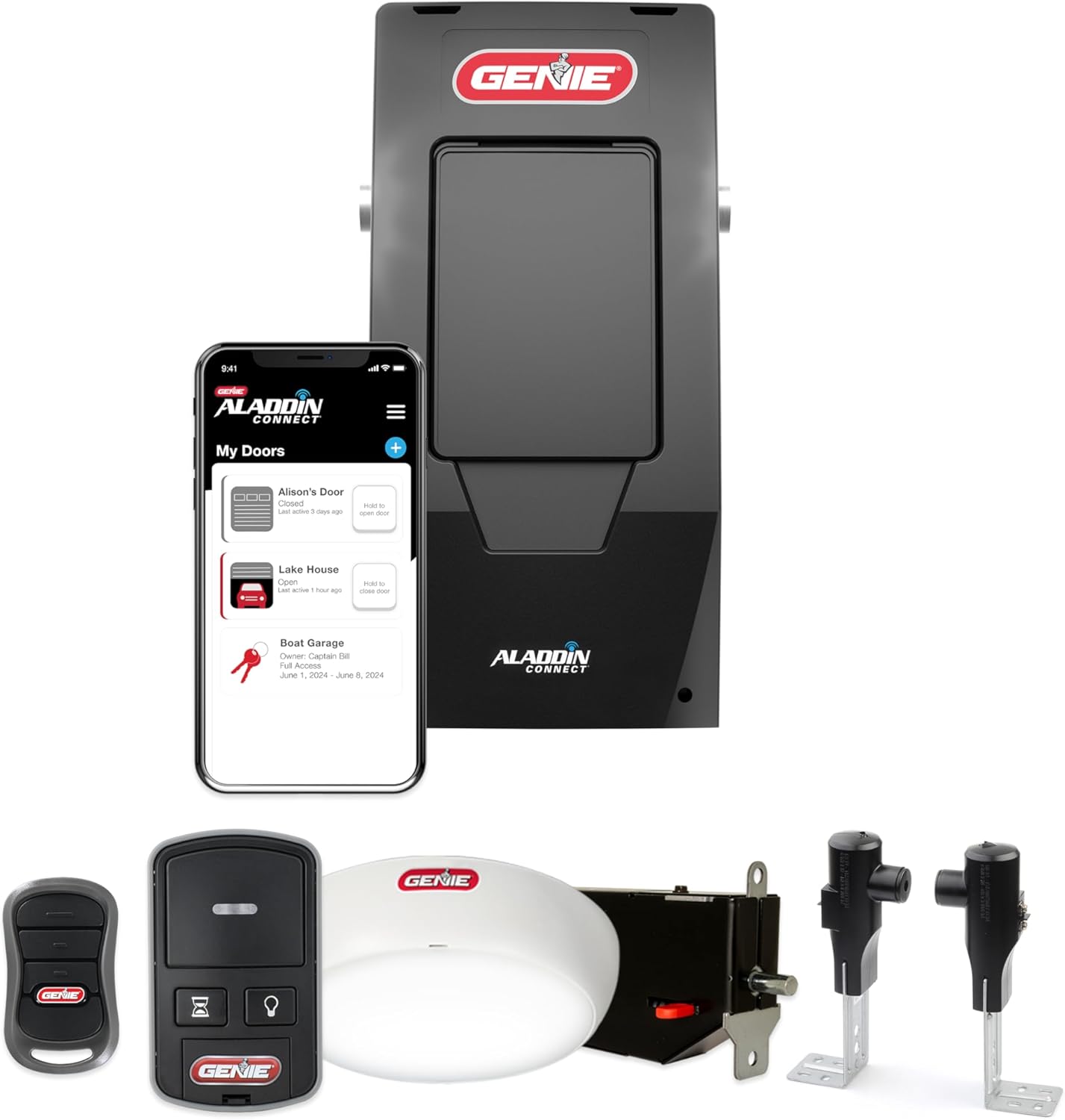
Genie Aladdin Connect Smartphone Garage Door Opener – Mon...
As an Amazon Associate we earn from qualifying purchases.
Official Manufacturer Manual
Genie provides official product documentation through their online manual rather than downloadable PDF. Access setup guides, troubleshooting steps, and product specifications for your Genie Garage Door Opener.
Source: geniecompany.com
Need More Help? Genie Support
Note: The contact information below connects you directly to Genie's official customer support team, not Trunetto. They can help with warranty claims, device replacements, and advanced technical issues.
Accessories owners commonly pair with Genie Garage Door Opener.

As an Amazon Associate we earn from qualifying purchases.