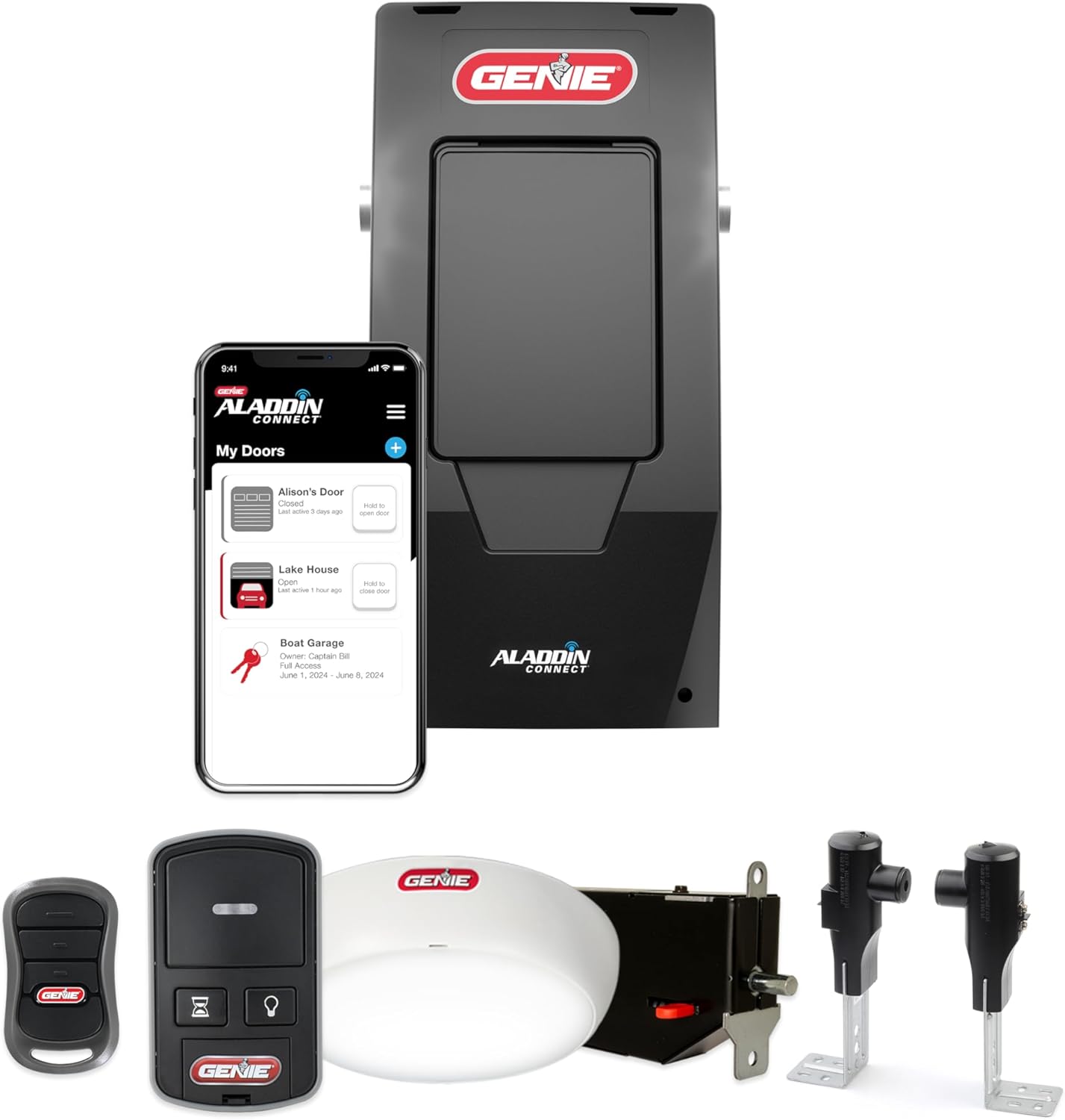
Genie Garage Opener Light Won't Turn On? Bulb and Socket Fixes
- Bulb burned out
- Bulb loose in the socket
- Incompatible or non-dimmable LED bulb in the opener
Problem Description
The light on your Genie opener does not turn on when the door operates or when you press the light button, even though the door itself works fine. On most Genie openers the light is a standard bulb in a socket behind the lens cover, and a dead light is usually a burned-out or incompatible bulb, a loose bulb, or a light setting, though newer models with a built-in LED light bar are different.
Why This Happens in Real Homes
When only the light on a Genie opener is out and the door still works, the fault is almost always at the bulb, the socket, or a setting, not the opener as a whole. Start by pulling the lens cover off the powerhead and replacing the bulb, because opener vibration burns bulbs out fast. The catch is bulb choice: stay within the opener's maximum wattage printed near the socket, and if you go LED, use one specifically rated for garage door openers, since ordinary household LEDs often refuse to light in an opener, buzz, or, worst of all, throw radio interference that shrinks your remote's range. If a good bulb still will not light, snug it in the socket and check the little contact tab at the base of the socket. Two things to know: connected models let you turn the work light off in the app, so check that setting, and newer openers with a sealed LED light bar have no replaceable bulb at all, which makes a dead light a service item.
Symptoms
- Light does not come on when the door operates
- Light button on the wall console does nothing
- Bulb is new but still will not light
- Light flickers or comes on intermittently
- Light used to work then quit
- Only the light is affected; the door works fine
- LED bulb buzzes or does not light in the opener
- Light stays off but no error is shown
Recognize these? Here's what usually causes it.
Common Causes
- Bulb burned out
- Bulb loose in the socket
- Incompatible or non-dimmable LED bulb in the opener
- Bulb exceeds the opener's maximum wattage
- Light setting or timer turned off in the app or console
- Corroded or spread socket contacts
- Built-in LED light bar failed (not user-replaceable)
- Control board light circuit fault
Most fixes happen in the first 3 steps.
Let the old bulb cool before removing it, and unplug the opener before touching the socket contacts. Do not exceed the printed maximum wattage, which can overheat the fixture.
Tools & Requirements
Step-by-Step Solution
Confirm It Is Just the Light
Make sure the door itself operates normally and only the light is out. If the whole opener is dead, this is a power problem instead. A working door with a dead light points to the bulb, the socket, or the light setting.
Locate the Bulb Behind the Lens
On the powerhead, the light lens is the translucent cover on the motor unit. Slide or unclip it off (some pull straight down, some have a tab) to expose the bulb socket. Note whether your model has a standard screw-in bulb or a built-in LED light bar, because the LED-bar models are not user-replaceable.
Replace the Bulb
Unscrew the old bulb and put in a fresh one. Many opener light failures are simply a burned-out bulb, and vibration from the opener shortens bulb life, so this is the first thing to try.
Use a Compatible Bulb
Do not exceed the opener's maximum bulb wattage, which is printed near the socket or in the manual (commonly 60 watts for incandescent). If you use an LED, choose one specifically labeled as compatible with garage door openers; ordinary household LEDs may not light, may flicker, may buzz, and can interfere with your remote's range.
Check the Bulb Is Seated
A bulb can look in but not make contact, especially after a bumpy install. Gently snug the bulb in the socket, and if it still will not light, look at the metal contact tab in the bottom of the socket and gently bend it up a little (with the opener unplugged) so it touches the bulb base.
Check the Light Setting
On connected models you can turn the work light on or off and set its on-time in the Aladdin Connect app or from the wall console light button. Make sure the light has not simply been switched off or set to a zero timer.
Handle an LED Light-Bar Model
If your opener uses a sealed LED light bar rather than a replaceable bulb and it has failed, it is not a user part. That is a board/module service item, so contact Genie or a technician.
Suspect the Board if the Socket Is Dead
If a known-good compatible bulb, firmly seated in a clean socket, still will not light while the door works, the light circuit on the control board has likely failed, which needs service.
Quick Solutions
Still having issues? This is usually the deeper cause below.
If flickering only happens on dimming, the issue is almost always the dimmer's minimum-load setting, not the bulb — it's drawing less current than the dimmer expects.
Keep a couple of opener-rated bulbs on hand, since opener vibration burns through ordinary bulbs quickly. If a new LED shortened your remote range, it is interfering, so switch to an opener-rated or incandescent bulb.
This issue almost always looks more complex than it is — the majority of cases trace back to a single setting, a stale credential, or a default that shipped wrong.
- Bulb burned out
- Bulb loose in the socket
- Incompatible or non-dimmable LED bulb in the opener
- Bulb exceeds the opener's maximum wattage
- Light setting or timer turned off in the app
Before you go — try one of these (they fix most cases).
Most popular upgrades chosen by Genie Garage Door Opener owners.

Genie QuietLift Connect Smart Garage Door Opener Bundle w...

Genie StealthDrive 7155 Connect Smartphone-Controlled Bel...

Genie Aladdin Connect Smartphone Garage Door Opener – Mon...
As an Amazon Associate we earn from qualifying purchases.
Official Manufacturer Manual
Genie provides official product documentation through their online manual rather than downloadable PDF. Access setup guides, troubleshooting steps, and product specifications for your Genie Garage Door Opener.
Source: geniecompany.com
Need More Help? Genie Support
Note: The contact information below connects you directly to Genie's official customer support team, not Trunetto. They can help with warranty claims, device replacements, and advanced technical issues.
Accessories owners commonly pair with Genie Garage Door Opener.

As an Amazon Associate we earn from qualifying purchases.