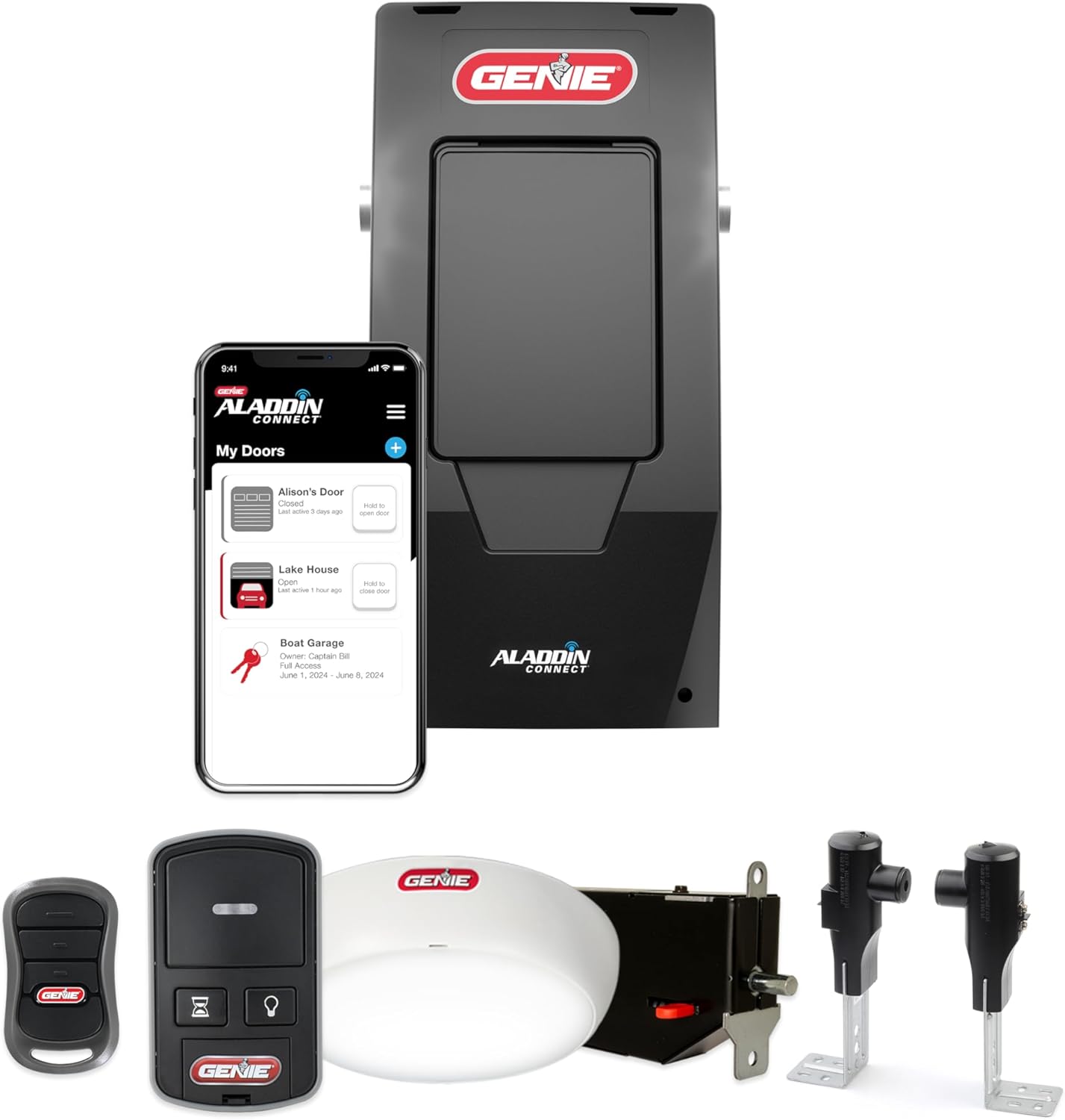
Genie Garage Door Opener Not Working After a Power Outage?
- GFCI outlet or breaker tripped by the outage
- Travel limits reset or corrupted by the power loss
- Surge damaged the logic board
Problem Description
Your Genie opener stopped working after a power outage or surge. It may be completely dead, may run but not open or close fully, may reverse, or the remotes may have stopped. Power events can trip the outlet, reset the opener's travel limits, knock out the WiFi on connected models, or in a surge damage the logic board, so the fix depends on exactly which symptom you have.
Why This Happens in Real Homes
A Genie that misbehaves after a power outage is usually recoverable, and the right fix depends on the exact symptom. Start at the wall: garage openers are on GFCI-protected circuits, and a surge trips the GFCI or breaker with no obvious sign, so reset both and confirm the outlet has power before assuming the opener died. If it has power but is unresponsive or beeping, a 30-second unplug clears a fault the opener latches during a brown-out. From there, read the behavior: a door that now stops short or reverses lost its travel limits and needs re-setting on the powerhead, dead remotes need re-learning at the Learn button, and a connected model showing offline just needs its WiFi reconnected. The one outcome you cannot DIY is a truly dead opener after all that, which points to surge damage on the logic board, and the lesson there is to put the opener on a surge protector going forward.
Symptoms
- Opener completely dead after the power came back
- Runs but no longer opens or closes fully
- Door reverses or stops partway after the outage
- Remotes stopped working after the outage
- Opener light works but the motor does nothing
- Aladdin Connect shows offline after the outage
- Opener beeps or flashes after power restored
- GFCI outlet for the opener has tripped
Recognize these? Here's what usually causes it.
Common Causes
- GFCI outlet or breaker tripped by the outage
- Travel limits reset or corrupted by the power loss
- Surge damaged the logic board
- Remotes dropped from memory during the reset
- Backup battery drained and not recovered
- WiFi module lost its network on connected models
- Opener latched in a fault state needing a power cycle
- Loose connection jarred during the event
Most fixes happen in the first 3 steps.
Always run the 2x4 safety-reverse test after re-setting limits or force. Keep the door path clear while power-cycling and testing.
Tools & Requirements
These tools will help you complete this fix.
As an Amazon Associate we earn from qualifying purchases.
Step-by-Step Solution
Check the Outlet and Breaker First
Garage openers plug into a ceiling outlet that is often GFCI protected, and a surge can trip the GFCI or the breaker without an obvious sign. Find the GFCI outlet (it may be the one the opener is plugged into, or another outlet on the same circuit) and press its RESET button, then check the breaker panel. Confirm the outlet has power with a phone charger or lamp.

Needed for this step
HEZI 8 Outlet Heavy Duty Power Strip, 15Amp Met...
This helps complete the fix you are currently reading.
$35.99Power-Cycle the Opener
If the outlet has power but the opener is unresponsive or beeping, unplug it from the ceiling outlet for 30 seconds, then plug it back in. This clears a fault state the opener can latch during a brown-out or surge.
Test Basic Operation from the Wall Button
Press the indoor wall button. If the door runs but stops short, does not close fully, or reverses, the outage scrambled the travel limits, so continue to the limit reset. If the wall button does nothing but the light works, the logic board may be surge-damaged.
Re-Set the Travel Limits
On the powerhead, use the Program Set button and the Up/Down arrows (button models) or the limit adjustments and force dials (screw-drive models) to reset the open and close stop points, since some models lose these on a power loss. Finish with the 2x4 safety-reverse test.
Re-Learn the Remotes if Needed
If the door works from the wall button but remotes are dead, press the Learn/Program button on the powerhead (behind the light lens) once so its LED blinks, then press each remote within 30 seconds to re-pair it. A surge can clear the code memory.
Check the Backup Battery
On battery-backup models, a long outage can deeply drain the pack so it does not recover, which shows as beeping or a red battery LED on the powerhead. Give it hours to recharge; if a solid red LED persists, replace the battery.
Reconnect WiFi on Connected Models
On StealthDrive Connect or Aladdin Connect models, the router may have come back with different settings, so the opener shows offline while the wall button and remotes still work. Reconnect it in the Aladdin app on your 2.4GHz network.
If Still Dead, Suspect the Board
If the outlet has power, a power-cycle does nothing, and there are no lights or response at all, the surge likely damaged the logic board or transformer. That is a repair or replacement, so contact a technician, and add a surge protector to prevent a repeat.
Quick Solutions
Still having issues? This is usually the deeper cause below.
If drain continues after replacing batteries, check the event history — a stuck-open sensor or rapid polling loop burns through batteries in days.
Put the opener on a surge protector rated for the motor, and note your travel-limit settings on tape inside the light lens cover so a post-outage reset takes minutes.
Battery-related failures are almost always flagged too late — the device degrades silently for days before the app catches up to what's actually happening.
- GFCI outlet or breaker tripped by the outage
- Travel limits reset or corrupted by the power loss
- Surge damaged the logic board
- Remotes dropped from memory during the reset
- Backup battery drained and not recovered
Before you go — try one of these (they fix most cases).
Most popular upgrades chosen by Genie Garage Door Opener owners.

Genie QuietLift Connect Smart Garage Door Opener Bundle w...

Genie StealthDrive 7155 Connect Smartphone-Controlled Bel...

Genie Aladdin Connect Smartphone Garage Door Opener – Mon...
As an Amazon Associate we earn from qualifying purchases.
Official Manufacturer Manual
Genie provides official product documentation through their online manual rather than downloadable PDF. Access setup guides, troubleshooting steps, and product specifications for your Genie Garage Door Opener.
Source: geniecompany.com
Need More Help? Genie Support
Note: The contact information below connects you directly to Genie's official customer support team, not Trunetto. They can help with warranty claims, device replacements, and advanced technical issues.
Accessories owners commonly pair with Genie Garage Door Opener.

As an Amazon Associate we earn from qualifying purchases.