Genie Remote Not Working? How to Program an Intellicode Remote
- Remote battery dead or installed with reversed polarity
- Remote lost its code from the opener memory
- Replacement remote not compatible with the opener's Intellicode generation
Problem Description
Your Genie remote no longer opens the garage door, or you have a new remote that needs pairing. The remote LED may or may not light when you press it, and the wall button inside the garage still works. Genie openers use Intellicode rolling-code technology, so the remote and opener have to be paired through the Learn/Program button on the powerhead, and a remote that has lost its code, has a dead battery, or does not match the opener's Intellicode generation will not operate the door.
Why This Happens in Real Homes
A Genie remote that quits comes down to a battery or a lost code, and both are fixed at two spots: the remote itself and the Learn button on the powerhead. Start with the coin cell, because a fading CR2032 still lights the LED faintly but cannot reach the opener, which reads as a dead remote and often shows up first as shrinking range. If the battery is good, the remote has fallen out of Genie's Intellicode rolling-code pairing and needs re-learning: one press of the Learn/Program button on the motor unit opens a 30-second window to press the remote. The detail people miss is compatibility, since Genie color-coded that Learn button (red, purple, green, blue, yellow) to match different code generations, so a replacement remote has to match your opener's generation or it will never learn. And if every remote died together while the wall button still works, that is almost always vacation/LOCK mode on the wall console, not a fault.
Symptoms
- Pressing the remote does nothing and the door does not move
- Remote LED lights when pressed but the door does not respond
- Remote LED does not light at all
- Remote worked before but suddenly stopped
- A new replacement remote will not control the door
- Only one remote fails while others still work
- Remote works only within a few feet of the opener
- All remotes stopped at once but the wall button still works
Recognize these? Here's what usually causes it.
Common Causes
- Remote battery dead or installed with reversed polarity
- Remote lost its code from the opener memory
- Replacement remote not compatible with the opener's Intellicode generation
- Learn/Program button not held or pressed correctly during pairing
- Opener memory was cleared, erasing all remotes
- Wall console LOCK/vacation mode disabling all remotes
- Weak battery giving very short range
- Opener antenna wire bent up or damaged
Most fixes happen in the first 3 steps.
The door can be triggered while you work at the powerhead. Keep the door path clear, and use a stable ladder to reach the ceiling-mounted motor unit.
Tools & Requirements
Step-by-Step Solution
Check the Remote Battery First
Slide or pry open the remote and check the coin cell (most current Genie visor and mini remotes use a CR2032; some older ones use a 12V A23 or a 9V). A remote whose LED is dim, or lights only when squeezed, has a weak cell or a bent contact clip. Replace the battery, matching the plus side up, before assuming a pairing problem.
Locate the Learn/Program Button on the Powerhead
Look on the motor unit (powerhead) mounted to the ceiling. The Learn or Program button is on the back or side panel, often behind or beside the light lens cover; you may need to slide the lens off. Note its color (red, purple, green, blue, or yellow) because that identifies the Intellicode generation your opener uses and the remote must match it.
Put the Opener into Programming Mode
Press and release the Learn/Program button once. A small round LED next to it (or the button's own light) will begin to blink and stay lit for about 30 seconds. That blinking is your programming window.
Learn the Remote
While the LED is still blinking, press the remote button you want to use once, wait a second, and press it again. The opener light will flash or the opener will click to confirm it accepted the code. If nothing happens within 30 seconds, the window closes; just press the Learn button again and retry.
Test at Range
Press the remote from inside the garage, then walk out and test from where you normally park. If it works up close but not from the driveway, that is a range problem covered below, not a pairing problem.
Rule Out an Incompatible Remote
If a brand-new remote will not learn at all, it may not match your opener. Genie changed frequencies and code generations over the years and color-coded the Learn button to match; a remote has to be listed as compatible with your opener's generation, so check the packaging or Genie's compatibility chart against your Learn-button color.
Check for LOCK Mode if ALL Remotes Died
If every remote and the keypad quit at once but the wired wall console still opens the door, the opener is likely in vacation/LOCK mode. On the wall console, press and hold the LOCK button (or the vacation switch) until the console indicator changes, then test a remote.
Erase and Re-learn to Clear a Lost Remote
To remove a lost or stolen remote from the opener, press and hold the Learn/Program button on the powerhead until the LED turns off (about 10 or more seconds); this erases every remote and keypad. Then re-learn only the remotes and keypad you still have.
Quick Solutions
Still having issues? This is usually the deeper cause below.
If the keypad rejects valid codes, a lockout timer may be running — five failed entries locks most keypads silently for 5–10 minutes.
Program a spare remote while you are up on the ladder anyway, and keep it in the house as a backup. Note your Learn-button color somewhere so buying a compatible replacement later is quick.
Battery-related failures are almost always flagged too late — the device degrades silently for days before the app catches up to what's actually happening.
- Remote battery dead or installed with reversed polarity
- Remote lost its code from the opener memory
- Replacement remote not compatible with the opener's Intellicode generation
- Learn/Program button not held or pressed correctly during pairing
- Opener memory was cleared, erasing all remotes
Before you go — try one of these (they fix most cases).
Most popular upgrades chosen by Genie Garage Door Opener owners.

Genie QuietLift Connect Smart Garage Door Opener Bundle w...

Genie StealthDrive 7155 Connect Smartphone-Controlled Bel...

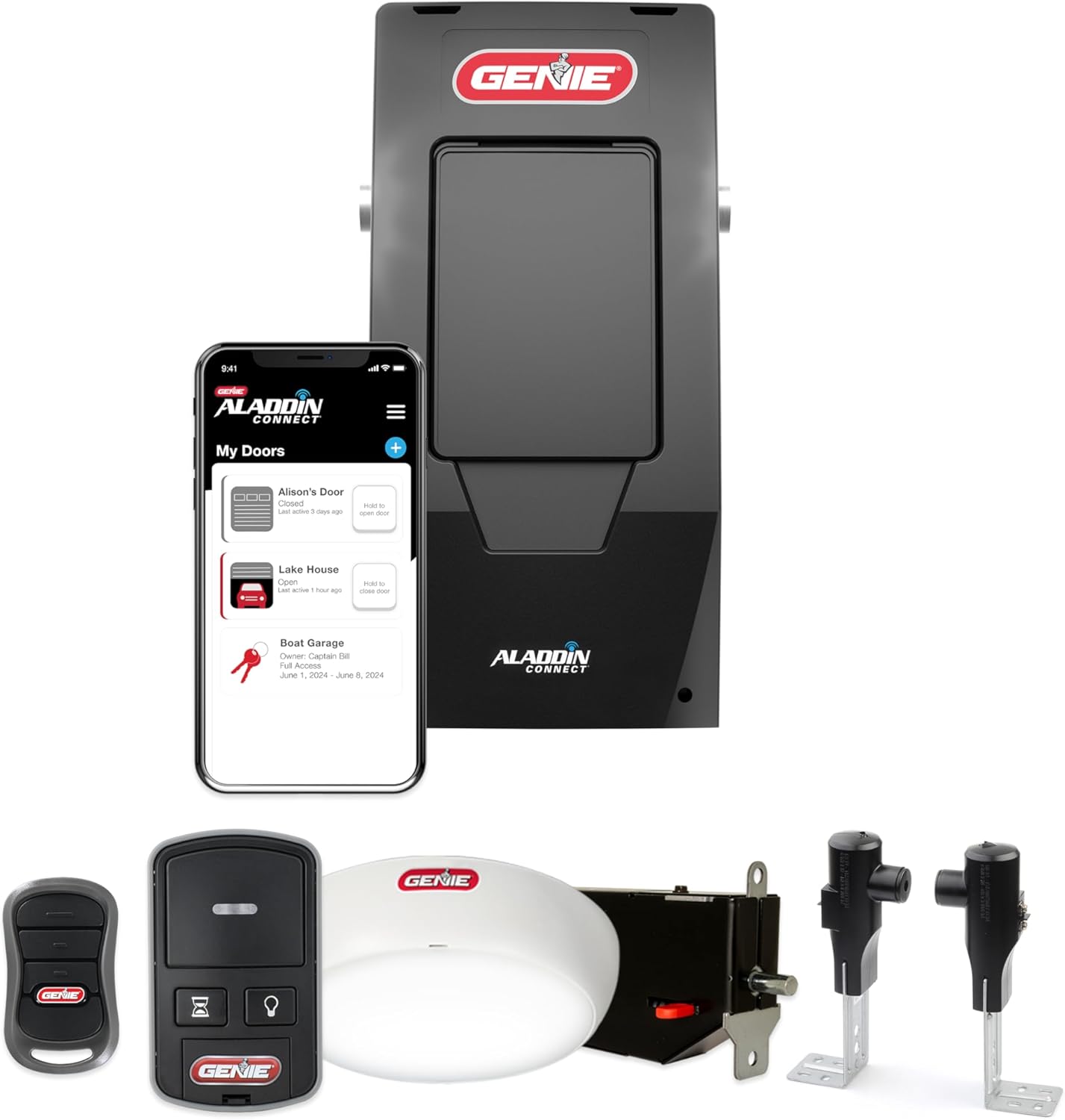
Genie Aladdin Connect Smartphone Garage Door Opener – Mon...
As an Amazon Associate we earn from qualifying purchases.
Official Manufacturer Manual
Genie provides official product documentation through their online manual rather than downloadable PDF. Access setup guides, troubleshooting steps, and product specifications for your Genie Garage Door Opener.
Source: geniecompany.com
Need More Help? Genie Support
Note: The contact information below connects you directly to Genie's official customer support team, not Trunetto. They can help with warranty claims, device replacements, and advanced technical issues.
Accessories owners commonly pair with Genie Garage Door Opener.

As an Amazon Associate we earn from qualifying purchases.