Genie Wireless Keypad Not Working? How to Program or Reset It
- Keypad battery dead or weak
- PIN never learned into the opener
- Keypad code dropped from the opener memory
Problem Description
Your Genie wireless keypad on the outside of the garage will not open the door. You enter your PIN and nothing happens, the keys do not light, or you need to set a new code. The keypad is battery powered and pairs to the opener over the same Intellicode radio as your remotes, so the usual causes are a dead keypad battery, a PIN that was never learned into the opener, or a keypad code that dropped out and needs reprogramming.
Why This Happens in Real Homes
A Genie keypad that stops is, more often than not, a dead 9-volt battery: the keypad only wakes and transmits when you press a key, and a weak battery lights the keys faintly but cannot push a signal to the ceiling, so it fails at a distance first. After the battery, the fix is a two-part pairing that people conflate into one. The PIN is stored in the keypad, but the door only moves once that code is learned into the opener at the Learn/Program button on the powerhead, so setting a new PIN at the keypad without teaching it to the opener leaves you locked out. Do both: program the PIN on the keypad, then press the powerhead Learn button and send the PIN within the 30-second window. And as with remotes, if the keypad and all remotes die together while the wall button works, it is vacation/LOCK mode on the wall console, not a broken keypad.
Symptoms
- Keys do not light up when pressed
- Correct PIN entered but the door does not move
- Keypad worked for years then stopped
- Keypad backlight is dim or flickers
- Keypad beeps but the opener does not respond
- Only the keypad fails while remotes still work
- You want to change or reset the entry PIN
- Keypad unreliable in very cold weather
Recognize these? Here's what usually causes it.
Common Causes
- Keypad battery dead or weak
- PIN never learned into the opener
- Keypad code dropped from the opener memory
- Opener in LOCK/vacation mode disabling the keypad
- Corroded battery contacts from outdoor moisture
- Keypad out of radio range of the powerhead
- Opener memory cleared during other programming
- Wrong or forgotten PIN entered
Most fixes happen in the first 3 steps.
Do not leave the keypad cover open in the rain, as moisture in the battery compartment is a leading cause of failure. The door can move during programming, so keep the path clear.
Tools & Requirements
Step-by-Step Solution
Replace the Keypad Battery
Flip up the keypad's hinged cover to expose the keys, then open the battery door (usually on the back or bottom of the housing). Most Genie keypads use a 9-volt battery; some use a coin cell, so check yours. A dim or dead backlight almost always means the battery, and outdoor keypads corrode, so wipe the contacts clean with a pencil eraser before fitting a fresh battery.
Confirm the PIN Entry
Enter your PIN and then press the SEND or the up/down arrow button that your model uses to transmit; some Genie keypads act on the last digit while others need a send key. If the keys light and beep when pressed, the battery and keypad are fine and the issue is the PIN or the pairing.
Set or Change the PIN at the Keypad
To program a new PIN, follow your keypad's sequence, which for many Genie models is to press and hold the PROG button (or PROG then a specific key) until the indicator light blinks, then enter your new PIN and confirm. This stores the PIN in the keypad itself; the next step teaches it to the opener.
Locate the Learn Button on the Powerhead
On the ceiling-mounted motor unit, find the Learn/Program button on the back or side panel, usually behind the light lens cover. Press and release it once so its LED begins blinking for about 30 seconds.
Learn the Keypad to the Opener
While that LED is blinking, go to the keypad and enter your PIN, then press SEND (or the button your model uses) once or twice until the opener light flashes or clicks, confirming it learned the keypad code. This link between keypad and opener is what actually operates the door.
Test the Keypad
Enter your PIN from a normal standing position and confirm the door moves. Try it a couple of times so you know the range and the connection are solid.
Rule Out LOCK Mode
If the keypad AND all remotes stopped together while the wired wall button still works, the opener is in vacation/LOCK mode. Press and hold the LOCK button on the indoor wall console until the indicator changes, then test the keypad again.
Cold-Weather and Range Checks
If the keypad only misbehaves in the cold or from a distance, keep a fresh battery in it (voltage drops in the cold) and make sure the opener's antenna wire hangs straight down from the powerhead and is not cut or coiled against metal, which shortens range for the keypad just as it does for remotes.
Quick Solutions
Still having issues? This is usually the deeper cause below.
If the keypad rejects valid codes, a lockout timer may be running — five failed entries locks most keypads silently for 5–10 minutes.
Pick a PIN that is not your house number, since the keypad is right by the door. Many Genie keypads also support a temporary or one-time code for guests and deliveries, set in the same PROG menu.
Most smart lock failures people label as hardware issues turn out to be a code wiped during a sync, or a setting reset nobody remembers triggering.
- Keypad battery dead or weak
- PIN never learned into the opener
- Keypad code dropped from the opener memory
- Opener in LOCK/vacation mode disabling the keypad
- Corroded battery contacts from outdoor moisture
Before you go — try one of these (they fix most cases).
Most popular upgrades chosen by Genie Garage Door Opener owners.

Genie QuietLift Connect Smart Garage Door Opener Bundle w...

Genie StealthDrive 7155 Connect Smartphone-Controlled Bel...

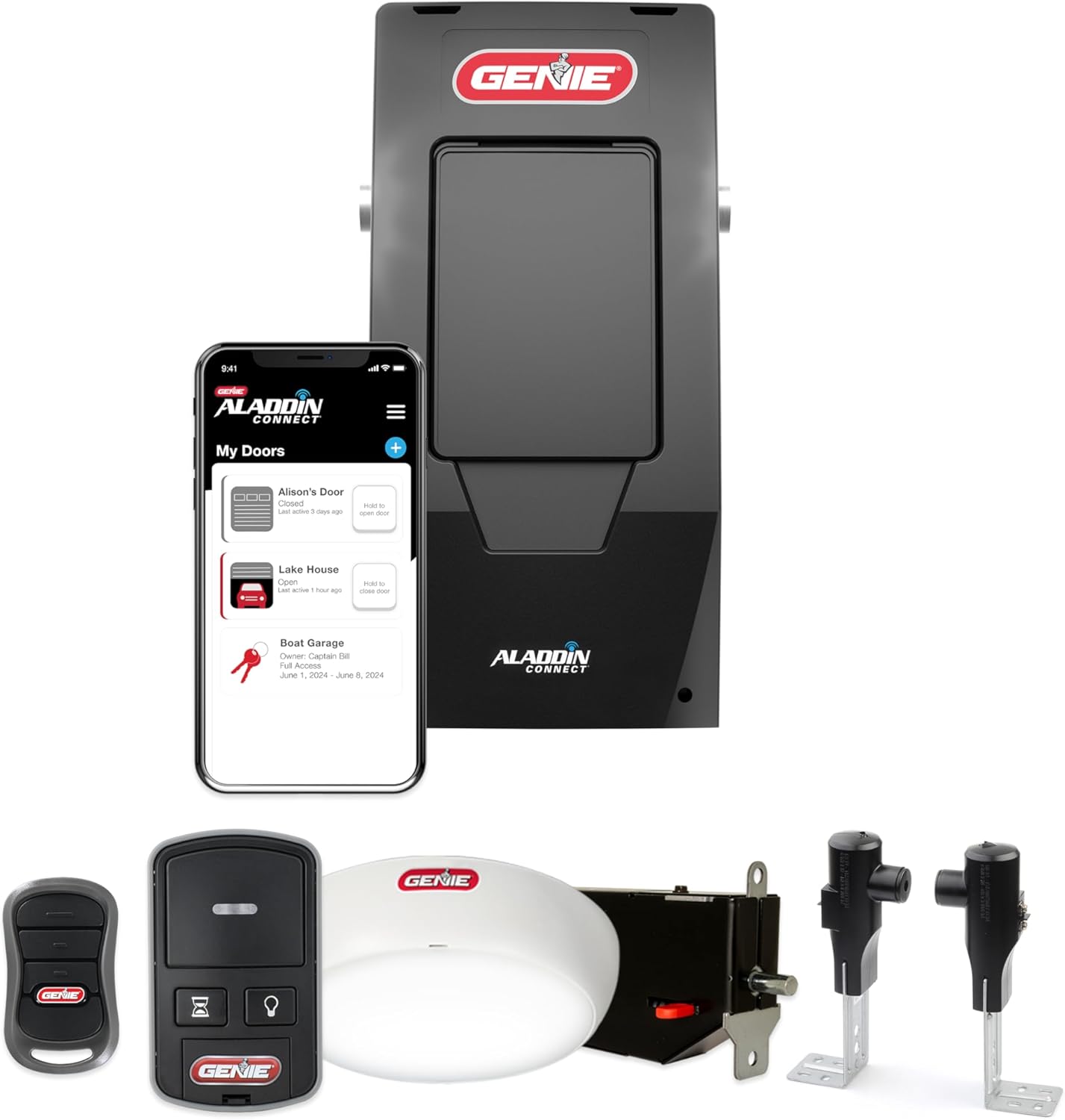
Genie Aladdin Connect Smartphone Garage Door Opener – Mon...
As an Amazon Associate we earn from qualifying purchases.
Official Manufacturer Manual
Genie provides official product documentation through their online manual rather than downloadable PDF. Access setup guides, troubleshooting steps, and product specifications for your Genie Garage Door Opener.
Source: geniecompany.com
Need More Help? Genie Support
Note: The contact information below connects you directly to Genie's official customer support team, not Trunetto. They can help with warranty claims, device replacements, and advanced technical issues.
Accessories owners commonly pair with Genie Garage Door Opener.

As an Amazon Associate we earn from qualifying purchases.