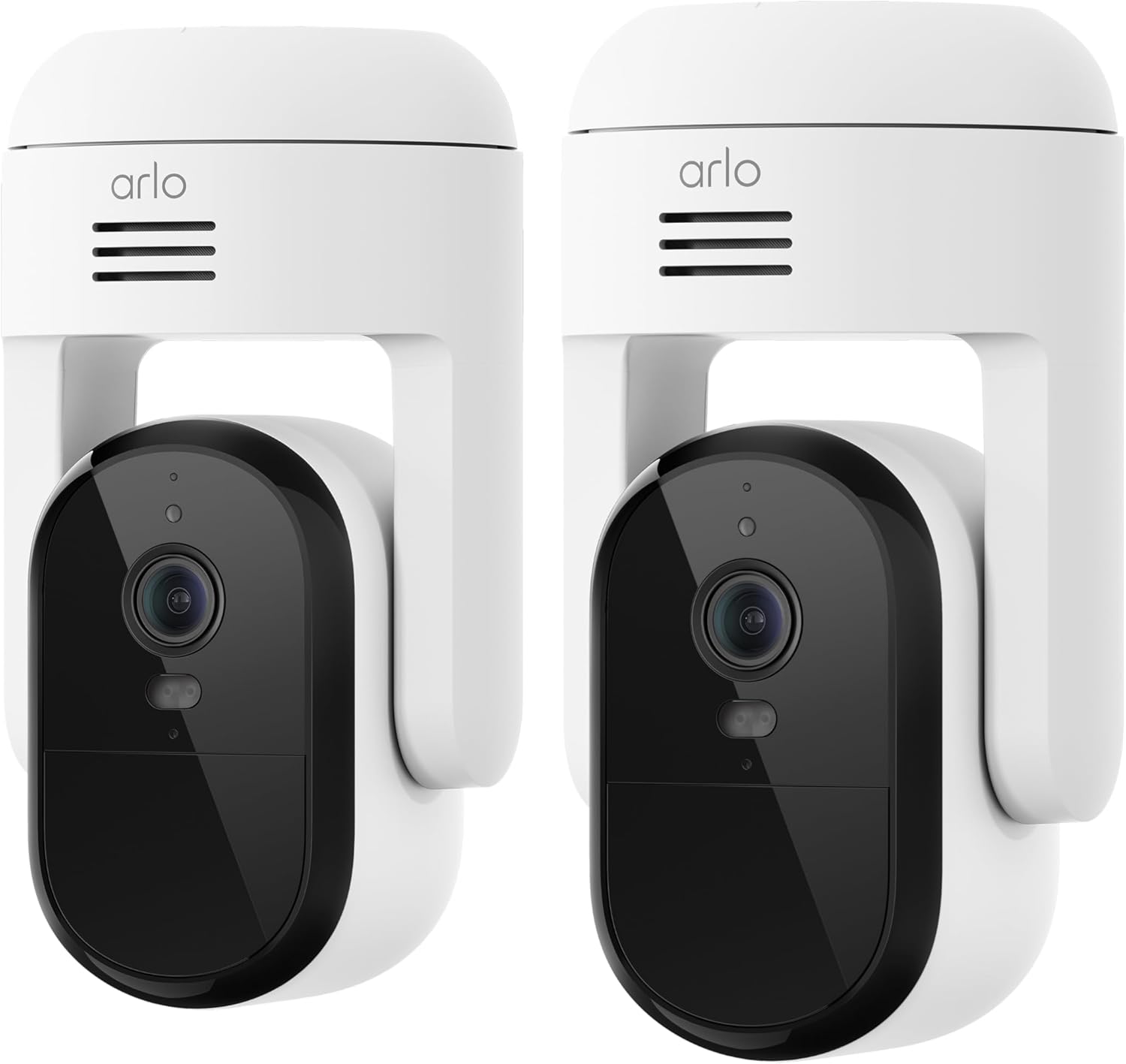
Can I Use Arlo Cameras Without a Subscription? What Still Works
- Cloud recording and video history need a paid plan
- AI alerts (person/vehicle/package) need a subscription
- The free trial ended and cloud storage stopped
Problem Description
You want to use your Arlo cameras without paying for an Arlo Secure subscription, and you are unsure what you lose. The short answer: live view, motion alerts, and two-way audio stay free, and you can still record - but only to local storage, not the cloud, and you lose the AI detection features.
Why This Happens in Real Homes
You can absolutely use Arlo cameras without an Arlo Secure subscription - live view, motion and audio alerts, and two-way talk all stay free. The catch is recording: cloud video history is paywalled, so to save footage for free you rely on local storage. Arlo Pro 2/3/4 and Ultra/Ultra 2 take a microSD card (up to 256GB), while Essential models connect to an Arlo SmartHub with a USB drive. What you give up without a plan are the smart AI alerts - person, vehicle, and package detection - along with the searchable cloud history and activity zones. Set up local storage and confirm it records before you rely on it, since there is no offsite backup.
Symptoms
- You do not want to pay for Arlo Secure
- You are unsure what works for free
- Your recordings stopped after a trial ended
- You cannot see video history in the app
- You want to record without a monthly fee
- You are unsure which models support local storage
- Person or package alerts stopped
- You want to know if live view still works
Recognize these? Here's what usually causes it.
Common Causes
- Cloud recording and video history need a paid plan
- AI alerts (person/vehicle/package) need a subscription
- The free trial ended and cloud storage stopped
- No local storage set up for subscription-free recording
- The camera model has no microSD slot
- No Arlo SmartHub for USB local storage
- Activity zones and some features are cloud-only
- Confusion over what is free versus paid
Most fixes happen in the first 3 steps.
Security note: without a subscription there is no offsite cloud backup, so if a camera is stolen or damaged its local recordings can be lost with it. For critical coverage, weigh local-only storage against a cloud plan.
Tools & Requirements
These are for the steps in this guide, prioritized by fit, rating, availability, and current value.
As an Amazon Associate we earn from qualifying purchases.
Step-by-Step Solution
Know what stays free
Without any subscription, Arlo cameras still give you live view/streaming, motion and audio notifications, and two-way talk through the app. You can watch and be alerted for free - what you lose is saved cloud video and AI detection.
Record to local storage, not the cloud
Cloud recording and the video history library require a paid Arlo Secure plan. To record for free you use local storage on the camera or a SmartHub instead.
Insert a microSD card on supported cameras
Arlo Pro 2, Pro 3, Pro 4, Ultra, and Ultra 2 have a microSD slot (cards up to 256GB). Insert a compatible card and enable local recording in the camera's settings to save clips without a subscription.

Needed for this step
acer SD Card Reader USB C, Dual Slots USB 3.0 T...
This helps complete the fix you are currently reading.
$9.99Use a SmartHub for USB storage
Cameras like the Arlo Essential and Essential XL do not take a microSD card directly - connect them to an Arlo SmartHub, which supports local USB storage (a flash drive or external drive) for subscription-free recording.
Understand what needs a plan
AI-powered alerts - person, vehicle, package, and animal detection - and cloud video history, activity zones, and features like e911 require an Arlo Secure subscription. Without one you get basic motion alerts, not smart ones.
Access your local recordings
Local clips are viewed by pulling the microSD card, or through the SmartHub in the app, depending on your setup. Confirm you can retrieve footage before you rely on it as your only record.
Decide if a plan is worth it
If you only need live view and to scare off a porch visitor, no plan is fine. If you want a searchable cloud history and smart person/package alerts, that is what Arlo Secure adds.
Set it up before you need it
Insert the card or connect the SmartHub and confirm recording works now, not after an incident - subscription-free means you are responsible for the local storage.
Quick Solutions
Still having issues? This is usually the deeper cause below.
Camera issues that start suddenly almost always trace back to an upload bandwidth drop — run a speed test before assuming hardware failure.
Do you work with smart-home systems?
Create a Trunetto business profile, list the brands and services you support, and make it easier for customers to find your business.
List Your BusinessThe key to going subscription-free is local storage: a microSD card on Pro/Ultra models, or a SmartHub with a USB drive for Essential cameras. Live view and alerts are always free; only cloud history and AI detection are paywalled.
Live view problems that start suddenly usually trace back to an upload speed drop — the camera itself is fine, the bandwidth path to the cloud isn't.
- Cloud recording and video history need a paid plan
- AI alerts (person/vehicle/package) need a subscription
- The free trial ended and cloud storage stopped
- No local storage set up for subscription-free recording
- The camera model has no microSD slot
Before you go — try one of these (they fix most cases).
Official Manufacturer Manual
Arlo provides official product documentation through their online manual rather than downloadable PDF. Access setup guides, troubleshooting steps, and product specifications for your Arlo Cameras (no Arlo Secure plan).
Source: us.arlo.com
Need More Help? Arlo Support
Note: The contact information below connects you directly to Arlo's official customer support team, not Trunetto. They can help with warranty claims, device replacements, and advanced technical issues.
How Does Arlo Compare?
Before replacing your Arlo device, see how it stacks up against alternatives in our full comparison guides.
Compatible accessories that support the setup in this guide, not random checkout recommendations.

Arlo Pro 3 Floodlight Security Camera 2K HDR 2000-3000 Lu...
Useful add-on
Arlo Pro 3 Wireless LED Floodlight Security Camera 2K HDR...
Useful add-on
Arlo Essential Security Camera 2K | Indoor Only| 2nd Gen ...
Useful add-onAs an Amazon Associate we earn from qualifying purchases.