

Why Is My Blink Camera Battery Draining So Fast?
- Alkaline or rechargeable batteries instead of AA lithium
- Camera in a high-traffic spot triggering constantly
- Long clip length and high retrigger frequency
Problem Description
Your Blink camera is eating through its AA batteries in weeks instead of lasting up to two years. This is almost always the wrong battery type, too many motion events, or a weak WiFi signal making the camera work harder for every clip.
Why This Happens in Real Homes
Blink advertises up to two years of battery life, but that number assumes two specific things people miss: AA lithium batteries and a modest number of motion events. Alkaline batteries drain in weeks and rechargeables read as low almost immediately because they only put out 1.2 volts, so the wrong battery alone explains most complaints. After that, it's activity - a camera aimed at a busy street or a tree records constantly, and every clip and Live View session wakes the radio.
Fit lithium AAs first, then tame the triggers: lower motion sensitivity, mask busy areas with Activity Zones, shorten clip length, and lengthen the retrigger time. Cut back Live View, strengthen the WiFi so uploads finish fast, and expect shorter life in freezing weather. A camera with lithium cells, low activity, and strong signal that still dies in weeks is genuinely faulty.
Symptoms
- Batteries die in weeks, not months
- Constant low-battery warnings
- Fresh batteries drain quickly
- Battery drops fast in cold weather
- Camera records dozens of clips a day
- Battery falls after heavy live viewing
- One camera drains far faster than others
- Alkaline batteries dying almost immediately
Recognize these? Here's what usually causes it.
Common Causes
- Alkaline or rechargeable batteries instead of AA lithium
- Camera in a high-traffic spot triggering constantly
- Long clip length and high retrigger frequency
- Frequent or long Live View sessions
- Weak WiFi signal forcing the radio to work harder
- High video quality and clip length settings
- Freezing temperatures cutting battery capacity
- Motion sensitivity set too high
Most fixes happen in the first 3 steps.
Extreme cold temporarily reduces battery capacity, so expect shorter life outdoors in winter - that's normal, not a fault.
Tools & Requirements
These are for the steps in this guide, prioritized by fit, rating, availability, and current value.
As an Amazon Associate we earn from qualifying purchases.
Step-by-Step Solution
Use AA Lithium Batteries Only
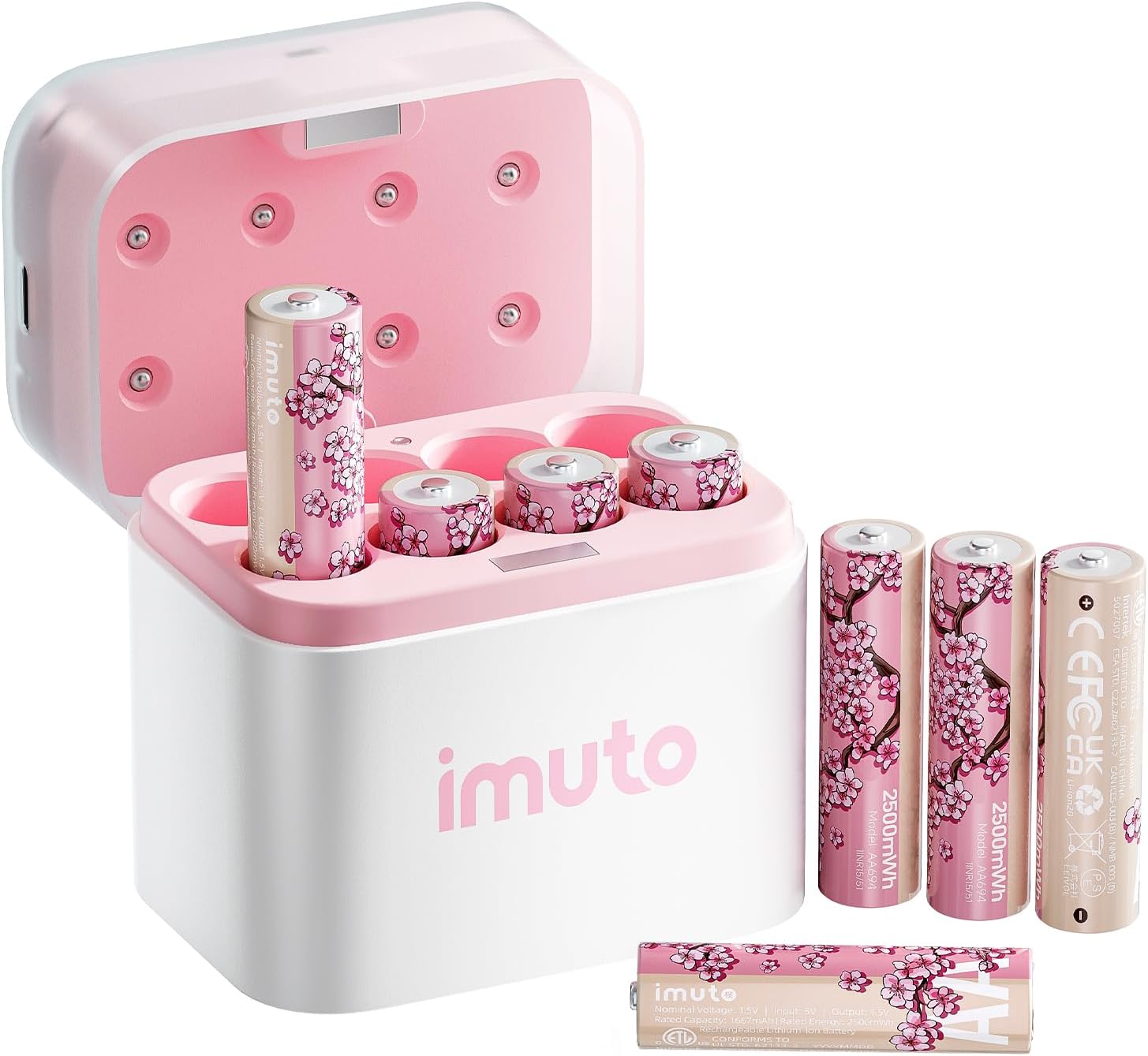
Blink specifies two AA 1.5V lithium batteries (like Energizer Ultimate Lithium), which are rated to last up to two years. Alkaline batteries drain in weeks and rechargeable NiMH cells put out only 1.2V, which the camera reads as low almost immediately. The batteries sit in the compartment behind the back cover of the camera - pop it off and confirm you're running lithium AAs.
Needed for this step
imuto Cherry Blossom Style Rechargeable AA Batt...
This helps complete the fix you are currently reading.
$19.99Check the Usage in the App
Open the Blink app, tap the camera, and look at how many clips and Live View sessions it's logging. Blink's own guidance is that a camera in a high-activity spot records constantly, and every wake-up and clip drains the battery. If one camera burns through cells, it's almost always over-triggering.
Lower Motion Sensitivity and Add Zones
In the camera's motion settings, lower the sensitivity and use Activity Zones to mask out busy areas like a street, sidewalk, or swaying tree. Fewer needless triggers is the single biggest battery saver, since each motion event wakes the camera and records.
Shorten Clip Length and Retrigger
In the settings, reduce the Clip Length (how long each recording runs) and increase the Retrigger Time (the gap before it records again). Long clips and a short retrigger mean the camera stays awake far longer per event, draining the batteries fast.
Still stuck? Ask Trunetto about this exact issue.
Cut Down Live View
Opening Live View is one of the most power-hungry things the camera does. If you check the feed often or leave it open, that alone can drain a camera. Limit Live View to when you need it, especially on a busy camera.
Strengthen the WiFi Signal
A camera fighting a weak 2.4GHz signal keeps its radio working harder and drains faster, and Blink notes a slow connection uses batteries quicker. Move the Sync Module closer, or reposition the camera, so it has a strong signal and finishes each upload quickly.
Lower the Video Quality
Higher video quality means larger clips and more radio time. In the camera settings, drop the video quality a level if battery life matters more than maximum detail, which noticeably extends how long the cells last.
Account for Cold Weather
Extreme cold temporarily cuts battery capacity, so an outdoor camera runs down faster in winter even with good settings. That's expected. If a camera in a mild climate with lithium batteries and low activity still dies in weeks, the camera may be faulty - contact Blink.
Quick Solutions
Still having issues? This is usually the deeper cause below.
If drain continues after replacing batteries, check the event history — a stuck-open sensor or rapid polling loop burns through batteries in days.
Decision point
If the fix does not hold, check the matching replacement before another reset cycle.
This is the most relevant replacement path for this Blink Camera guide. Use it only if the steps above failed, the issue returns, or the part cost is too close to replacing the device.

in stock · standard · 3.0k reviews
Check Replacement PriceDo you work with smart-home systems?
Create a Trunetto business profile, list the brands and services you support, and make it easier for customers to find your business.
List Your BusinessUse AA lithium batteries, never alkaline or rechargeable - rechargeables put out only 1.2V and Blink reads them as low almost immediately, which is behind most fast-drain complaints.
App battery indicators run 15–20% behind actual charge levels — by the time the low warning appears, the device has been struggling for days.
- Alkaline or rechargeable batteries instead of AA lithium
- Camera in a high-traffic spot triggering constantly
- Long clip length and high retrigger frequency
- Frequent or long Live View sessions
- Weak WiFi signal forcing the radio to work harder
Before you go — try one of these (they fix most cases).
Most popular upgrades chosen by Blink Camera owners.
As an Amazon Associate we earn from qualifying purchases.
Official Manufacturer Manual
If you need the complete manufacturer documentation for advanced setup, wiring diagrams, or detailed specifications, you can download the official manual below. The manual includes full technical instructions directly from the manufacturer and may help if your issue requires deeper troubleshooting.
Download the Official Blink Camera ManualSource: blinkforhome.com
Need More Help? Blink Support
Note: The contact information below connects you directly to Blink's official customer support team, not Trunetto. They can help with warranty claims, device replacements, and advanced technical issues.
How Does Blink Compare?
Before replacing your Blink device, see how it stacks up against alternatives in our full comparison guides.
Compatible accessories that support the setup in this guide, not random checkout recommendations.

Blink Outdoor 4 – Wireless smart security camera, two-yea...
Useful add-on
Blink Mini Pan-Tilt Mount | Rotating mount accessory for ...
Useful add-on
Blink Outdoor Battery Extension Pack — Accessory for Outd...
Useful add-onAs an Amazon Associate we earn from qualifying purchases.


