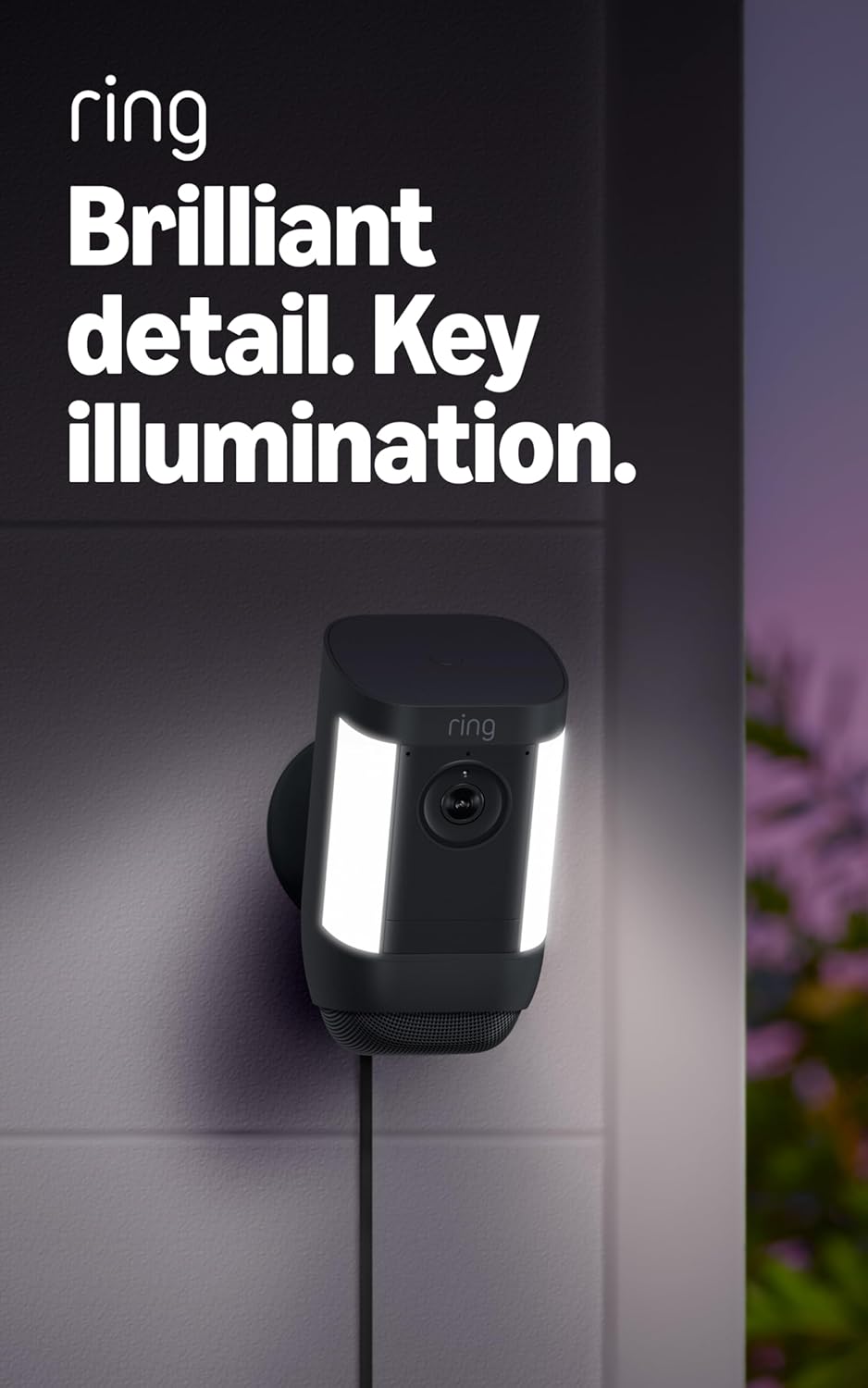
Why Is My Ring Spotlight Cam Battery Swelling and Not Holding a Charge
- Normal lithium-ion battery degradation after 2 to 3 years
- Excessive heat exposure from direct sunlight on camera
- Leaving battery on charger for extended periods after full
Problem Description
Your Ring Spotlight Cam battery pack is physically swollen or bulging and no longer holds a charge or dies within a day or two after a full charge. The battery may feel warm and the camera shuts down despite showing a charge percentage.
Why This Happens in Real Homes
A swelling battery that won't hold charge is end-of-life and a safety issue, not something to nurse along — lithium-ion cells degrade after a couple of years and can swell, especially with heavy use or heat. Swelling means replace, not recharge.
Stop using a visibly swollen battery, remove it carefully, and replace it with a genuine Ring battery. If yours is 2-3 years old and simply won't hold charge (without swelling), that's normal wear; a fresh battery restores runtime, and reducing motion events and heat extends the next one's life.
Symptoms
- Battery pack is visibly swollen or bulging on one side
- Battery drains from 100 percent to dead within 1 to 2 days
- Camera shows charged but shuts off during recording
- Battery feels unusually warm during or after charging
- Battery no longer seats flush in the camera compartment
- Charging takes much longer than the usual 5 to 8 hours
Recognize these? Here's what usually causes it.
Common Causes
- Normal lithium-ion battery degradation after 2 to 3 years
- Excessive heat exposure from direct sunlight on camera
- Leaving battery on charger for extended periods after full
- Using a non-Ring charger with incorrect voltage output
- Too many daily motion events depleting charge cycles rapidly
- Manufacturing defect in early battery production runs
Most fixes happen in the first 3 steps.
A swollen lithium-ion battery is a fire and explosion risk. Stop using it immediately. Do not charge it or leave it in the camera. Dispose of it at an authorized battery recycling center.
Tools & Requirements
These tools will help you complete this fix.

Clean cloth
WHOOSH! Pro 16.9 fl oz Refillable TV Screen Cleaner ...

Replacement batteries
Duracell Coppertop Double AA Batteries with Power Bo...

Screwdriver
STREBITO 155 in 1 Electric Screwdriver Set, Small El...
As an Amazon Associate we earn from qualifying purchases.
Step-by-Step Solution
Identify Battery Swelling
Remove the battery from the camera. Place it on a flat surface. A healthy battery sits flat and does not rock. A swollen battery has a visible bulge on one or both sides and rocks when placed on a table. If swollen do not continue using it. Do not attempt to charge a swollen battery. Set it aside for proper disposal.
Dispose of Swollen Battery Safely
Do not throw a swollen lithium battery in regular trash. Take it to a battery recycling location such as Home Depot Best Buy or a local electronics recycling center. Store it in a cool dry place away from flammable materials until disposal. Do not puncture crush or expose to water. Place tape over the terminals for safe transport.
Order Replacement Battery
Purchase a Ring Quick Release Battery Pack from Ring.com or Amazon. The battery model is D-4 and it fits all Ring Spotlight Cam Battery and Stick Up Cam Battery models. Ring also sells a dual charger station to keep a spare ready. Having two batteries means zero camera downtime during charging.
Needed for this step
Duracell Coppertop Double AA Batteries with Pow...
This helps complete the fix you are currently reading.
$6.96Check Warranty Coverage
If the camera or battery is less than 1 year old contact Ring support for a warranty replacement. Log into your Ring account and go to Devices then select the camera then Warranty. Ring has replaced swollen batteries under warranty for many customers. Have your proof of purchase and device serial number ready.
Prevent Future Battery Degradation
To maximize battery lifespan charge only with the included Ring charger. Remove from charger once it reaches 100 percent. If the camera is in direct sun consider a solar panel to trickle charge instead of deep cycling. Reduce motion sensitivity and set motion schedules to avoid unnecessary recordings that accelerate battery wear.
Quick Solutions
Still having issues? This is usually the deeper cause below.
If drain continues after replacing batteries, check the event history — a stuck-open sensor or rapid polling loop burns through batteries in days.
Keep a second Ring battery fully charged indoors. When the first battery dies swap it in seconds with no camera downtime while the depleted battery charges inside.
App battery indicators run 15–20% behind actual charge levels — by the time the low warning appears, the device has been struggling for days.
- Normal lithium-ion battery degradation after 2 to 3 years
- Excessive heat exposure from direct sunlight on camera
- Leaving battery on charger for extended periods after full
- Using a non-Ring charger with incorrect voltage output
- Too many daily motion events depleting charge cycles rapidly
Before you go — try one of these (they fix most cases).
Most popular upgrades chosen by Ring Spotlight Cam Battery owners.

4 Channel 360° Dash Cam Front Rear Inside & Left Right,4K...

Ring Outdoor Cam (Stick Up Cam), Weather-resistant home o...
Ring Outdoor Cam (Stick Up Cam) | Weather-Resistant Outdo...
As an Amazon Associate we earn from qualifying purchases.
Official Manufacturer Manual
Ring provides official product documentation through their online manual rather than downloadable PDF. Access setup guides, troubleshooting steps, and product specifications for your Ring Spotlight Cam Battery.
Source: support.ring.com
Need More Help? Ring Support
Note: The contact information below connects you directly to Ring's official customer support team, not Trunetto. They can help with warranty claims, device replacements, and advanced technical issues.
How Does Ring Compare?
Before replacing your Ring device, see how it stacks up against alternatives in our full comparison guides.