

Why Does My Ring Stick Up Cam Solar Keep Showing Low Battery in Direct Sunlight
- Solar panel angle not optimized for direct sun exposure
- Micro USB cable from panel to camera is loose or damaged
- Tree growth or seasonal shade covering panel during peak
Problem Description
Your Ring Stick Up Cam is connected to a Ring Solar Panel and mounted in a location that gets direct sunlight but the battery level keeps dropping. The solar panel should keep the camera charged but the battery percentage declines week after week. This usually happens because the panel angle is wrong the cable connection is loose the camera records too many events for solar to keep up or the panel gets less direct sun than you think.
Why This Happens in Real Homes
A solar Stick Up Cam reading low even in direct sun usually has a panel-angle or cable problem, or is simply recording more than the panel can replace. Solar trickle-charges; it doesn't fast-charge.
Start by optimizing the panel angle for direct exposure and checking the connector is fully seated and undamaged, then reduce motion events that outpace the charge. On very active cameras or short winter days, the panel maintains rather than fills the battery, so a manual charge resets it while the sun keeps up.
Symptoms
- Battery drops below 50 percent despite solar panel connected
- Ring app shows low battery warning even in summer months
- Solar panel status shows Not Connected or Not Charging
- Battery drains faster than the solar panel can recharge it
- Camera went fully dead even though solar panel was attached
- Battery level fluctuates up and down but trends downward
Recognize these? Here's what usually causes it.
Common Causes
- Solar panel angle not optimized for direct sun exposure
- Micro USB cable from panel to camera is loose or damaged
- Tree growth or seasonal shade covering panel during peak
- Too many motion events draining battery faster than charging
- Solar panel dirty with dust pollen or bird droppings
- Panel getting indirect or filtered light instead of direct
Most fixes happen in the first 3 steps.
Do not charge the Ring Stick Up Cam battery with a third-party solar panel. Ring cameras require specific voltage from official Ring Solar Panels and incorrect voltage can damage the battery.
Tools & Requirements
These tools will help you complete this fix.

Clean cloth
WHOOSH! Pro 16.9 fl oz Refillable TV Screen Cleaner ...

Replacement batteries
Duracell Coppertop Double AA Batteries with Power Bo...

Screwdriver
STREBITO 155 in 1 Electric Screwdriver Set, Small El...
As an Amazon Associate we earn from qualifying purchases.
Step-by-Step Solution
Check Solar Panel Connection
Open the Ring app and go to your Stick Up Cam. Tap Device Health and scroll to Power. It should show Solar Panel Connected with a charging indicator. If it shows Battery Only or Not Connected the cable is not making contact. Unplug the micro USB cable from the camera and inspect both ends for corrosion moisture or bent pins. Clean with a dry cloth and reconnect firmly. You should feel a slight click when the connector seats properly.
Needed for this step
WHOOSH! Pro 16.9 fl oz Refillable TV Screen Cle...
This helps complete the fix you are currently reading.
$19.99Optimize Panel Angle and Direction
The Ring Solar Panel needs at least 3 to 4 hours of direct sunlight daily to maintain battery. Direct sunlight means sun rays hit the panel without passing through clouds trees or glass. In the Northern Hemisphere angle the panel to face south and tilt between 30 to 45 degrees from horizontal. Check at noon on a sunny day if the panel face has direct sun with no shadows. If roofline trees or fences cast shadows during midday hours that location is not getting enough direct sun.
Clean the Solar Panel Surface
Dust pollen bird droppings and tree sap accumulate on the panel surface and reduce charging efficiency by 20 to 40 percent. Use a soft damp cloth with plain water to gently wipe the panel. Do not use glass cleaner chemicals or abrasive pads as these damage the anti-reflective coating. In areas with heavy pollen plan to clean monthly during spring and summer. A dirty panel in good sun will underperform a clean panel in mediocre sun.
Reduce Camera Power Consumption
If the camera records dozens of motion events daily the battery drains faster than solar replenishes. In the Ring app go to Motion Settings. Reduce Motion Sensitivity to about 60 to 70 percent. Set up Motion Zones to exclude high-traffic areas like sidewalks or streets. Enable Motion Scheduling to disable alerts when not needed. Turn off Live View Auto-Play if enabled. Each motion event uses significant battery for recording upload and thumbnail generation.
Evaluate Location and Reposition
If the panel gets fewer than 3 hours of direct midday sun it cannot produce enough power. Use a free sun position app to check how many hours of direct sunlight the location receives. Sun angles change with seasons and a spot with full sun in June may be fully shaded by December. If inadequate move the solar panel to a sunnier mounting point. Ring sells extension cables up to 15 feet so the panel does not have to be right next to the camera.
Quick Solutions
Still having issues? This is usually the deeper cause below.
If drain continues after replacing batteries, check the event history — a stuck-open sensor or rapid polling loop burns through batteries in days.
Mount the Ring Solar Panel separately from the camera if needed. Use the extension cable to put the panel in the sunniest spot even if the camera needs to be under an eave or in shade.
App battery indicators run 15–20% behind actual charge levels — by the time the low warning appears, the device has been struggling for days.
- Solar panel angle not optimized for direct sun exposure
- Micro USB cable from panel to camera is loose
- Tree growth or seasonal shade covering panel during peak
- Too many motion events draining battery faster than charging
- Solar panel dirty with dust pollen or bird droppings
Before you go — try one of these (they fix most cases).
Most popular upgrades chosen by Ring Stick Up Cam with Solar Panel owners.

4 Channel 360° Dash Cam Front Rear Inside & Left Right,4K...
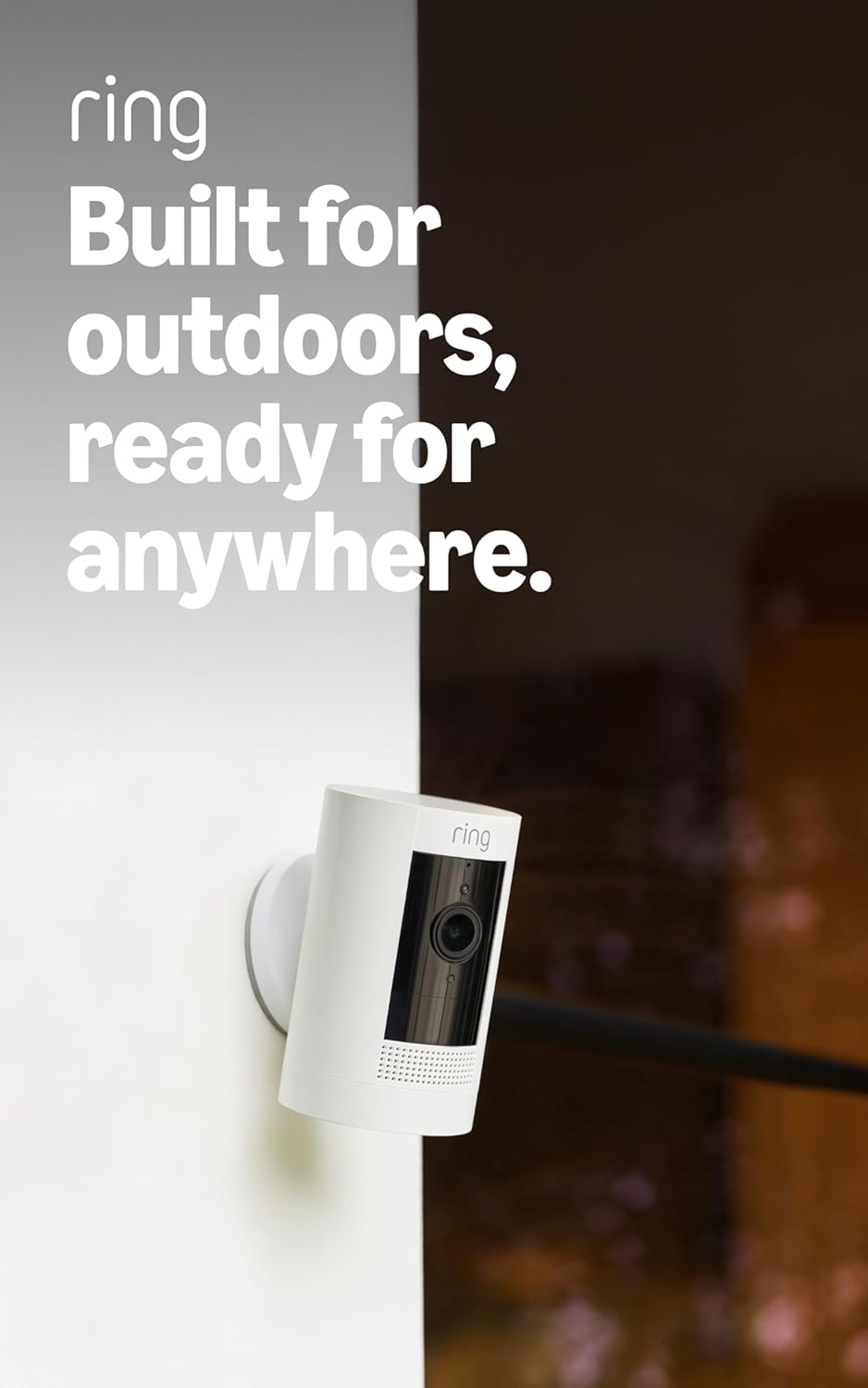
Ring Outdoor Cam (Stick Up Cam), Weather-resistant home o...
Ring Outdoor Cam (Stick Up Cam) | Weather-Resistant Outdo...
As an Amazon Associate we earn from qualifying purchases.
Official Manufacturer Manual
Ring provides official product documentation through their online manual rather than downloadable PDF. Access setup guides, troubleshooting steps, and product specifications for your Ring Stick Up Cam with Solar Panel.
Source: support.ring.com
Need More Help? Ring Support
Note: The contact information below connects you directly to Ring's official customer support team, not Trunetto. They can help with warranty claims, device replacements, and advanced technical issues.
How Does Ring Compare?
Before replacing your Ring device, see how it stacks up against alternatives in our full comparison guides.


