

Why Is My Hardwired Ring Doorbell Battery Still Draining?
- WiFi connection unstable or device too far from router
- Device firmware or app needs updating
- Device not properly set up during initial pairing
Problem Description
Your Ring Doorbell is experiencing battery drain, power supply issues, or charging problems. Unreliable power affects the Doorbell performance and can cause it to go offline, miss events, or fail to respond when you need it most. Specifically, the issue involves hardwired but battery draining. The steps below walk you through diagnosing the root cause and applying proven fixes so your Doorbell works reliably again.
Why This Happens in Real Homes
This confuses people because they assume hardwired means unlimited power. It does not. Ring doorbells hardwired to a standard 16V doorbell transformer get trickle-charged — just enough to offset normal use. If you have heavy traffic with dozens of motion events and live views per day, the drain outpaces the trickle charge and the battery still drops. The fix is upgrading your doorbell transformer from the standard 16V/10VA to a 16V/30VA model, which costs about $15 and provides more current. The Pro and Pro 2 models are the only ones designed for full hardwired operation without a battery.
Symptoms
- Device shows as offline in the app
- Device does not respond to commands
- App cannot connect to device
- Features not working as expected
- Device disconnects frequently
- Automations fail to trigger
- Voice commands not recognized
Recognize these? Here's what usually causes it.
Common Causes
- WiFi connection unstable or device too far from router
- Device firmware or app needs updating
- Device not properly set up during initial pairing
- Power supply issue or loose connection
- Account not linked correctly
- Too many devices causing network congestion
- Interference from other wireless devices
Most fixes happen in the first 3 steps.
Hardwired installation involves working with electrical wiring. Turn off the breaker before touching any wires. If you are not comfortable with basic wiring hire a licensed electrician. Some older homes may need a transformer upgrade from 10V to the 16-24V required by modern video doorbells.
Tools & Requirements
These tools will help you complete this fix.

Clean cloth
WHOOSH! Pro 16.9 fl oz Refillable TV Screen Cleaner ...

Replacement batteries
Duracell Coppertop Double AA Batteries with Power Bo...

Screwdriver
STREBITO 155 in 1 Electric Screwdriver Set, Small El...
As an Amazon Associate we earn from qualifying purchases.
Step-by-Step Solution
Check if the doorbell is actually receiving power
In the Ring app, go to the doorbell device page and check Device Health. Look for the Power Source field — it should say Hardwired. If it says Battery, the doorbell is not drawing power from the wires even though it is connected. This means the transformer is not providing enough voltage, the wiring is loose, or the transformer is dead.
Check transformer voltage
Ring doorbells need 16-24V AC from the transformer to charge. Find your doorbell transformer (usually in the basement, utility closet, or near the breaker panel). Check the voltage rating printed on it. If it says 10V or 12V, it is too weak — replace it with a 16V-24V transformer rated for at least 10VA. A 24V transformer is ideal and provides the fastest charging.
Verify wiring connections
Turn off the breaker. At the doorbell mount, check that both wires are firmly seated in the terminals. At the transformer, check the wire connections. Loose wires cause intermittent power delivery — the doorbell sometimes charges and sometimes does not. Corrosion on wire terminals (green or white buildup) also reduces power flow. Clean corroded terminals with fine sandpaper.
Needed for this step
WHOOSH! Pro 16.9 fl oz Refillable TV Screen Cle...
This helps complete the fix you are currently reading.
$19.99Check the chime bypass module
Some Ring doorbells come with a bypass module that installs at the indoor chime. If the bypass is missing or wired incorrectly, the doorbell may not receive consistent power. The bypass ensures the correct voltage reaches the doorbell. Install it across the chime terminals as shown in the Ring installation guide.
Reduce event frequency to stay ahead of drain
Even when hardwired, the trickle charge from the transformer may not keep up with extremely heavy usage (100+ events per day). Narrow motion zones, reduce sensitivity, enable People Only Mode, and set a motion schedule to reduce overnight triggers. The goal is to reduce power consumption below the trickle charge rate. If you still cannot keep the battery charged, the transformer may need upgrading to 24V.
Quick Solutions
Still having issues? This is usually the deeper cause below.
If drain continues after replacing batteries, check the event history — a stuck-open sensor or rapid polling loop burns through batteries in days.
Set up motion scheduling or snooze alerts during times when regular activity is expected like when kids come home from school. Use pre-recorded quick replies so the doorbell can respond to visitors automatically when you cannot answer.
App battery indicators run 15–20% behind actual charge levels — by the time the low warning appears, the device has been struggling for days.
- WiFi connection unstable or device too far from router
- Device firmware or app needs updating
- Device not properly set up during initial pairing
- Power supply issue or loose connection
- Account not linked correctly
Before you go — try one of these (they fix most cases).
Official Manufacturer Manual
If you need the complete manufacturer documentation for advanced setup, wiring diagrams, or detailed specifications, you can download the official manual below. The manual includes full technical instructions directly from the manufacturer and may help if your issue requires deeper troubleshooting.
Download the Official Ring Doorbell ManualSource: ring.com
Need More Help? Ring Support
Note: The contact information below connects you directly to Ring's official customer support team, not Trunetto. They can help with warranty claims, device replacements, and advanced technical issues.
How Does Ring Compare?
Before replacing your Ring device, see how it stacks up against alternatives in our full comparison guides.
Accessories owners commonly pair with Ring Doorbell.
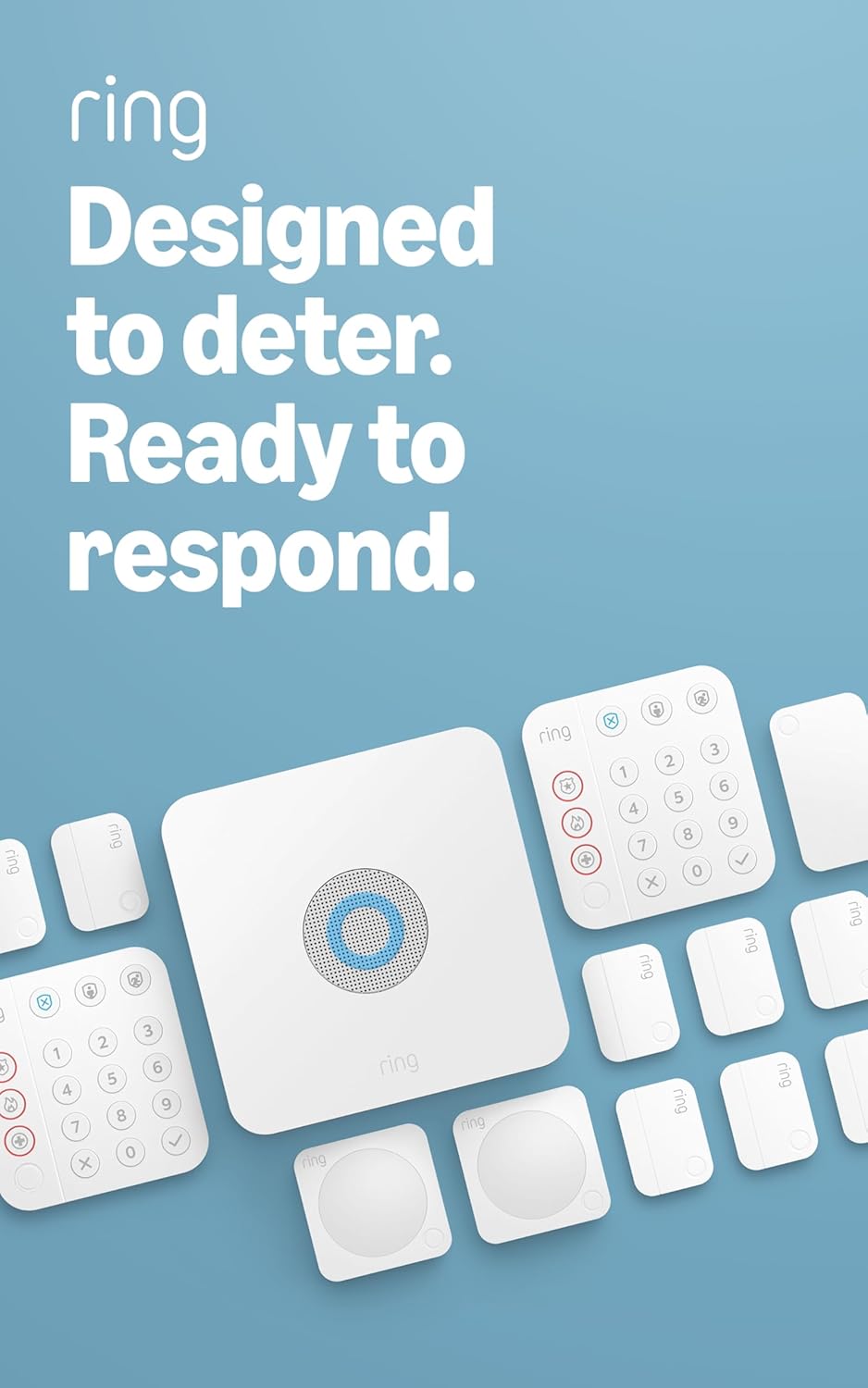
Ring Alarm 14-Piece Kit – Wireless Smart Home Security Sy...

Ring Alarm 5-Piece Kit – Wireless Smart Home Security Sys...

Ring Alarm 10-Piece Kit – Wireless Smart Home Security Sy...
As an Amazon Associate we earn from qualifying purchases.



