

Ring Error Code P1-67: Why Is My Battery Draining and How Do I Fix It?
- Too many motion triggers
- Weak WiFi causing retries
- Cold weather affecting battery
Problem Description
Ring error P1-67 indicates unexpected battery drain. Your doorbell battery is depleting faster than normal due to excessive motion events, weak WiFi, or cold weather.
Why This Happens in Real Homes
P1-67 signals that the battery is draining faster than Ring expected based on your usage pattern. This is not a hardware defect alert — it is Ring telling you that your motion settings are too aggressive for battery life. Check your motion frequency. If you are recording 60+ events per day, no battery will keep up. Reduce motion zones to cover only your walkway and front porch. Enable motion scheduling to disable detection during hours you do not need it. Switch to snapshot capture instead of full video for low-priority zones. If you cannot reduce events, hardwire the doorbell to a transformer so the battery stays topped up via trickle charge.
Symptoms
- P1-67 error code displayed
- Battery draining in days not weeks
- Frequent low battery alerts
- Device going offline
- Battery dropping rapidly
- Need to charge multiple times monthly
Recognize these? Here's what usually causes it.
Common Causes
- Too many motion triggers
- Weak WiFi causing retries
- Cold weather affecting battery
- Live View used often
- High motion sensitivity
- Firmware needs update
Most fixes happen in the first 3 steps.
Using Live View frequently is the biggest battery drain. Each session uses as much power as several motion events.
These tools will help you complete this fix.
As an Amazon Associate we earn from qualifying purchases.
Step-by-Step Solution
Check Motion Settings
Open Ring app, select device, tap Motion Settings. Reduce sensitivity. Disable People Only Mode if not needed. Set Motion Schedule for low-activity hours.
Adjust Motion Zones
In Motion Settings, tap Edit Motion Zones. Draw smaller zones covering only essential areas. Exclude busy streets. Fewer triggers means longer battery.

Needed for this step
EBL Pack of 8 AA Batteries 2800mAh High Capacit...
This helps complete the fix you are currently reading.
$9.99Check WiFi Signal
In Device Health, check RSSI - should be above -60. If weak, move router closer, add extender, or install Chime Pro.
Optimize Video Settings
Reduce video recording length. Lower quality from 1080p to 720p. Disable HDR. Turn off Rich Notifications. Significant battery savings.
Consider Solar Panel
Install Ring Solar Panel for continuous trickle charging. Needs 3-4 hours direct sunlight daily. Eliminates manual recharging.
Quick Solutions
Still having issues? This is usually the deeper cause below.
If drain continues after replacing batteries, check the event history — a stuck-open sensor or rapid polling loop burns through batteries in days.
Cold weather below 36F significantly reduces battery performance. Warm Ring inside before charging in winter.
App battery indicators run 15–20% behind actual charge levels — by the time the low warning appears, the device has been struggling for days.
- Too many motion triggers
- Weak WiFi causing retries
- Cold weather affecting battery
- Live View used often
- High motion sensitivity
Before you go — try one of these (they fix most cases).
Most popular upgrades chosen by Ring Video Doorbell owners.

Ring Floodlight Cam Wired Plus, Black with Ring Video Doo...

Ring Video Doorbell Wired with Ring Chime

2 Wired Video Doorbell video Intercom System 1-Camera and...
As an Amazon Associate we earn from qualifying purchases.
Official Manufacturer Manual
Ring provides official product documentation through their online manual rather than downloadable PDF. Access setup guides, troubleshooting steps, and product specifications for your Ring Video Doorbell.
Source: ring.com
Need More Help? Ring Support
Note: The contact information below connects you directly to Ring's official customer support team, not Trunetto. They can help with warranty claims, device replacements, and advanced technical issues.
How Does Ring Compare?
Before replacing your Ring device, see how it stacks up against alternatives in our full comparison guides.
Accessories owners commonly pair with Ring Video Doorbell.
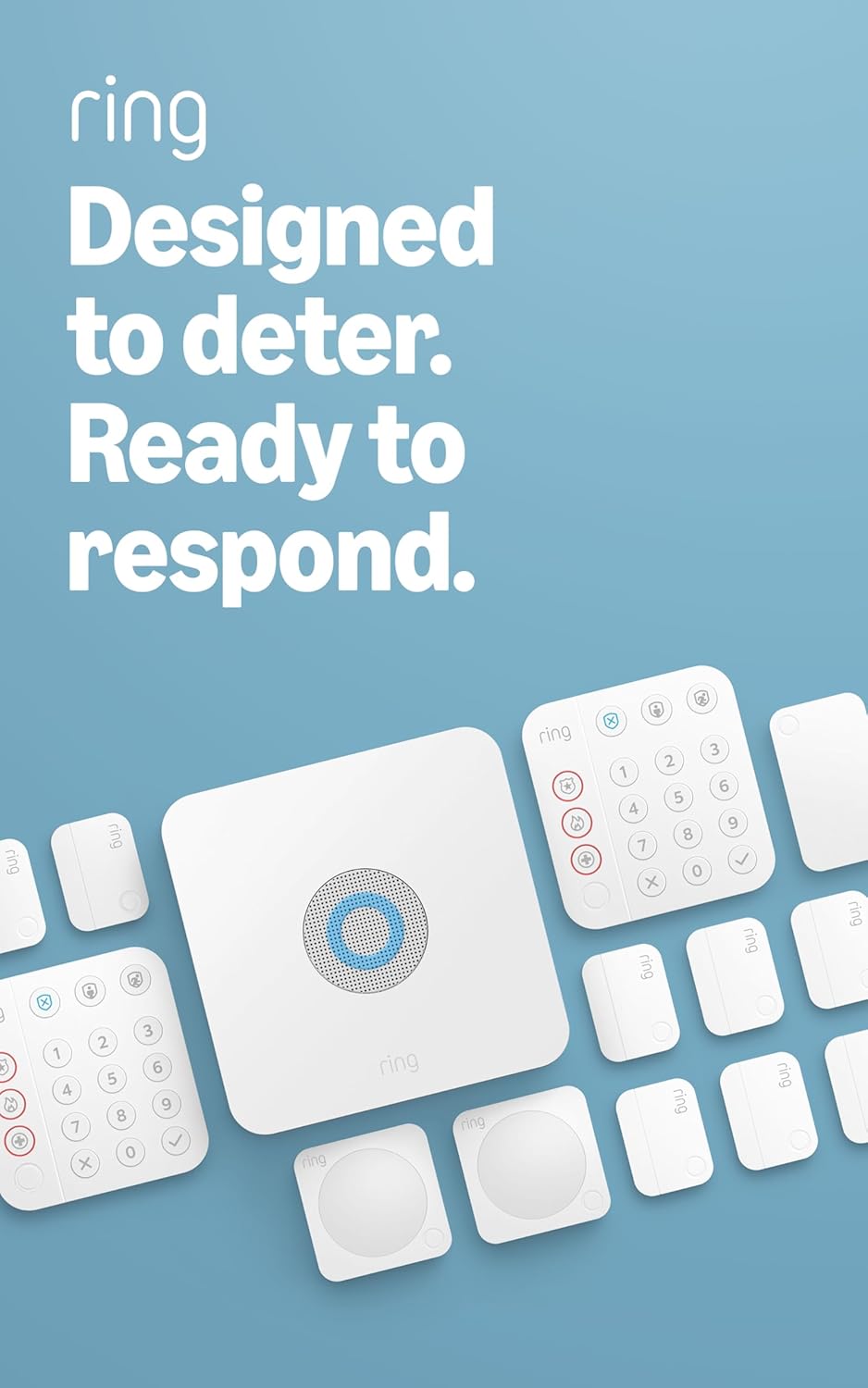
Ring Alarm 14-Piece Kit – Wireless Smart Home Security Sy...

Ring Alarm 5-Piece Kit – Wireless Smart Home Security Sys...

Ring Alarm 10-Piece Kit – Wireless Smart Home Security Sy...
As an Amazon Associate we earn from qualifying purchases.



