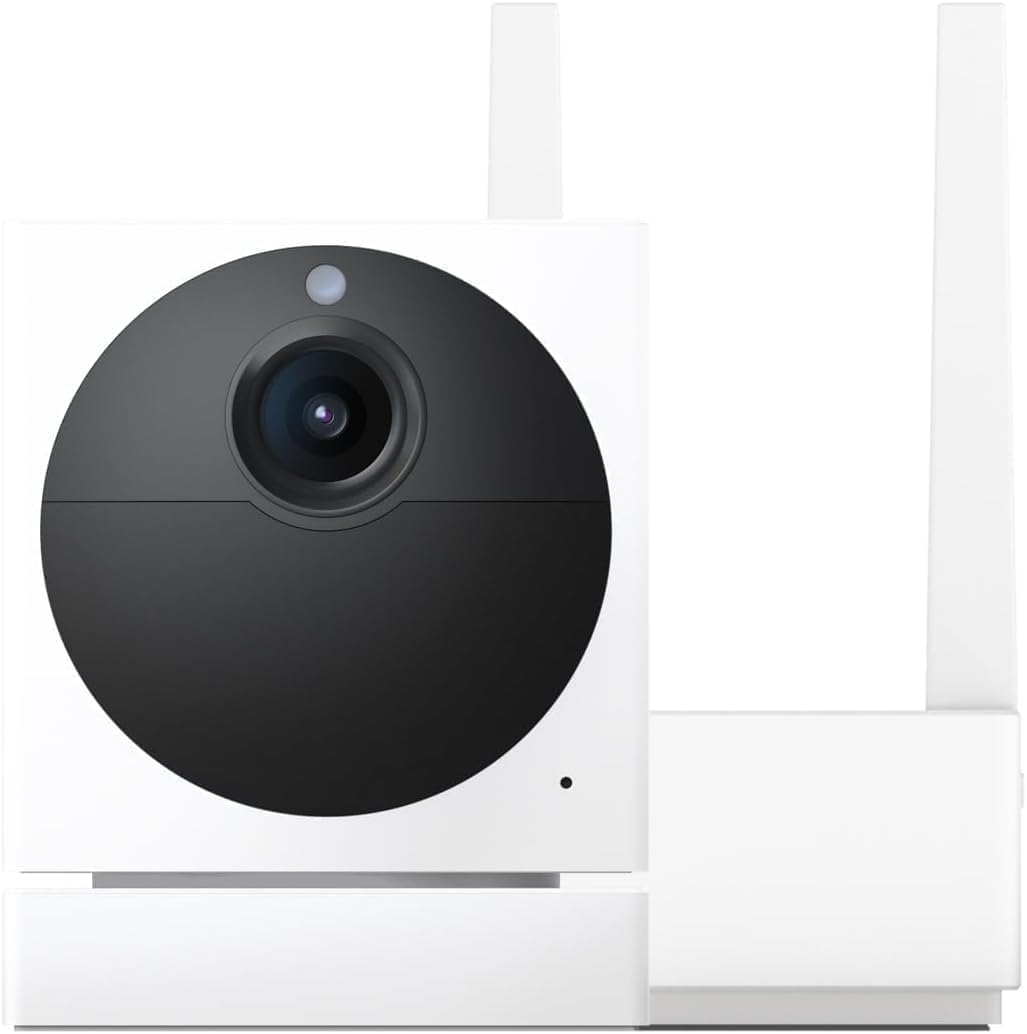
How Do I Fix Wyze App Error Code 06 or Error Code 42?
- Camera WiFi connection too weak to sustain video streaming to cloud servers
- Router firewall blocking Wyze cloud communication ports
- Wyze cloud servers experiencing temporary outage or high load
Problem Description
When trying to view your Wyze camera live stream the Wyze app displays Error Code 06 or Error Code 42. Error Code 06 means the camera is connected to WiFi but cannot establish a video stream to the app. Error Code 42 means the connection timed out while trying to connect to the camera. Both errors indicate a network connectivity problem between the camera and the Wyze cloud relay servers. These are the two most common Wyze error codes reported on Reddit and Wyze forums.
Why This Happens in Real Homes
Error 06 is a server connection timeout — nine times out of ten, force-closing the Wyze app and reopening it clears it. If it persists, Wyze servers might be having issues. Error 42 is an authentication failure meaning your session token expired. Log out completely and log back in. The catch is that if you have two-factor authentication enabled, Error 42 can loop because the 2FA token also expired but the app does not prompt you to re-enter it. Disable 2FA temporarily, log in, then re-enable it. That breaks the loop.
Symptoms
- Wyze app shows Error Code 06 when tapping live view on a camera
- Wyze app shows Error Code 42 with a connection timed out message
- Camera appears online in device list but live view will not load
- Error appears intermittently sometimes working and sometimes failing
- Error started after a Wyze app update or camera firmware update
- Multiple cameras show the same error code simultaneously
Recognize these? Here's what usually causes it.
Common Causes
- Camera WiFi connection too weak to sustain video streaming to cloud servers
- Router firewall blocking Wyze cloud communication ports
- Wyze cloud servers experiencing temporary outage or high load
- Camera firmware and app version mismatch causing protocol incompatibility
- DNS resolution failing for Wyze server domains on your network
- Router NAT table full preventing new outbound connections from camera
Most fixes happen in the first 3 steps.
Error Code 06 and 42 can also appear if your ISP is blocking or throttling Wyze traffic. This is rare but has been reported by users on certain regional ISPs. If all troubleshooting fails try connecting your phone to a different network like cellular data and check if the error persists. If it works on cellular your ISP may be the issue.
Step-by-Step Solution
Restart Camera and App
Unplug the camera power for 10 seconds and plug it back in. Wait 2 minutes for it to fully boot. On your phone force close the Wyze app by swiping it away from the recent apps list. Reopen the Wyze app and try live view. This clears stale connections on both ends and resolves Error Code 06 and 42 in about half of cases. If using multiple cameras restart the one showing the error.
Check Wyze Server Status
Visit status.wyze.com or check the Wyze subreddit r/wyzecam for reports of server outages. If Wyze servers are down all cameras will show connection errors and there is nothing you can do except wait. Wyze outages typically resolve within 1 to 4 hours. If only your cameras are affected and others report no issues the problem is on your network.
Update App and Firmware
Go to the App Store or Google Play and update the Wyze app to the latest version. Then open the app go to each camera settings and check for firmware updates. Version mismatches between app and firmware can cause protocol handshake failures that result in Error Code 06. Keep both current for best compatibility.
Improve WiFi Signal to Camera
Check WiFi signal in the Wyze app under Device Settings then Device Info. Signal strength should be above 60 percent. Below that the camera may not maintain a stable enough connection for video streaming even though it stays online. Move the router closer add a WiFi extender or upgrade to a mesh WiFi system to improve coverage at the camera location.
Fix Network Configuration
Log into your router and change DNS servers to Google 8.8.8.8 and 8.8.4.4 or Cloudflare 1.1.1.1 and 1.0.0.1. ISP DNS servers sometimes fail to resolve Wyze domains. Also reboot your router to clear the NAT table. A full NAT table prevents new connections which causes Error Code 42 timeout. If you have a double NAT setup from two routers fix it by putting one in bridge mode.
Quick Solutions
Still having issues? This is usually the deeper cause below.
If the keypad rejects valid codes, a lockout timer may be running — five failed entries locks most keypads silently for 5–10 minutes.
If you consistently get Error Code 06 on one specific camera but others work fine the issue is almost always WiFi signal strength at that camera location. A cheap WiFi signal strength meter app on your phone can help you find the optimal mounting position with the best signal.
This issue almost always looks more complex than it is — the majority of cases trace back to a single setting, a stale credential, or a default that shipped wrong.
- Camera WiFi connection too weak to sustain video streaming
- Router firewall blocking Wyze cloud communication ports
- Wyze cloud servers experiencing temporary outage or high load
- Camera firmware and app version mismatch causing protocol incompatibility
- DNS resolution failing for Wyze server domains on your
Before you go — try one of these (they fix most cases).
Most popular upgrades chosen by Wyze Cam owners.

Wyze Cam v3, 1080P HD WiFi Wired Indoor/Outdoor Home Secu...
WYZE Cam v3, 1080P HD WiFi Wired Indoor/Outdoor Home Secu...

WYZE Cam OG Indoor/Outdoor 1080p Wi-Fi Smart Home Securit...
As an Amazon Associate we earn from qualifying purchases.
Official Manufacturer Manual
Wyze provides official product documentation through their online manual rather than downloadable PDF. Access setup guides, troubleshooting steps, and product specifications for your Wyze Cam.
Source: support.wyze.com
Need More Help? Wyze Support
Note: The contact information below connects you directly to Wyze's official customer support team, not Trunetto. They can help with warranty claims, device replacements, and advanced technical issues.
How Does Wyze Compare?
Before replacing your Wyze device, see how it stacks up against alternatives in our full comparison guides.
Accessories owners commonly pair with Wyze Cam.

SANDISK 64GB Extreme microSDXC UHS-I Memory Card with Ada...

SANDISK 128GB Ultra microSDXC UHS-I Memory Card with Adap...

SANDISK 64GB Ultra microSDXC UHS-I Memory Card with Adapt...
As an Amazon Associate we earn from qualifying purchases.