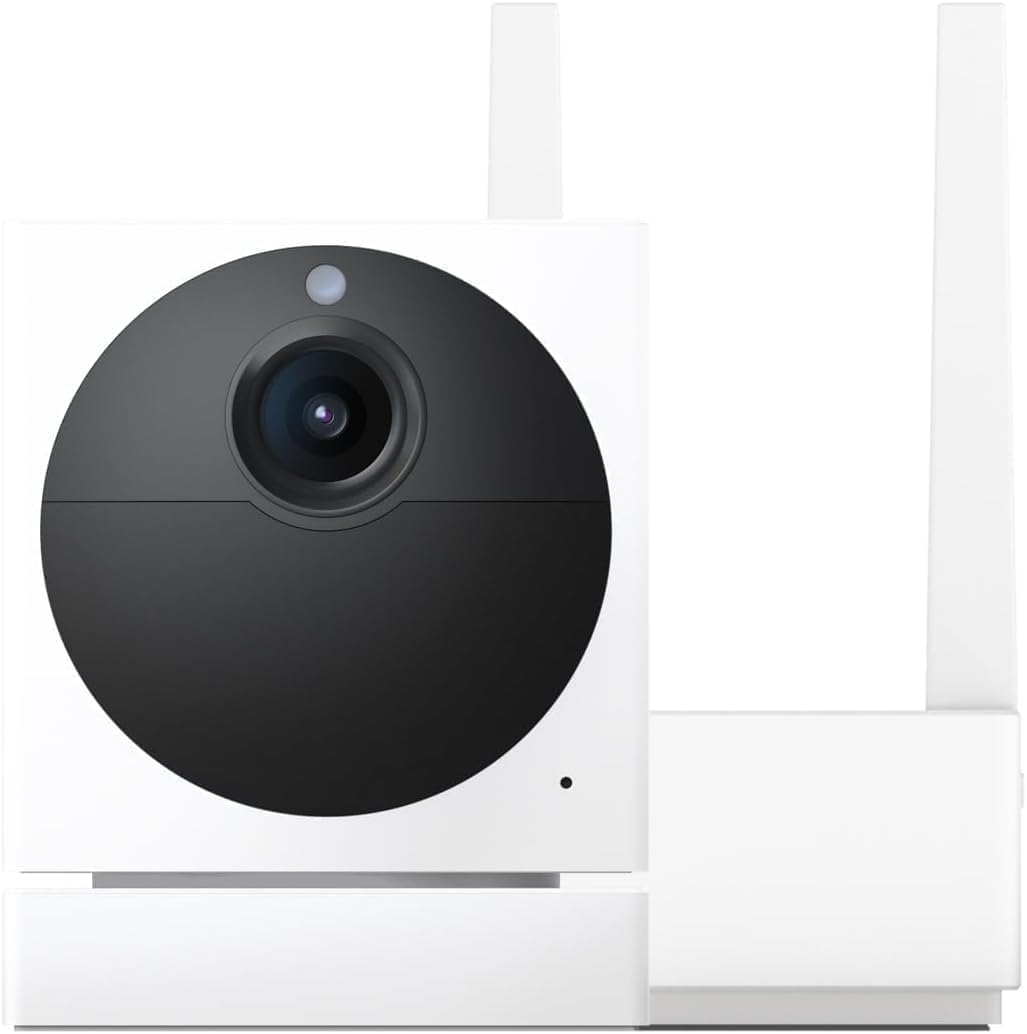
Wyze Error Code 41: Why Is Network Unreachable and How Do I Fix It?
- Router assigned new IP
- DHCP lease expired
- Router firewall blocking
Problem Description
Wyze error code 41 means network unreachable. Camera lost WiFi connection or cannot route traffic to Wyze servers.
Why This Happens in Real Homes
Error code 41 means the app can reach the internet but not the camera's network path — commonly after the router hands out a new IP, a DHCP lease expires, or a firewall/ISP rule blocks Wyze's connection. It's a routing problem, not a dead camera.
Start by power-cycling the router and camera so they re-negotiate IPs, and reserve a fixed IP for the camera to stop DHCP churn. If it persists, check that the router firewall or ISP isn't blocking Wyze's servers, and confirm the camera is on the expected network.
Symptoms
- Error code 41
- Network unreachable message
- Camera was working then stopped
- All cameras same error
- Internet works for other devices
- Camera LED shows disconnected
Recognize these? Here's what usually causes it.
Common Causes
- Router assigned new IP
- DHCP lease expired
- Router firewall blocking
- ISP blocking Wyze
- DNS resolution failing
- Network config changed
Most fixes happen in the first 3 steps.
If recently updated router firmware or changed ISP, network settings may have changed causing error 41.
Step-by-Step Solution
Power Cycle Network
Unplug router and modem 2 minutes. Plug modem first, wait for stable lights. Plug router, wait 3 minutes. Then replug Wyze cameras.
Check IP Addressing
Error 41 occurs when camera loses IP. Log into router, check DHCP client list for Wyze camera. If not showing, reconnect to WiFi.
Change DNS Servers
Some ISPs block traffic causing error 41. In router settings, change DNS to Google (8.8.8.8) or Cloudflare (1.1.1.1).
Check Firewall Rules
Wyze needs outbound ports 443 and 8443. Disable IoT blocking features in advanced routers.
Assign Static IP
Reserve static IP for each Wyze camera MAC in router DHCP. Ensures consistent network identity.
Quick Solutions
Still having issues? This is usually the deeper cause below.
If the keypad rejects valid codes, a lockout timer may be running — five failed entries locks most keypads silently for 5–10 minutes.
Error 41 on all cameras simultaneously usually indicates router or ISP issue, not camera problem.
This issue almost always looks more complex than it is — the majority of cases trace back to a single setting, a stale credential, or a default that shipped wrong.
- Router assigned new IP
- DHCP lease expired
- Router firewall blocking
- ISP blocking Wyze
- DNS resolution failing
Before you go — try one of these (they fix most cases).
Most popular upgrades chosen by Wyze Cam owners.

Wyze Cam v3, 1080P HD WiFi Wired Indoor/Outdoor Home Secu...
WYZE Cam v3, 1080P HD WiFi Wired Indoor/Outdoor Home Secu...

WYZE Cam OG Indoor/Outdoor 1080p Wi-Fi Smart Home Securit...
As an Amazon Associate we earn from qualifying purchases.
Official Manufacturer Manual
Wyze provides official product documentation through their online manual rather than downloadable PDF. Access setup guides, troubleshooting steps, and product specifications for your Wyze Cam.
Source: support.wyze.com
Need More Help? Wyze Support
Note: The contact information below connects you directly to Wyze's official customer support team, not Trunetto. They can help with warranty claims, device replacements, and advanced technical issues.
How Does Wyze Compare?
Before replacing your Wyze device, see how it stacks up against alternatives in our full comparison guides.
Accessories owners commonly pair with Wyze Cam.

SANDISK 64GB Extreme microSDXC UHS-I Memory Card with Ada...

SANDISK 128GB Ultra microSDXC UHS-I Memory Card with Adap...

SANDISK 64GB Ultra microSDXC UHS-I Memory Card with Adapt...
As an Amazon Associate we earn from qualifying purchases.