

Why Is My SwitchBot Curtain 3 Slipping on the Rod?
- Curtain heavier than the grip can pull
- Dirty or dusty rod reducing traction
- Wrong rod type selected
Problem Description
Your SwitchBot Curtain 3 device is failing to move your curtains smoothly, instead slipping or getting stuck on the curtain rod. This prevents proper opening and closing, indicating an installation or rod compatibility issue.
Why This Happens in Real Homes
The Curtain 3 moves by gripping and rolling along the rod, so slipping happens when it can't get enough traction — usually heavy curtains, a dusty rod, or friction from sticking curtain rings that make the load exceed its grip. The Curtain 3's redesigned mechanism is stronger than earlier models, but physics still applies.
Check your curtains are within the weight limit and free up any rings that bind, then clean the rod so the drive wheel gets traction and confirm the correct rod type is selected. Charge the battery for full torque. If the wheel contacts the rod fully and the load is reasonable, recalibrate; persistent slipping usually points to too much weight or friction rather than a faulty unit.
Symptoms
- Curtain 3 slips instead of moving
- Wheels spin without pulling
- Stalls on heavy curtains
- Loses grip partway
- Struggles on a thick rod
- Slower or weaker than expected
- Slips more when warm
- Doesn't fully open/close
Recognize these? Here's what usually causes it.
Common Causes
- Curtain heavier than the grip can pull
- Dirty or dusty rod reducing traction
- Wrong rod type selected
- Rod diameter at the edge of the range
- Low battery reducing torque
- Heat/humidity softening grip
- Mount not fully engaged with the rod
- Curtain rings binding
Most fixes happen in the first 3 steps.
Do not use oil-based lubricants on your curtain rod, as they can attract dust and grime, leading to more friction and potential damage to the SwitchBot device.
Tools & Requirements
These tools will help you complete this fix.
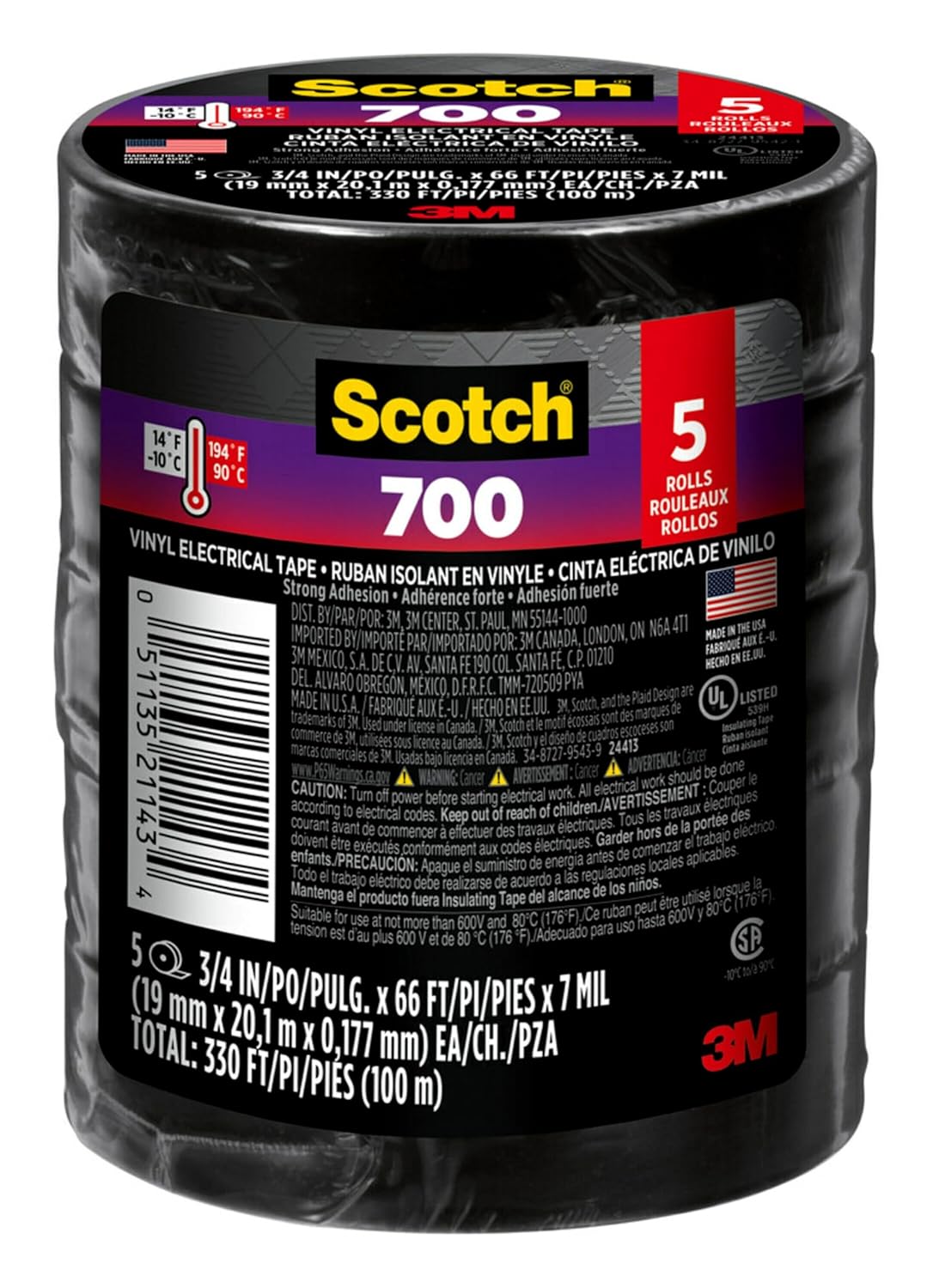
Electrical tape
Scotch Vinyl 700 Electrical Tape, 5 Rolls, Black, 3/...

Graphite lubricant
Hillman 703185 Graphite Tube 3G, White Key Lock Lubr...

Level
9 Inch Torpedo Level Magnetic, Shock-Proof Small Lev...

Replacement batteries
Duracell Coppertop Double AA Batteries with Power Bo...
As an Amazon Associate we earn from qualifying purchases.
Step-by-Step Solution
Verify Curtain Rod Compatibility
Make sure your curtain rod is compatible with SwitchBot Curtain 3. It supports various rod types (e.g., U-rail, I-rail, Rod). Check the diameter of your rod against SwitchBot's specifications. Rods that are too thin, too thick, or have an unusual shape can cause slippage. Consider using the included clips or accessories for better grip.
Reinstall with Enhanced Grip
Remove the SwitchBot Curtain 3 and reinstall it, paying close attention to how it grips the rod. Make sure the wheels are properly seated and the device is securely clamped. For rod types, make sure the anti-slip pads are correctly positioned. If your rod is very smooth, consider adding a thin layer of friction tape (electrical tape) to the rod where the device grips.
Needed for this step
Scotch Vinyl 700 Electrical Tape, 5 Rolls, Blac...
This helps complete the fix you are currently reading.
$14.93Lubricate Curtain Rod and Rings
Excessive friction on the curtain rod can cause the device to slip. Check if the curtain rings or grommets are catching on the rod. Lubricate the curtain rod with a silicone-based spray lubricant (avoid oil-based lubricants that attract dust) to make sure smooth gliding. Make sure the rod is level and free of bends.
Needed for this step
Hillman 703185 Graphite Tube 3G, White Key Lock...
This helps complete the fix you are currently reading.
$5.97Check Curtain Weight and Battery
If your curtains are very heavy, the motor might struggle, leading to slippage. Make sure the total weight of your curtain is within the SwitchBot Curtain 3's specified limits. Also, a low battery can reduce motor torque. Fully charge the device or replace its batteries to make sure maximum power.
Needed for this step
Duracell Coppertop Double AA Batteries with Pow...
This helps complete the fix you are currently reading.
$6.96Inspect Device Wheels/Grips
Examine the wheels or gripping mechanisms on your SwitchBot Curtain 3 for any signs of wear, damage, or debris. Clean any dust or hair that might be interfering with the grip. If the wheels are visibly worn or damaged, contact SwitchBot support for potential replacement parts or warranty service.
Quick Solutions
Still having issues? This is usually the deeper cause below.
If this comes back after following these steps, check whether a recent app or firmware update reset a default setting — the fix works, but the setting gets reverted silently.
For optimal grip on smooth curtain rods, apply a few strips of electrical tape to the rod where the SwitchBot Curtain 3's wheels make contact.
This issue almost always looks more complex than it is — the majority of cases trace back to a single setting, a stale credential, or a default that shipped wrong.
- Curtain heavier than the grip can pull
- Dirty or dusty rod reducing traction
- Wrong rod type selected
- Rod diameter at the edge of the range
- Low battery reducing torque
Before you go — try one of these (they fix most cases).
Most popular upgrades chosen by SwitchBot Curtain 3 owners.

As an Amazon Associate we earn from qualifying purchases.
Official Manufacturer Manual
SwitchBot provides official product documentation through their online manual rather than downloadable PDF. Access setup guides, troubleshooting steps, and product specifications for your SwitchBot Curtain 3.
Source: support.switch-bot.com
Need More Help? SwitchBot Support
Note: The contact information below connects you directly to SwitchBot's official customer support team, not Trunetto. They can help with warranty claims, device replacements, and advanced technical issues.
Accessories owners commonly pair with SwitchBot Curtain 3.

Sengled Alexa Light Bulb, S1 Auto Pairing with Alexa Devi...

Sengled Smart Light Bulbs, Color Changing Alexa/Bluetooth...

Ring Rechargeable Quick Release Battery Pack
As an Amazon Associate we earn from qualifying purchases.


