

SwitchBot Lock Auto-Lock Not Working or Lock Jams When Closing
- Deadbolt/door misalignment (bolt binds)
- Auto-lock not enabled or misconfigured
- Calibration of lock/unlock positions off
Problem Description
Your SwitchBot Lock's auto-lock feature does not engage after the set delay, the motor jams or makes grinding noise when the lock tries to close, or the app shows an incorrect locked or unlocked status. Most auto-lock failures come down to mechanical calibration — the lock's motor map does not match the actual travel distance of your deadbolt. The SwitchBot Lock is position-sensitive and recalibration resolves the majority of auto-lock and jam issues.
Why This Happens in Real Homes
SwitchBot Lock auto-lock jams almost always come down to the underlying deadbolt: the lock is a motor turning your existing thumbturn, so if the bolt binds against a misaligned strike or a door that isn't fully closed, the motor strains and stops partway. Auto-lock also won't fire correctly if it isn't enabled or the door-closed detection is off.
First confirm the deadbolt throws smoothly by hand into an aligned strike — fix any binding or a sagging door. Then enable Auto-Lock in the app, recalibrate the lock and unlock positions, and make sure the adapter grips the thumbturn without slipping. Fresh CR123A batteries give the motor full torque, and correct closed-door detection stops it trying to lock an open door.
Symptoms
- Auto-lock doesn't engage
- Locks then jams
- Motor strains when locking
- Deadbolt won't fully throw on auto-lock
- Auto-lock inconsistent
- Jams closing the door
- Re-locks but the bolt sticks
- Auto-lock timer ignored
Recognize these? Here's what usually causes it.
Common Causes
- Deadbolt/door misalignment (bolt binds)
- Auto-lock not enabled or misconfigured
- Calibration of lock/unlock positions off
- Adapter/mount slipping on the thumbturn
- Low battery (insufficient torque)
- Door not fully closed when it tries to lock
- Closed-door detection not working
- Firmware out of date
Most fixes happen in the first 3 steps.
{"Do not force the lock if the motor jams — this can strip the internal gears","Always carry a physical key as backup in case the smart lock fails"}
Tools & Requirements
These tools will help you complete this fix.
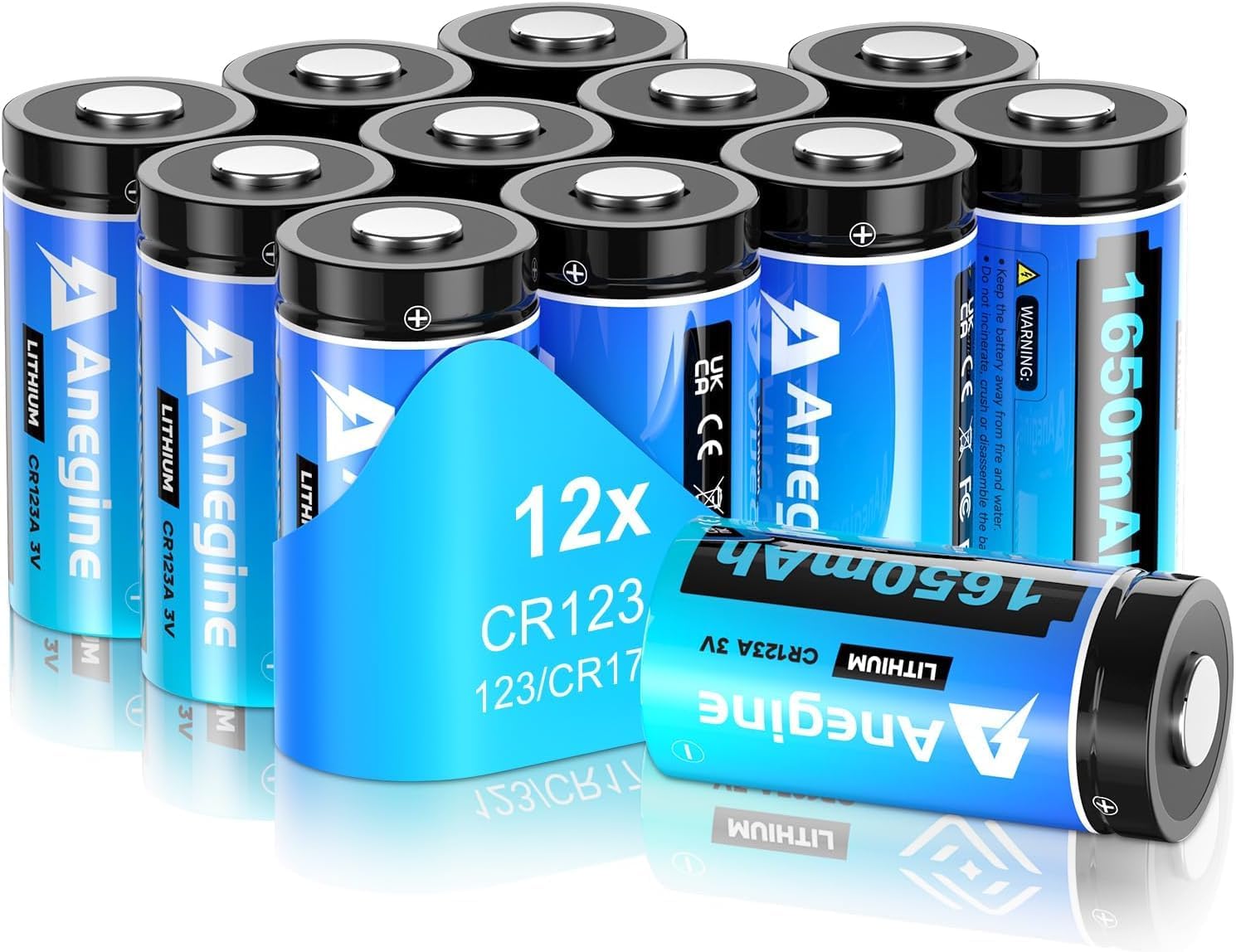
CR123A batteries
anegine CR123A 3V Lithium Battery 1650mAh, 123A Lith...

Isopropyl alcohol for surface cleaning
ForPro Professional Collection 99% Isopropyl Alcohol...

Screwdriver for strike plate adjustment
STREBITO 155 in 1 Electric Screwdriver Set, Small El...
As an Amazon Associate we earn from qualifying purchases.
Step-by-Step Solution
Verify auto-lock settings and trigger timing
Check whether auto-lock is enabled with realistic delay values, because disabled or conflicting timing settings can appear as failed lock automation.
Inspect deadbolt alignment and latch resistance
Test lock motion with door open and closed to identify mechanical bind, since closing jams are often caused by strike plate misalignment rather than app logic.
Needed for this step
STREBITO 155 in 1 Electric Screwdriver Set, Sma...
This helps complete the fix you are currently reading.
$45.99Recalibrate lock travel in SwitchBot app
Run lock calibration so motor endpoints match actual bolt travel, because stale calibration data can cause overtravel and jam detection.
Check battery health and motor torque consistency
Replace low batteries and retest lock cycles, because insufficient voltage under load reduces available torque and increases jam frequency.
Needed for this step
anegine CR123A 3V Lithium Battery 1650mAh, 123A...
This helps complete the fix you are currently reading.
$18.99Validate auto-lock over several close cycles
Run repeated close-and-lock tests with real door usage to confirm stable operation, then fine-tune delay only after jam-free baseline is established.
Quick Solutions
Still having issues? This is usually the deeper cause below.
If the keypad rejects valid codes, a lockout timer may be running — five failed entries locks most keypads silently for 5–10 minutes.
{"Replace batteries when the app shows below 20% to prevent mid-cycle jams","The door sensor magnet must be within 20mm of the lock sensor for auto-lock to work","Apply graphite lubricant to the deadbolt if it feels stiff"}
Most smart lock failures people label as hardware issues turn out to be a code wiped during a sync, or a setting reset nobody remembers triggering.
- Deadbolt/door misalignment (bolt binds)
- Auto-lock not enabled or misconfigured
- Calibration of lock/unlock positions off
- Adapter/mount slipping on the thumbturn
- Low battery (insufficient torque)
Before you go — try one of these (they fix most cases).
Most popular upgrades chosen by SwitchBot Lock / Lock Pro owners.
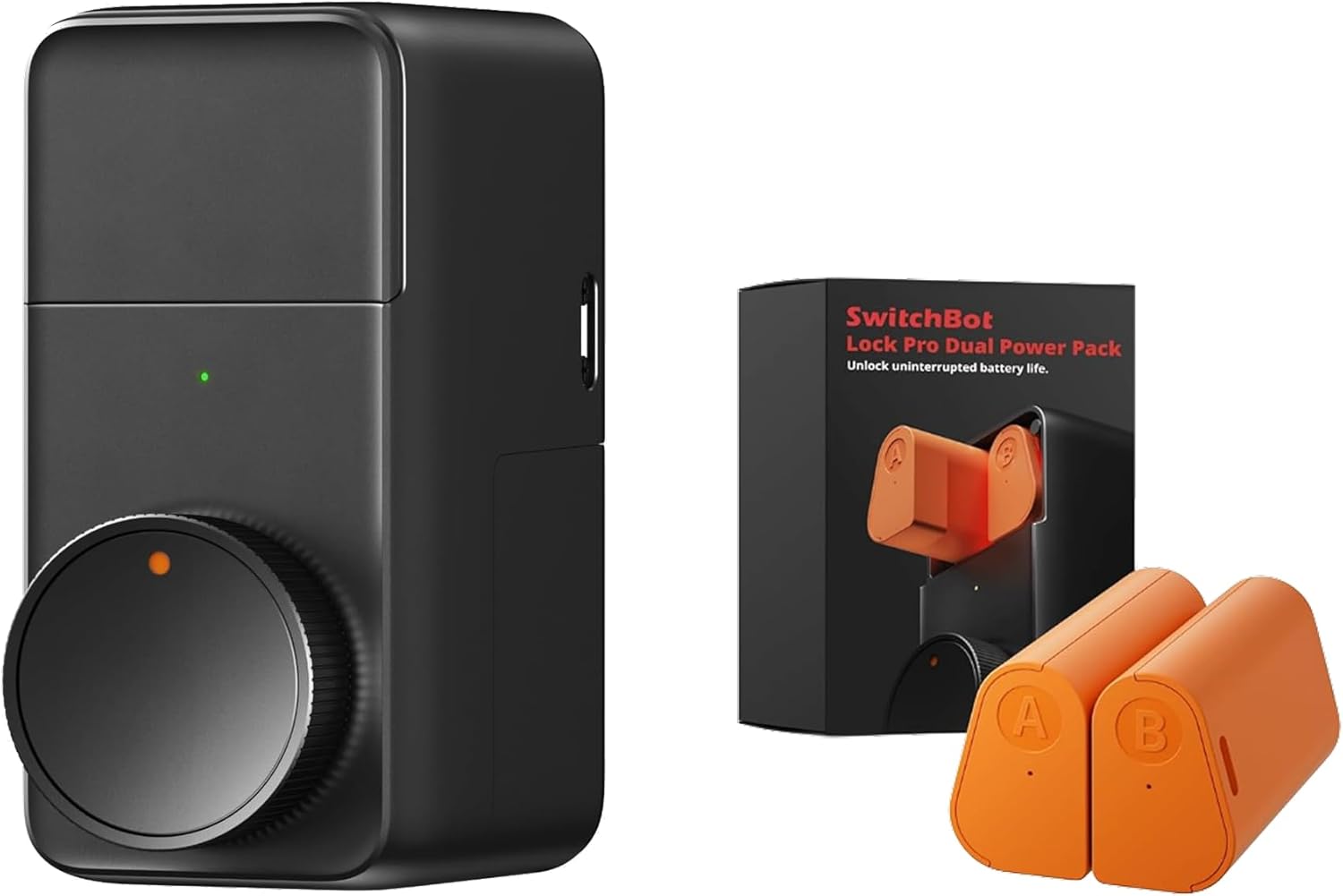
SwitchBot Smart Lock Pro, Keyless Entry Door Lock, Smart ...

SwitchBot Smart Lock Pro with Remote, Keyless Entry Door ...

SwitchBot Smart Lock Pro Keyless Entry Door Lock, Smart D...
As an Amazon Associate we earn from qualifying purchases.
Official Manufacturer Manual
SwitchBot provides official product documentation through their online manual rather than downloadable PDF. Access setup guides, troubleshooting steps, and product specifications for your SwitchBot Lock / Lock Pro.
Source: support.switch-bot.com
Need More Help? SwitchBot Support
Note: The contact information below connects you directly to SwitchBot's official customer support team, not Trunetto. They can help with warranty claims, device replacements, and advanced technical issues.
Accessories owners commonly pair with SwitchBot Lock / Lock Pro.

SwitchBot Thermometer Hygrometer, Bluetooth Indoor Humidi...

SwitchBot Meter Pro, Digital Hygrometer & Thermometer - W...

SwitchBot Thermometer Hygrometer, Bluetooth Indoor Humidi...
As an Amazon Associate we earn from qualifying purchases.


