

Why Won't My SwitchBot Bot Press the Button?
- Poor placement (arm not aligned with the button)
- Wrong mode (Press vs Switch) for the task
- Adhesive mount shifted or too far
Problem Description
Your SwitchBot Bot is not pressing the button or switch it's mounted on. Check the Bot mounting angle and actuator arm reach — the Bot's mechanical arm must line up with the button or switch it needs to press. If the arm doesn't fully reach the button, adjust the mounting position. Use the included adhesive pad to mount the Bot directly next to the target button.
Why This Happens in Real Homes
A SwitchBot Bot that "won't press" is usually a placement or mode problem rather than a fault — its little arm has limited travel, so it has to be mounted precisely over the button at the right distance, and the mode (Press for a momentary tap, Switch for a rocker you turn on and off) has to match the task. A shifted adhesive mount throws the whole thing off.
Reposition the Bot so the arm lands squarely on the button with enough throw to actuate it, mounting it firmly on a flat, clean surface at the right height. Pick Press or Switch mode to match what you're operating, and for switches that must be pulled as well as pushed, attach the add-on hook. A fresh CR2 battery ensures the arm pushes with full force.
Symptoms
- Bot won't press the button
- Arm doesn't reach the switch
- Presses but doesn't actuate
- Weak press
- Wrong mode behavior
- Arm moves but nothing happens
- Intermittent pressing
- Doesn't hold/toggle correctly
Recognize these? Here's what usually causes it.
Common Causes
- Poor placement (arm not aligned with the button)
- Wrong mode (Press vs Switch) for the task
- Adhesive mount shifted or too far
- Low CR2 battery (weak actuation)
- Button needs more travel than the arm gives
- Add-on hook not attached for pulling
- Uneven surface so the arm misses
- Firmware issue
Most fixes happen in the first 3 steps.
Never exceed the smart plug maximum wattage rating listed on the device or packaging. Do not use smart plugs with space heaters, high-wattage appliances, or devices that must not be interrupted like medical equipment. Smart plugs are not designed for outdoor use unless specifically rated for it.
Step-by-Step Solution
Check Bot mounting angle and actuator reach
Verify the Bot arm contacts the target button squarely at full travel, because slight angle errors can prevent reliable press force transfer.
Adjust press mode and hold duration settings
Set push/switch mode and tune hold timing for the target device type, since short default pulses may be insufficient for stiff or capacitive buttons.
Confirm Bluetooth range and hub connectivity
Make sure the Bot has stable communication path to phone/hub, because delayed command delivery can look like mechanical non-response.
Replace battery and retest press force consistency
Install a fresh battery to restore actuator power under load, because low voltage can reduce press strength and cause intermittent failures.
Run repeated trigger test with visual confirmation
Execute multiple commands while observing arm travel to confirm reliable actuation before integrating the Bot into automations.
Quick Solutions
Still having issues? This is usually the deeper cause below.
If this comes back after following these steps, check whether a recent app or firmware update reset a default setting — the fix works, but the setting gets reverted silently.
Use smart plugs with energy monitoring to track exactly how much electricity each appliance uses. Set up Away Mode schedules that randomly toggle lamps on and off to make your home look occupied when you are traveling.
This issue almost always looks more complex than it is — the majority of cases trace back to a single setting, a stale credential, or a default that shipped wrong.
- Poor placement (arm not aligned with the button)
- Wrong mode (Press vs Switch) for the task
- Adhesive mount shifted or too far
- Low CR2 battery (weak actuation)
- Button needs more travel than the arm gives
Before you go — try one of these (they fix most cases).
Most popular upgrades chosen by SwitchBot Bot owners.

SwitchBot Smart Plug Mini, 15A Energy Monitoring, WiFi & ...

SwitchBot Smart Plug Mini, 15A Energy Monitoring, WiFi & ...
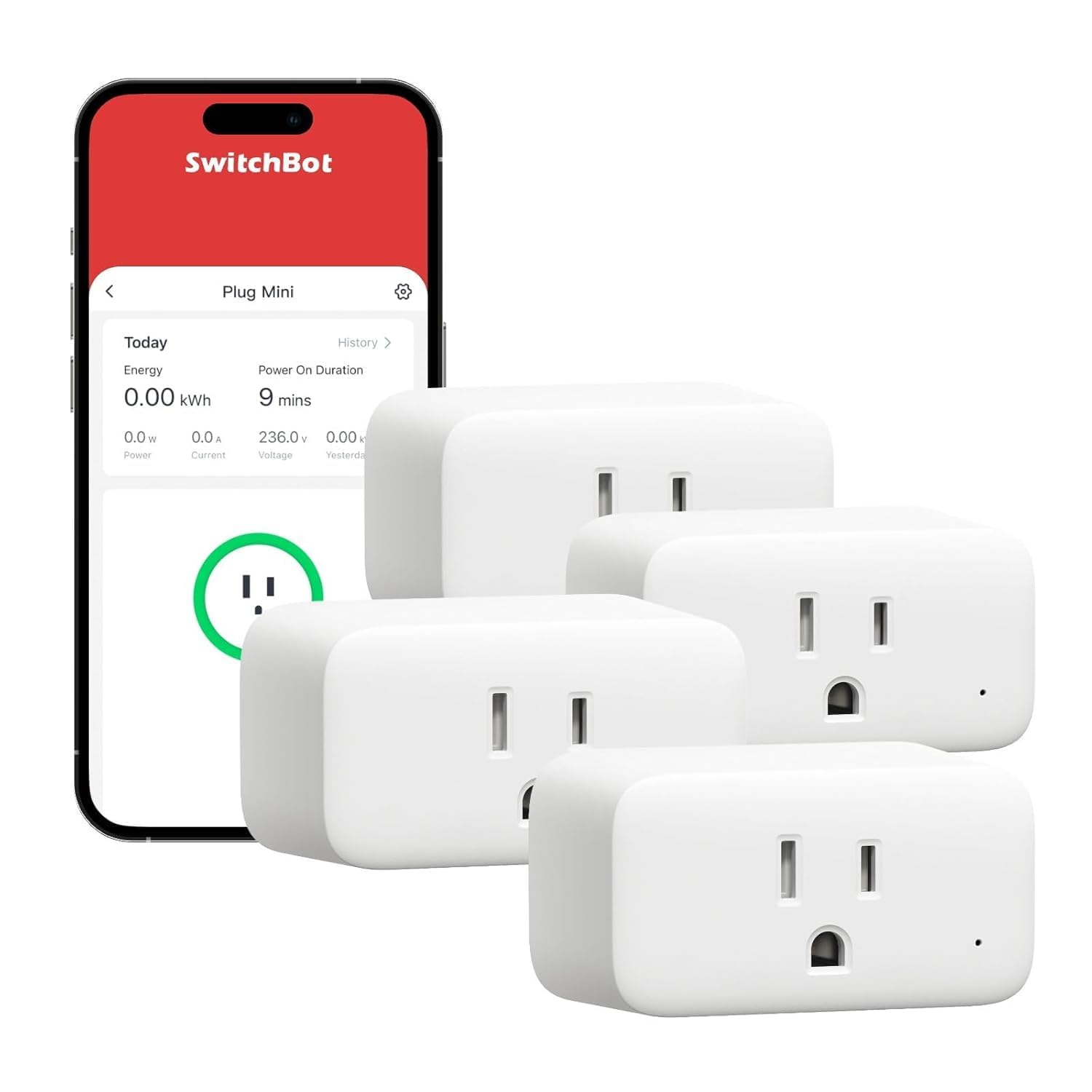
SwitchBot Smart Plug Mini, 15A Energy Monitoring, WiFi & ...
As an Amazon Associate we earn from qualifying purchases.
Official Manufacturer Manual
SwitchBot provides official product documentation through their online manual rather than downloadable PDF. Access setup guides, troubleshooting steps, and product specifications for your SwitchBot Bot.
Source: support.switch-bot.com
Need More Help? SwitchBot Support
Note: The contact information below connects you directly to SwitchBot's official customer support team, not Trunetto. They can help with warranty claims, device replacements, and advanced technical issues.
Accessories owners commonly pair with SwitchBot Bot.

Sengled Alexa Light Bulb, S1 Auto Pairing with Alexa Devi...

Sengled Smart Light Bulbs, Color Changing Alexa/Bluetooth...

Ring Rechargeable Quick Release Battery Pack
As an Amazon Associate we earn from qualifying purchases.


