

How Do I Connect Wyze Devices to Home Assistant?
- No official Home Assistant integration exists for Wyze products
- Wyze uses proprietary cloud API that changes without notice
- Two-factor authentication on Wyze account blocking API access
Problem Description
You want to add your Wyze cameras plugs and sensors to Home Assistant for local control and automations but there is no official Wyze integration in Home Assistant. Wyze devices require a community-maintained HACS integration that uses the unofficial Wyze API.
Why This Happens in Real Homes
There's no official Wyze integration for Home Assistant — Wyze uses a proprietary cloud API — so you rely on a community integration installed through HACS. That means it can break when Wyze changes their API, and it typically needs your Wyze login (sometimes with a key or 2FA workaround).
Start by installing HACS, then add a maintained community Wyze integration and authenticate with your account. Expect occasional breakage after Wyze-side changes; for cameras specifically, many people run the Wyze Bridge (RTSP) alongside it, since the cloud integration exposes sensors and switches more reliably than live video.
Symptoms
- Wyze not appearing in Home Assistant integrations list
- HACS Wyze integration shows authentication failed error
- Wyze cameras not streaming in Home Assistant dashboard
- Wyze devices showing unavailable after Home Assistant update
- Cannot find Wyze when searching Add Integration menu
- Two-factor authentication blocking Wyze integration setup
Recognize these? Here's what usually causes it.
Common Causes
- No official Home Assistant integration exists for Wyze products
- Wyze uses proprietary cloud API that changes without notice
- Two-factor authentication on Wyze account blocking API access
- Wyze API key expired or revoked by Wyze security systems
- Home Assistant version incompatible with current Wyze HACS plugin
- Wyze changed their API breaking the community integration temporarily
Most fixes happen in the first 3 steps.
This is an unofficial integration relying on reverse-engineered Wyze API. Wyze can break compatibility at any time with app updates. Do not use for critical security automations.
Tools & Requirements
These tools will help you complete this fix.
As an Amazon Associate we earn from qualifying purchases.
Step-by-Step Solution
Install HACS in Home Assistant
HACS is required because Wyze integration is community-maintained. In Home Assistant go to Settings then Add-ons then Add-on Store. Search for HACS or install manually following hacs.xyz instructions. After installation restart Home Assistant completely. HACS icon should appear in the sidebar after restart. If HACS was already installed skip to next step.
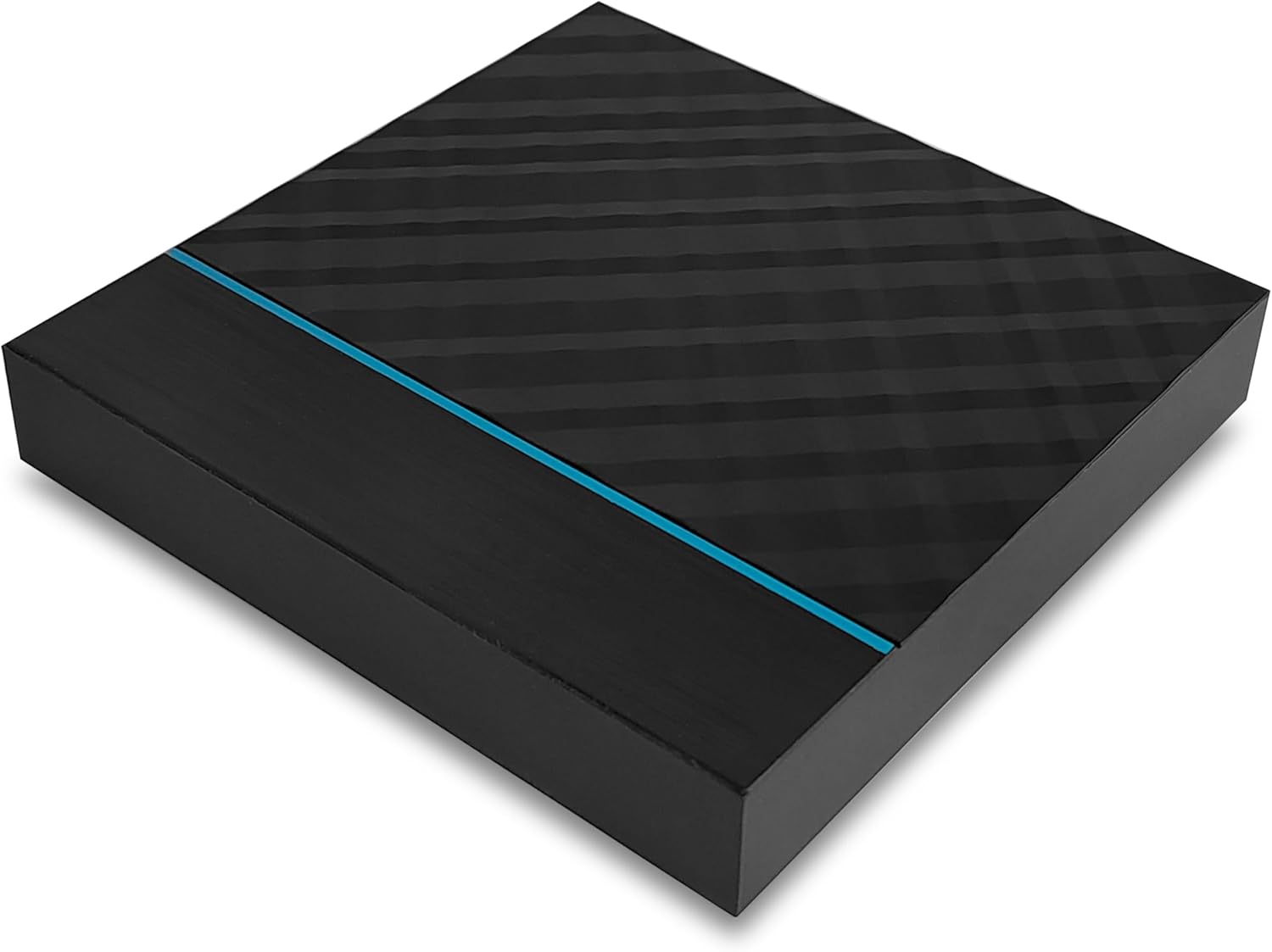
Needed for this step
Smart Home hub with Home Assistant preinstalled...
This helps complete the fix you are currently reading.
$109.99Add Wyze Integration via HACS
Open HACS from Home Assistant sidebar. Click Integrations tab then click the plus button. Search for Wyze in the integration search. If Wyze does not appear click the three dots menu. Select Custom Repositories and add https://github.com/SecKatie/ha-wyzeapi as Integration type. After adding the repository search for Wyze again and click Download.
Configure Wyze Credentials
Restart Home Assistant after downloading the Wyze integration. Go to Settings then Devices and Services then Add Integration. Search for Wyze and select it. Enter your Wyze account email and password. If you have two-factor authentication you may need to generate an API key. Select which device types to import such as cameras plugs and sensors.
Fix Connection Issues
If devices show unavailable Wyze may have changed their API. Check the GitHub repository SecKatie/ha-wyzeapi for open issues. Community patches usually appear within days of Wyze API changes. Update the integration through HACS when new versions release. For cameras consider enabling RTSP in Wyze app for local streaming. RTSP cameras can be added as generic cameras independent of the API.
Quick Solutions
Still having issues? This is usually the deeper cause below.
If this comes back after following these steps, check whether a recent app or firmware update reset a default setting — the fix works, but the setting gets reverted silently.
Wyze Cam v2 v3 and Pan support RTSP firmware for local streaming. Enable RTSP in Wyze app then add cameras as generic RTSP cameras in Home Assistant for more reliable video.
Home Assistant issues that only appear after restart are a well-known quirk — triggers that require prior state history simply can't fire until that history rebuilds.
- No official Home Assistant integration exists for Wyze products
- Wyze uses proprietary cloud API that changes without notice
- Two-factor authentication on Wyze account blocking API access
- Wyze API key expired or revoked by Wyze security
- Home Assistant version incompatible with current Wyze HACS plugin
Before you go — try one of these (they fix most cases).
Official Manufacturer Manual
Wyze provides official product documentation through their online manual rather than downloadable PDF. Access setup guides, troubleshooting steps, and product specifications for your Wyze Smart Home Products.
Source: support.wyze.com
Need More Help? Wyze Support
Note: The contact information below connects you directly to Wyze's official customer support team, not Trunetto. They can help with warranty claims, device replacements, and advanced technical issues.
How Does Wyze Compare?
Before replacing your Wyze device, see how it stacks up against alternatives in our full comparison guides.

